


Video content has become one of the most engaging and effective ways to communicate today. Content creators, marketers, and business owners all rely on it to reach and mobilize their audiences.
In this article, I'll explain how you can use artificial intelligence to make your video content more engaging, from personalized recommendations to real-time translation and automated workflows. Here are 10 AI-powered ways to get more out of your video content.
Personalized Recommendations
AI algorithms can recommend personalized video content based on a viewer's history and preferences, which keeps their interest high. You can use this kind of recommendation engine to improve engagement, watch time, and the overall viewing experience.
A good example is YouTube's recommendation algorithm, which analyzes a user's viewing history and searches to suggest videos they might like, keeping them on the platform longer. If you want help optimizing your own videos for YouTube, check out this content!
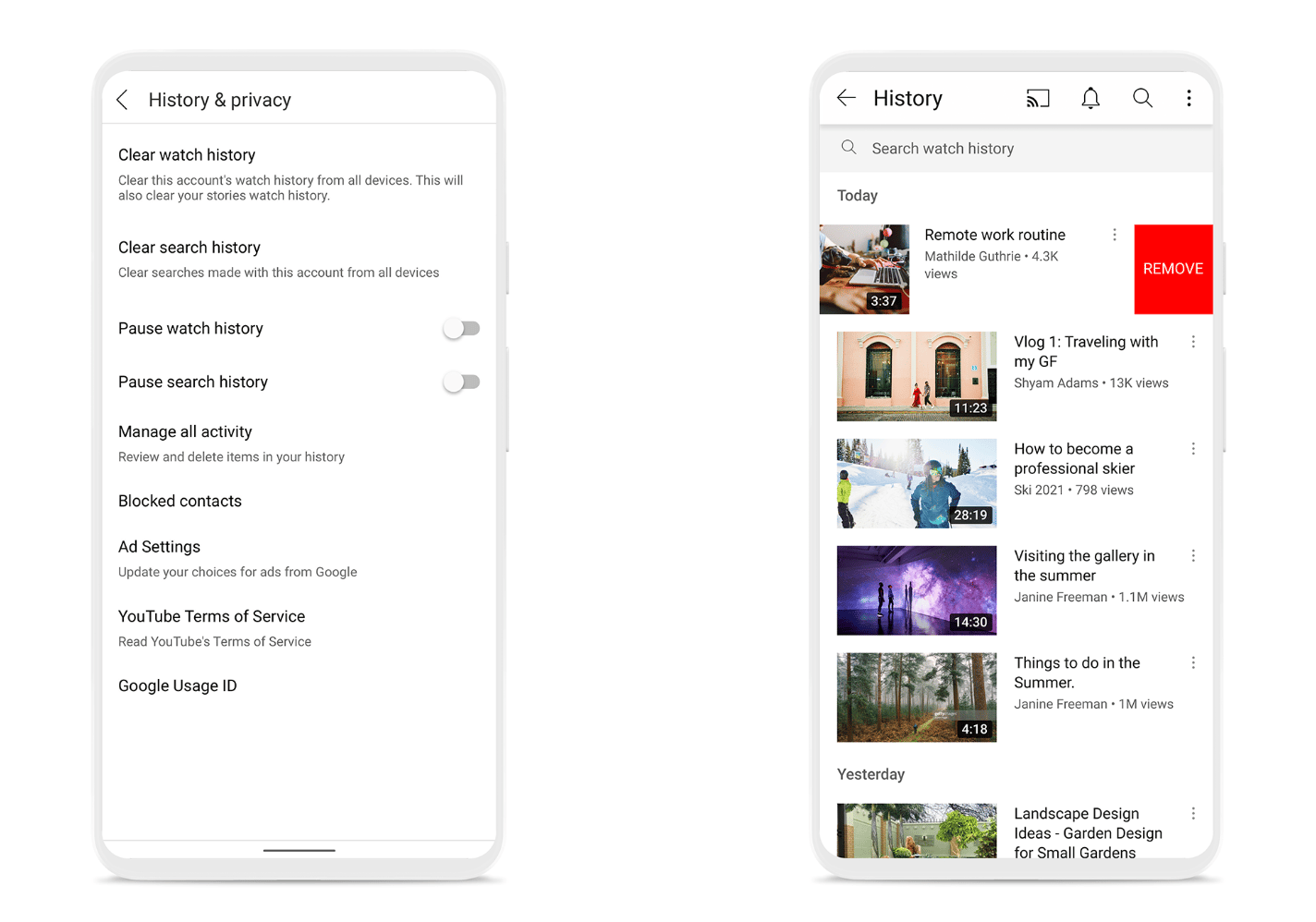
Source: YouTube Official Blog
You can also build your own personalized recommendations using YouTube's API, libraries like Surprise or LightFM, or general-purpose recommendation algorithms in a language like Python.
Automatic Video Editing
Video editing takes time, which is exactly why automated video editing exists: AI tools and algorithms that streamline the post-production process. With these tools, you can automatically trim, cut, and edit footage, add effects, and improve overall video quality.
For example, Magisto, an AI-powered editing tool connected to Vimeo, uses machine learning to analyze a long piece of footage, pick out the best moments, build transitions between them, and even choose music that fits the content. Adobe Premiere Pro offers similar AI features, like "Automatic Reframing", which adjusts video compositions for different aspect ratios.


Using AI-powered editing tools saves time and lets you produce content faster. These tools can also create layouts that match your brand identity, and make video editing far more approachable for people without much editing experience.
Dynamic Content Generation
Dynamic content generation uses AI to create video content based on factors like audience interaction, real-time data, and personal information, which makes videos more engaging and more personal.
Lumen5 is an AI-powered platform that turns articles, blog posts, and other text content into video. Once you enter the text you want to convert, the AI identifies the key points, finds matching visuals, and assembles them into a clip, complete with music that fits the content.

For dynamic content generation, you can also work directly with AI frameworks like TensorFlow or PyTorch, which can be built to analyze user data and generate video content from it.
Dynamic content generation gives viewers a more personalized experience by surfacing more relevant, engaging content, and real-time interaction keeps their interest higher. It also makes production more efficient by cutting down on manual work.
Real-Time Language Translation
Real-time language translation uses AI-powered tools to translate spoken words or subtitles from one language to another during a live video stream.
TED Talks is a well-known example: it uses real-time language translation to bring its educational and inspirational content to a global audience. TED Talks videos offer multiple subtitle options, so you can open the settings on any video, pick your language, and start watching right away, with AI handling the accurate real-time translation behind the scenes.
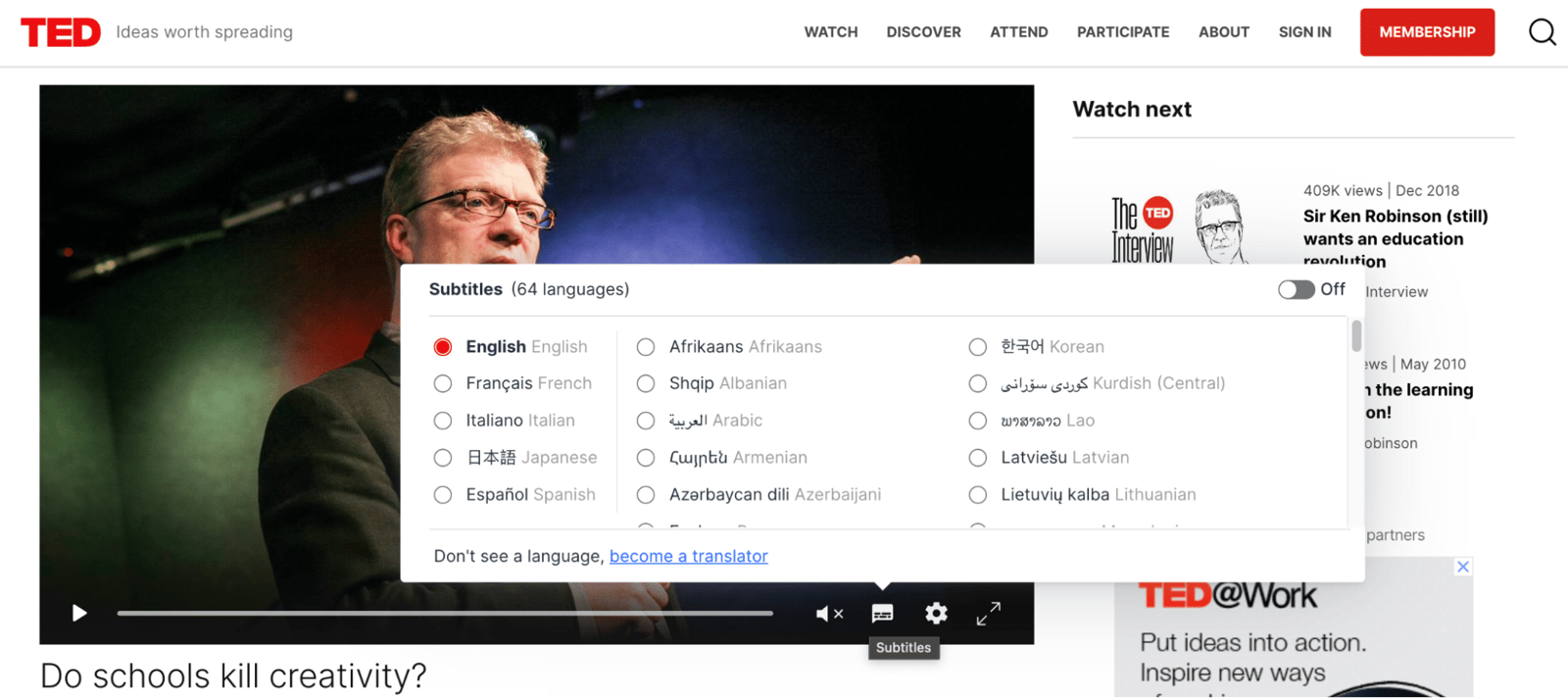
For your own real-time translation needs, platforms like Google Cloud Speech-to-Text and IBM Watson Language Translator can help.
Leveraging AI for real-time translation lets you reach a global audience and boost engagement with your content.
Interactive Elements
Interactive elements let viewers engage directly with a video through clickable features, annotations, and overlays, which increases interaction and engagement.
For example, in the video made for Honda, we wanted to show that the Honda Civic is both a great family car and a great getaway car. The video, produced with WIREWAX, is called "The Other Side" and lets viewers experience two different realities in the same video: pressing and holding the letter "R" while watching switches you into the alternate reality. The reason for pressing the letter "R" is a nod to Honda's new Civic Type R model, which had just launched at the time. After the video went live, viewers spent about 3 minutes watching it on average, and traffic to the Honda Civic website doubled.
In addition to YouTube, video platforms such as WIREWAX, now part of Vimeo, can be used to create interactive elements in video content.
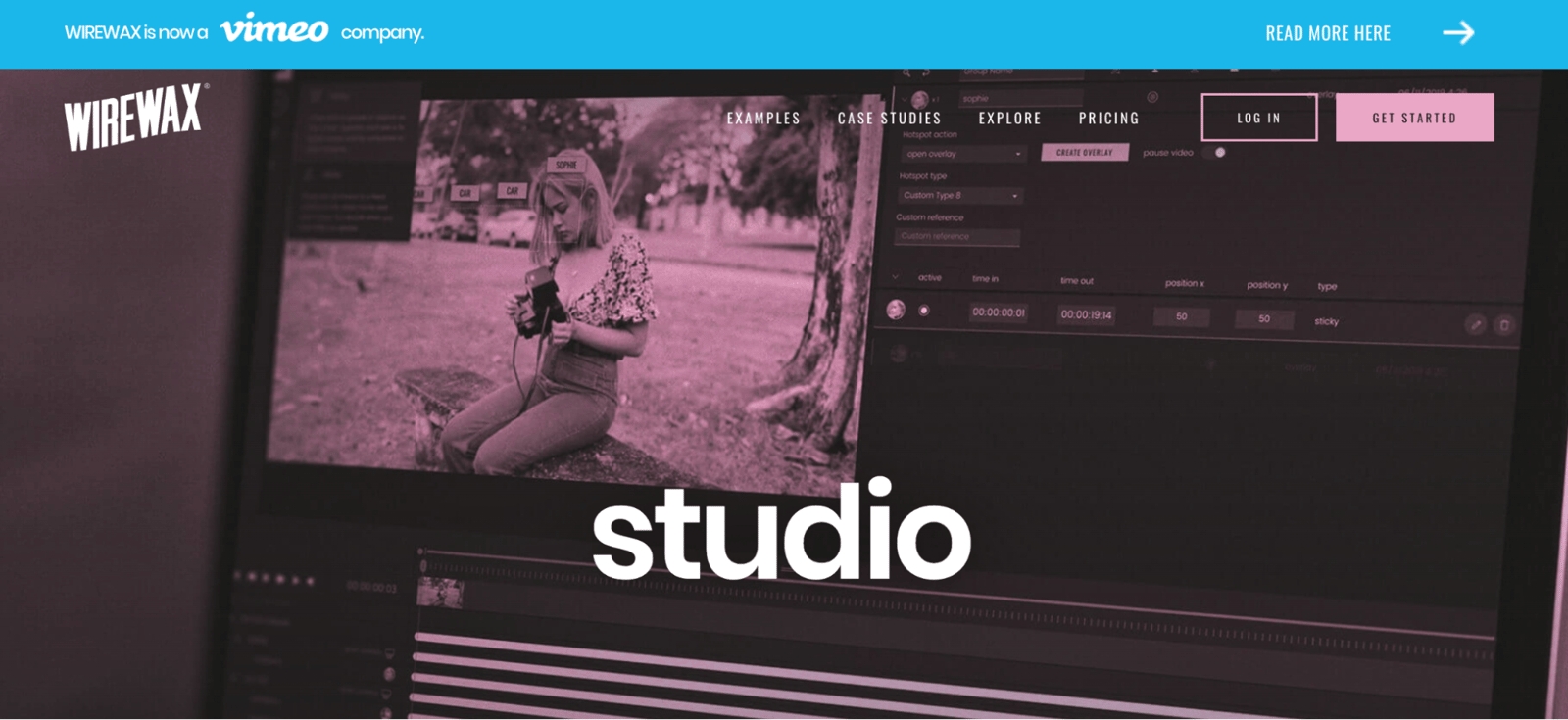
Interactive elements can make viewers more invested in your content, and the engagement they generate also gives you useful data on feedback and preferences.
Automatic Transcription and Subtitling
Automated transcription uses AI-powered tools to turn the words and sounds in a video into written text, as subtitles or captions, which makes your content more accessible and more SEO-friendly.
Coursera uses Automatic Speech Recognition (ASR) technology to add captions to its video lessons automatically, making course content more accessible to non-native English speakers and to people who are hard of hearing.

You can use tools like Rev.com, Sonix, or Google Speech-to-Text for automatic transcription. HiChatbot, an AI-powered chatbot, can also answer questions about YouTube videos and generate a summary, keywords, and more for any video you point it at.
Automated transcription improves accessibility, helps search engines index your content, and strengthens both SEO and the overall audience experience.
Emotion Analysis
Sentiment analysis uses AI to read voice tone and facial expressions and measure how viewers react emotionally to a video. That lets you understand what emotions your content evokes and adjust it accordingly.
For example, Realeyes is a company that specializes in sentiment analysis for the advertising industry. It uses AI and facial recognition to measure how viewers react emotionally to an ad, collecting video data through webcams, mobile devices, or in-person studies. Its algorithm identifies facial features like the eyes, eyebrows, mouth, and nose to read facial expressions and emotions.

Tools like Affectiva, Microsoft Azure Cognitive Services Emotion API, and IBM Watson Tone Analyzer can help you detect emotions in your own videos and adapt your content accordingly.
Automatic Thumbnail Generation
Automatic thumbnail generation uses AI to analyze a video and generate relevant thumbnails, the cover images designed to get viewers to click and watch.
Netflix uses AI to personalize the thumbnails you see based on your preferences. By analyzing your viewing history, genre preferences, and interactions, it dynamically generates thumbnails for movies, series, and shows that highlight the specific actors, scenes, and elements it thinks you'll care about.
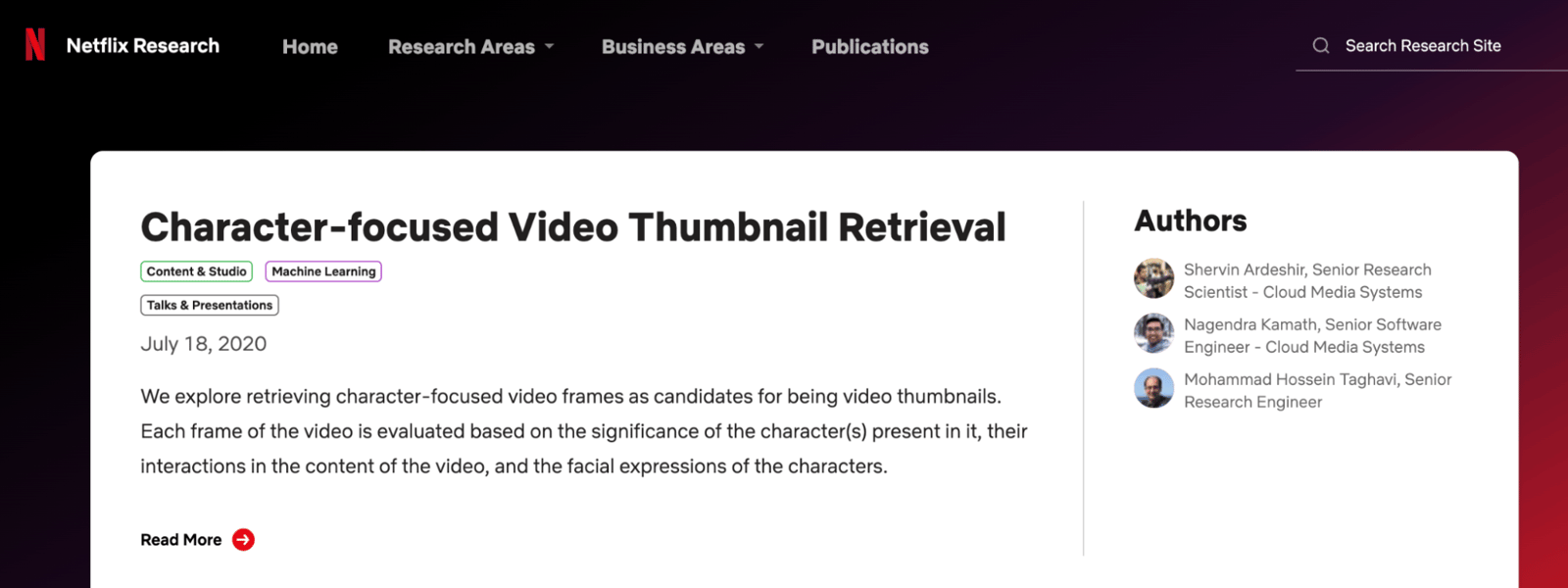
You can check out this document for more on how Netflix approaches this.
AI-powered design tools like Adobe Sensei and Canva also offer automatic thumbnail generation, analyzing your video content to suggest or create thumbnails that are engaging and on-topic.
Personalized, automatically generated thumbnails make content more engaging and improve the overall user experience, helping viewers discover content that actually matches their preferences.
Video Performance
AI tools can also help you evaluate video performance, assessing how well your content does on audience engagement, retention, and other key metrics.
Twitch, the gaming-focused live-streaming platform, gives broadcasters an AI-powered analytics tool that uses machine learning to monitor how their streams and videos are performing. Its dashboard tracks metrics like concurrent viewers, chat activity, follower growth, and viewer demographics, along with each stream's peak viewership, average duration, and engagement levels.
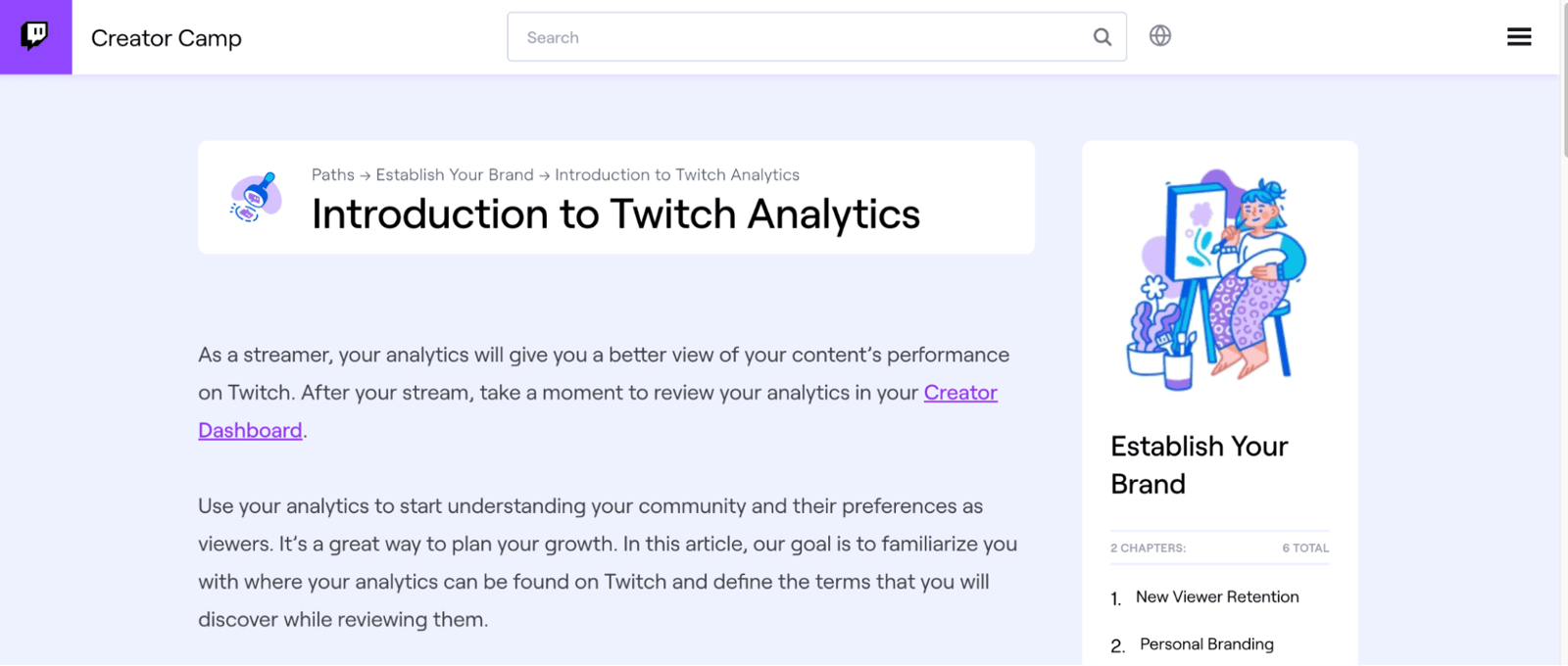
For more detail on Twitch Analytics, check out this content.
You can use AI-powered tools like VidIQ and Tubular Labs to measure video performance, then use those insights to optimize, personalize, and improve the viewer experience. You can also boost your content's performance by working through the steps in our "Video Marketing at 9 Steps" content!
Improved Video Quality and Visual Effects
AI-enhanced video quality and visual effects improve the quality of video content, through color editing, quality enhancement, noise reduction, and added visual effects.
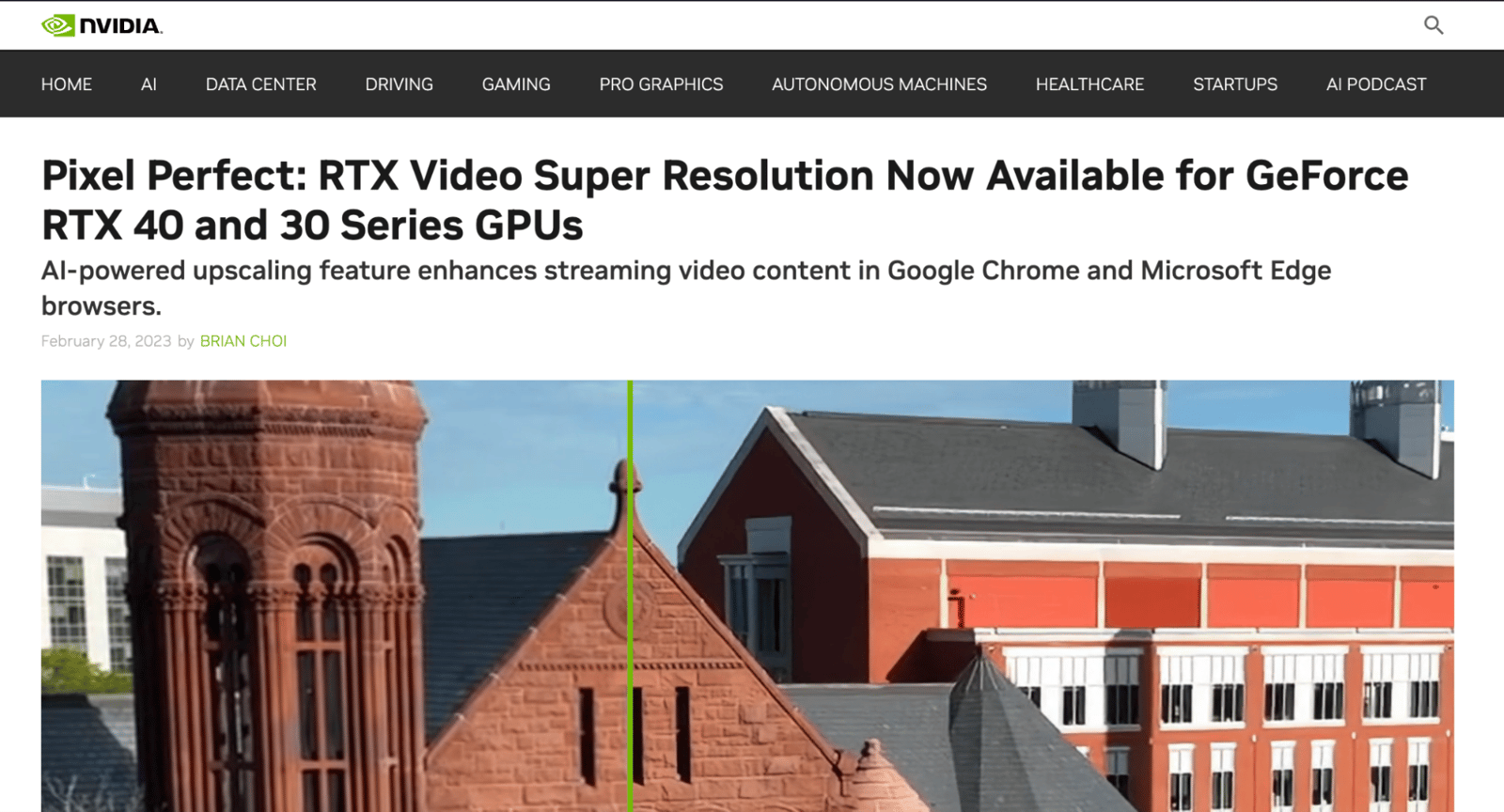
NVIDIA has developed AI-powered video upscaling technology that can take low-resolution footage from 720p up to 4K, using deep learning algorithms to analyze video quality and adjust sharpness and clarity as needed.
You can also use Adobe After Effects with the DeepDream AI plug-in to improve the quality of video content and add visual effects.
Leveraging AI for video quality and visual effects improves visual appeal, cuts costs by reducing manual editing work, and lets you produce more creative work.
Final Words
As technology keeps advancing, AI's growing role in video production is a win for both viewers and creators. Many brands are already using these technologies, and it's a safe bet that AI's role in video content will only keep growing. In this article, I've shared 10 ways you can use AI to improve your own video content, I hope it was helpful! You can follow our blog to learn more about where and how AI is being used across every field!
This content was created by Nursena Küçüksoy, Marketing Specialist at Zeo.


