


We're living in a digital age. Beyond using social media for personal reasons, we're seeing a broader shift toward digital business, with companies of every size building "online shops". This online world, where we spend time, learn new things, and make our purchases, keeps growing every day.
Today, we all create different kinds of content in this online world. Social media posts, e-mails, product descriptions, video content, and advertisements all play into ranking factors, credibility, and recognition. Creating content sounds easy, but creating quality content takes time and effort, and content producers sometimes hit "writer's block”. That's where AI (artificial intelligence) supported writing tools come in, making life easier for copywriters, entrepreneurs, marketers, students, and anyone else who produces content.
AI writing tools don't do the job of a content producer; instead, they're built to optimize a producer's work by making content creation faster and more efficient.
I've put together 5 AI-powered writing tools that can make your writing process easier and more productive.
copy.ai
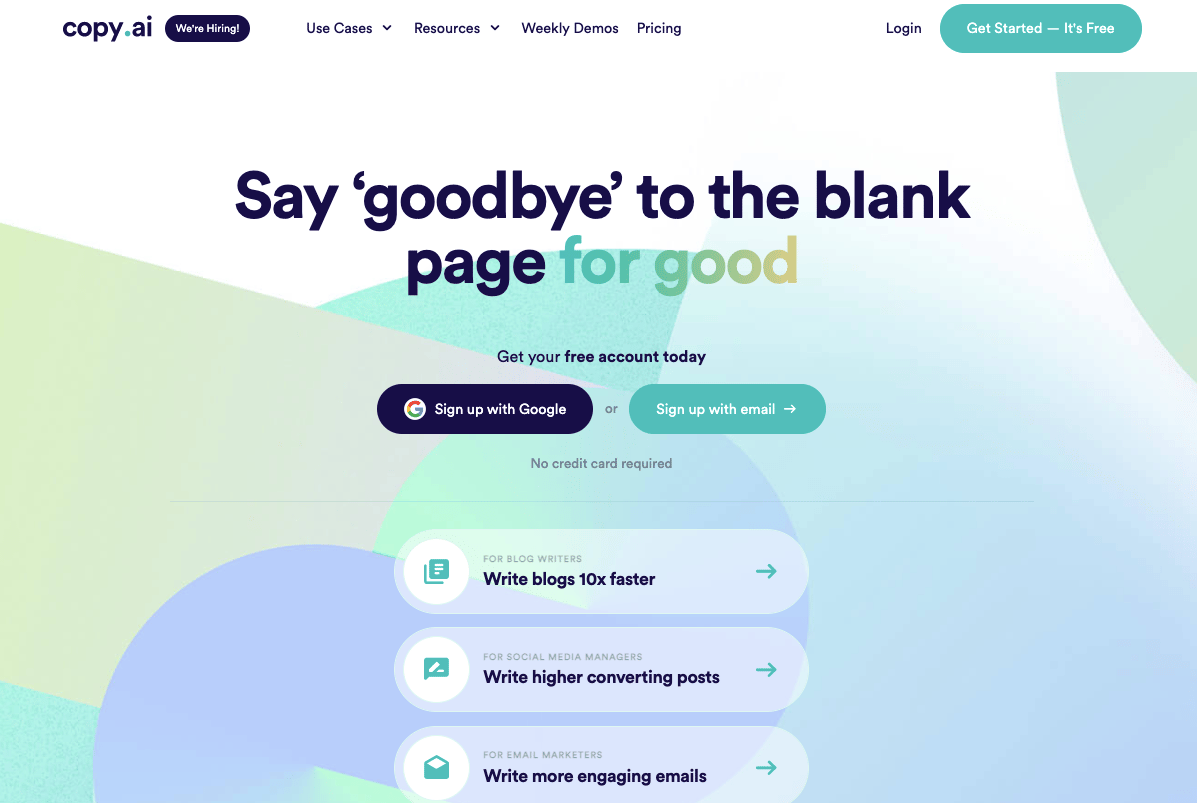
copy.ai lets you create product descriptions, blog content, sales copy, digital ad copy, and more. Its wide range of templates makes the work easier and more useful.
Key Features
- Free to use, no credit card required
- More than 90 templates and tools
- User-friendly interface
- Create content with multiple languages
- Long-form document editor
Usage
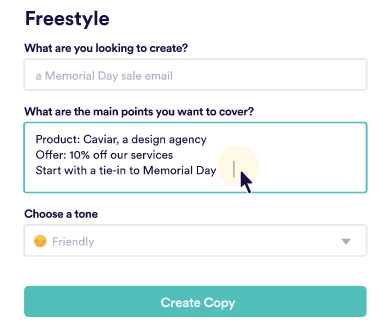
Choose the format you want to produce content in, briefly note the points you want the content to focus on, and pick your content language.
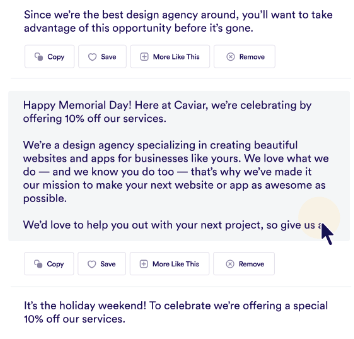
copy.ai gives you multiple content options to choose from, so you can pick whichever fits best. You can also use copy.ai's editor to rewrite paragraphs and adjust sentences in the generated content.
Pricing
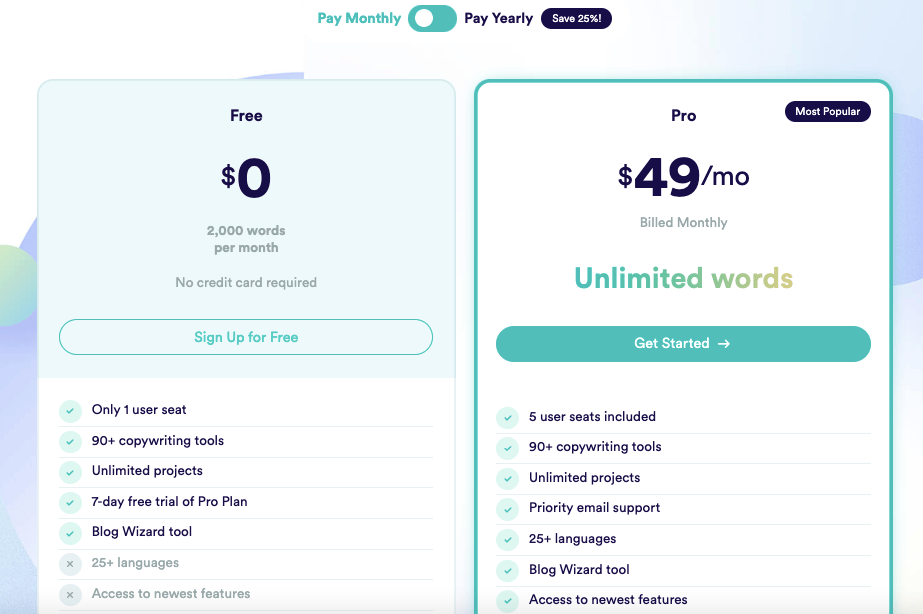
copy.ai offers an easy-to-use free plan that doesn't require a credit card. The Pro plan is $49 and, unlike the free version, lets you work in more than 25 languages and use additional tools. Don't forget to try the 7-day free trial to see how the Pro plan can work for you!
Jasper
Jasper, formerly known as Jarvis, is one of the best content creation tools out there. Jasper has also acquired the Shortly AI and Headline creator tools; both currently operate independently but are planned to be integrated into Jasper.
With Jasper, you can create content such as blogs, articles, books, scripts, and social media posts by entering the topic, format, and a few details about it.
Key Features
- Plagiarism check
- Fast content creation
- Integration with Surfer SEO (a tool that allows you to analyze keywords and optimize your content for search engine ranking)
- Multi-language support
- Long-form document editor
Usage
You can try Jasper for free for 5 days by picking the plan you want to test after signing up. Jasper does ask for your credit card information, so keep that in mind if you don't plan to continue using it after 5 days! Using Boss Mode
Jasper offers three different packages: Starter, Boss Mode, and Business. Let's walk through how Boss Mode works.
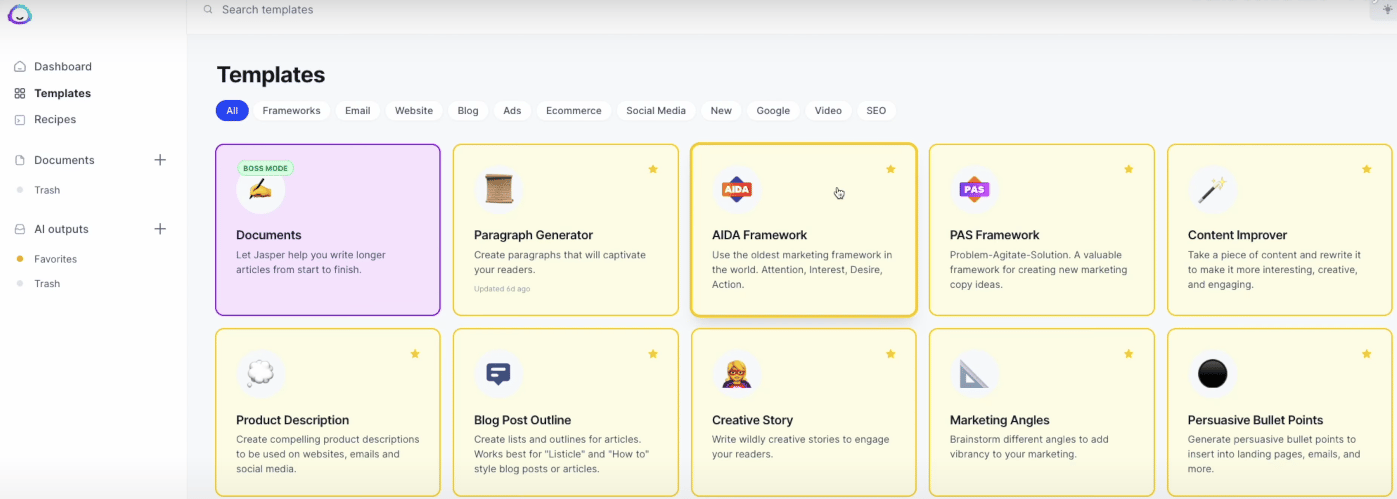
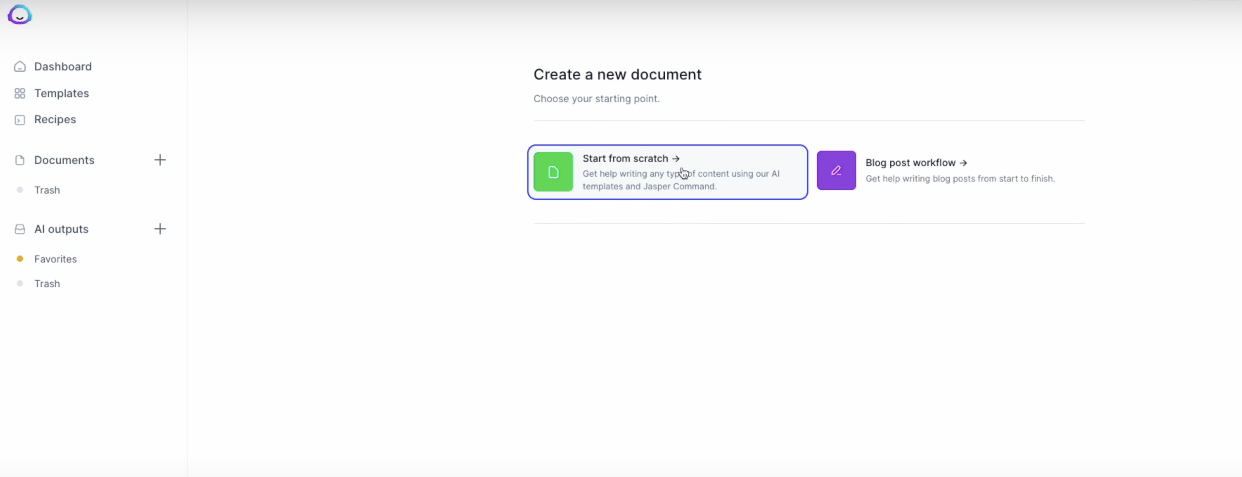
After selecting the template you want to use, we create a new document.
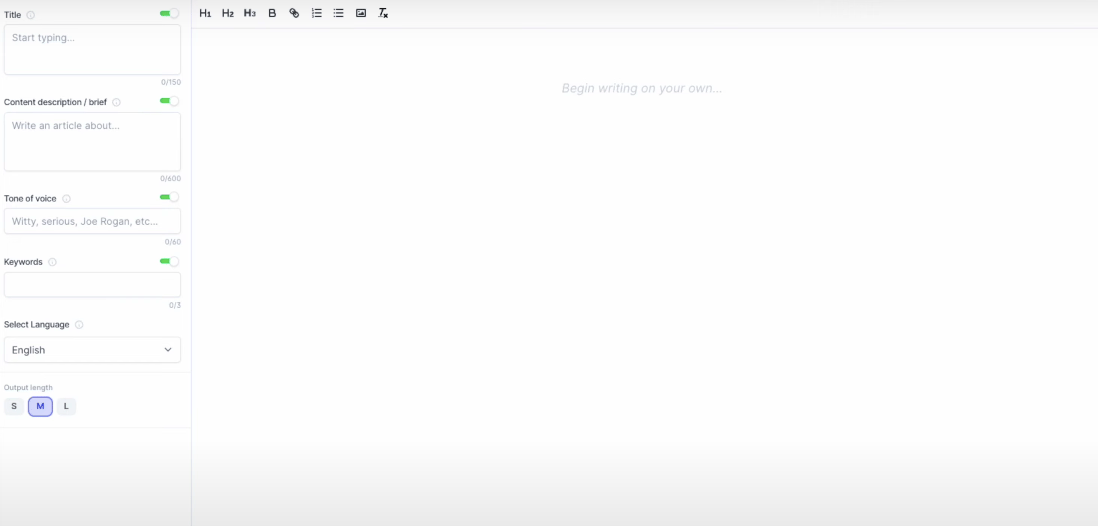
After you enter the title, some details about the content, the tone of voice, your focus keywords, and a short note on content length, Jasper starts generating your content.
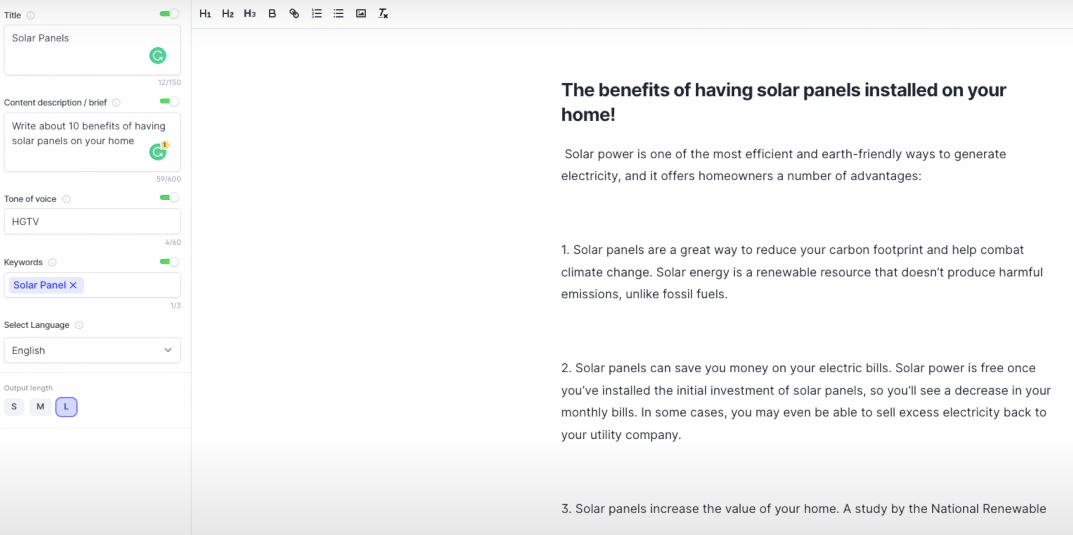
From Jasper's Recipes tab, you can pick the type of content you want to create.
Finally, Jasper also has a Google extension you can enable to create content across most online platforms, including Hubspot, Google Drive, Facebook, and Twitter.
Pricing
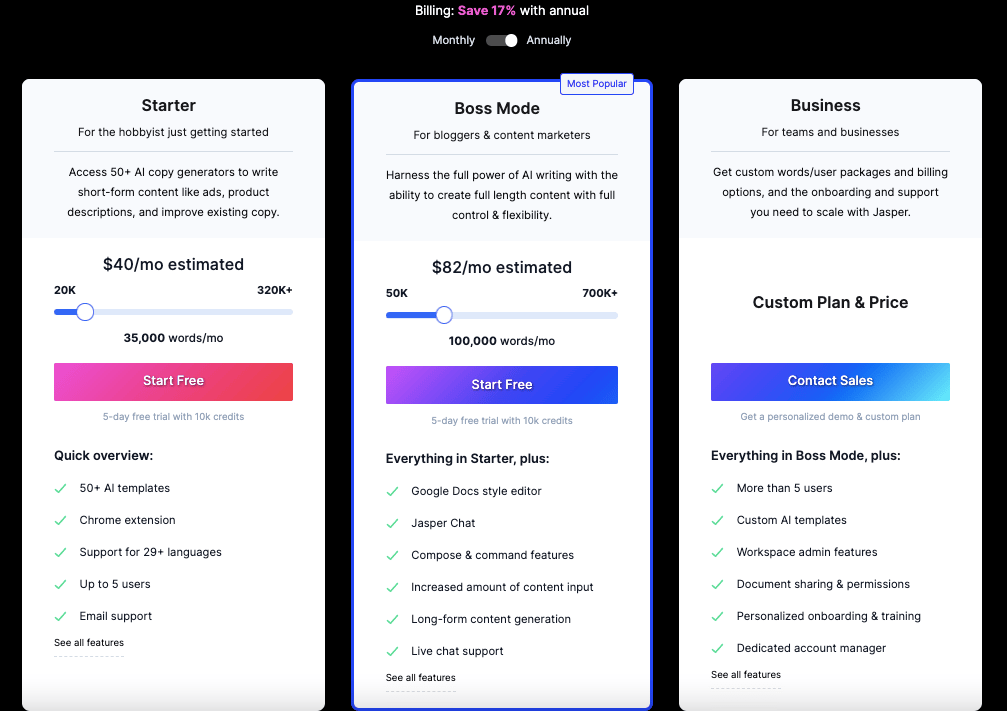 You can try the Starter and Boss Mode plans above with a 5-day free trial. For the Business plan, contact Jasper directly to build a plan that fits you and your team.
The Starter plan starts at $40/month for 35,000 words, and Boss Mode runs $82/month for 100,000 words. The Business plan is priced based on your business's needs.
Jasper is one of the AI tools that creates quality content with its Google extension, Suffer SEO integration, and many more features.
Frase
Frase is an AI-powered, SEO-friendly content creation tool favored by SEO experts, content marketing specialists, and marketing agencies.
Key Features
- Google Search Console integration
- Undo/redo commands
- Export to PDF, HTML, and Excel
- Document editing with AI
- Brief preparation
- Content Optimization
- Content Analytics (gives you tips and tactics for your content using your Google Search Console information)
Usage
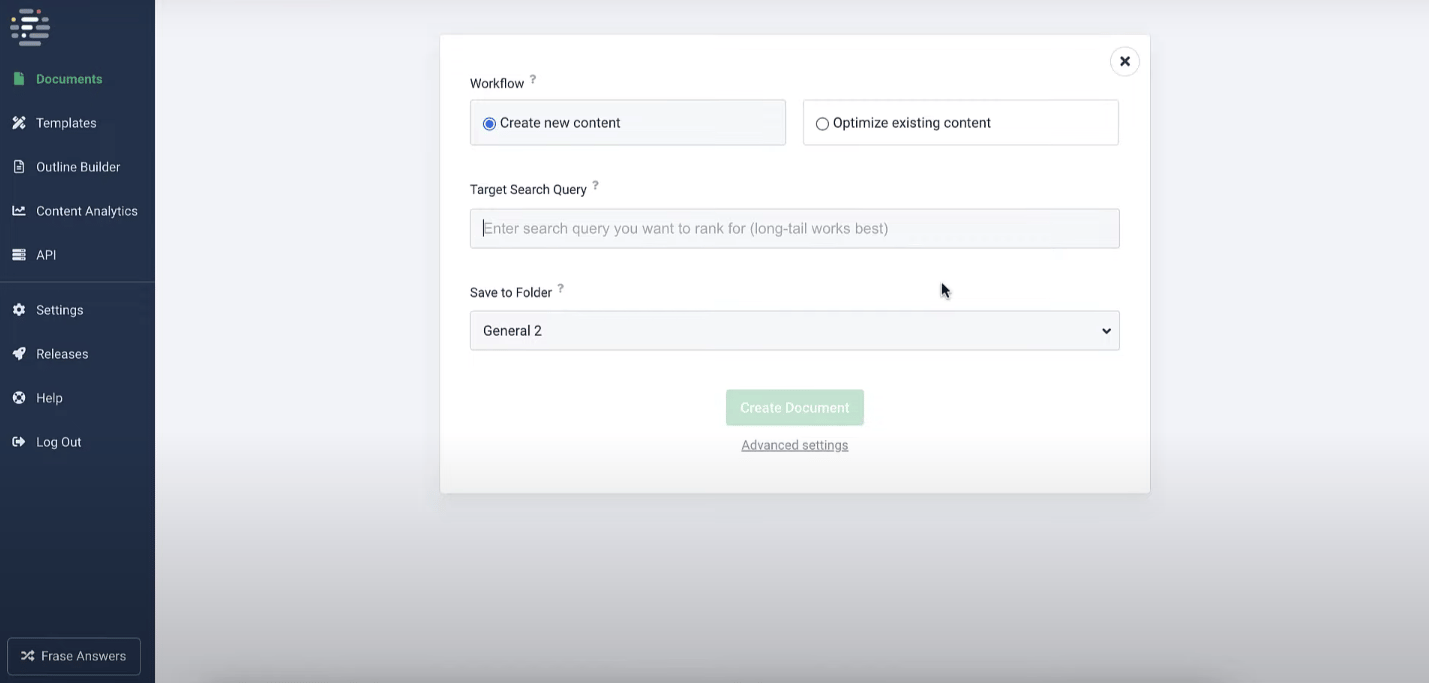
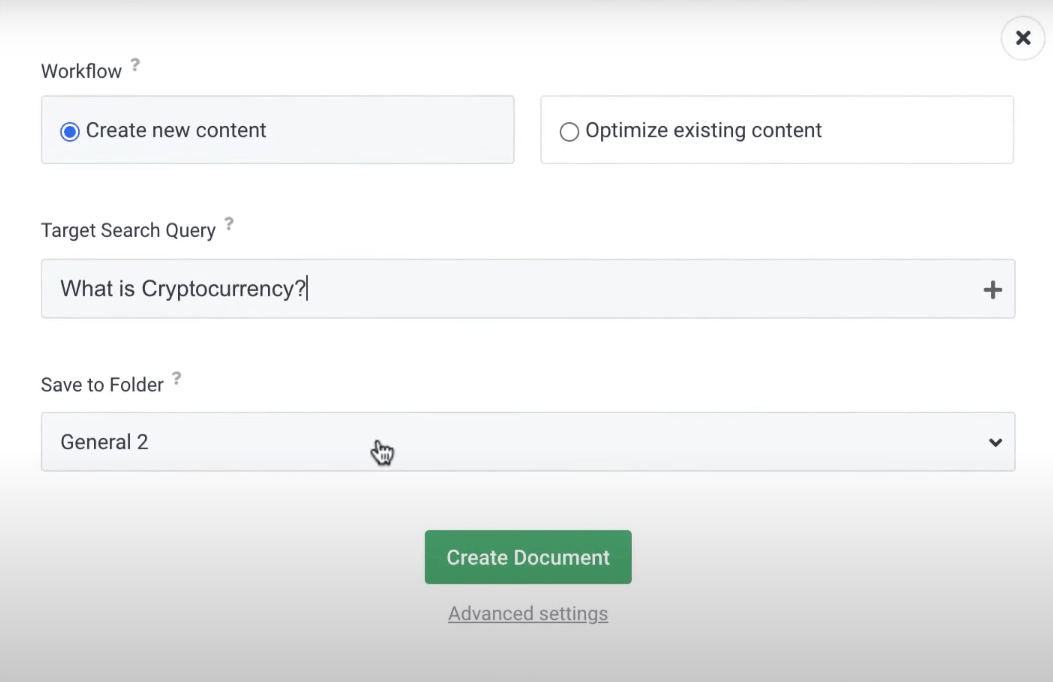
When you set the topic title, you choose whether to work on existing content or start something new, and the document is created.
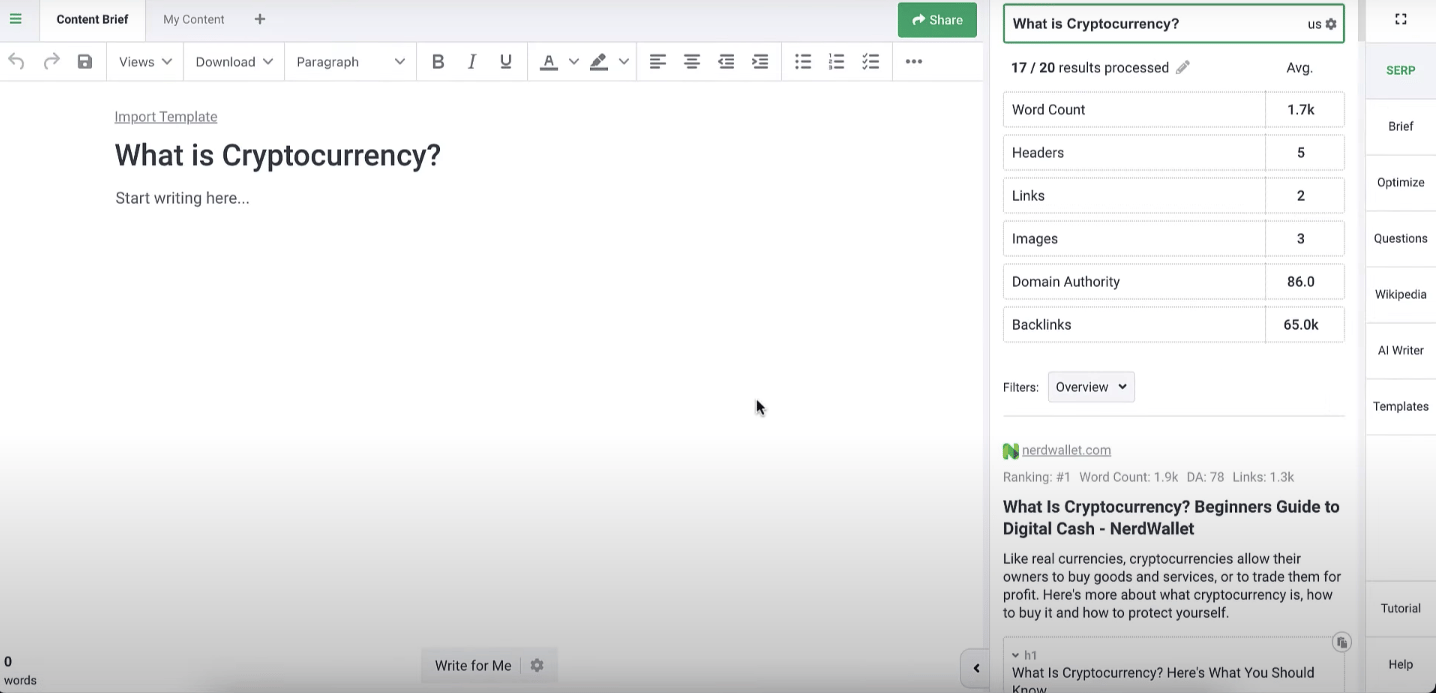
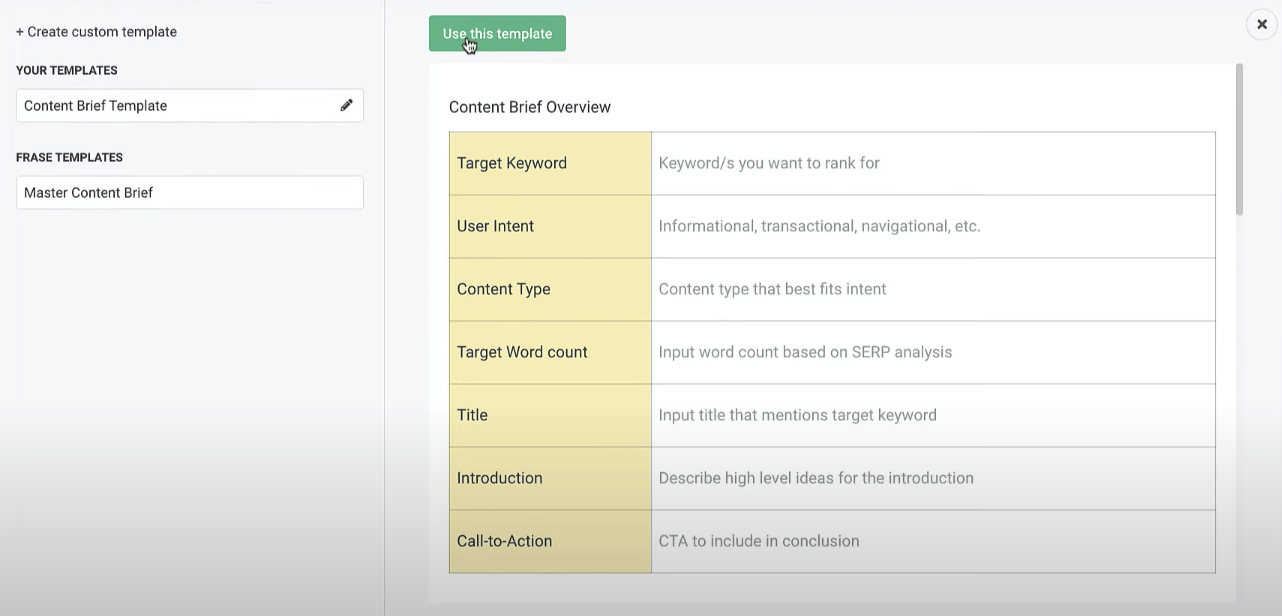
You can continue by selecting the format you want from the menu on the right. Here's what the brief template looks like:
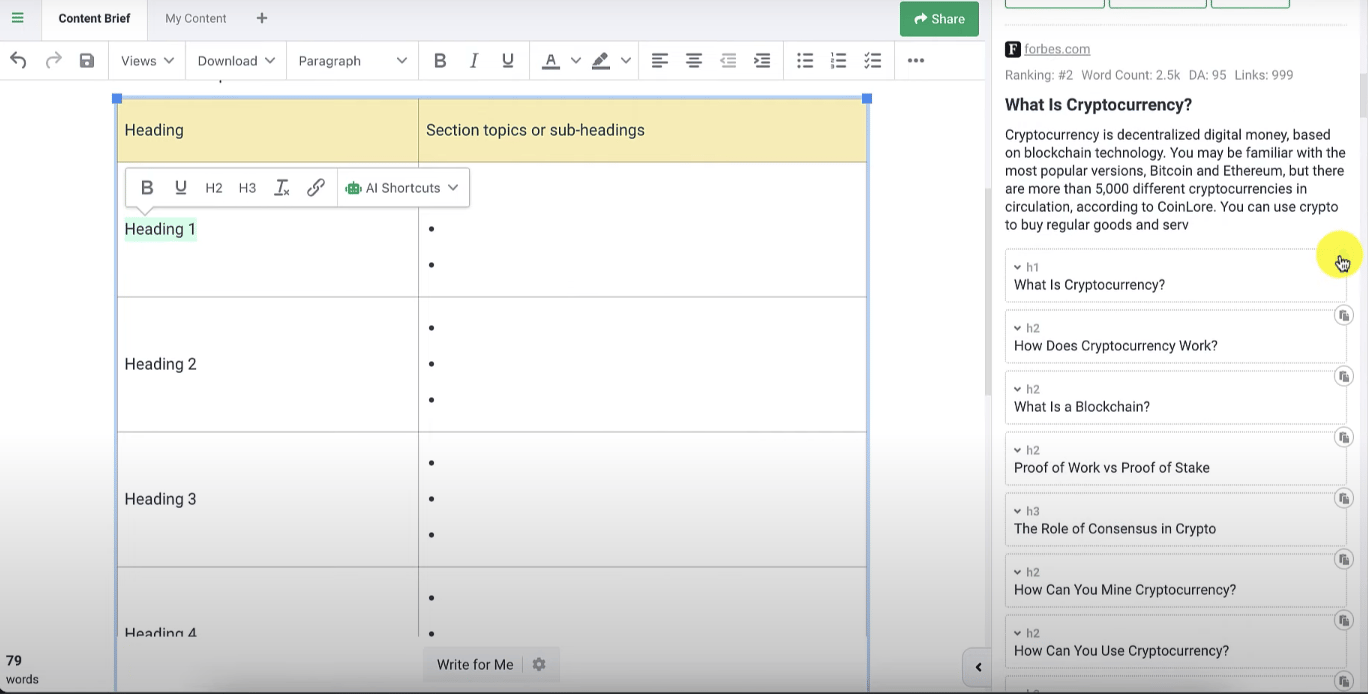
You can quickly add headings by selecting them from the tab on the right.
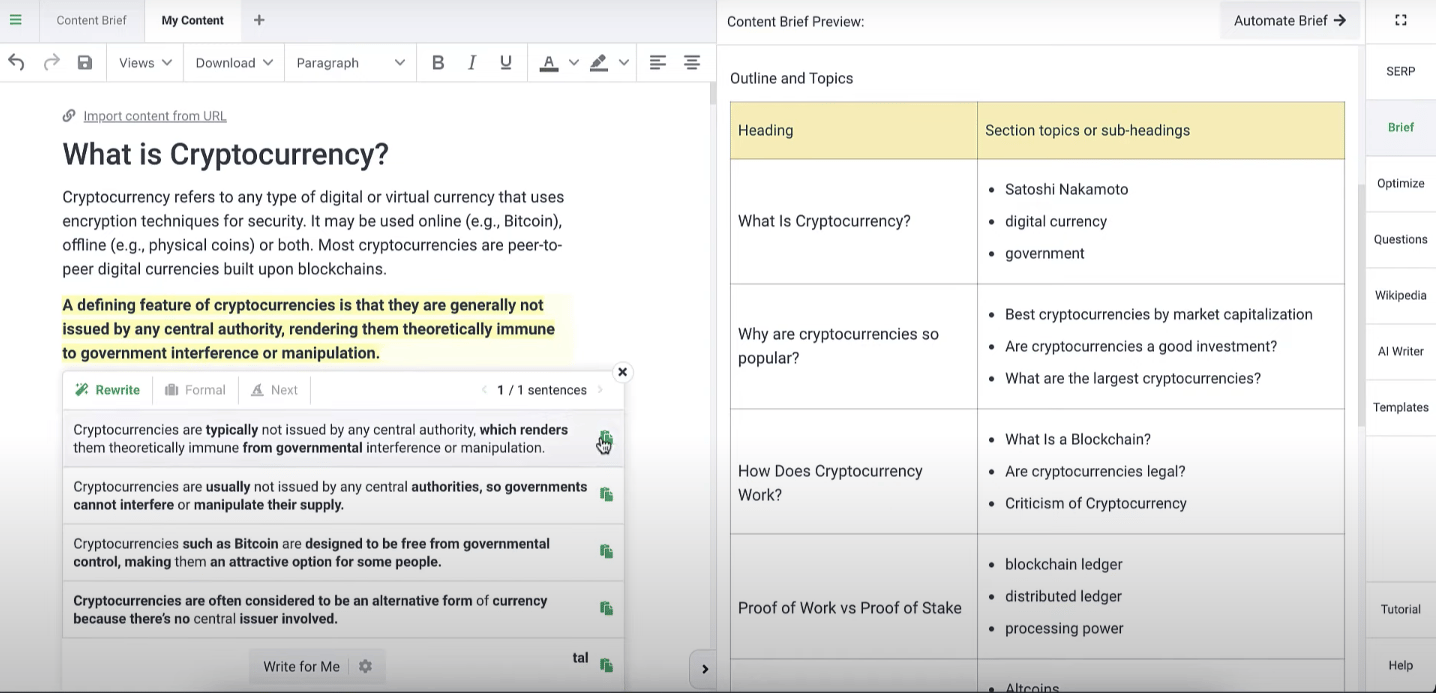
You can regenerate the parts you want as Frase creates the content. Next, head to the "Optimize" section on the right to see how your content stacks up against competitors.

The tab that opens shows unused and suggested keywords, along with the SERP score of similar content. This lets you gauge how your content is likely to perform and see what your competitors are doing.
Pricing
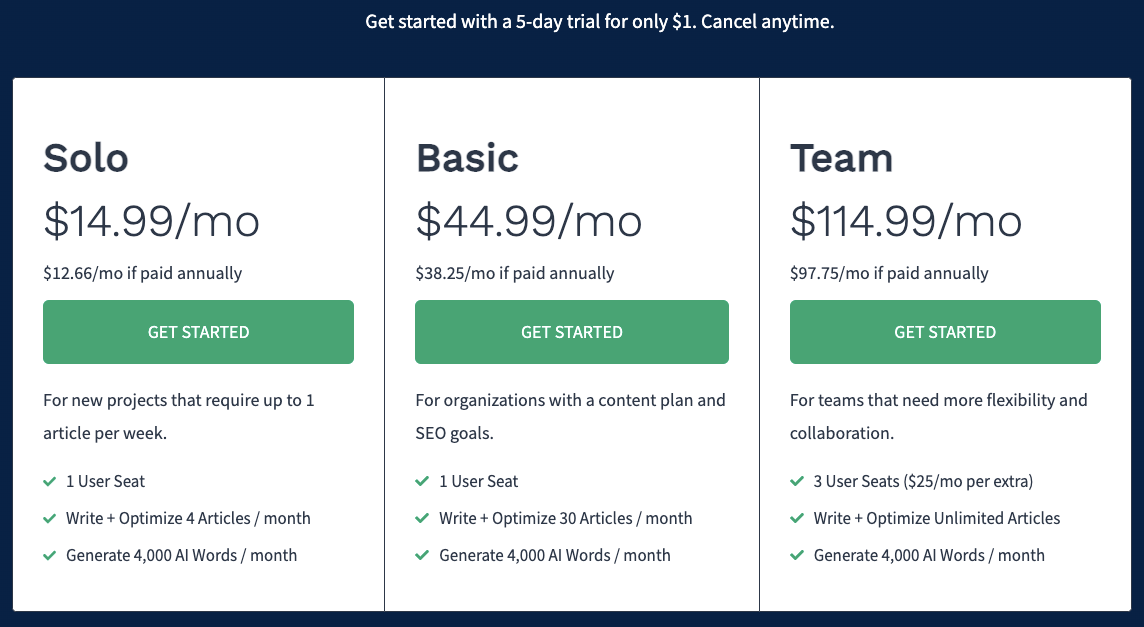
Frase has three plans. Solo runs $14.99/month for 4 articles and 4,000 AI words, Basic is $44.99/month for 30 articles and 4,000 AI words, and Team is $114.99/month for 3 users, unlimited articles, and 4,000 AI words. You can also try the tool with a 5-day, $1 trial!
Frase is powerful and useful, but its interface is harder to use than other tools, and the trial isn't free.
Peppertype.ai
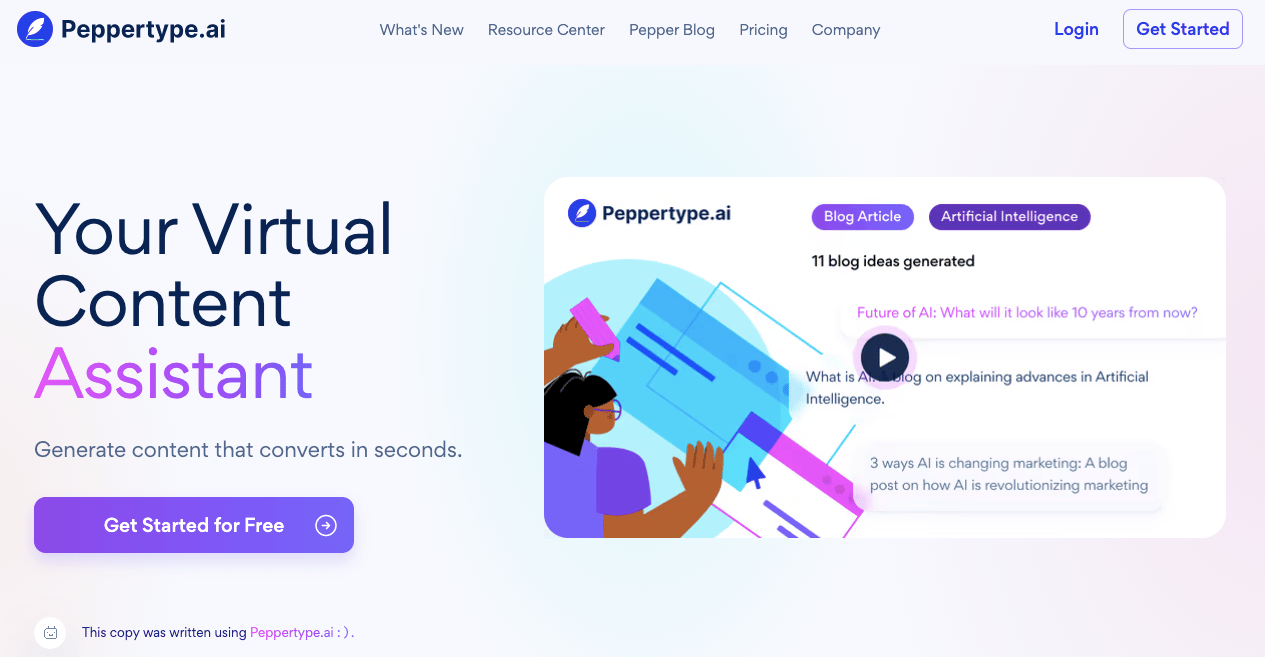
Peppertype is an AI content creation tool that uses machine learning to understand what users are asking for, then gives them insights and ideas to work with.
Key Features
- Plagiarism and grammar check
- Engagement metrics
- Sentence formatting
- Auto-correction
Usage
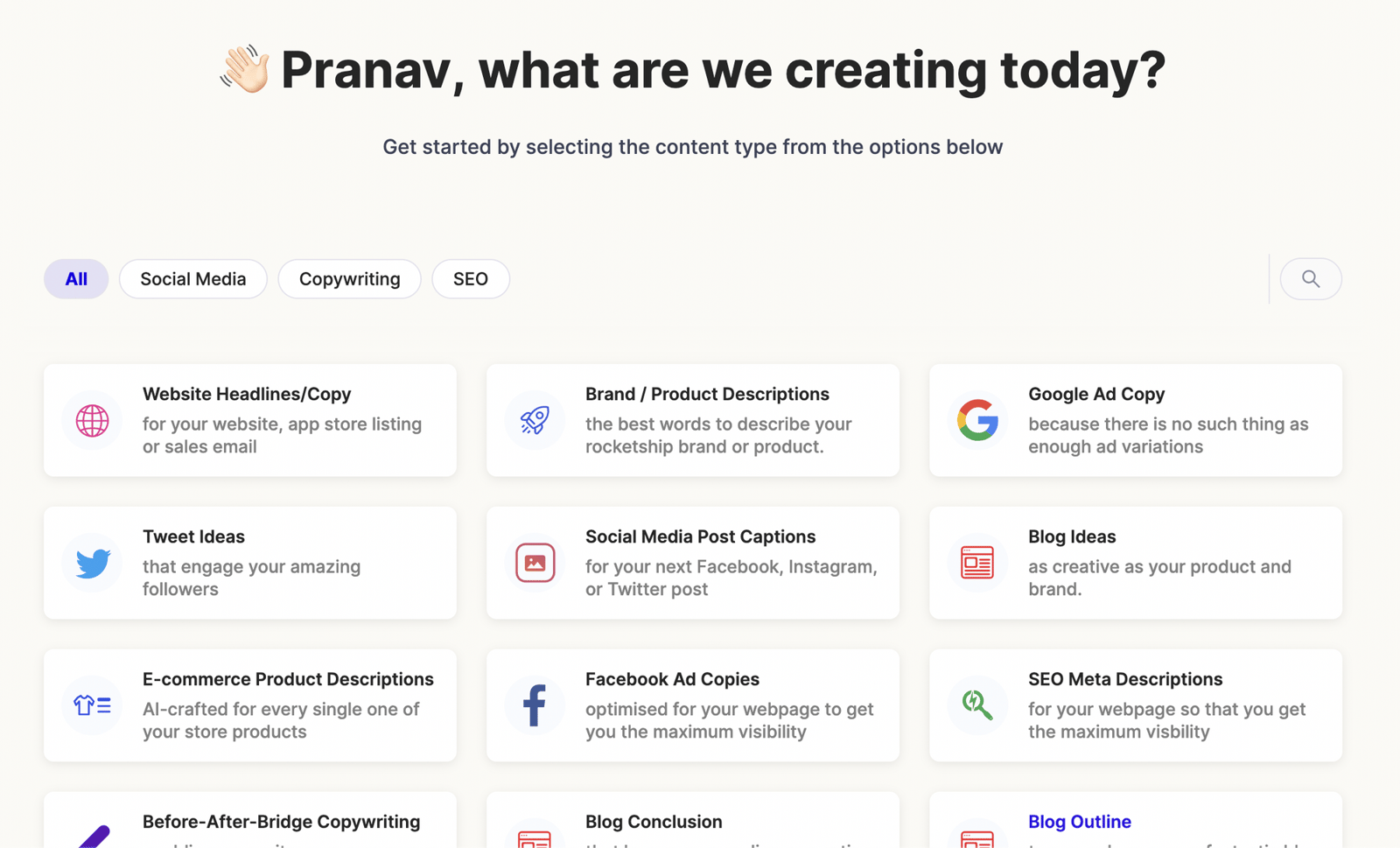
First, we choose the type of content we want to create; for example, let's say we want to create blog ideas:
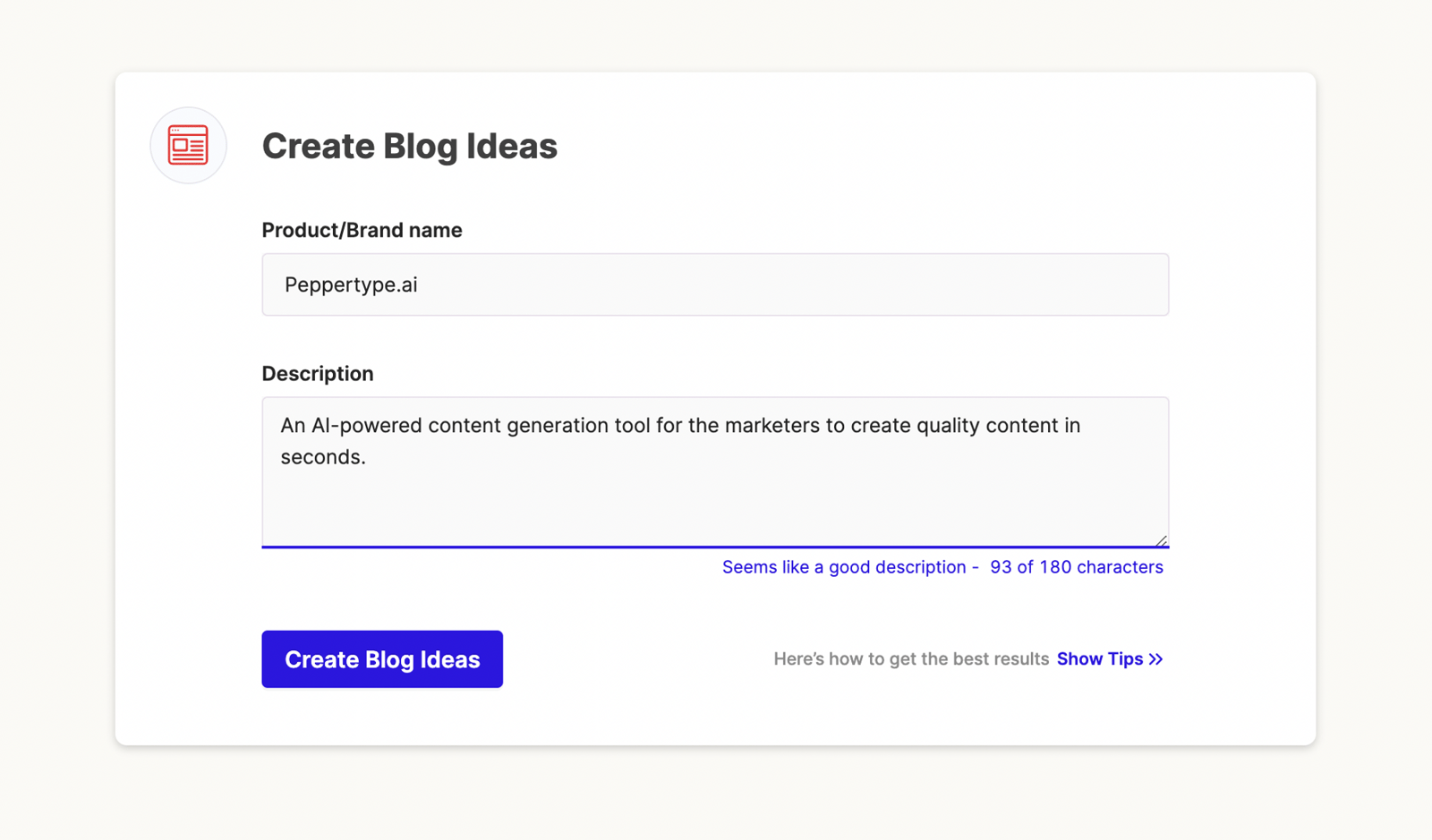
After you type the product or brand name, enter a short description of the content you want to create.
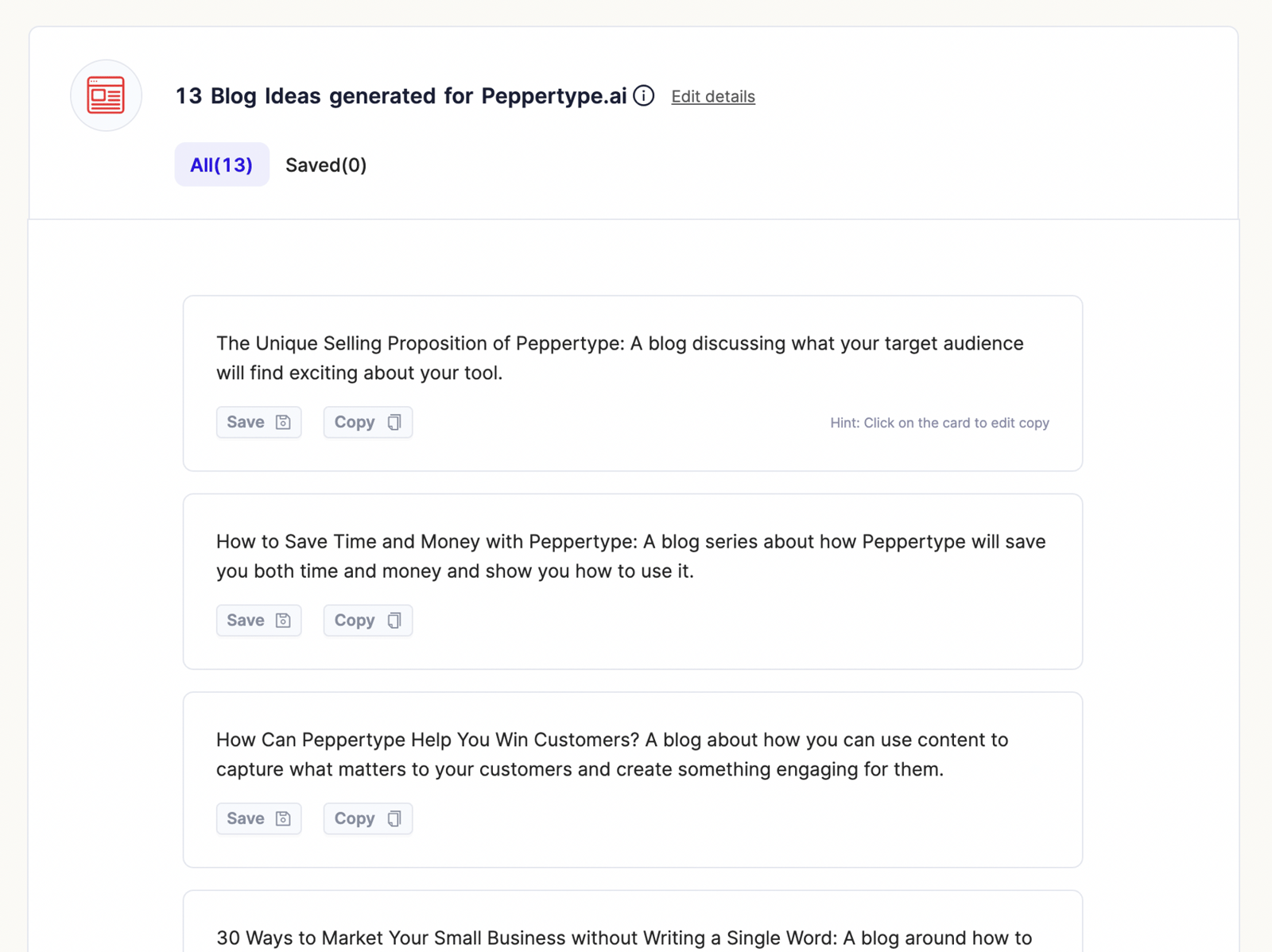
The generated blog ideas are sorted by length. In this example, Peppertype created 13 blog ideas in 10 seconds. You can save the ones you like, and click on any piece of content to edit it.
Peppertype is very easy to use, but exporting your content requires the Team membership plan.
Pricing
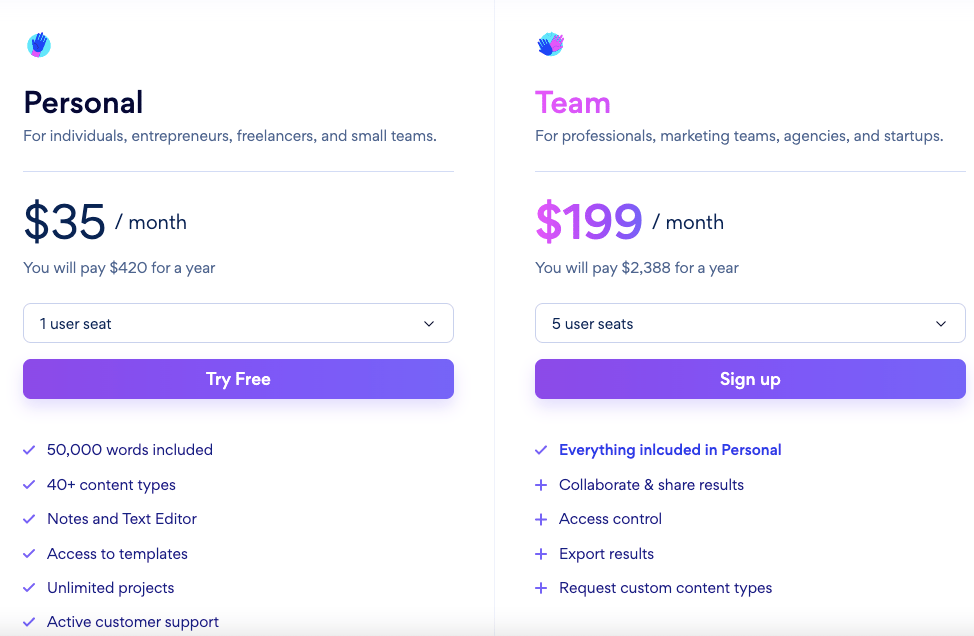
Peppertype has two membership plans. The Personal plan is for individual use and costs $35 per month, while the Team plan costs $199 per month, supports up to 5 users, and includes extended features.
Peppertype combines the experience of a copywriter with an easy-to-use, fun interface, though unlike some other tools here, it doesn't have a long-form editor.
Writesonic

Writesonic is a convenient tool that helps content creators push past writer's block and reach their target audience.
Key Features
- Content optimization
- Long-form content
- Sufferer SEO integration
- Multi-language
- Data loading and exporting
- Grammar check
Usage
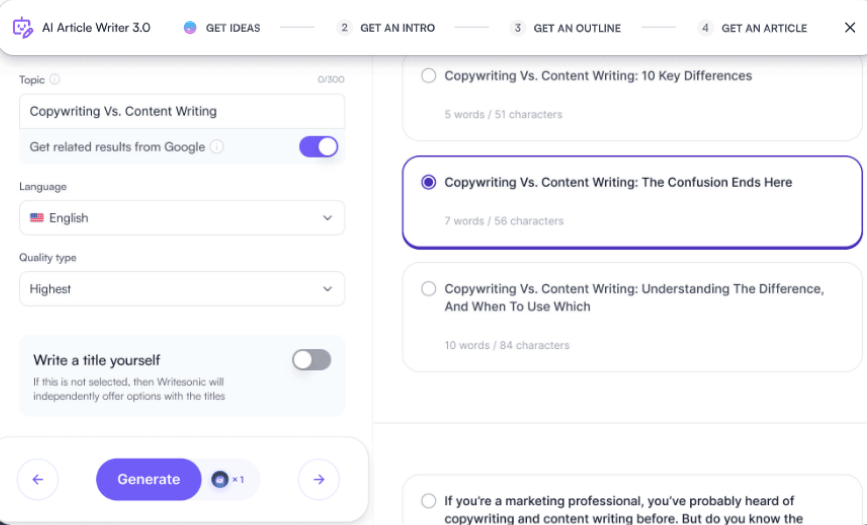
Writesonic is very easy to use: just select the title and language options, and it generates a range of content on the topic. From there, you can share whichever version suits you best or export it as a document.
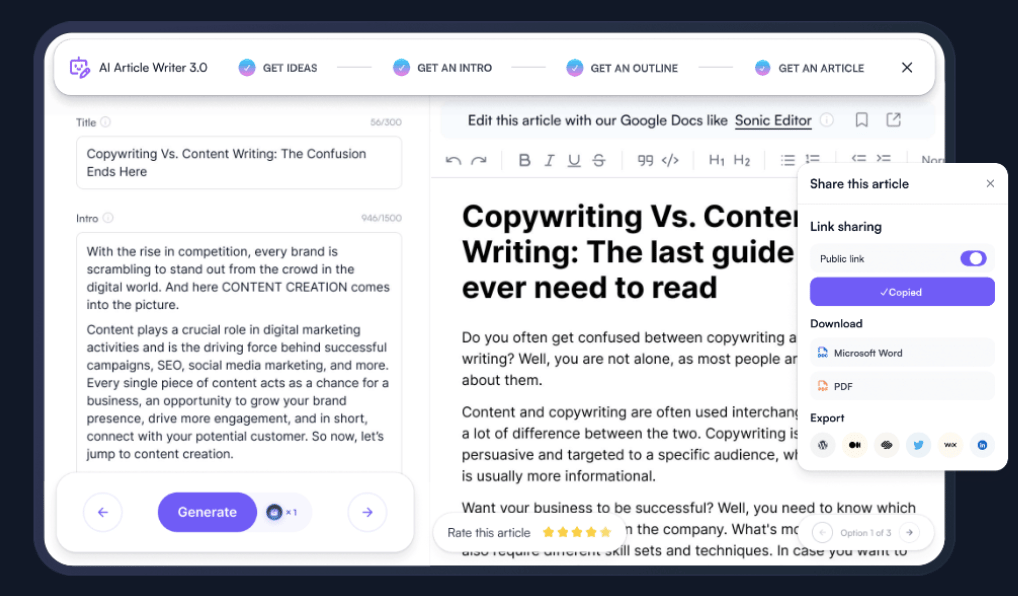
Writesonic's basic features are available to all members, though many features require a paid subscription. It also offers several free tools worth checking out: Chatsonic AI Chat Assistant, Photosonic AI Image Generator, Product Name Generator, and Call To Action Generator.
Pricing
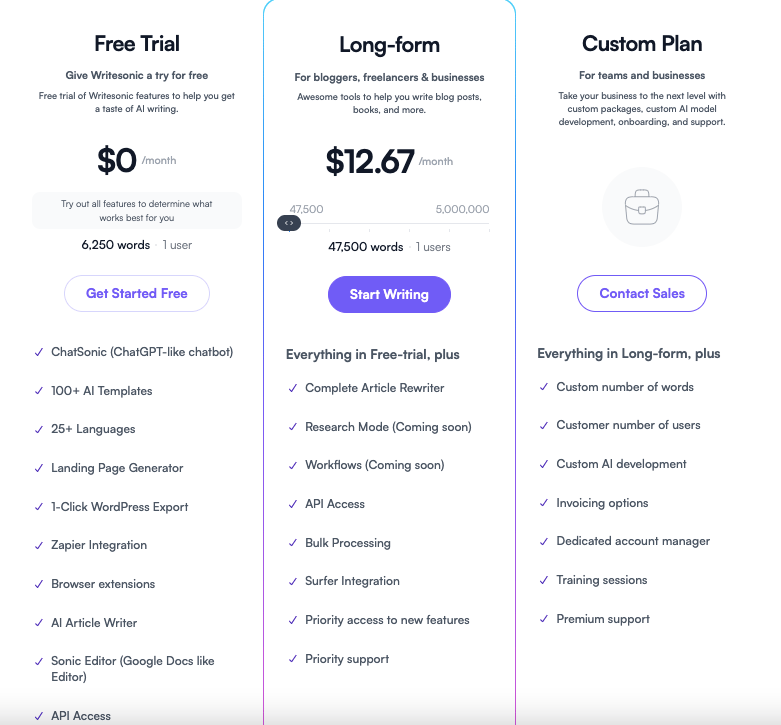
There's a free trial, but the Long-form plan runs $12.67 per month. You can also contact Writesonic to build a custom plan for your team or organization. Writesonic is noticeably more budget-friendly than the other tools reviewed here, which is one of the reasons people choose it.
Used by writers, marketing teams, and entrepreneurs alike, Writesonic is worth checking out as a convenient, useful tool!
BONUS
The tools covered so far are web-based and not mobile-friendly, so I'll cover two more: Paragraph AI, which you can use on your mobile device, and Midjourney, which you can use to add images to your content.
Paragraph AI
Available on the Google and Apple app stores, the tool also comes as a Google extension.
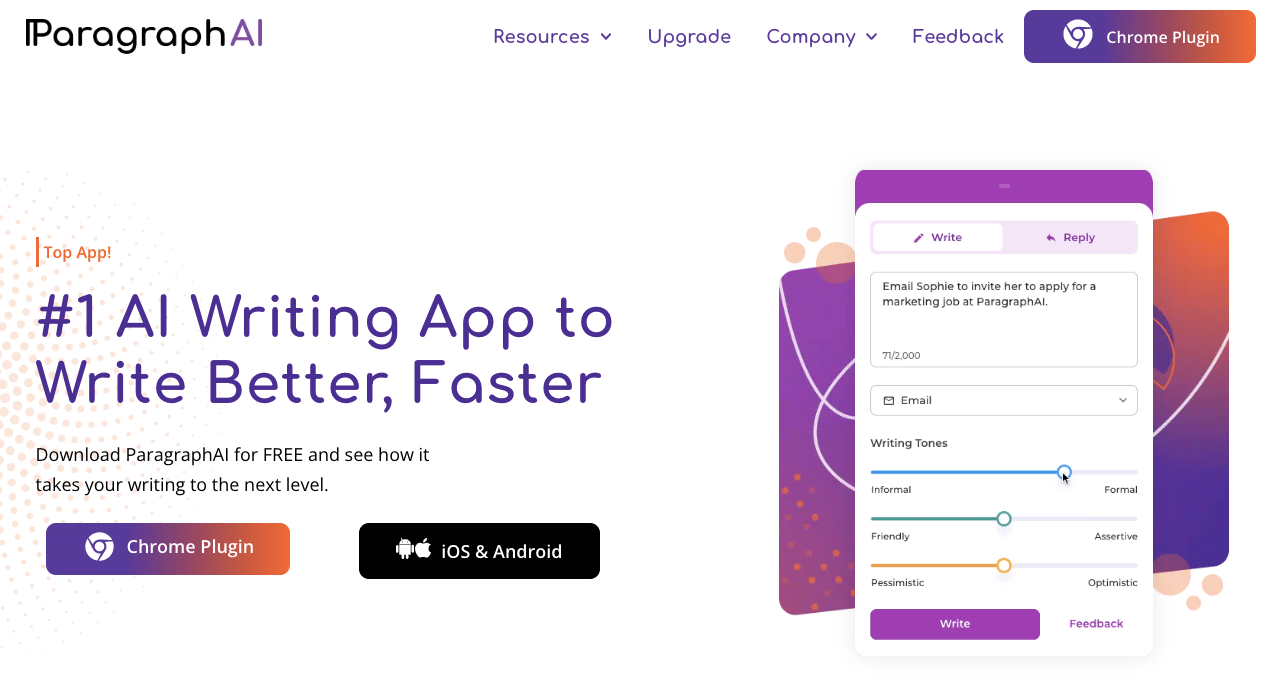
Key Features
- Grammar check
- Plagiarism check
- GPT3 support
- SEO compatible
Usage
In our iOS review, Paragraph AI asks for full access to everything you type, since it gets added to your keyboard as a new plugin.
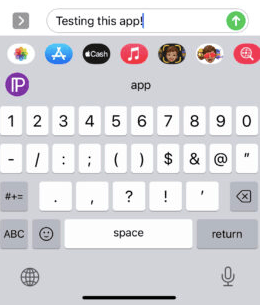
Click the Paragraph AI logo on the left, and it overlays the content you're writing, directs you to the app, and shows the steps you can take to improve it.
Pricing
The tool can be used for free for up to 20 paragraphs a day, with paid plans available if you want its more advanced features.

Paragraph AI offers 3 membership plans. The Student plan gives you the same features as Pro at a student discount, for $10 per month, and requires a student e-mail address. The Pro plan itself is $12.49 per month, and the Team plan for organizations is still in development. You can apply now to try it!
Midjourney
Midjourney is an AI bot that turns words and phrases into images.
Usage
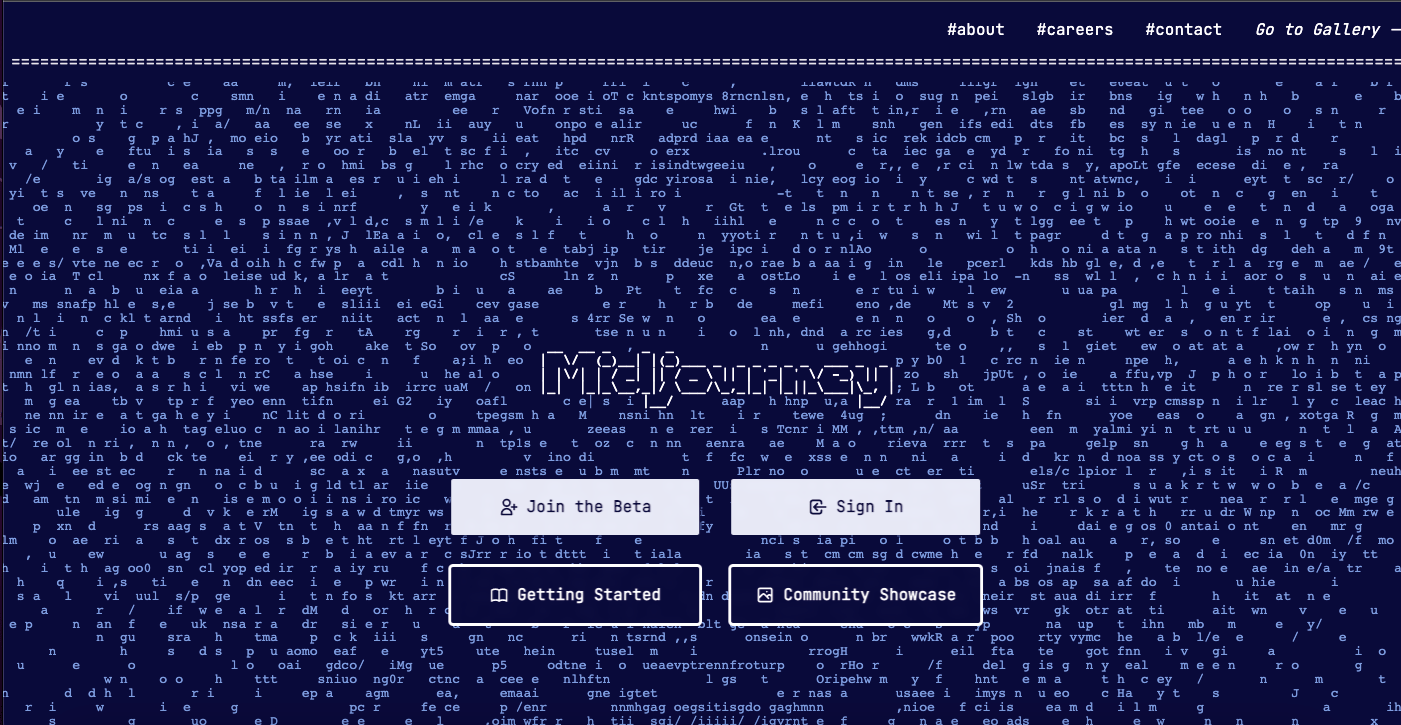
To use Midjourney, which runs on the Discord app, join the server by clicking the "Join the Beta" button.

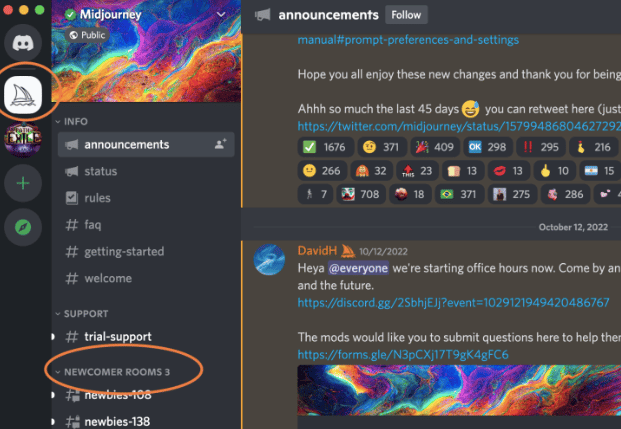
Once you've joined the server, you can join one of the beginner groups.
To create an image, log in to one of the rooms, type "/imagine" in the chat, describe the image you want, and press "enter". You'll see the result in the chat within a few seconds. The more descriptive you are, the more detailed the results will be!
From there, you can pick out what you like and don't like about the result, and save it.
In this post, I've covered 5 helpful AI content creation tools in detail, from usage to pricing to key features. Give the free versions a try and start creating your content with AI!


