


AI offers a lot we can put to work in both our jobs and our personal lives, and AI-powered presentation tools are one example. They make it easier to build a presentation, suggest topics, help you find visuals, and save you time.
In this article, I'll walk through five AI-powered presentation tools you can use in both your personal life and your professional work.
Presentation.AI
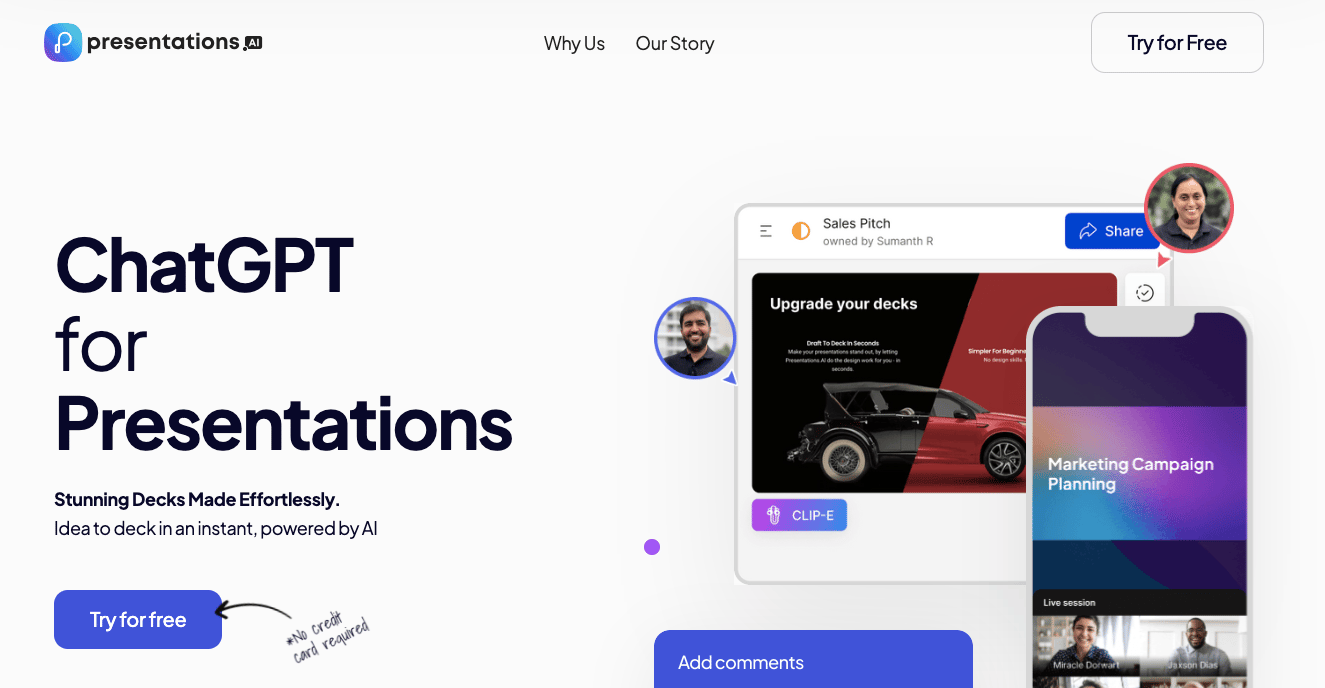
Presentations.AI uses artificial intelligence to help you build engaging presentations. Its AI-powered design engine keeps your slides visually consistent and polished. The tool also includes a variety of ready-made templates for different needs, plus features like voice-over, automatic presentation creation, presentation analysis, and PDF export.
Use of Presentation.AI
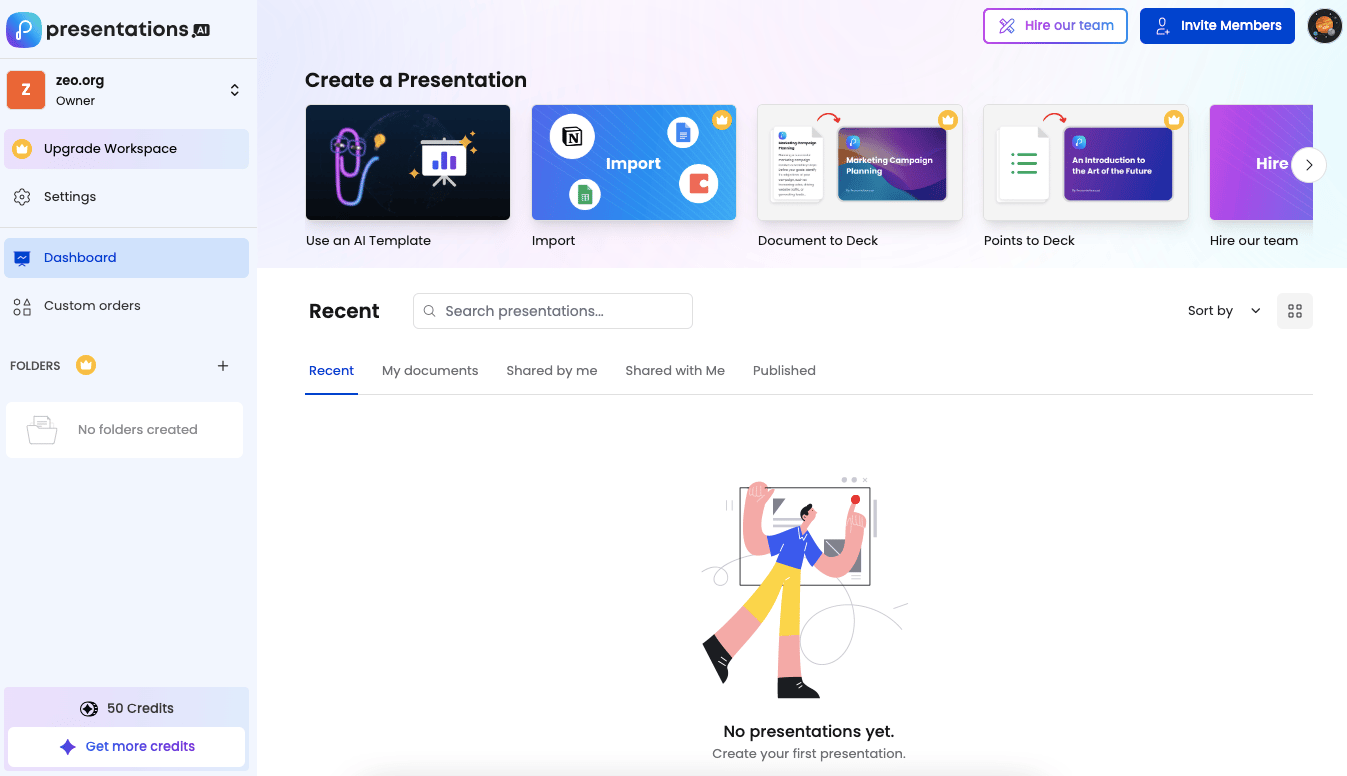
After we create our free account, we'll build a presentation using "Use an AI Template".
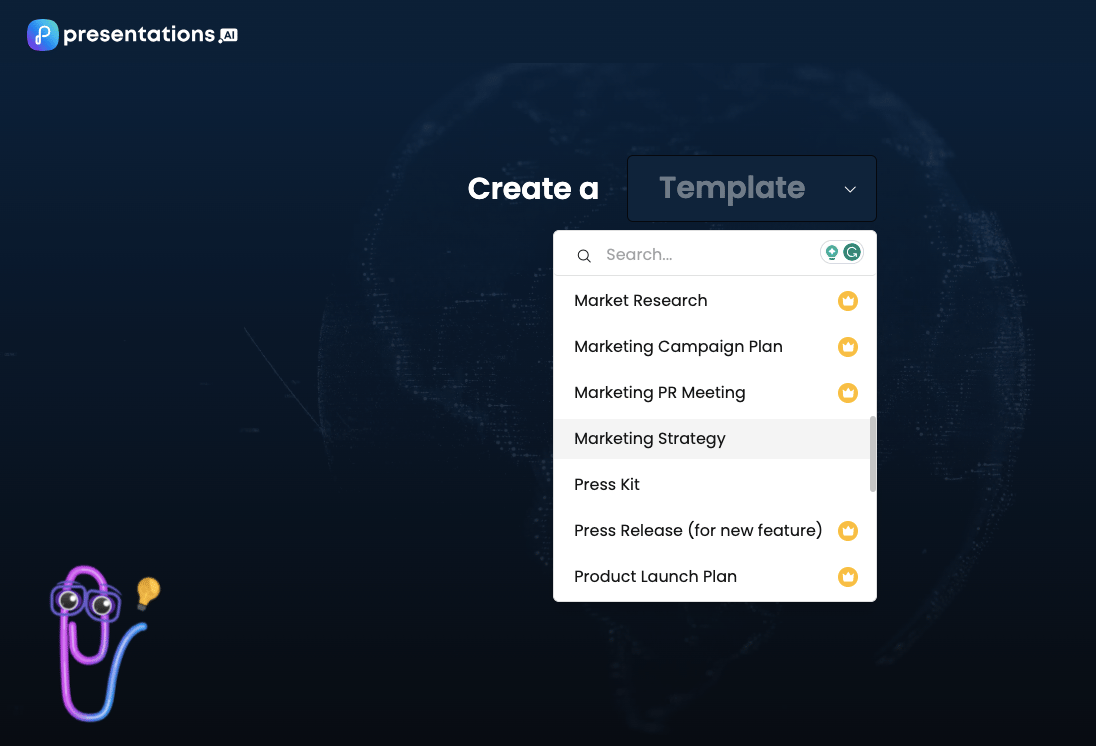
We pick a template and, as an example, ask it to build a marketing strategy for one of our company's services. If you'd like more detail or support on artificial intelligence, check out our AI services here and get in touch!
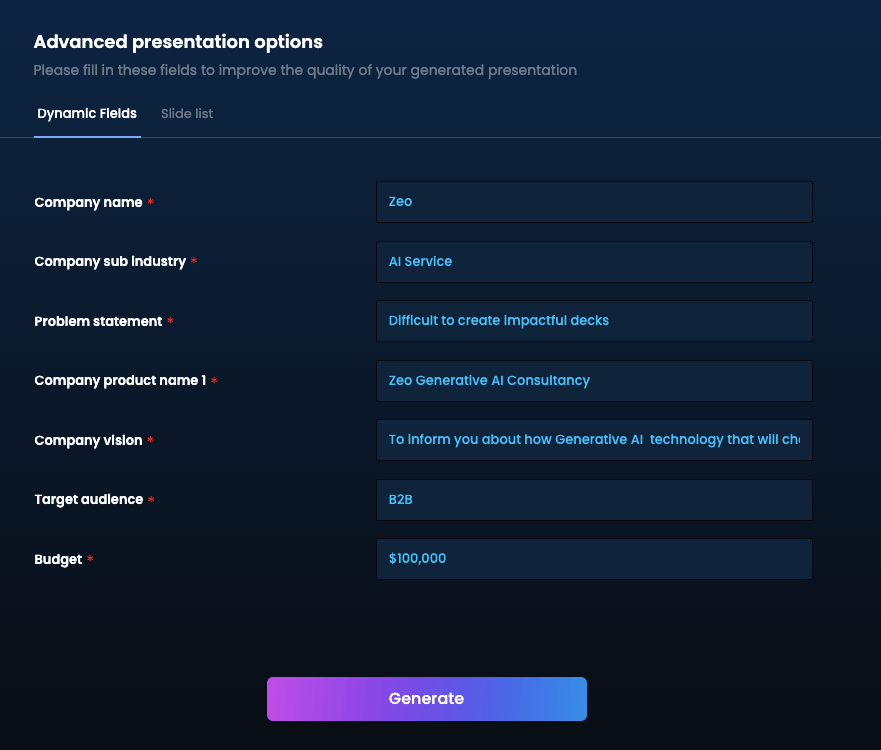
From here, we move into the presentation creation phase by entering more detailed information.
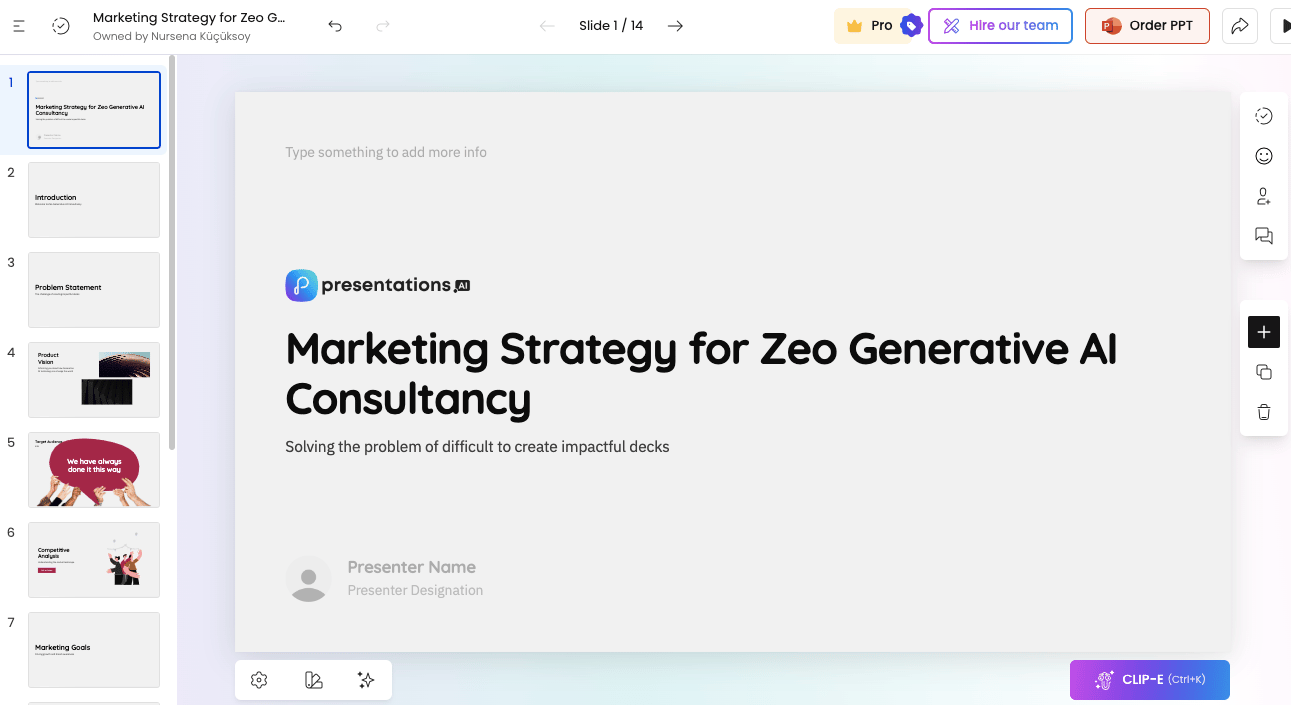
The tool created the presentation in 29 seconds, and you can adjust anything you like to match your brand.
Pricing
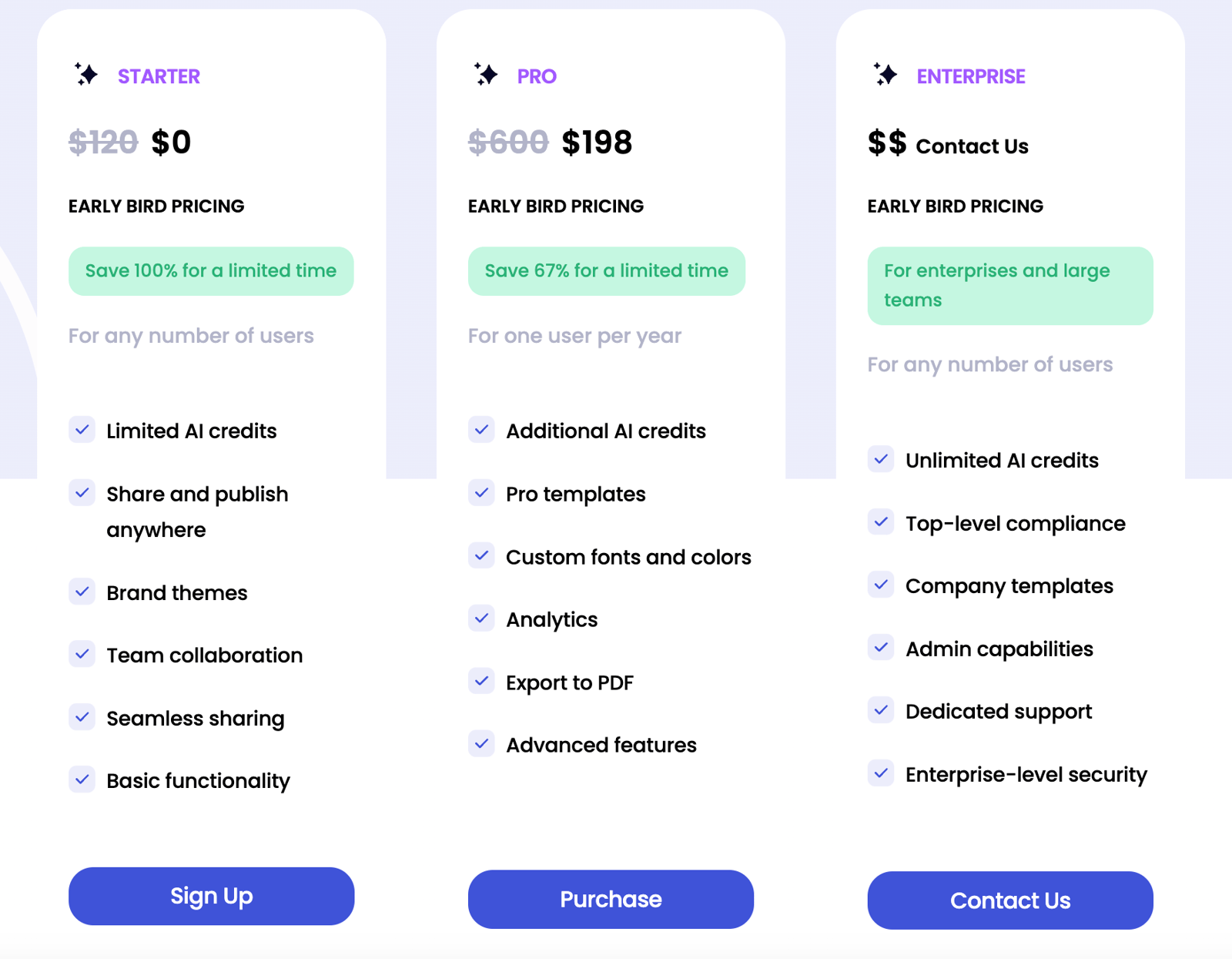
You can use presentations.ai for free indefinitely; here's the pricing if you want to upgrade your package:
Slidesgo
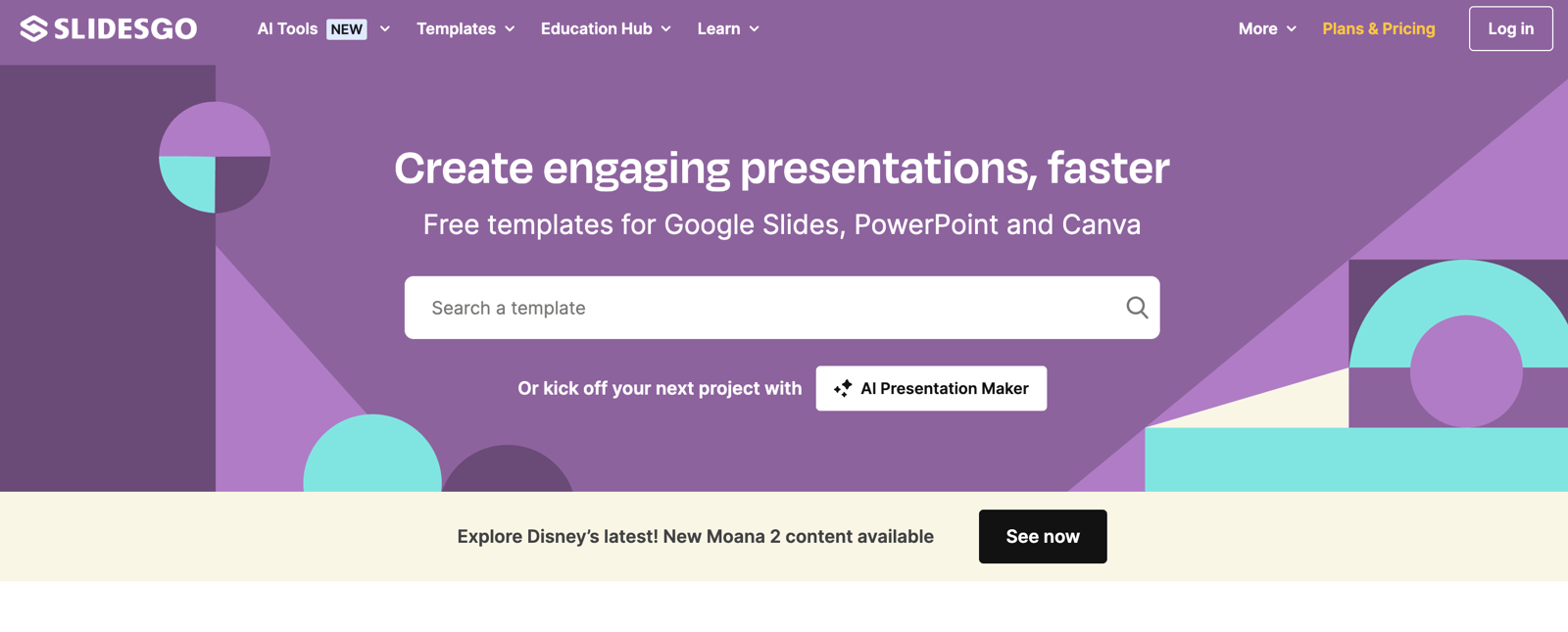
Slidesgo offers free Google Slides and PowerPoint themes, with customizable templates for employees and students across many industries, so you can put together a professional presentation quickly.
Use of Slidesgo
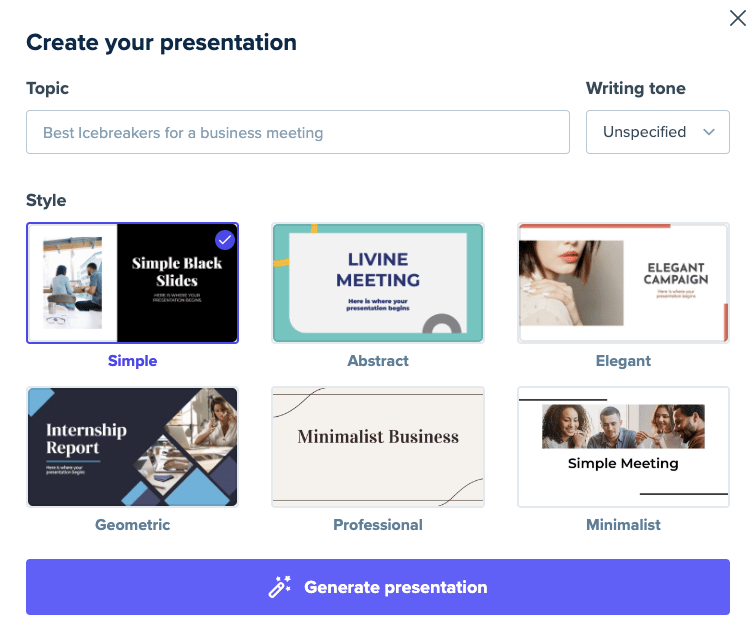 From this section, we start creating our presentation by choosing the main topic, writing tone, and style.
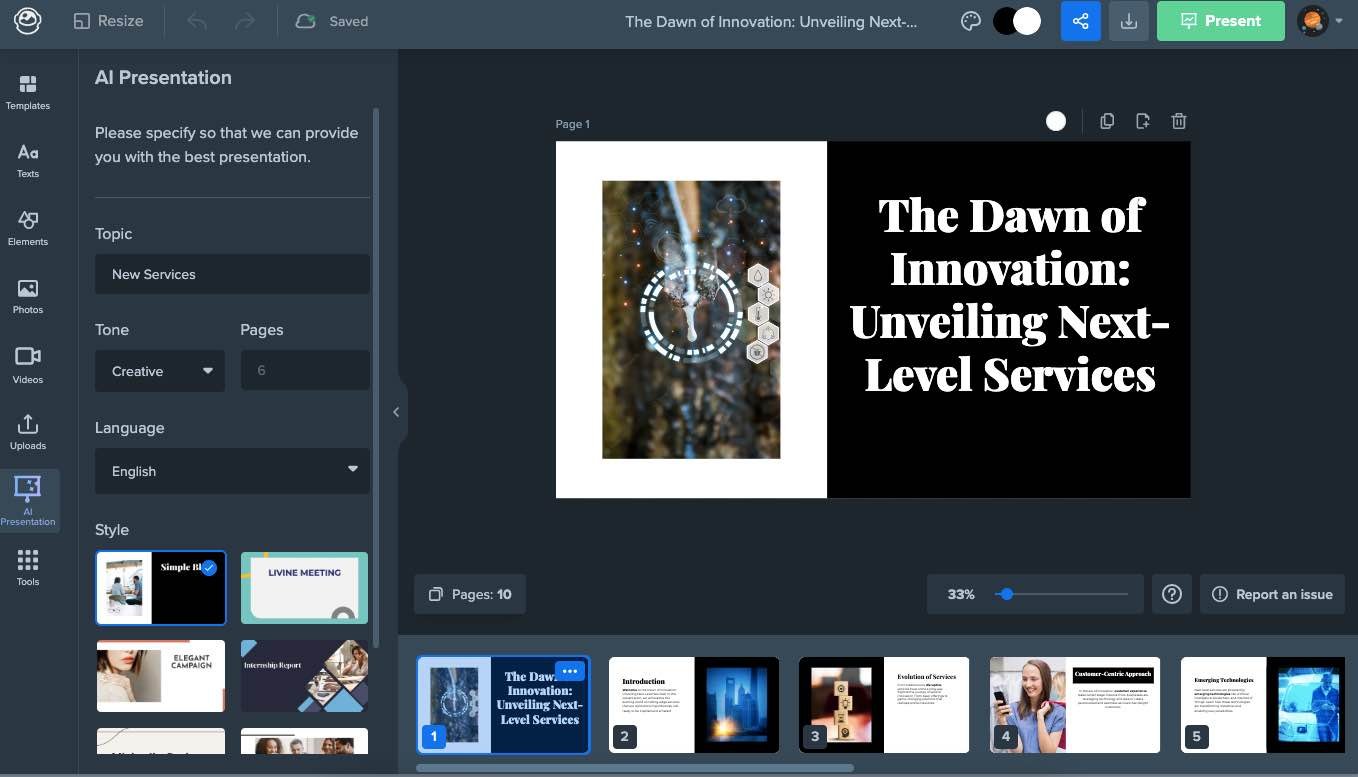
Slidesgo uses Wepik to build presentations, and the tool puts one together in about 1 minute. From there, we can customize the presentation however we like.
Slidesgo offers a large library of visual and design elements, drawing on Freepik and Flaticon for this. You can also export presentations made with Slidesgo as a PDF, or share them through a shareable link.
Pricing
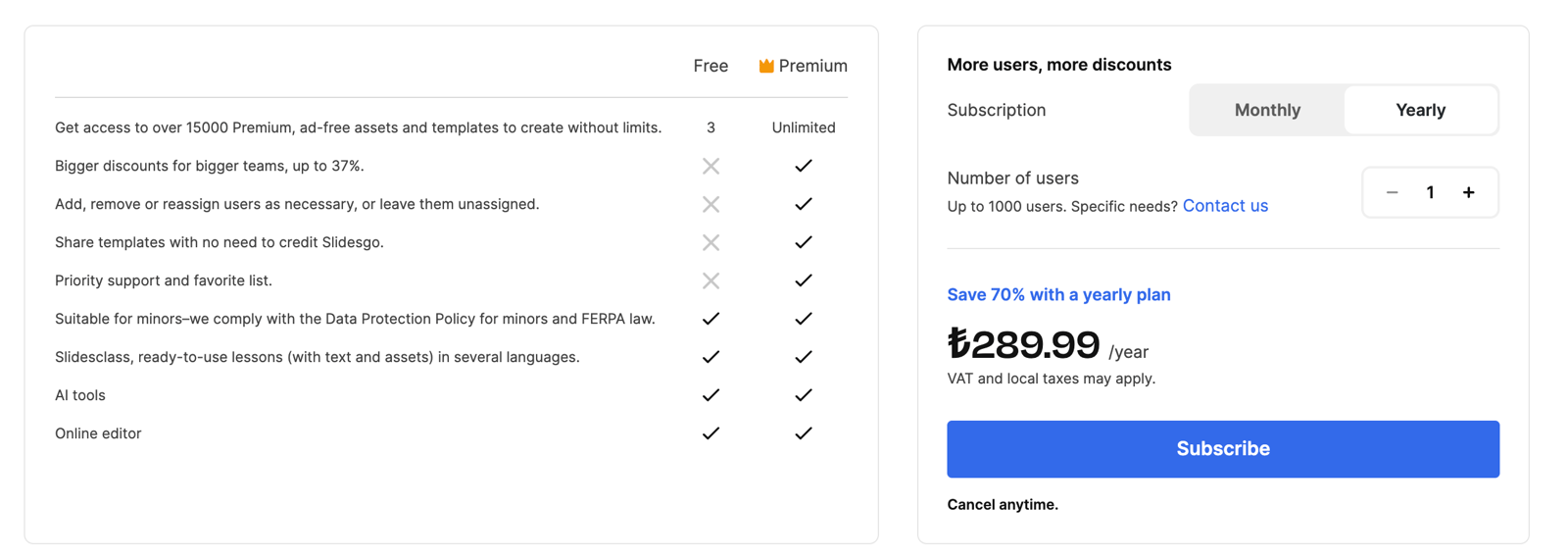
Slidesgo offers both free and premium options. Upgrading to Premium gives you access to more than 15,000 ad-free templates and resources, plus exclusive features like AI tools, an online editor, and priority support. The Premium plan works for individuals and teams alike, with discounts for larger groups and flexible user management. You can save up to 70% on the yearly subscription, priced at ₺289.99/year (VAT and local taxes may apply).
Decktopus
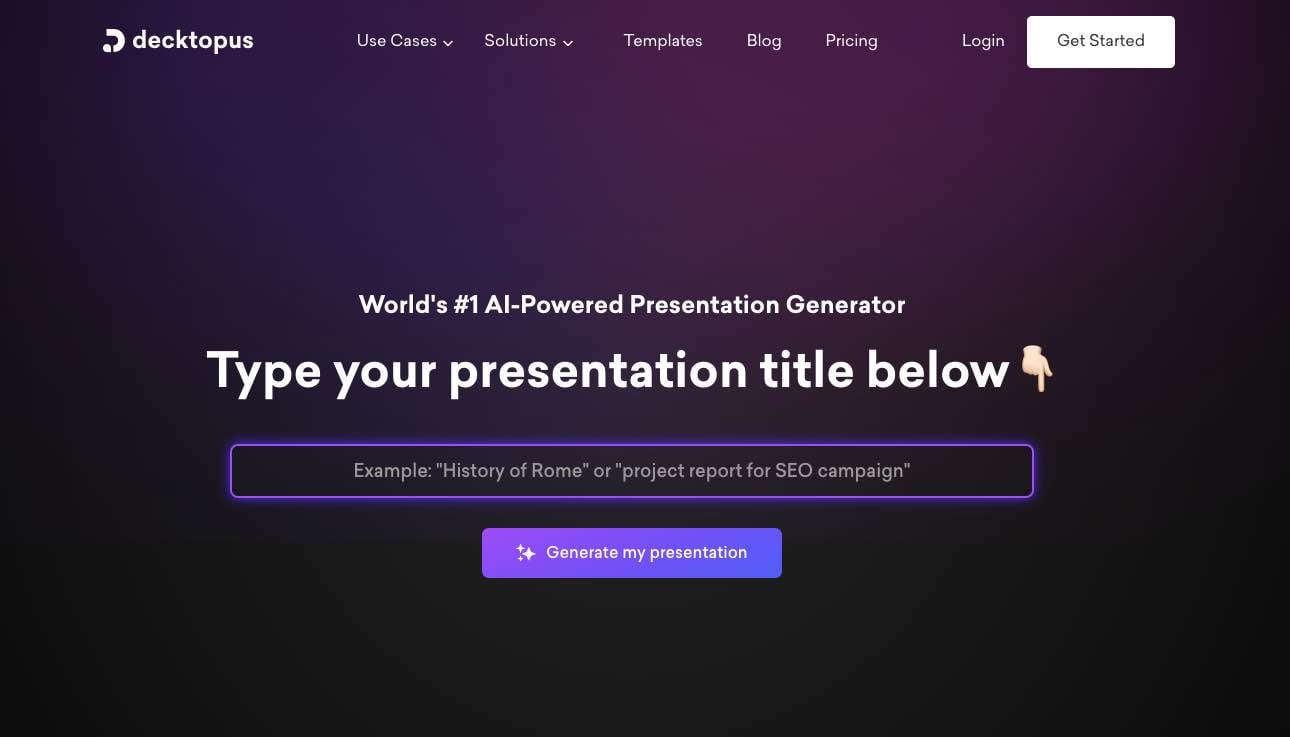
Decktopus is a cloud-based tool that helps you build presentations for education, business, and other purposes.
Use of Decktopus
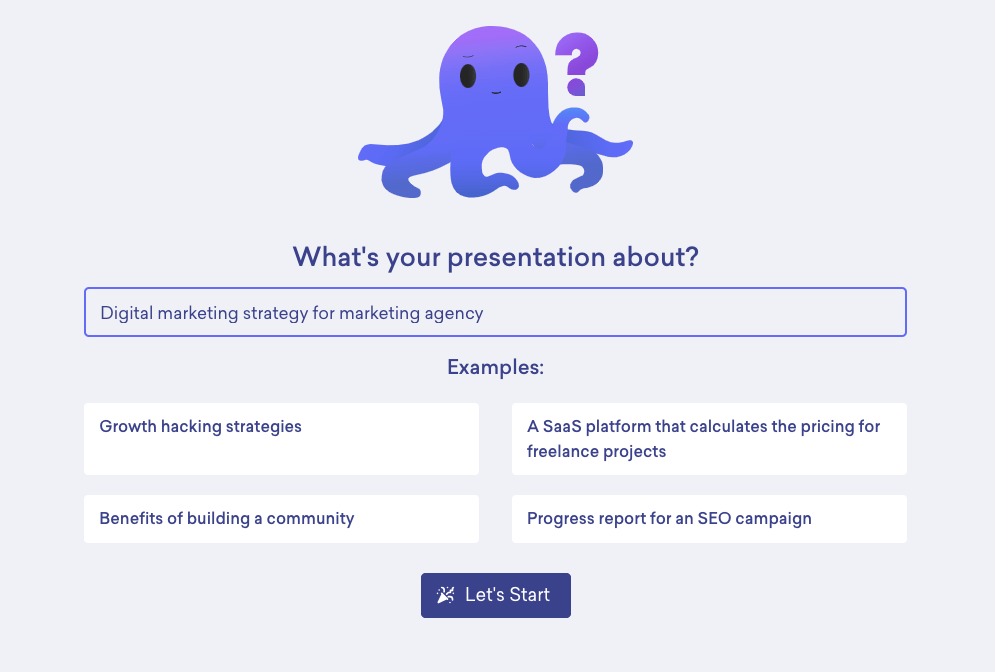
We enter our presentation topic and move on to the next steps.
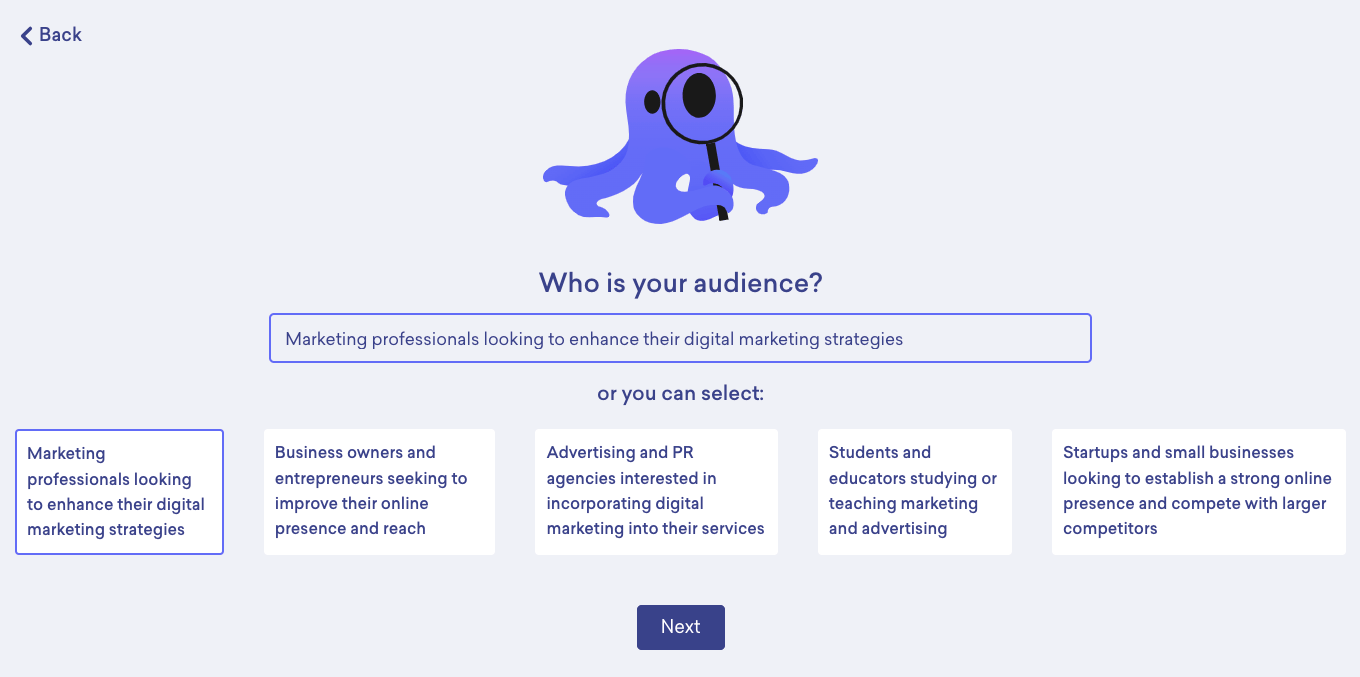
We can choose our target audience from the examples given, or enter our own definition. We'll continue with the target audience example Decktopus provides.
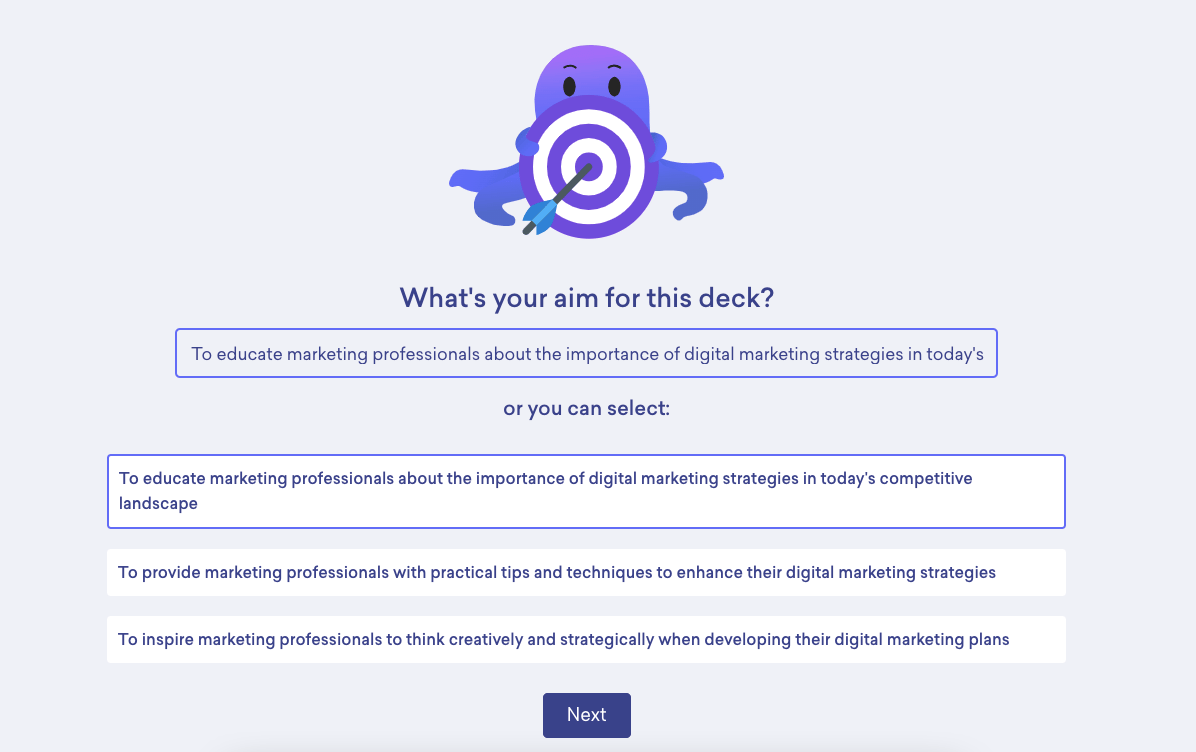
We can define our presentation's purpose either by writing it ourselves or by picking one of the tool's options.
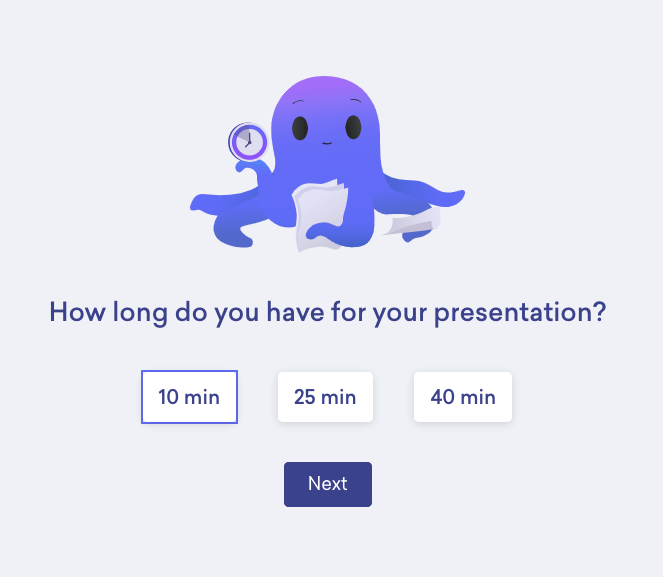
We choose how many minutes the presentation should run, picking from the time limits the tool offers.
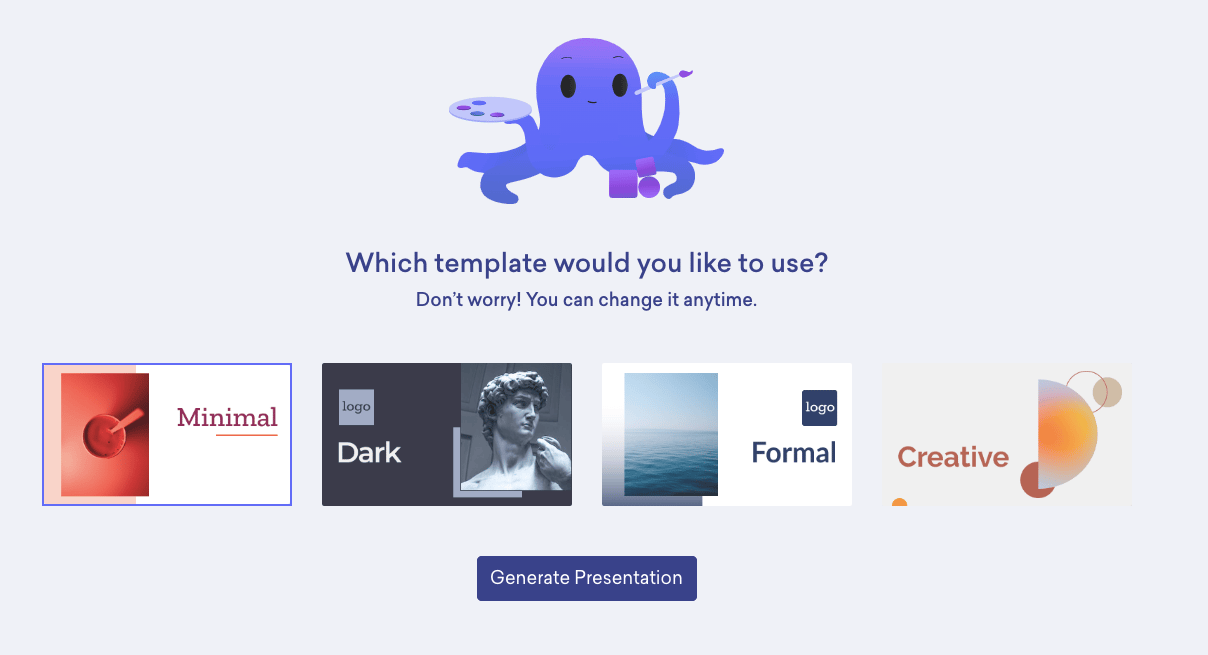
In the last step, we choose the template we want and finalize the presentation the tool creates:
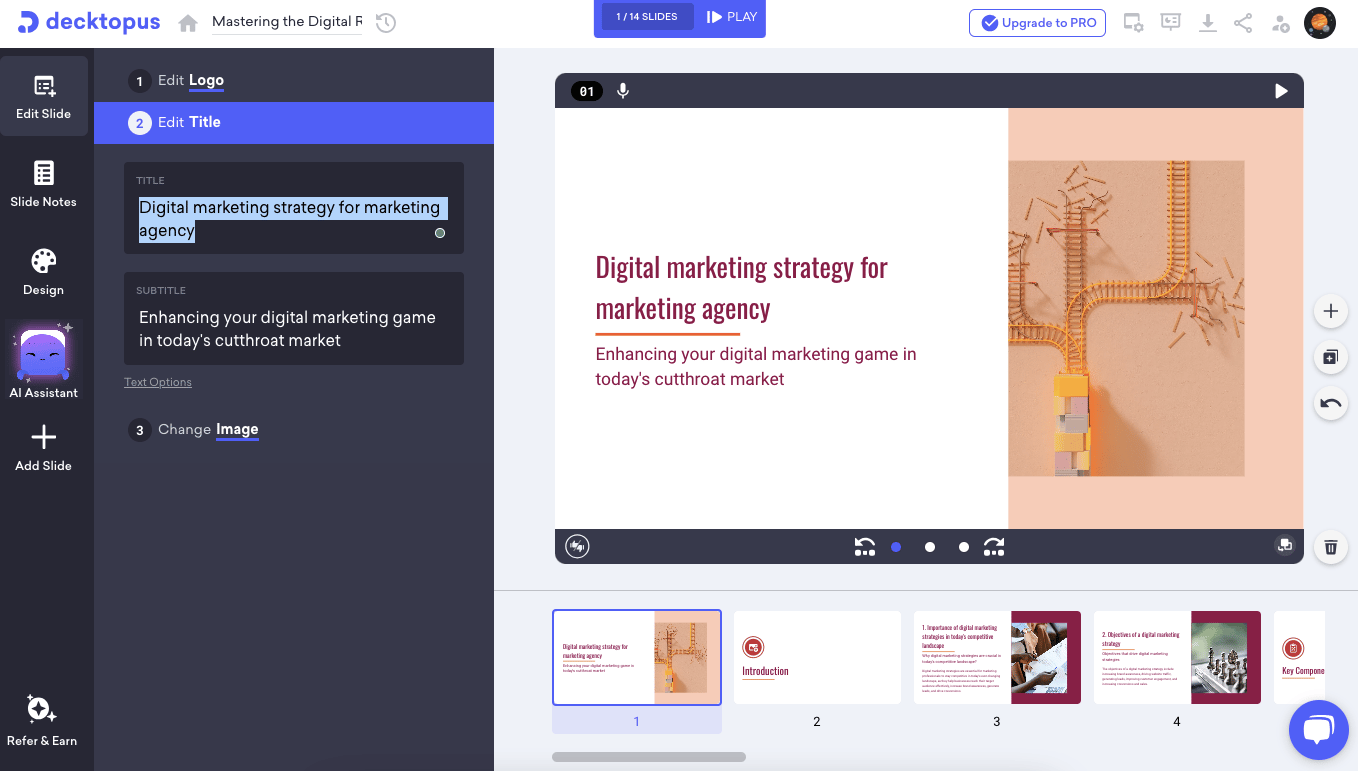
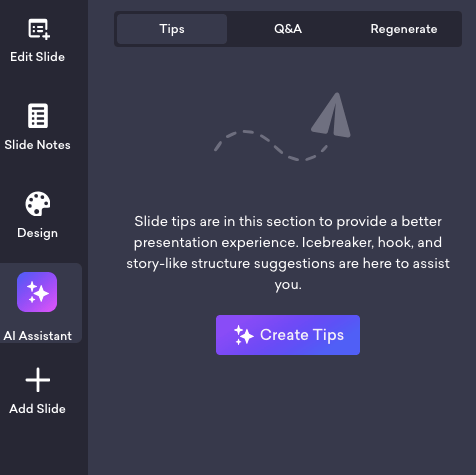
The "AI Assistant" section offers tips for our presentation, generates Q&A, and lets us use the Regenerate prompt to change the presentation content and edit our target audience.
Pricing
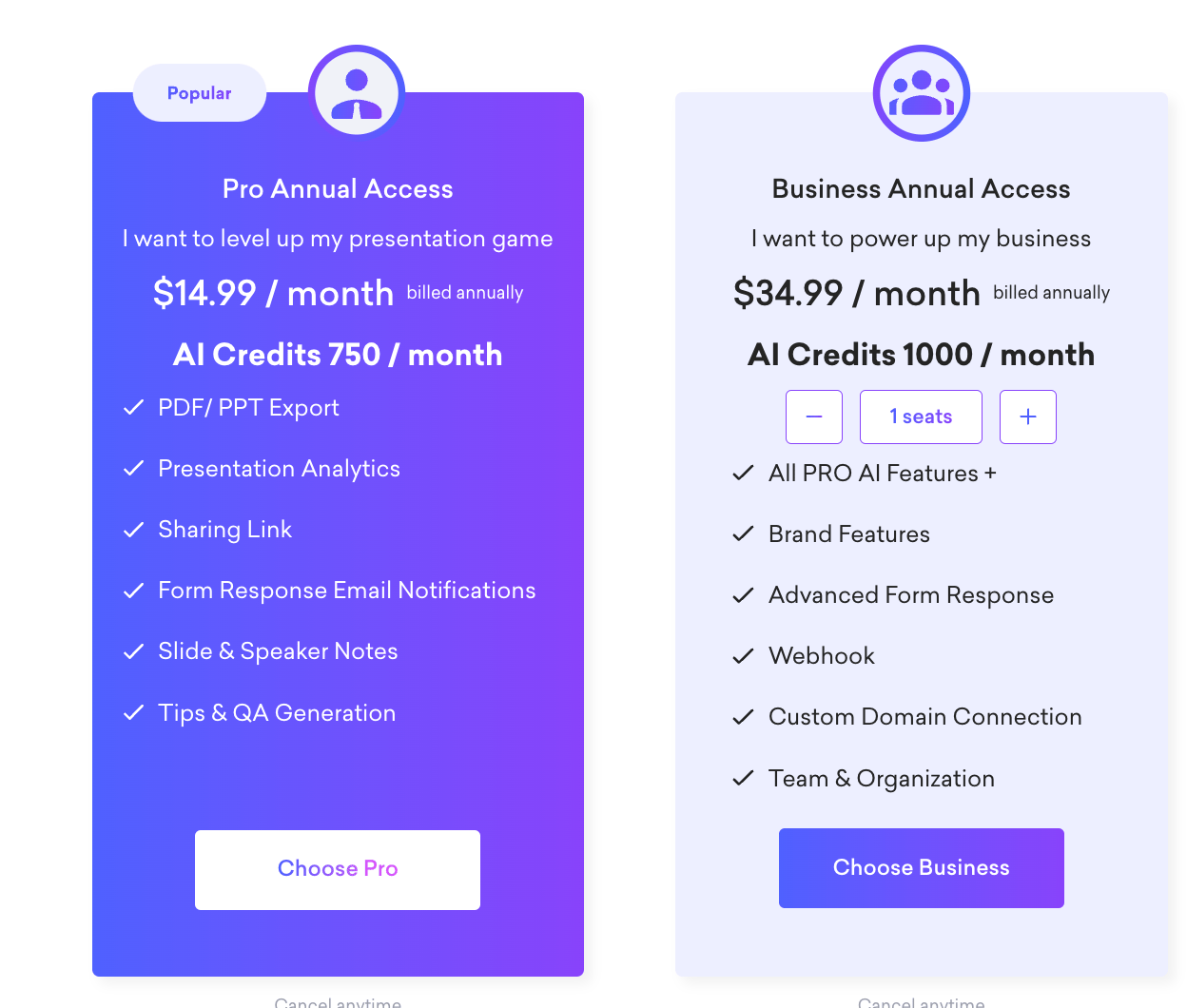
Decktopus offers two annual plans to suit different needs: the Pro plan ($14.99/month, billed annually) includes 750 AI credits per month, PDF/PPT export, presentation analytics, sharing links, form response email notifications, slide and speaker notes, and tips & Q&A generation. The Business plan ($34.99/month, billed annually) is tailored for teams, providing 1,000 AI credits per month, all Pro features, plus brand customization, advanced form responses, webhook integration, custom domain connection, and team management tools.
Prezo.ai
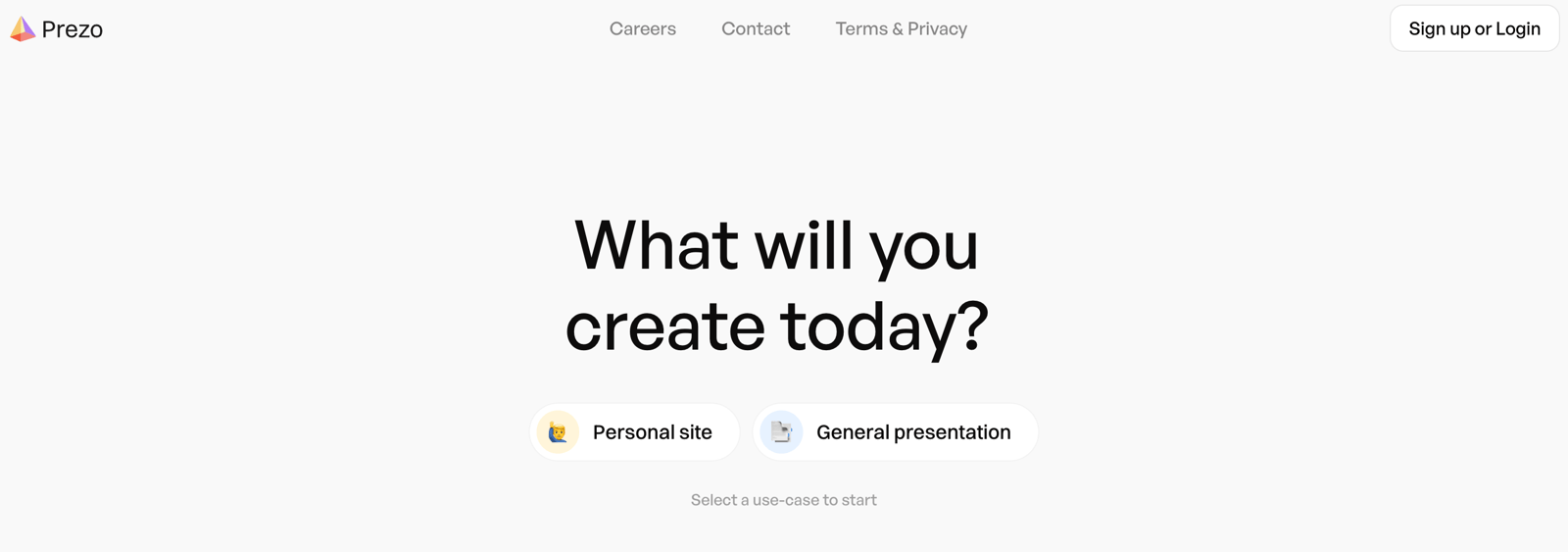
Prezo.ai is a tool built to simplify the process of creating effective presentations. It has a library of ready-made templates, graphics, and icons to make presentations visually impressive, and you can upload your own images or generate new ones by entering prompts with the AI assistant.
Use of Prezo.ai
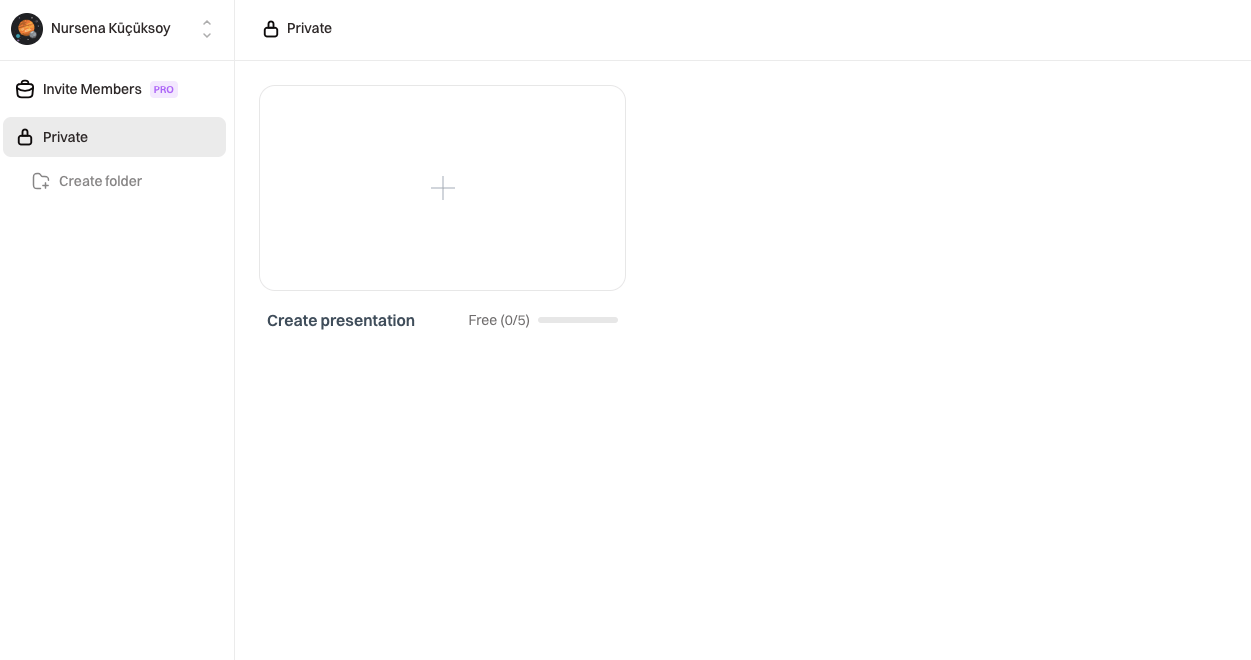
The free version of Prezo.ai lets you prepare 5 presentations.
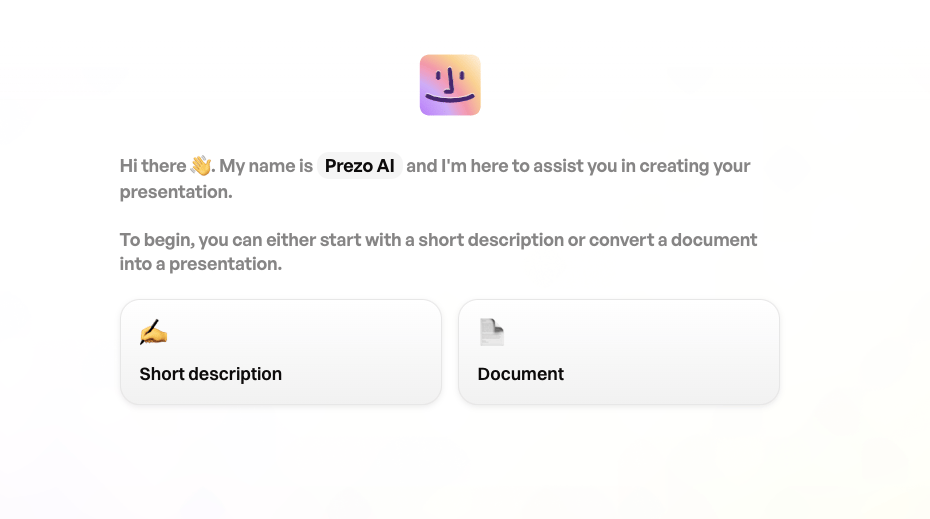
You can start the process either by writing a short description of what your presentation will be about, or by attaching a document about it. We'll create ours with a short description.
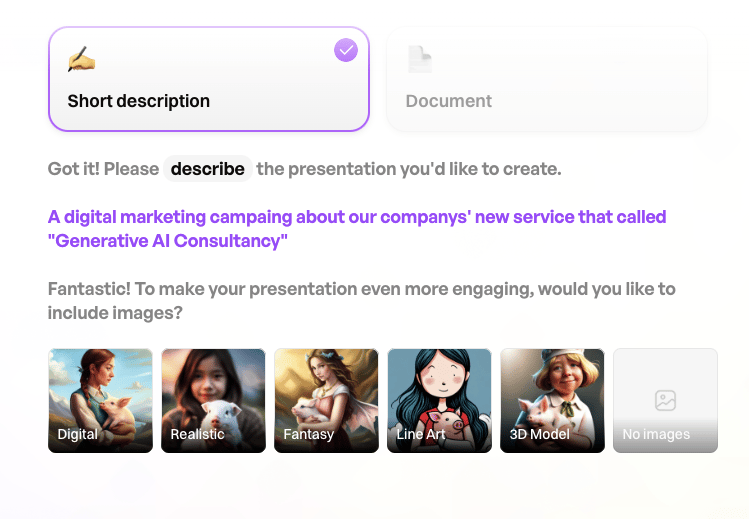
At this point, we choose whether to add an image, and our presentation is created in about 1 minute.
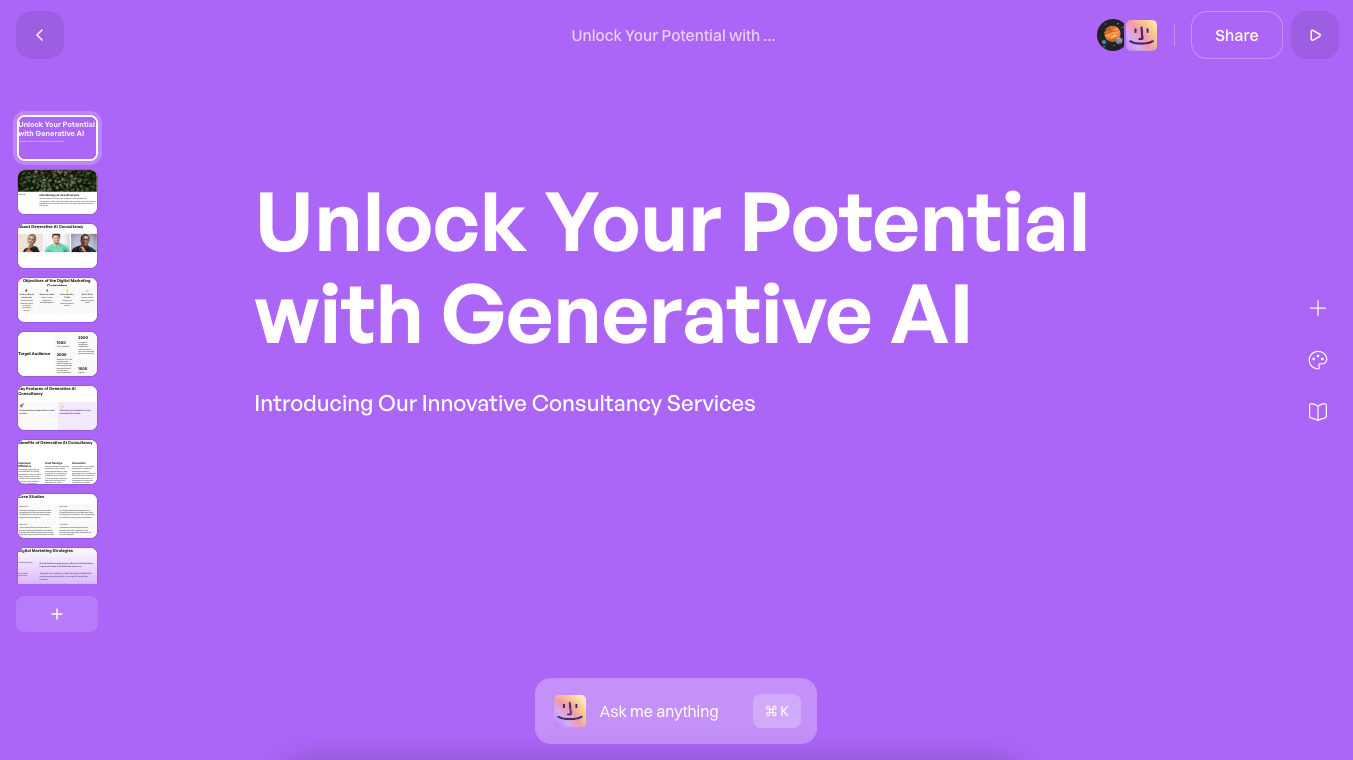
You can have the Prezo AI assistant make the changes you want, or customize the presentation yourself.
Pricing
Prezo.ai offers a free plan with limited features that lets you create presentations with AI-powered tools. For enhanced capabilities, such as unlimited usage, advanced features, or additional integrations, you'll need to upgrade. Pricing details aren't listed on the website, though, so you'll need to contact their team directly.
Gamma
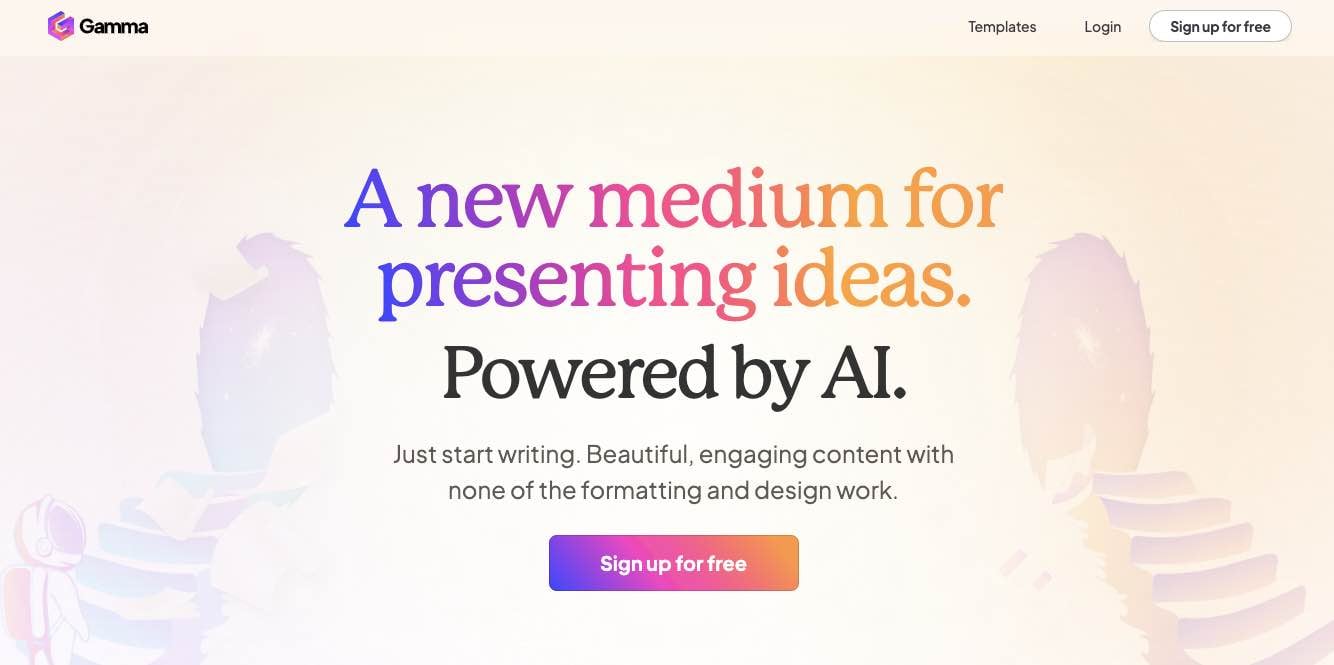
Gamma is a platform that builds AI-driven presentations. Its Natural Language Processing (NLP) features let you create and share presentations that respond intuitively to what you need.
Use of Gamma
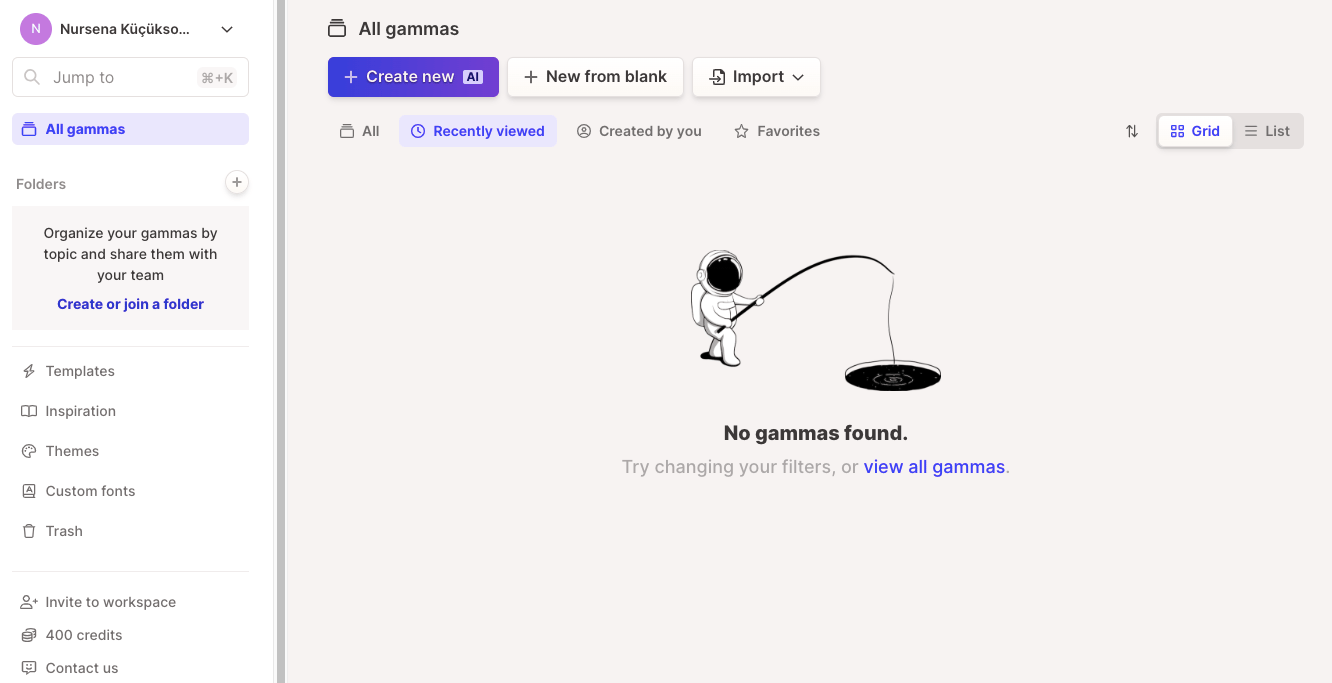
You can create an account for free and start preparing presentations.
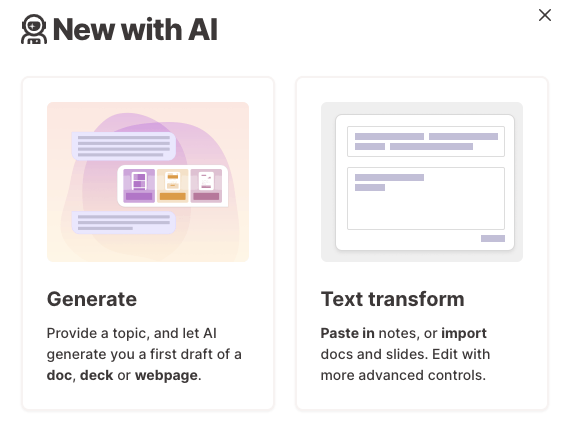
Our free account comes with 400 credits for Gamma's AI features. We start building the presentation from the "Generate" section.
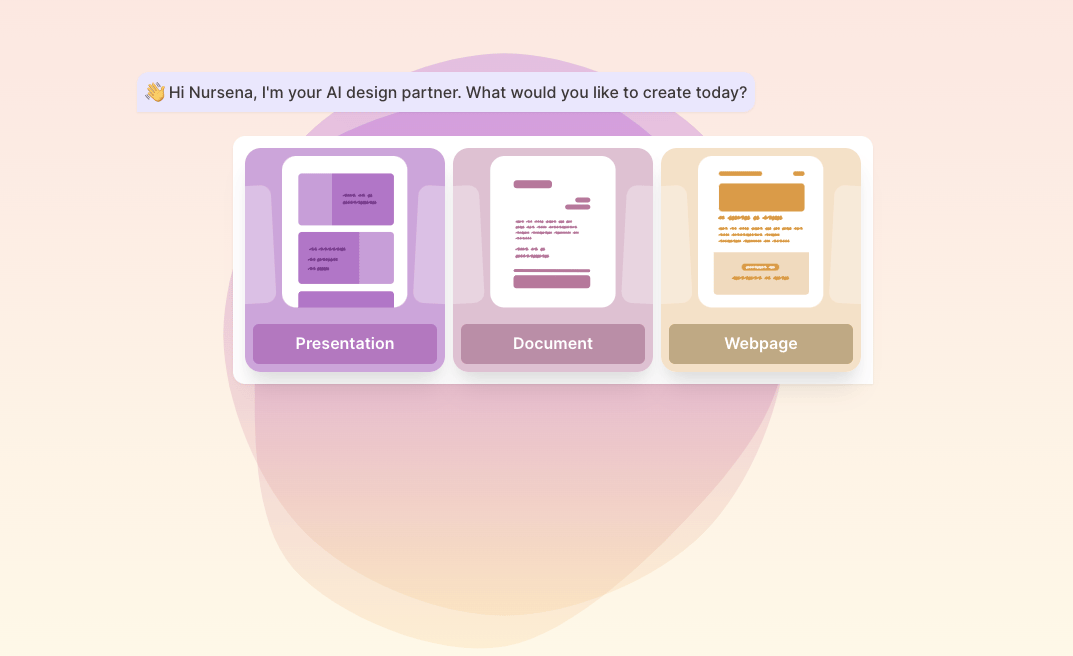
We'll use Gamma's presentation feature, which also lets us prepare documents and web pages.
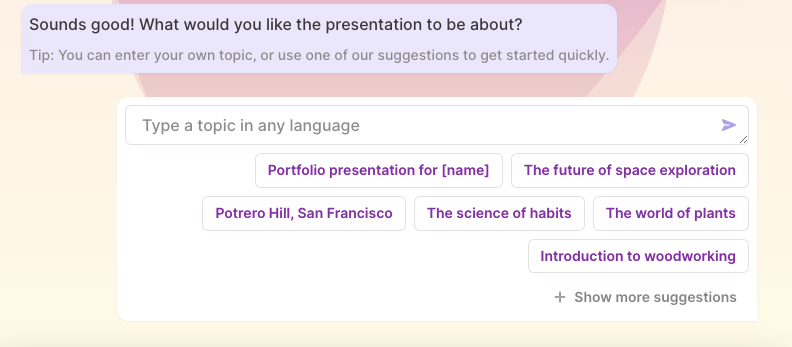
After selecting "Prensentation", we choose our topic from the suggestions or by entering one ourselves.
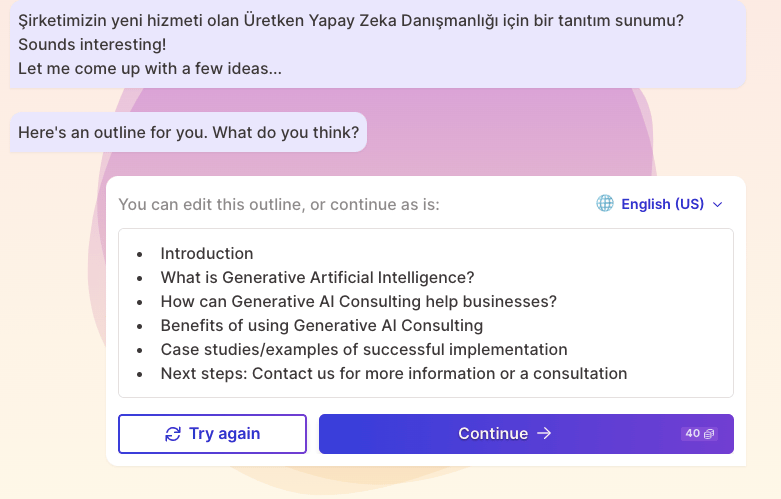
After you select a topic, it generates an outline, and you can edit that outline however you like.
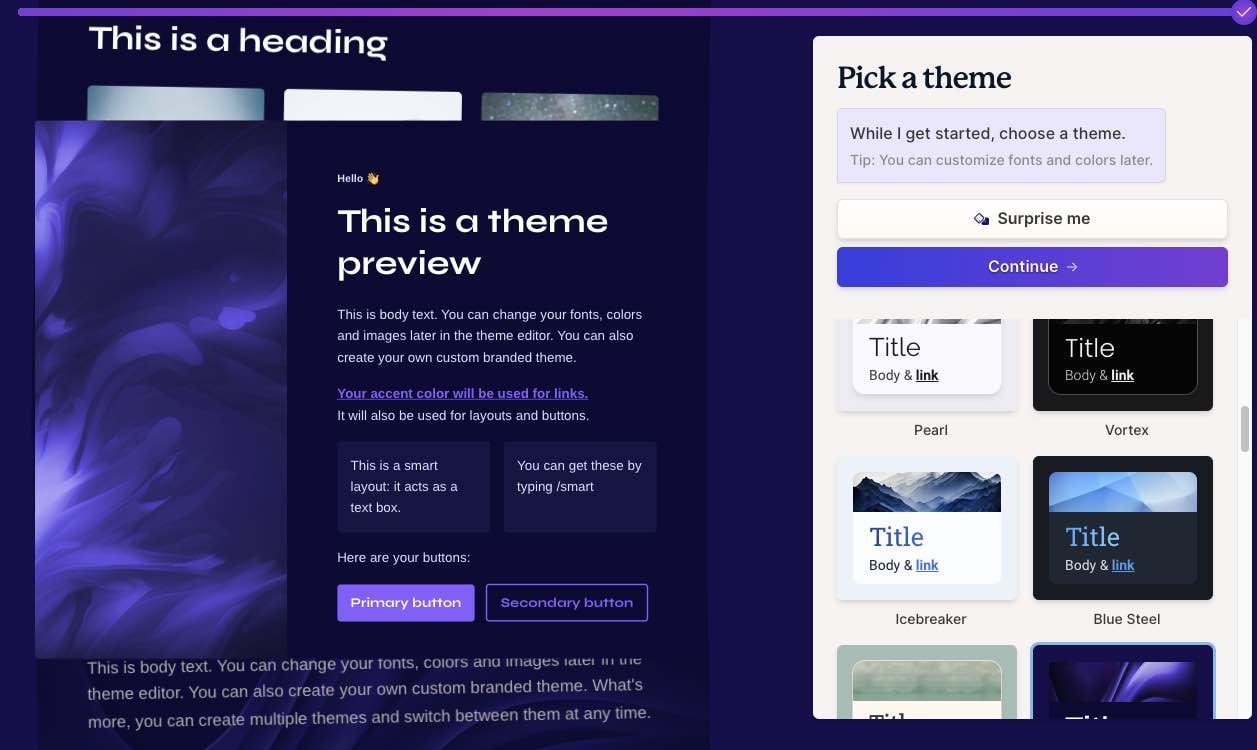
From here, we choose a theme that fits our presentation.
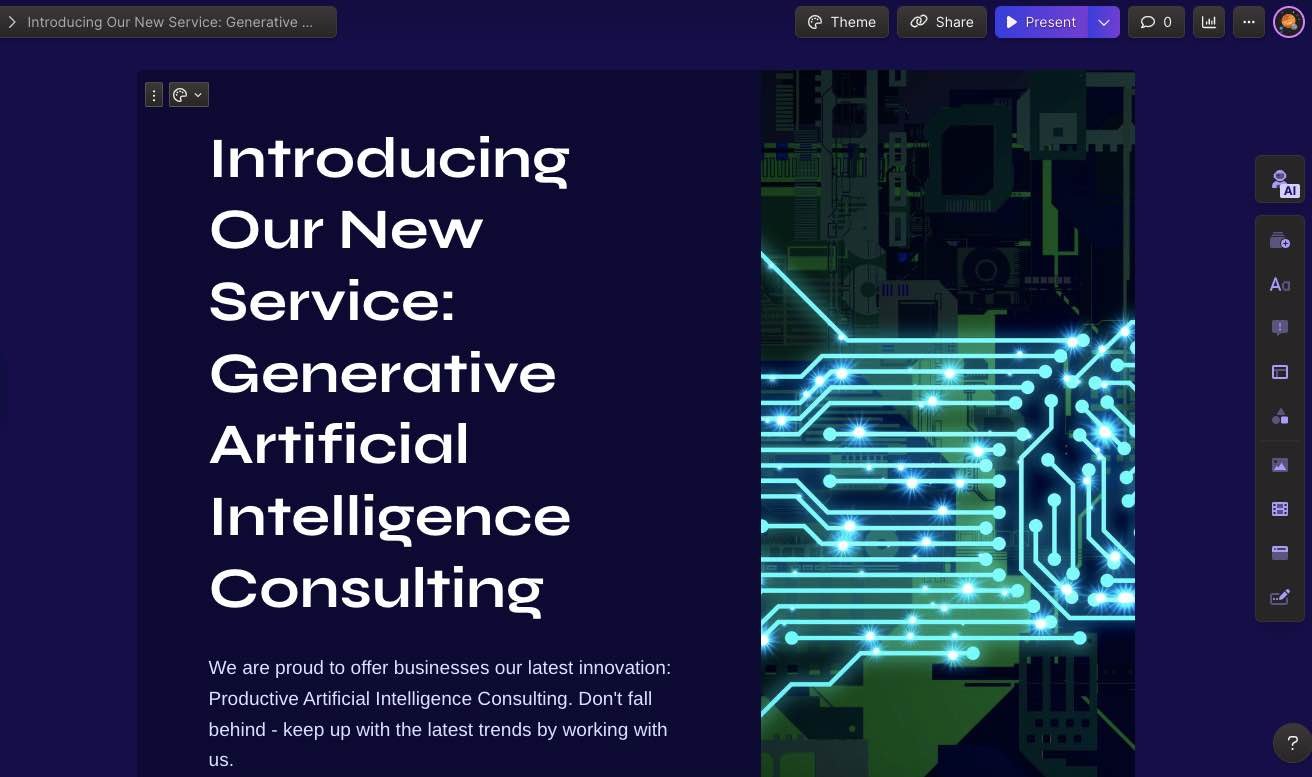
AI builds our presentation in about 1 minute using the selected theme. As with the other platforms here, you can customize it however you like.
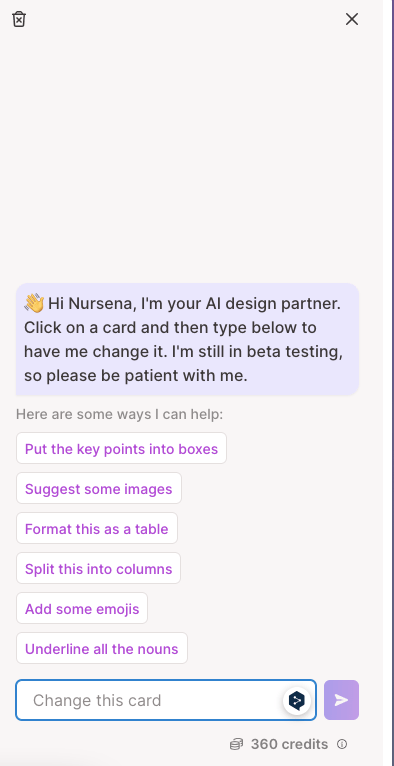
With the AI assistant, we can edit the parts of the presentation we want to change.
Pricing
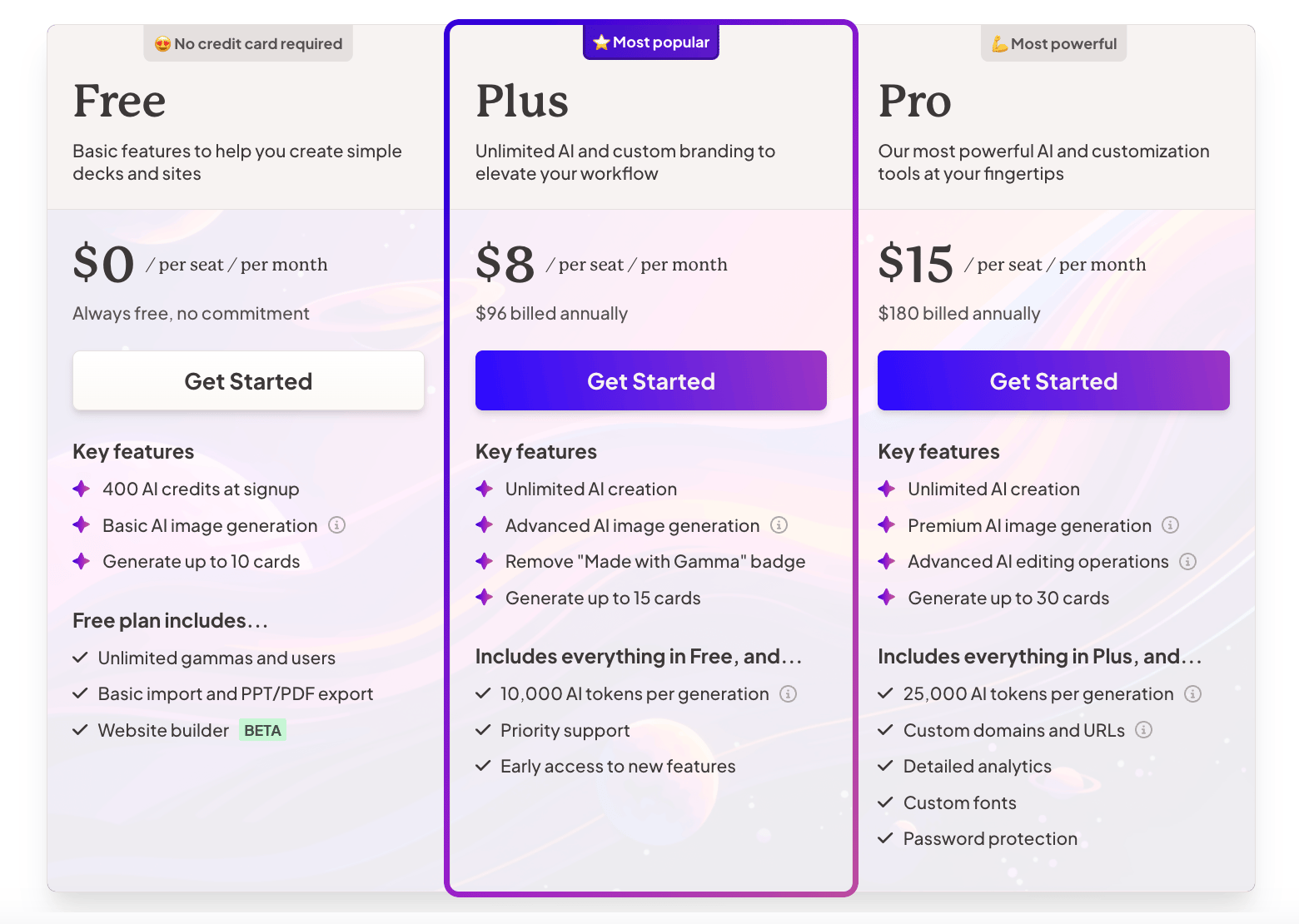
Gamma is free to use, though the free tier has limits, so you can upgrade to unlock additional features.
Gamma offers a variety of presentation templates for different industries and audiences, and it uses GIFs, videos, graphics, website links, and images to make your presentations more engaging. You can also track how your presentations perform with readers, and its simple, easy-to-use interface makes it straightforward to create something impressive.
Final Words
Artificial intelligence plays a role in many parts of our workflows today. In this article, I covered 5 AI-powered presentation tools, along with their usage, features, and pricing. Prezo.ai and Gamma were the platforms I found most efficient for interface, ease of use, and design. AI-powered presentation tools let you build effective presentations while cutting down on manual work and saving time. Don't forget to follow our blog for more on how AI technology keeps developing!
This content was created by Nursena Küçüksoy, Marketing Specialist at Zeo.


