


With Google's search operators, you can make your operations much faster and contribute to SEO efforts. In this article, I wanted to explain to you how search operators can be used.
What are Google Search Operators and What Do They Do?
Google search operators are commands used to get specific results and further refine results for searches on Google.
Search operators help you narrow down search results and can be useful for everything from content research to technical SEO audits. I recommend using them to get exactly the results you are looking for. They can also be used for other search engines other than Google.
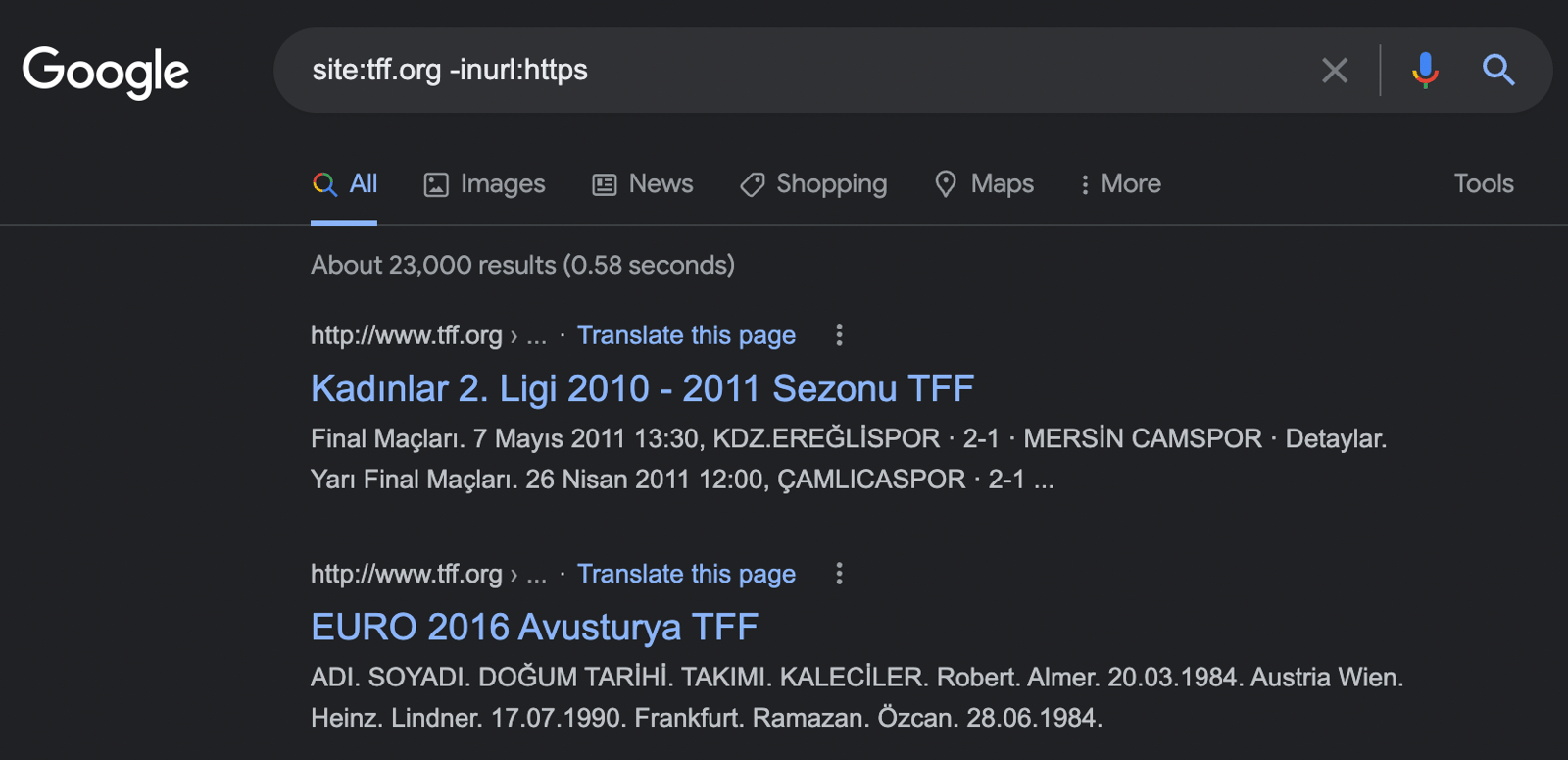
You can detect your pages indexed in Google and not specified as secure with HTTPS as below and analyze them without the need for an additional SEO crawler tool.
Why Use Google Advanced Search Operators?
Hundreds of thousands of different words are searched on Google every day, and it can get harder and harder to get the results we want. You can use search operators to avoid getting lost among these results and find the content we are looking for.
How to Use Google Search Operators?
You can use search operators in the Google search box as if you were searching for normal words:

When you refine searches with operators, it is important to be careful about spacing between operators. So site:zeo.org and site: zeo.org will not provide the same results.
Google Search Operators List
Here is a list of operators that I consider important and that you can use in SEO:
- "the word you searched for": Used for exact match results.
- -: Allows you to exclude terms you specify.
- OR: Used with two terms or to get results.
- *: Acts as a wildcard and matches words or groups of words.
- AND: Shows queries with two different terms, such as (SEO AND ADS).
- cache: Shows the cache status of indexed pages.
- filetype: Shows results for specific file types (PDF, TXT)
- Site: Allows results to be limited to specific websites.
- related: Shows similar or related sites.
- intitle: Used to list the words you want in the title of the page.
- intext: Used to find web pages that contain certain words.
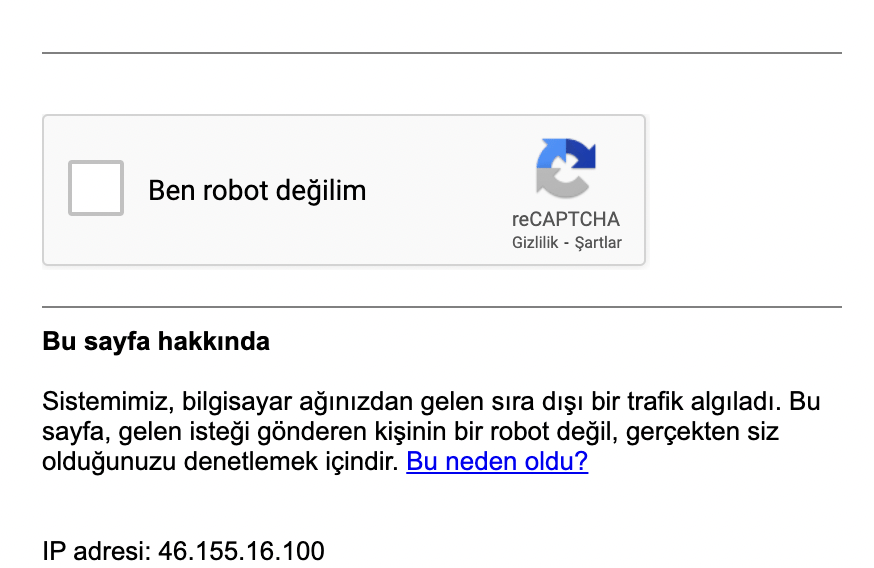
When used with operators, Google may sometimes question whether you are a bot:
Below you will find examples of the use of search operators:
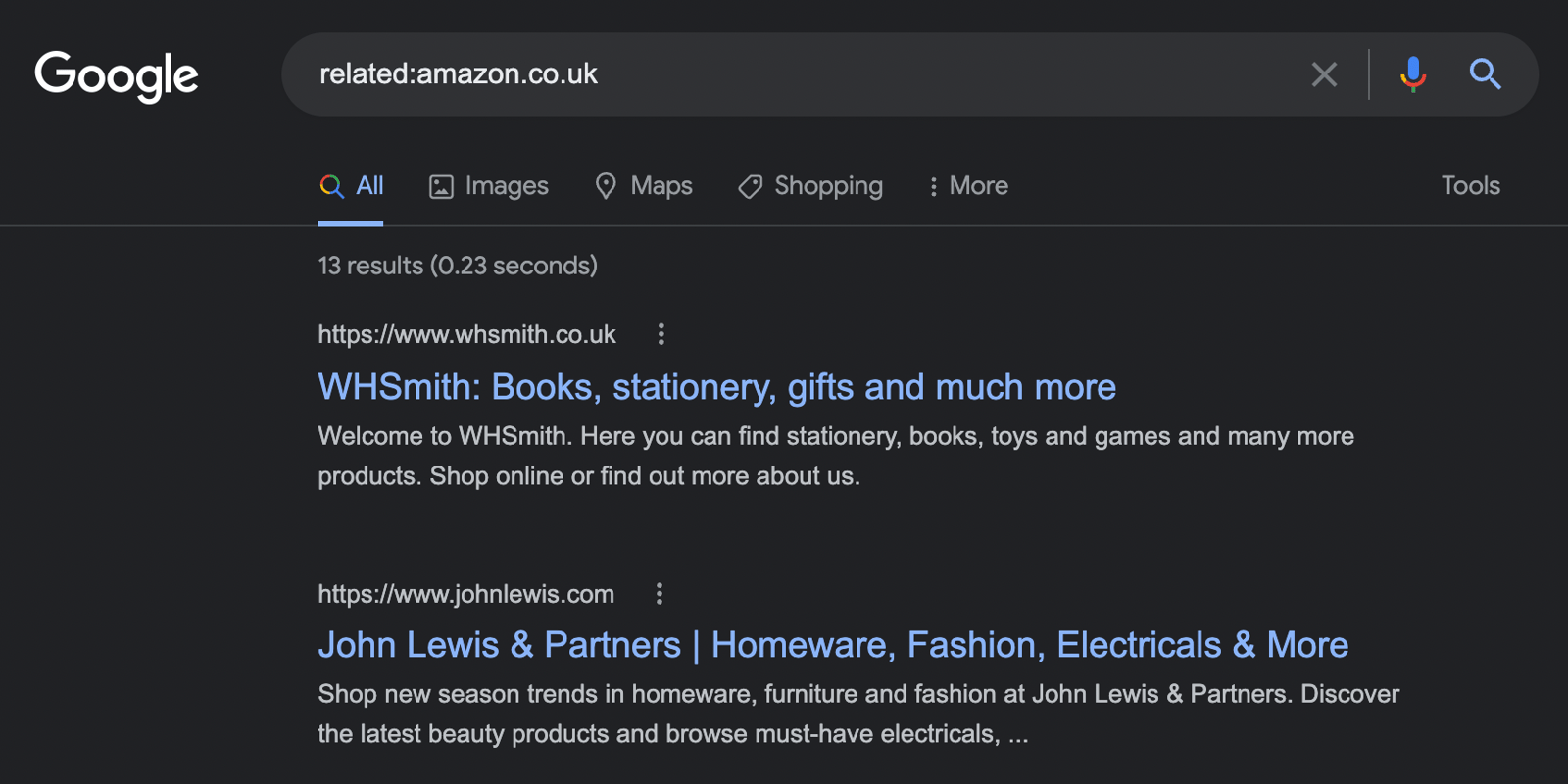
Finding Related Sites
related:sitename.com
This is how you can identify sites that Google sees as similar to your competitors or your site.
Creating an Internal Link Strategy
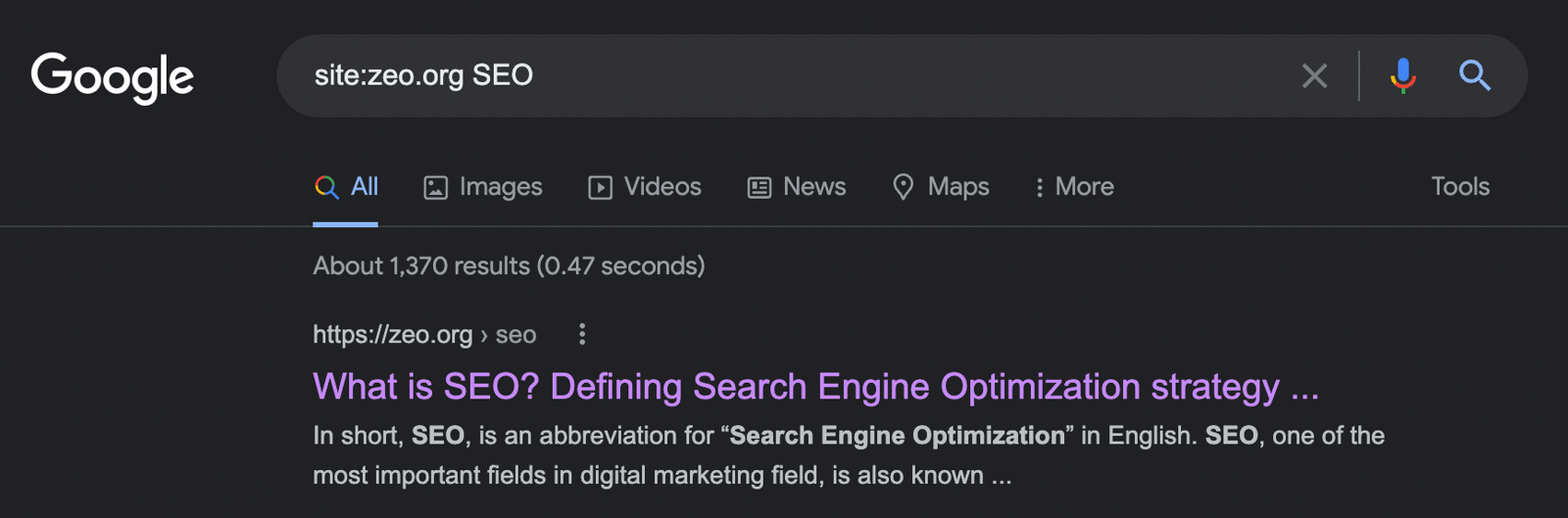
site.zeo.org SEO
You can use this search operator to do internal linking on your site, to identify your pages that contain the word "x" and link from these pages to the page you want. Google will show you relevant pages that you can link to internally.
Making the Searches You Want on a Specific Site
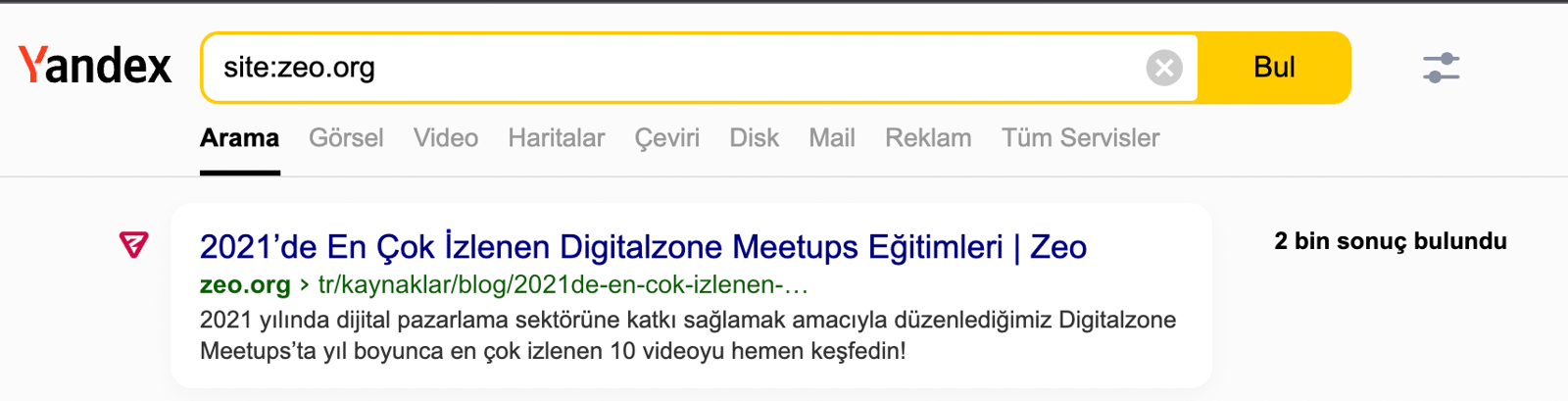
site:zeo.org
The site search operator is perhaps one of the most used operators in SEO studies. By refining this search operator, you can analyze not only your site but also competitor sites. For example, you can determine how many blog pages of Zeo are indexed as follows:

If this shows 67 results and you have more pages that are not indexed, you can take action to identify the issues causing this. The numbers quoted here are only rough estimates, not exact figures. So keep in mind that the most accurate information can be found in the index coverage reports in Google Search Console.
You can also run analytics with the site operator to detect duplicate content on your site.
Detecting Exact Matching Words
"sports news"
If you want to see the exact words you are looking for in the SERP as in the example below, you can get help from this operator:
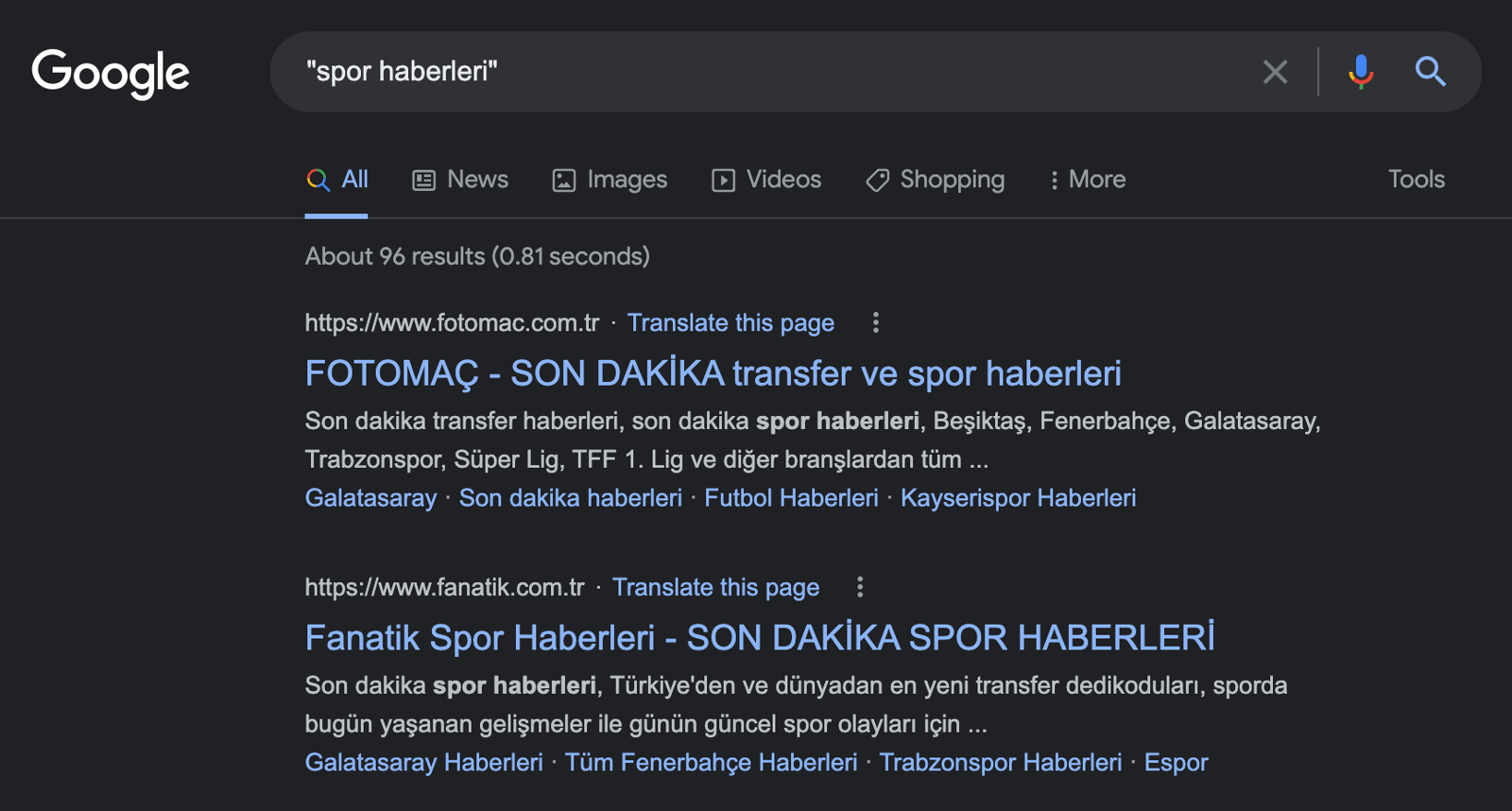
Although it is difficult in Turkey, you can use this operator if you are working for overseas sites, especially for guest posting. Example searches:
- "guest posting"
- "write for us"
- "contribute"
Exclusion of Certain Keywords and URLs
-search term
You can take help from this operator to exclude the search terms you want. There are many examples of its use. For example, on Zeo's site, you can see the results without a blog in the URL as follows:

Cache Check
cache:zeo.org
With this search operator, you can see the latest cached version of the web page available on Google. If a site is down but you still want to read about it, you can also use this operator.

Searching for Specific Keywords in a URL
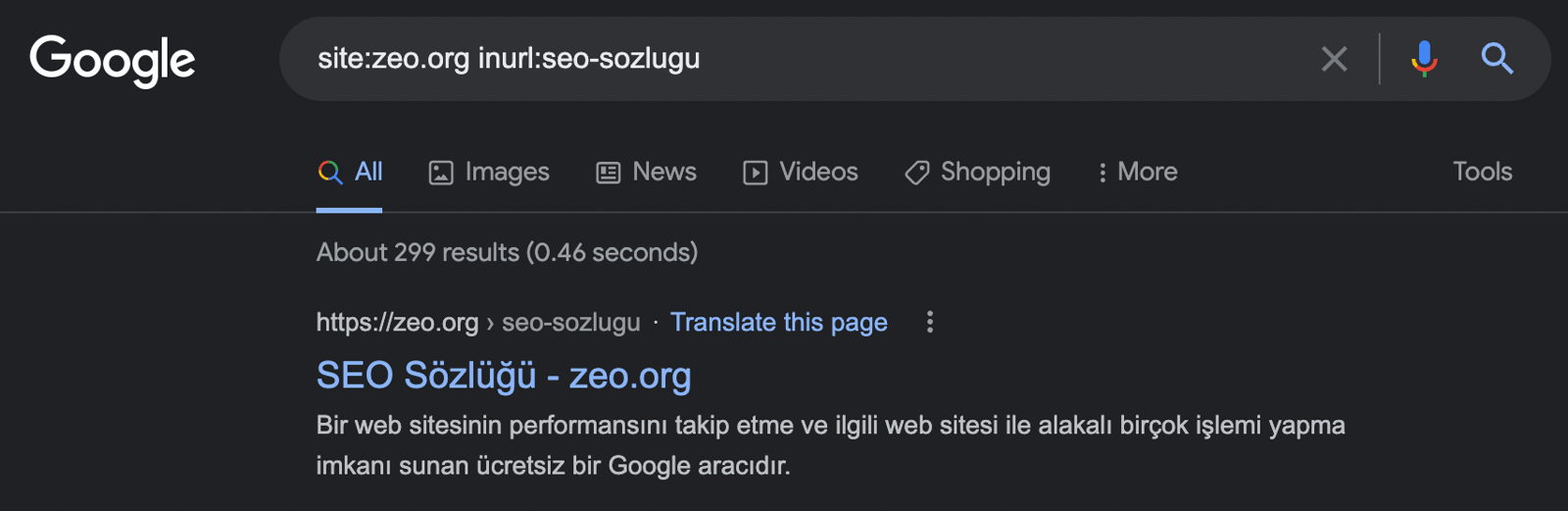
site:zeo.org inurl:resources
The inurl search operator allows you to check if the URL contains the words you want.
Searching Page Title Tags
intitle:andorra
intitle: The Google operator shows results for the keyword specified in the page title.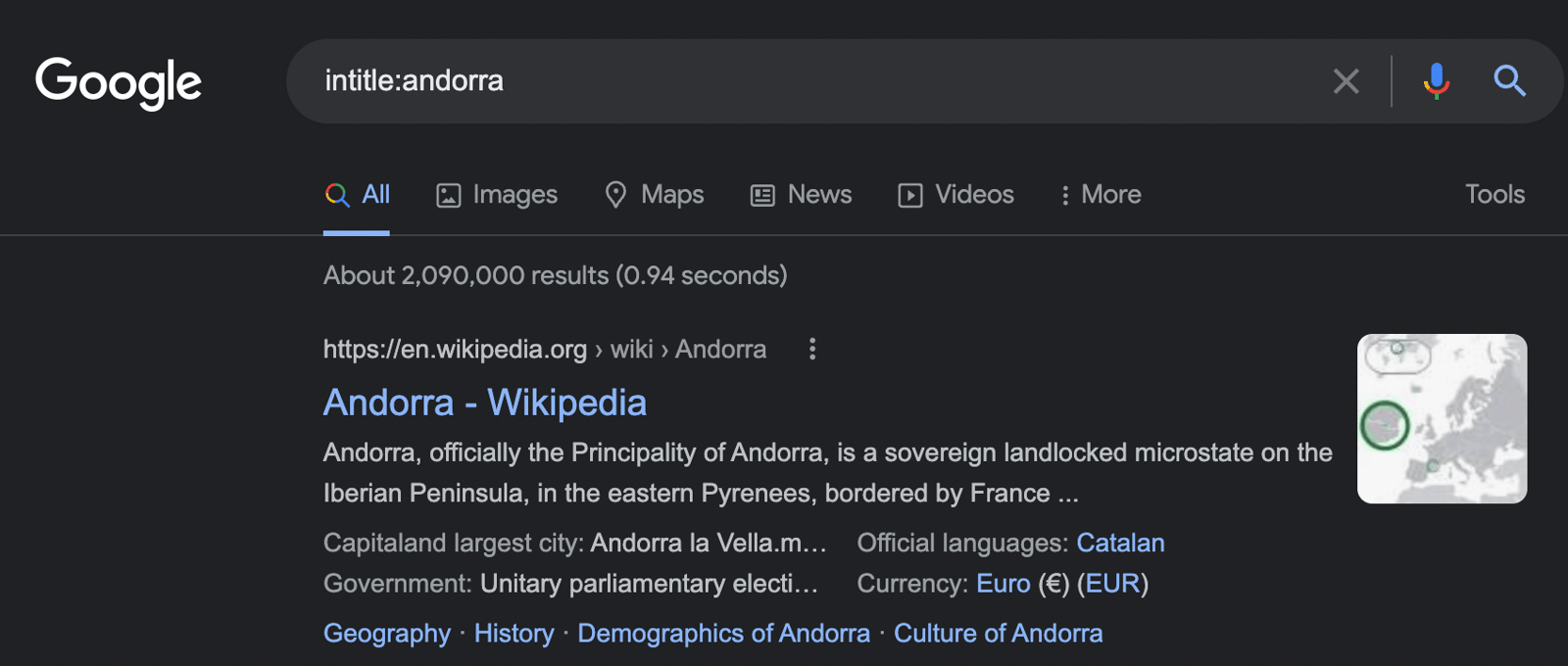
You can combine this operator with multiple operators. For example, you can search for "Austria" and find pages with "visa" in the page title, i.e. in the <title> element, as follows:

Finding Anchor Text
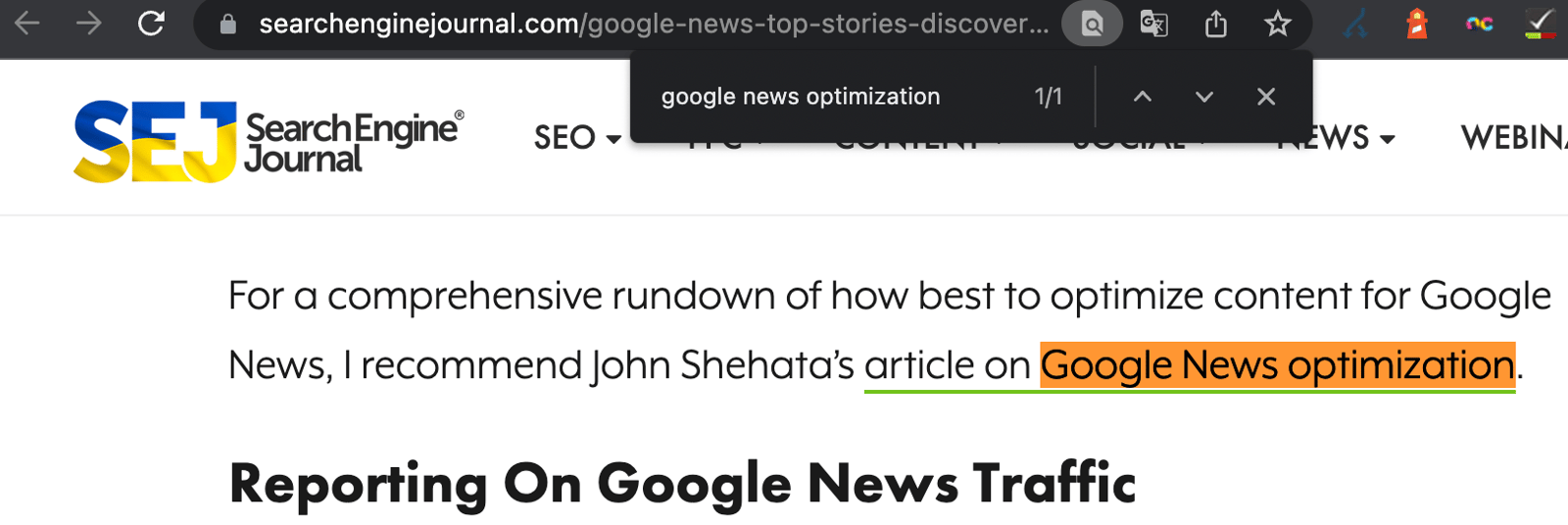
inanchor:google news optimization
One of my favorite search operators is inanchor, which allows you to find anchor text on pages. You can also use this search operator especially when you are doing link-building or off-page SEO:

You can see the anchor text you want directly on the page:
Gap Filling
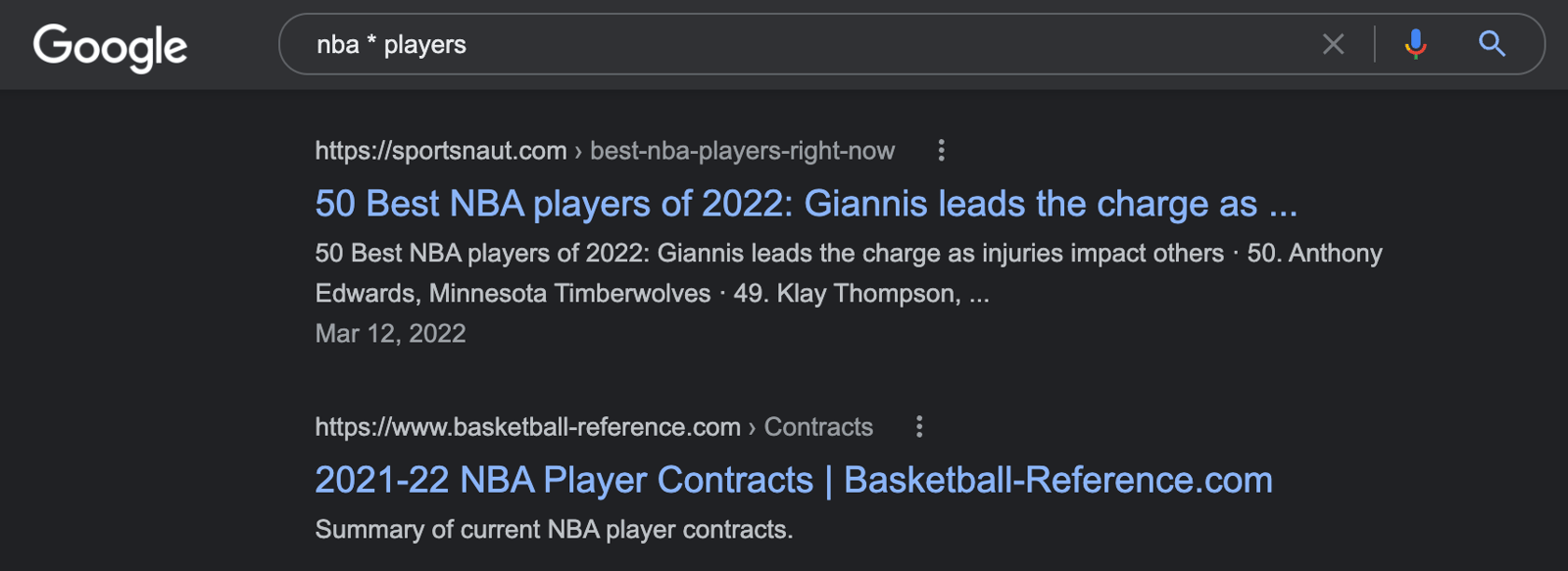
search term1 * search term2
If you want to get more words you can use the asterisk "*" wildcard operator. With the wildcard, you will get all variations of a word.
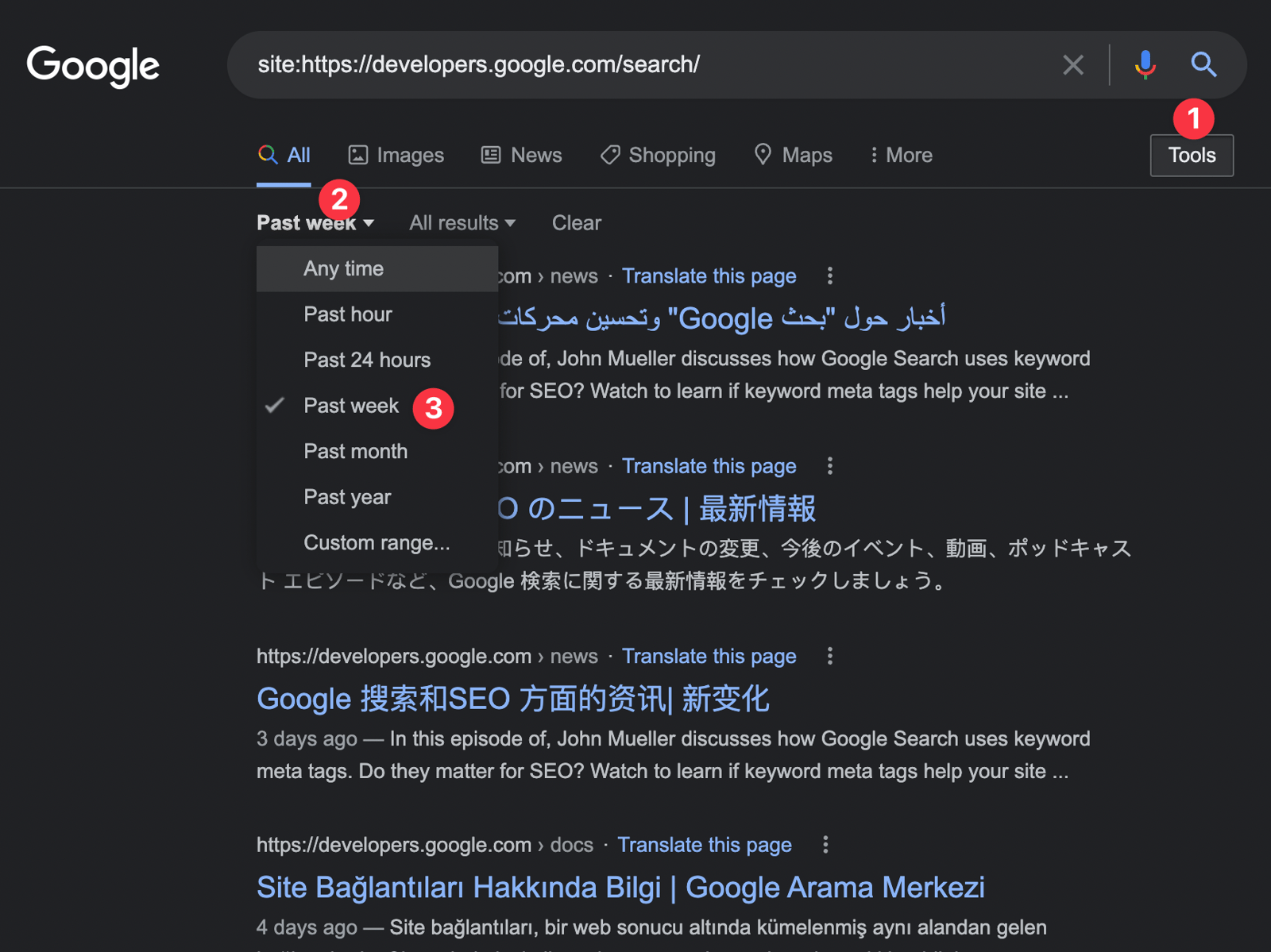
You can also see what content your competitors have written or updated recently. By adding multiple operators to the "site" search operator, you can get the pages you want:
In summary, by using search operators together, you can both analyze competitors and identify problems on your site. I recommend you to use Google's advanced search operators and wish you days with lots of organic traffic!
Useful Resources:


