


A security issue or a violation of Google's guidelines can cause your site to lose rankings. Once you have fixed the problem, you may need to submit a reconsideration request to tell Google what you changed.
You can request a review from Google in two situations:
- Google has taken manual action against your site for violating its guidelines.
- Google has detected security issues on your website.
A manual action may lower your site's rankings or remove it from search results altogether. If your site has a security issue, affected pages may appear with a warning label in search results. Google may also warn users when they try to visit the site.
What is a Request for Reconsideration?
A reconsideration request is a form you use to tell Google how you fixed specific issues on your site.
After fixing the issues, click the "Request Review" button shown below to request reconsideration:
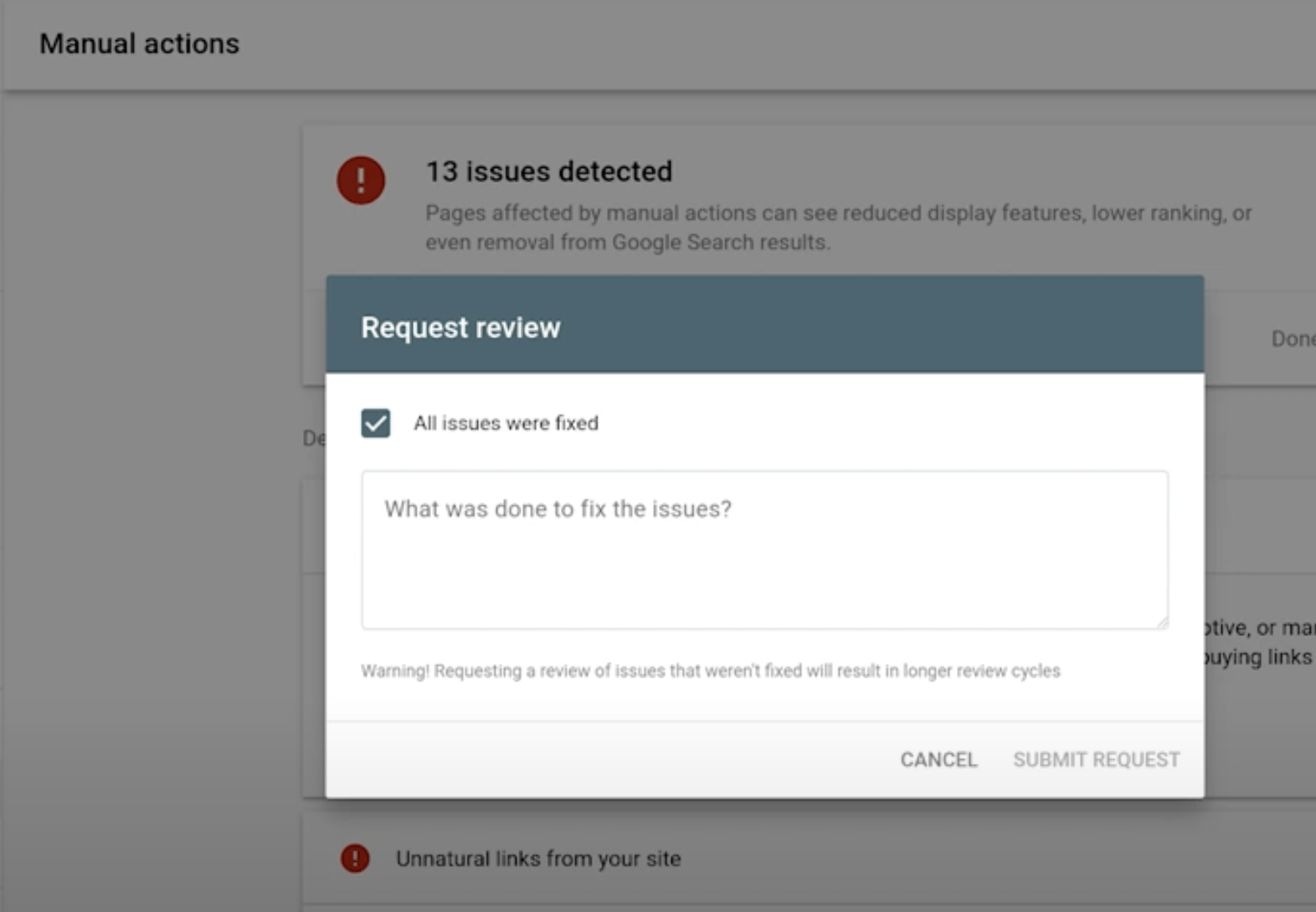
The image below shows a blank reconsideration request form for a site affected by a manual action. I will explain what to write in this field later in the article. In short, use this section to summarize how you corrected the violation.
Can I Submit a Reconsideration Request If My Site Was Not Processed Manually?
No. You cannot submit a reconsideration request unless your site has received a manual action or a notification appears in the Security Issues section.
You may discover a manual action after buying a site that does not rank, such as an expired domain that Google previously penalized for spam. This can come as a surprise if you could not verify the domain in Search Console before purchasing it. In that situation, you can submit a report after gaining access.
Is It Useful to Fix Half of the Problems Causing Manual Processing on My Site?
I do not think a partial fix will help because Google expects you to eliminate the problem.
Request for Reconsideration
Before requesting reconsideration from Google, confirm whether you are dealing with a manual action or a security issue.
Manual Actions
If your site has received a manual action, first examine its cause and type. You need to understand what Google has identified as spam.
 - First, open Manual Actions in Search Console for more information.
- Check which pages are affected.
- Review the type and brief description of the spam issue. Follow the "Learn more" links for detailed information and instructions on fixing it.
- Fix the issue on every affected page. For example, you may remove a page and return a 404 status code. If your site has multiple manual actions, address all of them.
- Make sure Google can access the pages. Do not block them with robots.txt, and test access with the URL Inspection Tool.
- Explain what you did wrong. Acknowledge the mistakes and describe them in detail.
- Once every affected page is fixed, submit your reconsideration request with the relevant details.
- Explain the quality issue on your site fully.
- Document the results of your actions honestly.
Issues that lead to manual action can include low value-added content or backlinks acquired through unnatural methods.
Security issues
If your site has security issues, follow these steps before submitting a review request:

- Read and understand the problem description in the Security Issues report.
- Use the sample affected pages in the details section to investigate and fix the issue. The list may not include every affected page, but it can help you understand which parts of your site are involved.
- Fix the issue across the entire site, accounting for each factor that caused it.
- Test your fixes and confirm them with different tools.
- Leave out information that is not relevant to the review.
- After fixing the security issue, document every change in your reconsideration request, such as changing the FTP password or removing all infected pages, and submit the form.
Note: In some cases, the sample URLs may no longer exist. You can still submit a reconsideration request to explain and correct the situation.
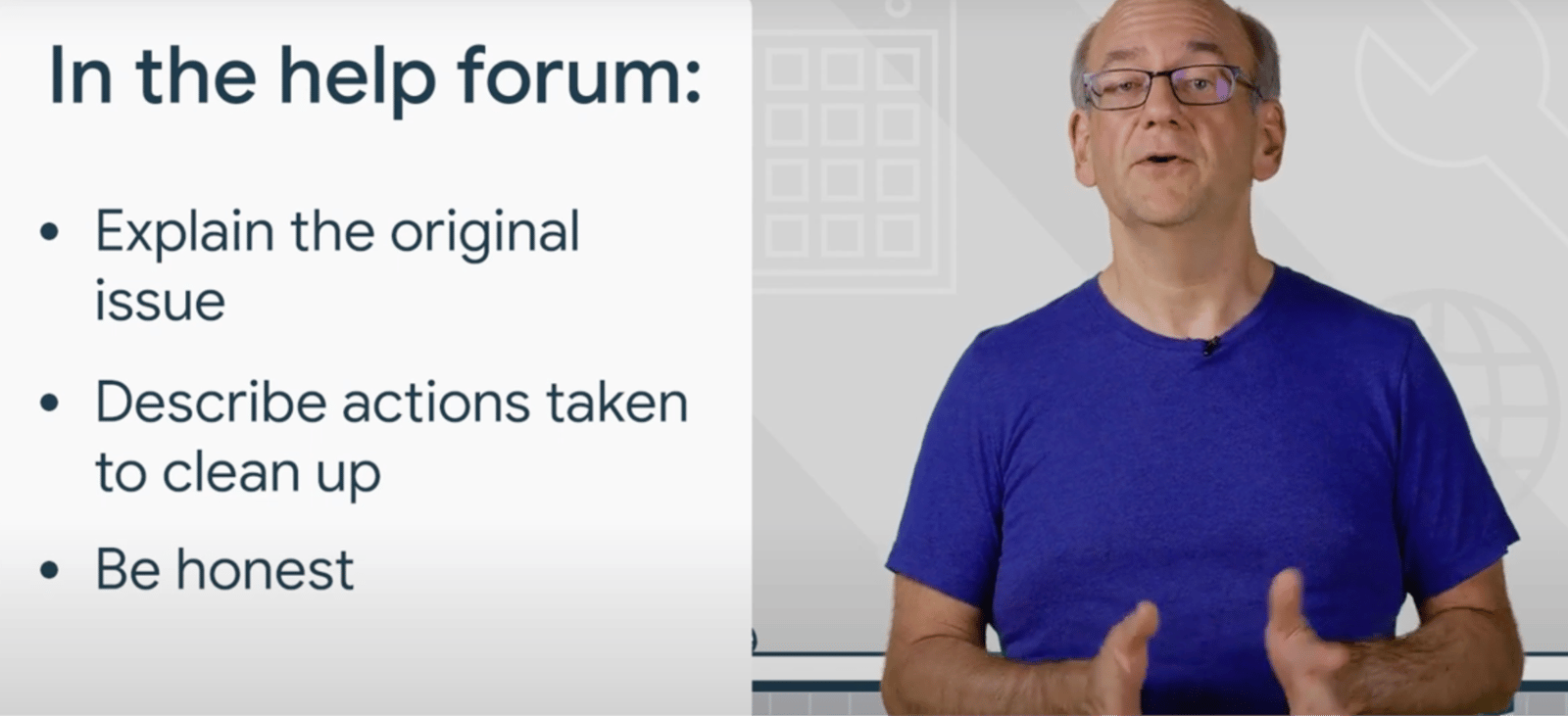
Always be honest. As J. Mueller says in this video "I would suggest not trying to hide anything about your site. Everyone makes mistakes at some point, and that's okay."
What Happens When a Request for Reconsideration is Successful?
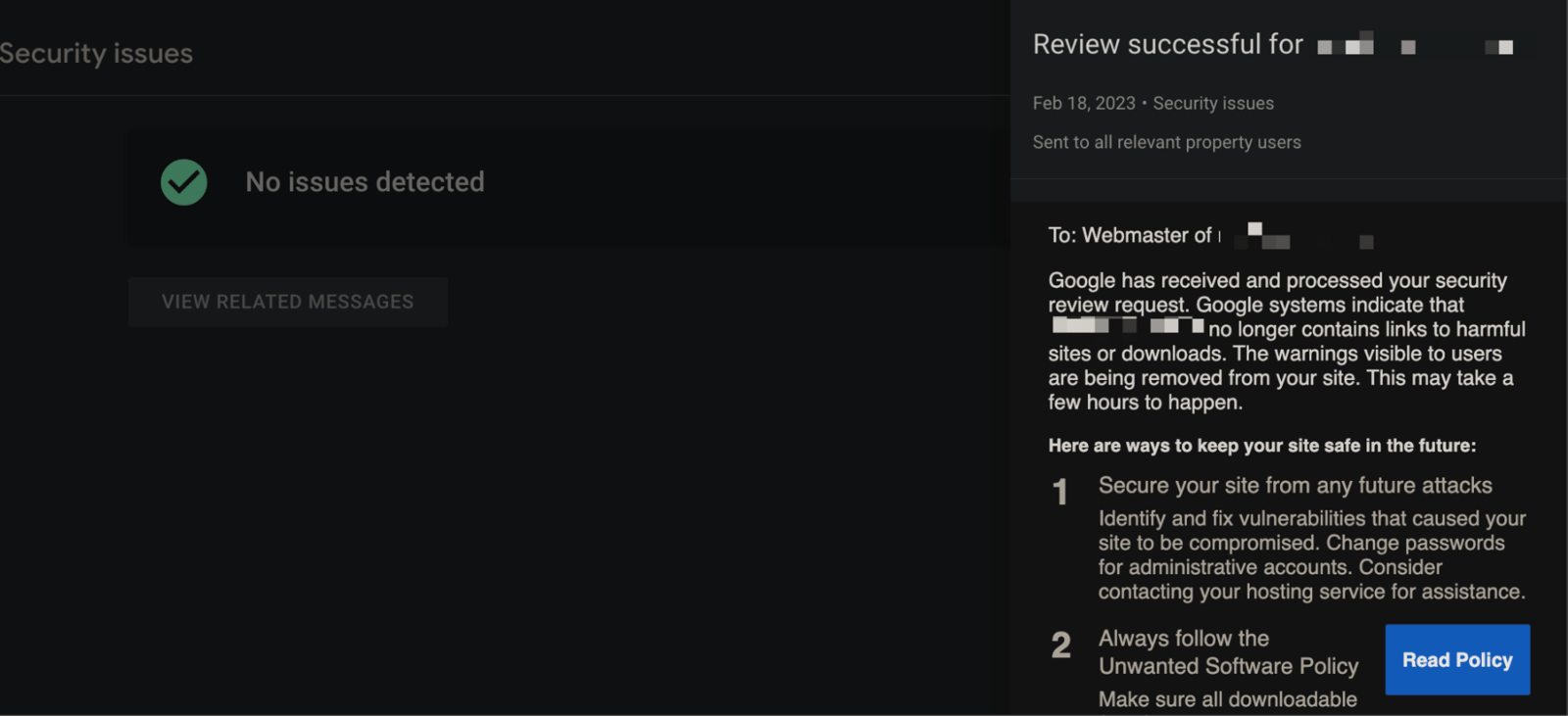
Your pages can begin ranking again, and your site will be more secure. However, if the penalty involved unnatural links, your rankings may not return to their previous level because those links have been removed. Similarly, deleting spammy pages means you will no longer receive traffic from them. When Google completes the review successfully, you will receive an email and can see the result in Search Console:
In some older studies I encountered, Google also sent webmasters specific notes when it found remaining problems. I do not know whether Google still does this, but those examples suggested that it was also trying to help site owners complete the process.
My Reconsideration Request was Rejected Can I Submit a Request Again?
Yes. However, explain and correct as much as possible in your first request so you do not need to submit another one.
How Long Does a Request for Reconsideration Take?
A reconsideration request may take days, weeks, or even longer because Google staff review these requests manually. In most cases, you should expect a response within 2 to 3 weeks. Sometimes it can take up to 6 weeks.
To close, these reviews do not appear to be as common as they once were. Google seems to resolve more spam violations algorithmically. If your site encounters this situation, I hope this article helps you through the process.


