


If you've ever applied structured data to your site, you've probably encountered schema errors in Google Search Console. In this article, I've brought together the most common schema errors and solutions I've come across. You can contribute to your SEO visibility by fixing errors and warnings.
When integrated correctly and according to guidelines, structured data can be one of the most powerful tools you have for SERP visibility. It can increase the site's organic traffic and click-through rates. But adding schema to pages brings its own pitfalls from time to time, and many websites end up with very different errors. We often see common schema problems, especially on e-commerce sites.
Your rule of thumb should always be to read Google's documentation and structured data guidelines in detail. Sometimes schema code that's technically fine can still violate the guidelines based on its content, and you may receive manual action notifications for it.
Errors and Warnings
In the Google Search Console, structured data issues are marked in red or yellow. It is important to ensure that items in red are resolved as a priority. Otherwise, schema codes will not be parsed correctly by search engines and therefore will not be suitable for rich results.
- Errors: There is a serious problem that needs to be fixed that may cause rich results not to be shown.
- Warnings: A recommended feature has yet to be used and indicates a non-significant problem.
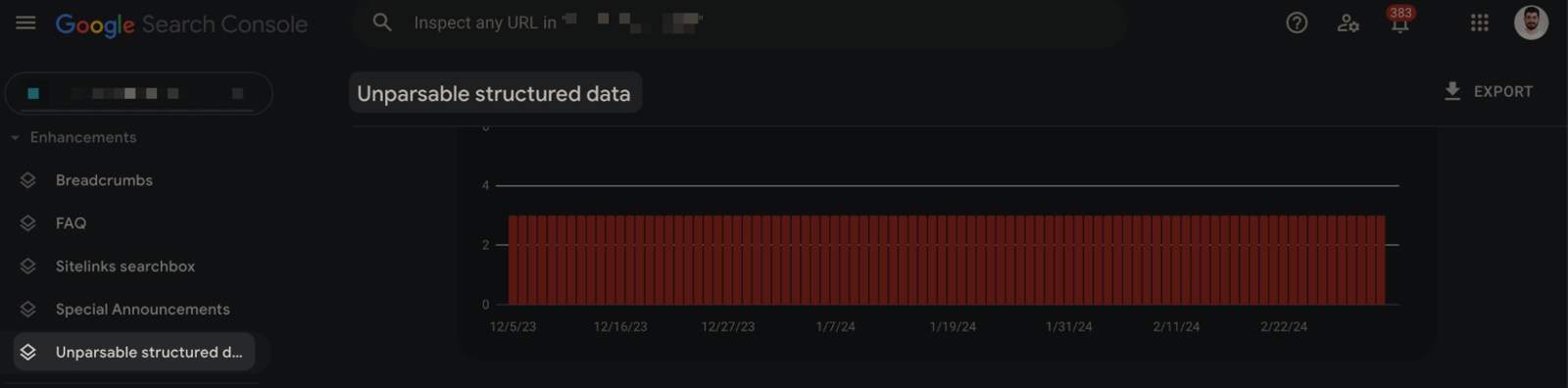
One of the common reports in the Search Console is the "Unparsable structured data" report. This report indicates that there is a problem preventing Google from interpreting your data correctly.
Here are some of the most common schema errors and solutions:
Parsing error: Missing ',' or '}'
This particular error indicates a problem with parsing certain characters in your structured data. The vast majority of sites that receive a parsing error will have this error. Commas or square brackets are important parts of JSON-LD. Missing or misapplying one of them can invalidate your entire markup.
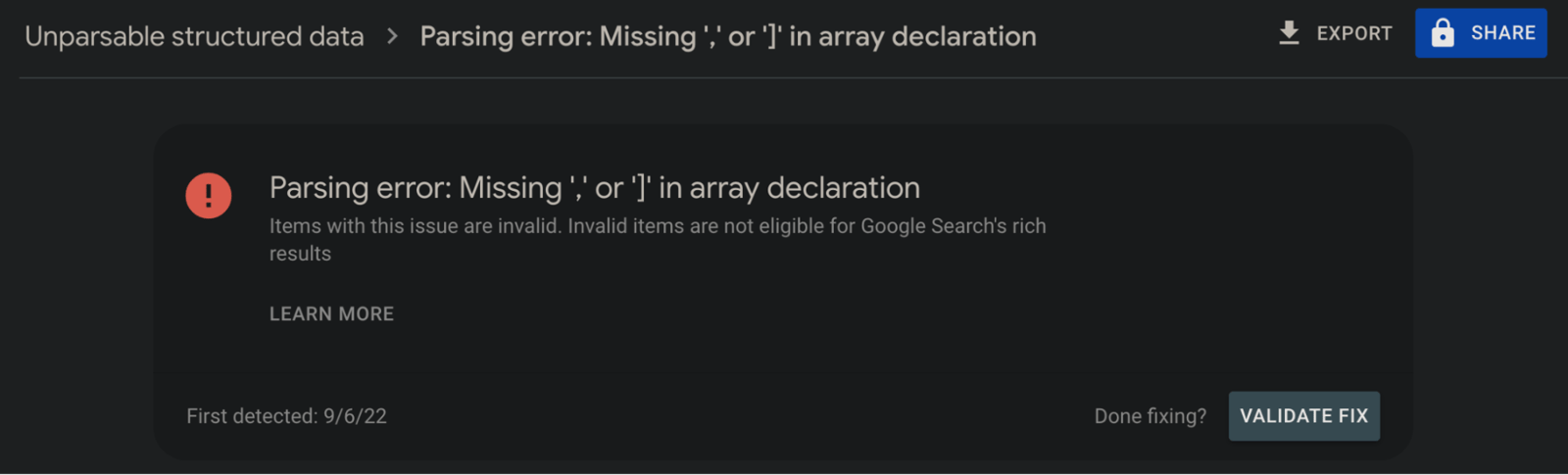
How to solve the parsing error?
As I mentioned, you need to check for commas or parentheses to resolve this error. Below you can see how you can get rid of the error by simply deleting a comma:
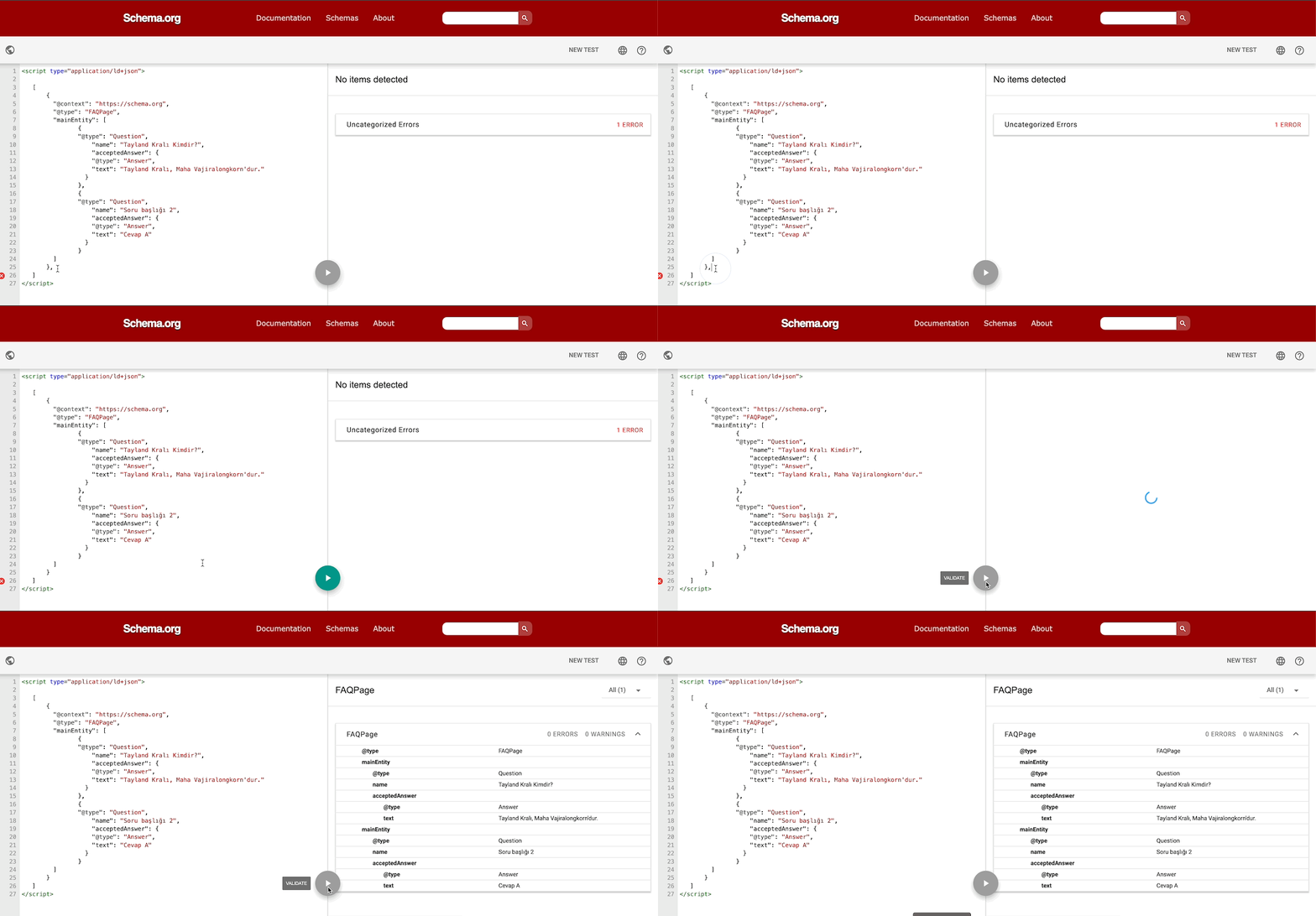
You can also solve the similar error "Missing ',' or ']' in array declaration" as follows. Here again, pay attention to the parentheses and delete the redundant ones:
![Missing ',' or ']' in array declaration](https://assets.zeo.org/uploads/cms-media/O9ma4lHiRxa5ulDMabk8-Q/jsonld-schema2.gif)
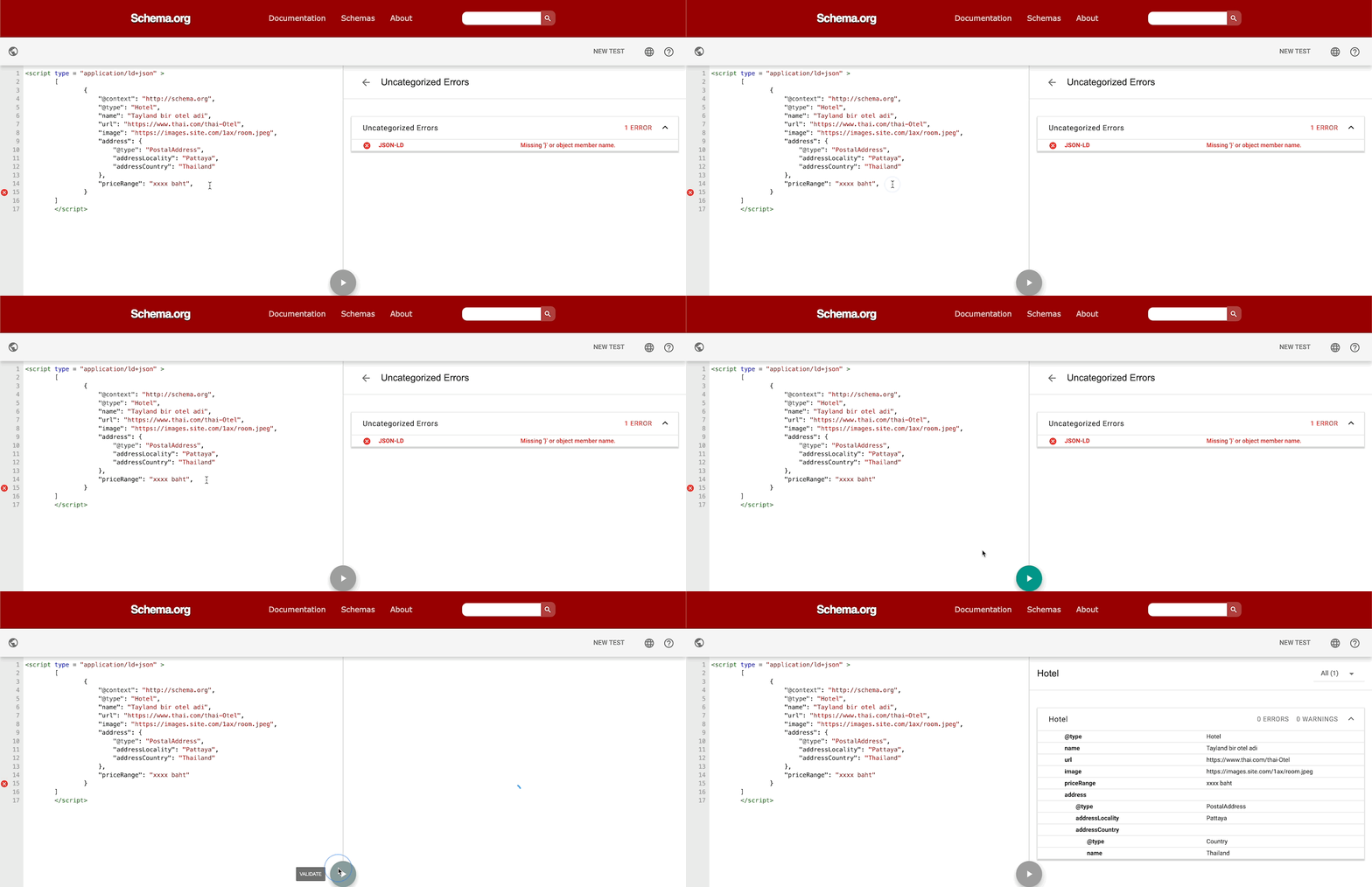
Parsing error: ")" or object member name is missing & (Parsing error: Missing '}' or object member name) error:
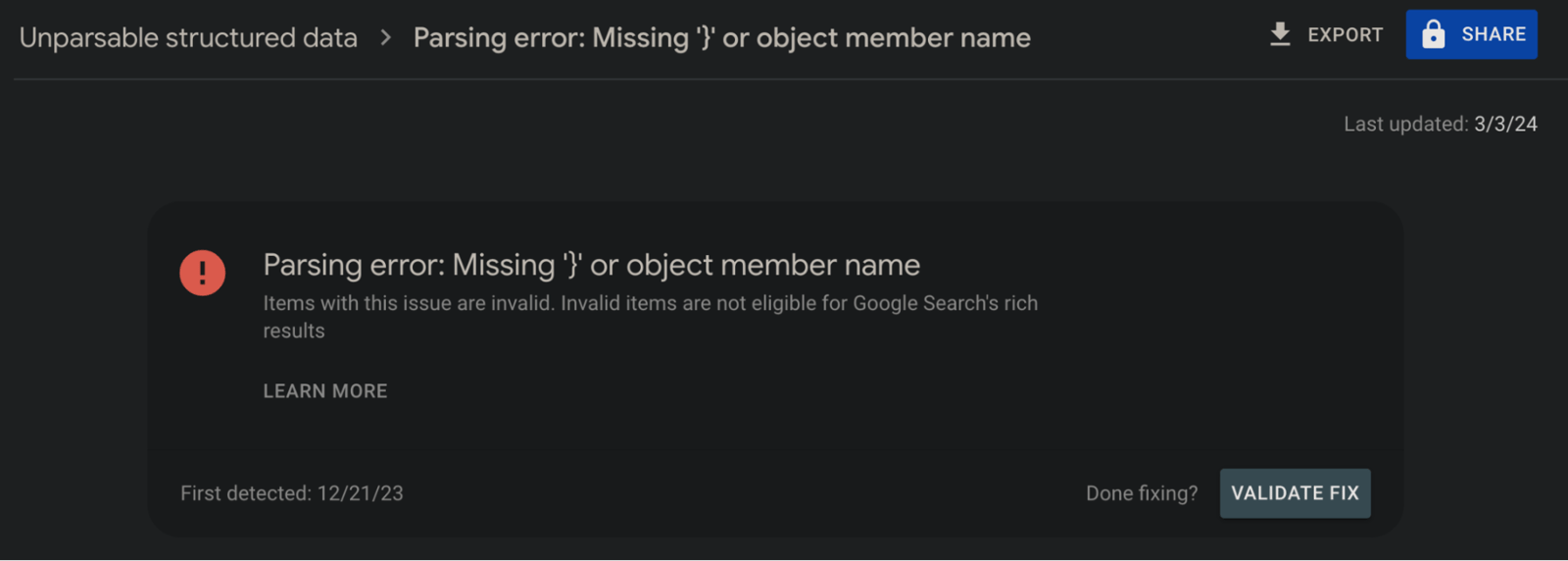
Go to the line with the error and delete the incorrectly added comma or parenthesis:
Bad escape sequence in string
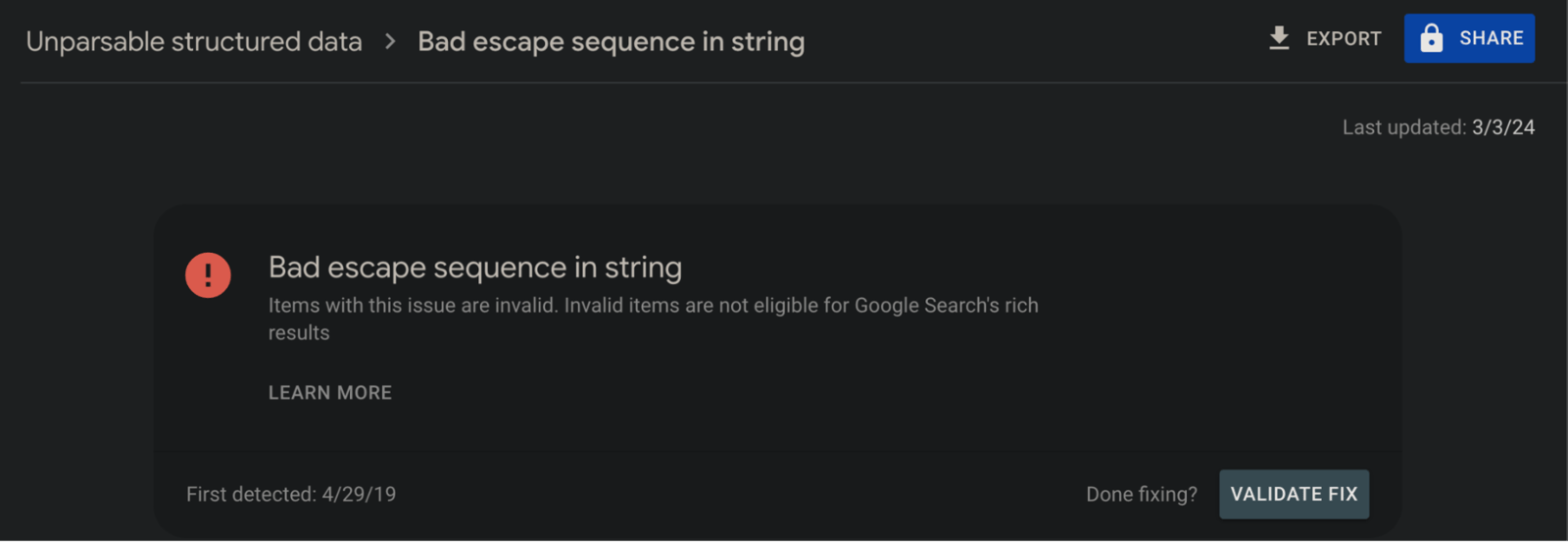
You may get this error because of an unwanted character in the schema. In the following example, you can see that this error is triggered by the "\" character:
"title":"SEO Manager - Samet\Özsüleyman",
You may also get an error similar to the error type "String has an empty out-of-code sequence".
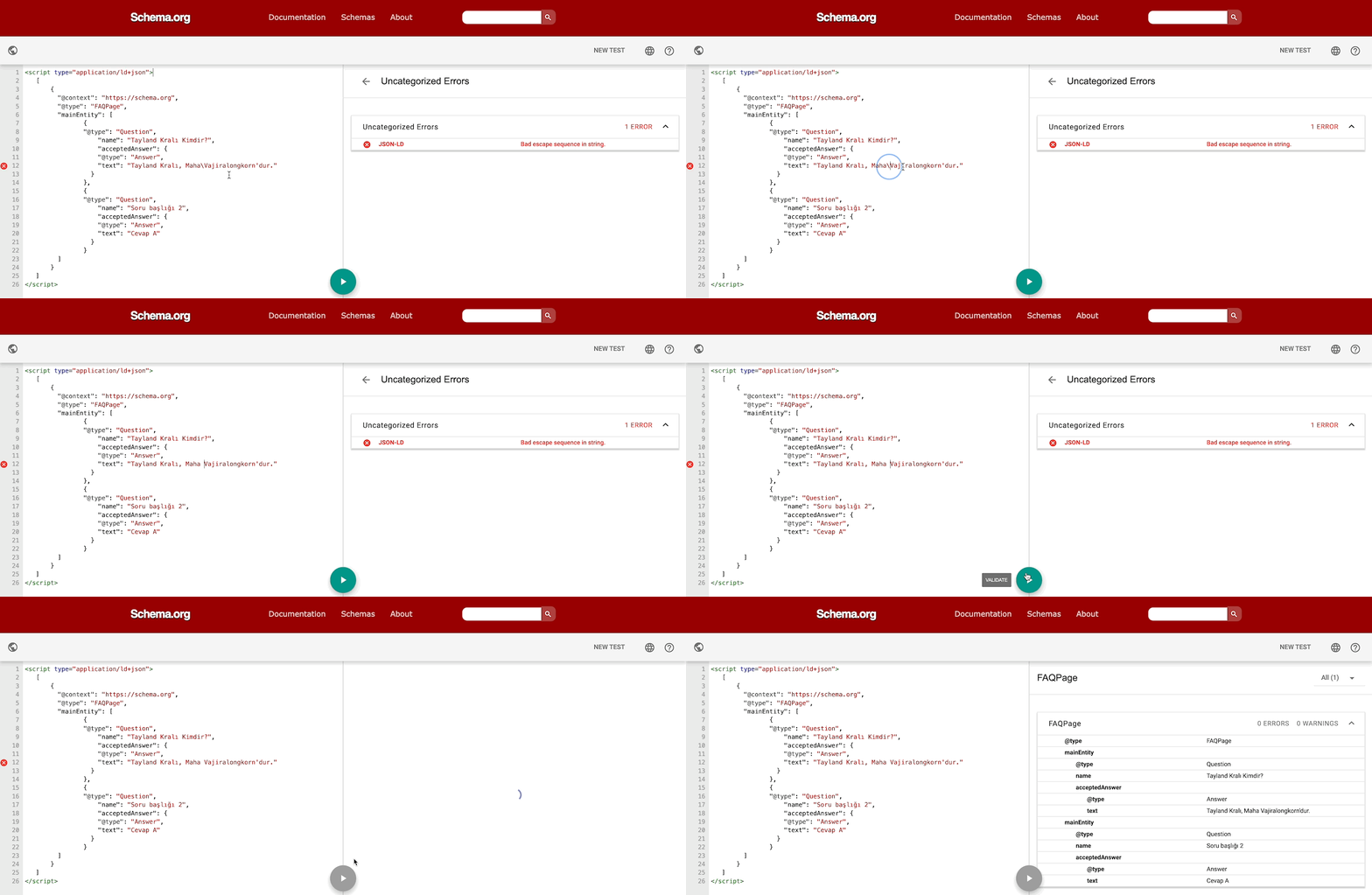
How to resolve a bad escape sequence in a string error?
To fix this error, replace the "\" character and edit the code accordingly:
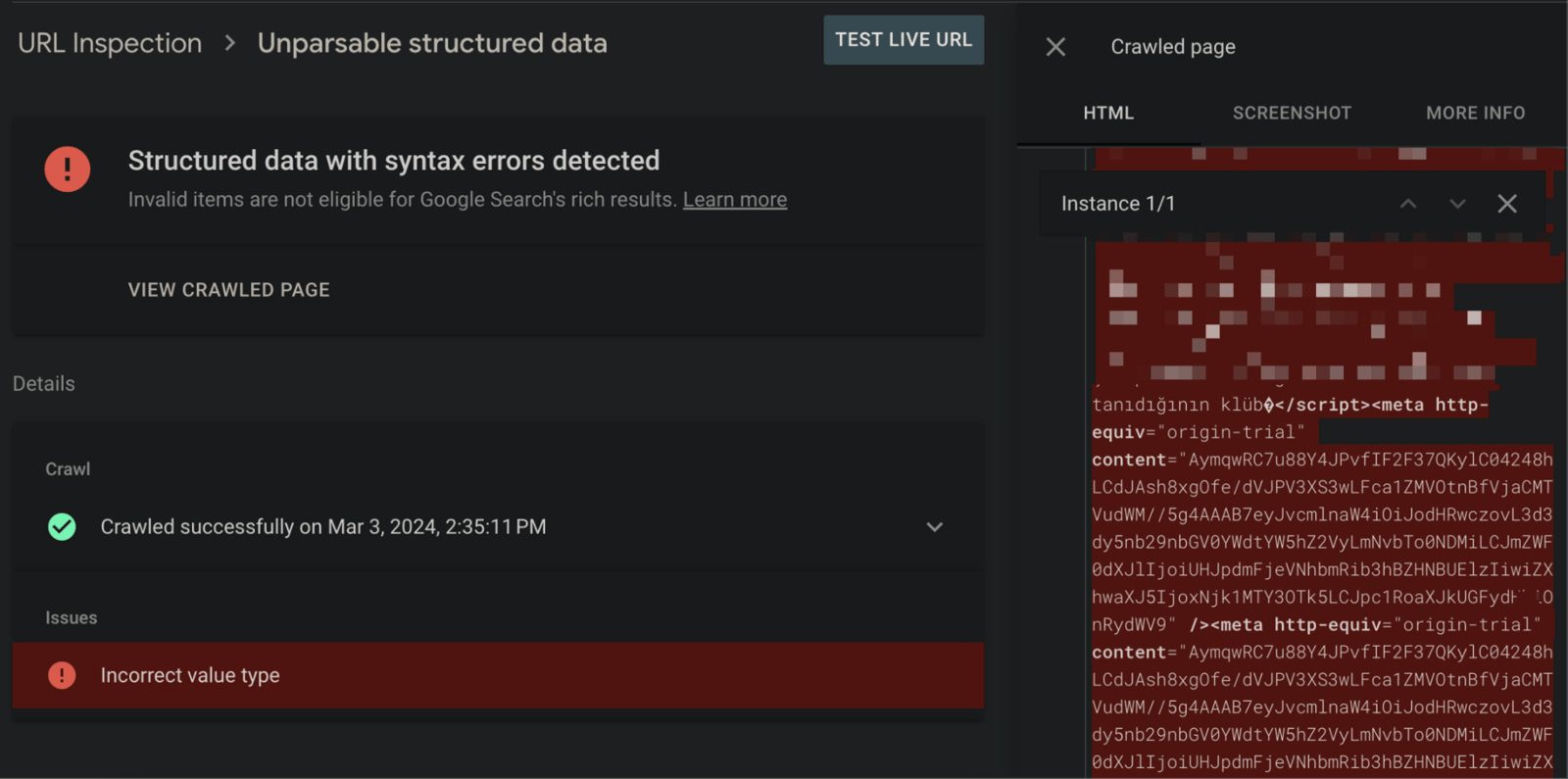
Incorrect value type
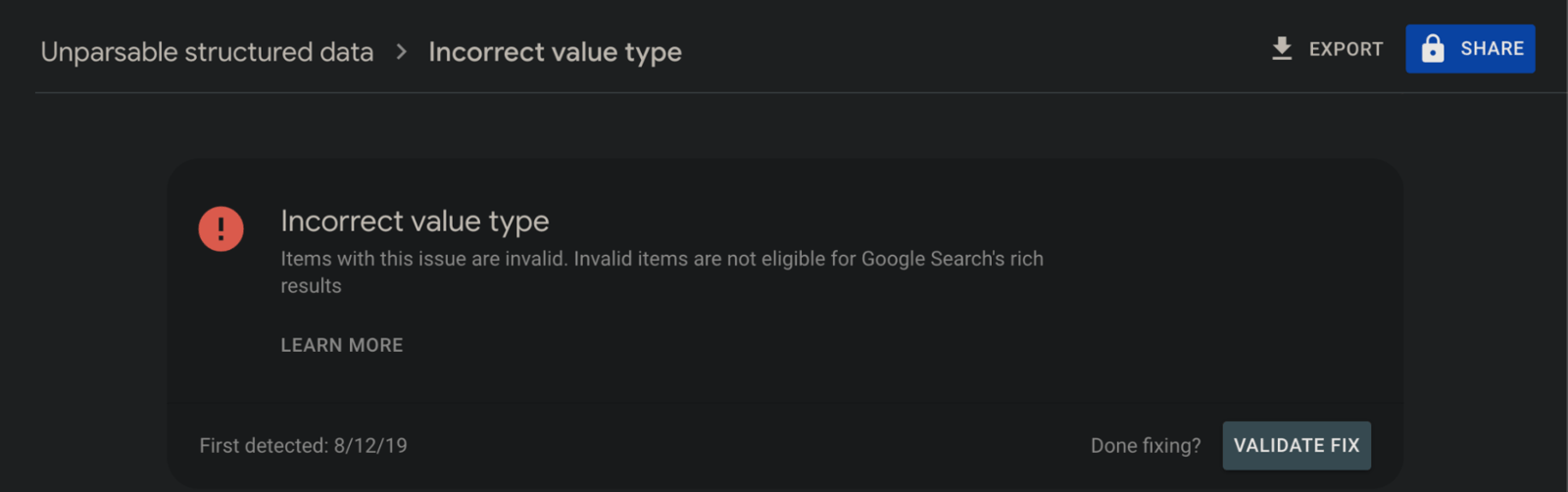
This means the declared value isn't a valid type for that property, so the code you added contains an incorrect value. In schema code, each property has an expected value type, and it must be matched correctly. You can check the expected values for all possible properties in Schema.org's documentation.
How to resolve the Incorrect value type error?
To solve the problem, for example, you should examine the sections in "articleBody": and remove any irrelevant values. JS codes can be found here, but many different scenarios can cause this error. You should not include them in JSON-LD:
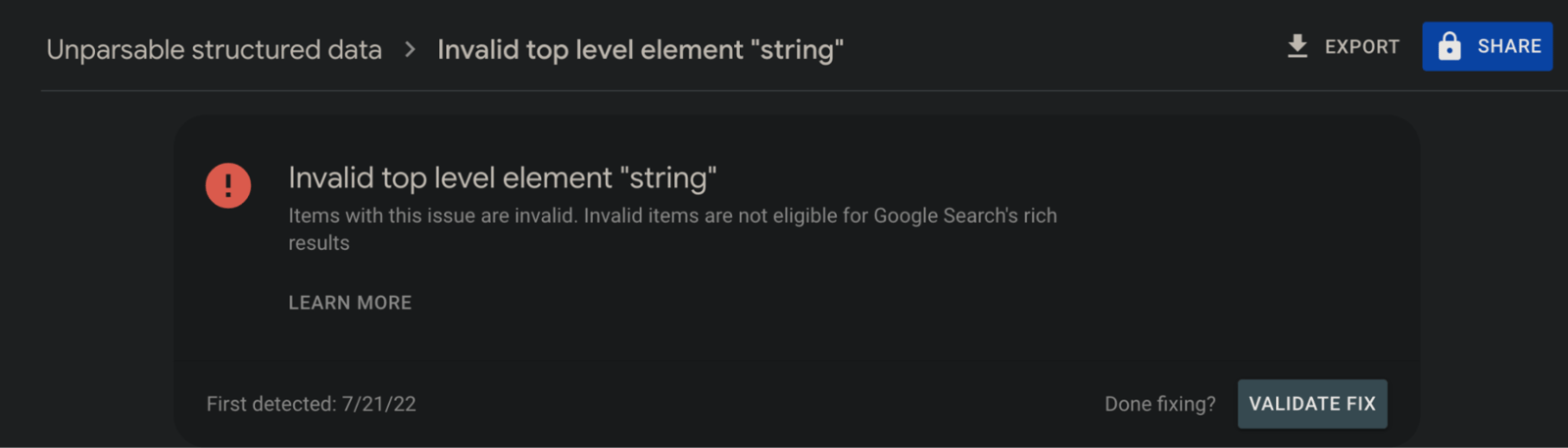
Invalid top level element "string"
This error often shows up in cases where schema types are used more than once, and it's easy to overlook:
You can get this error in many different scenarios, but I wanted to show it in the image below. In the schema added with React, NewsArticle and BreadcrumbList were meant to be used together, but this schema type was invalidated because of the error in BreadcrumbList:
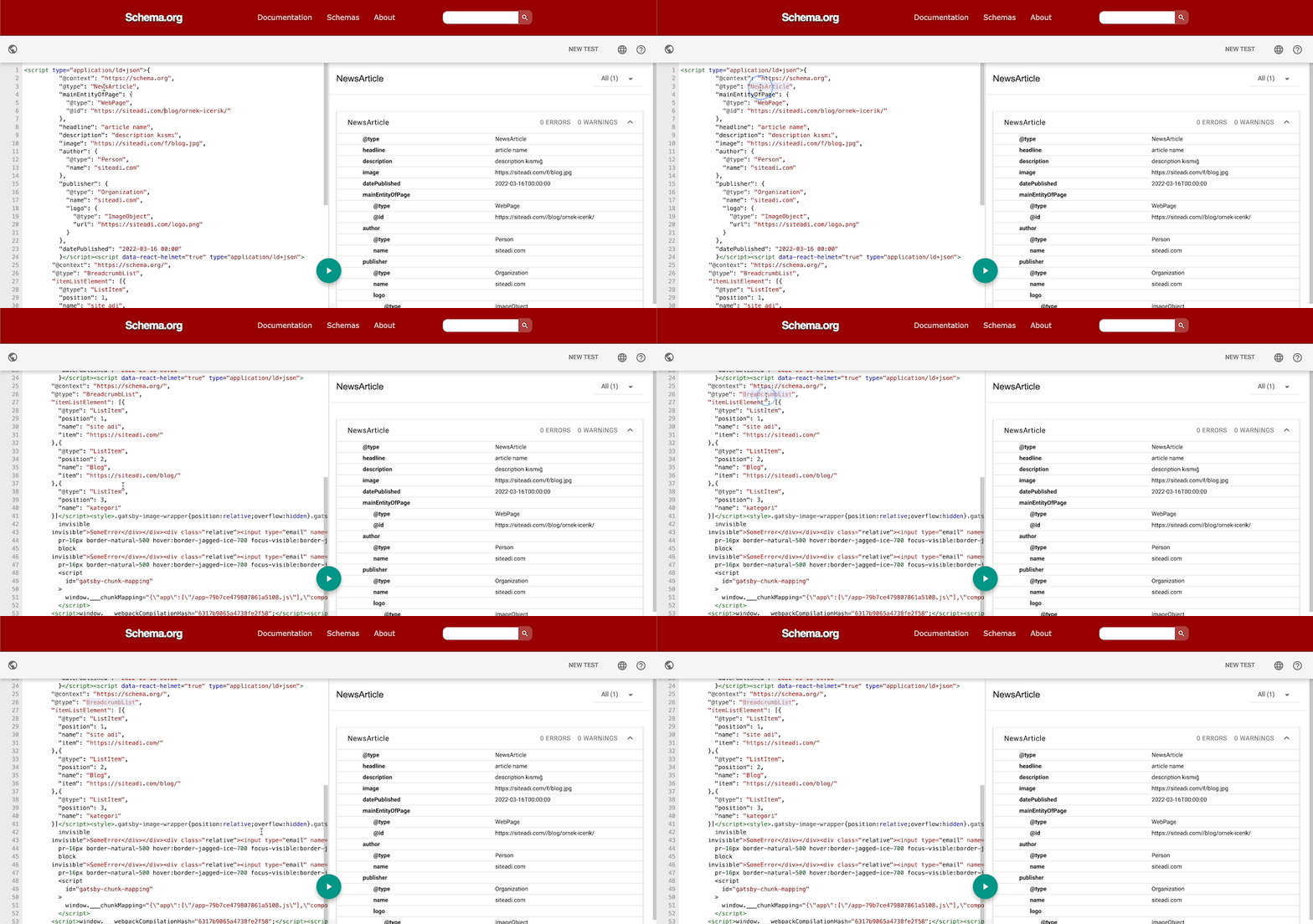
How to fix invalid top-level item errors?
To fix it, close and test the code section in the BreadcrumbList schema correctly, as shown in this example. You can also detect and fix errors such as invalid top-level element "null" this way.
There are other error types not covered in this article that are quite niche. Some of them can even be identified by the error name:
- Invalid JSON document
- Unable to parse token length
- Invalid number
- Truncated Unicode character
- Invalid Unicode character
- Invalid Unicode decoding sequence: Four digits expected
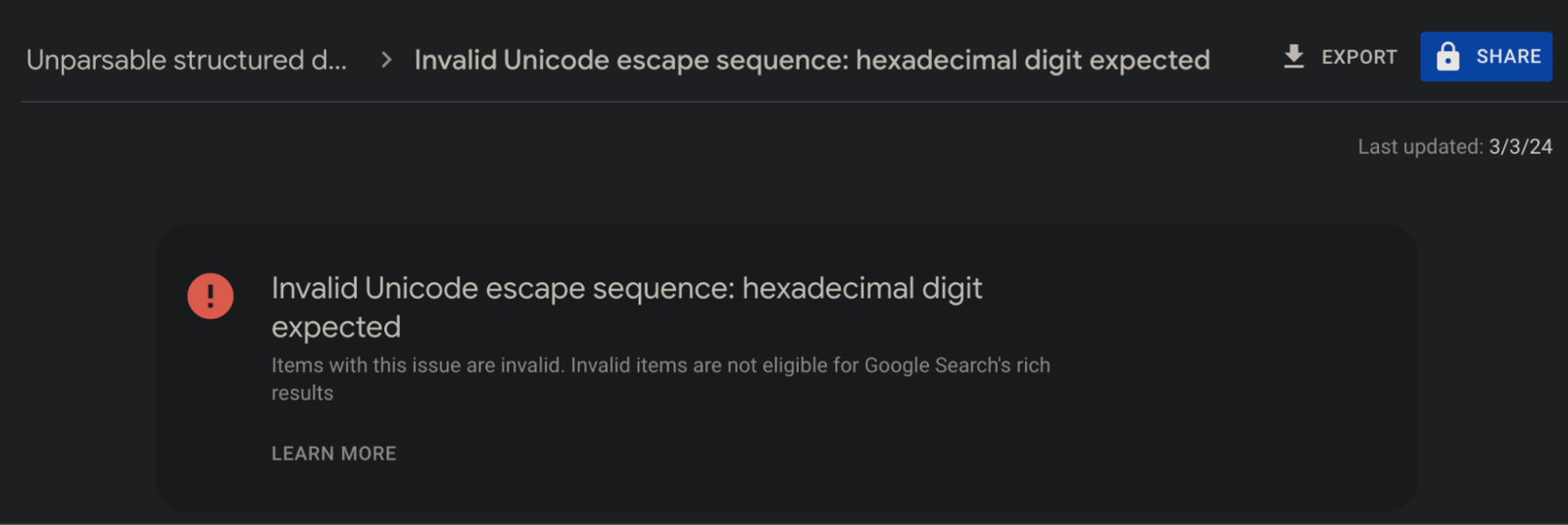
- Invalid Unicode decode sequence: Hexadecimal digit expected
- Unique recurring property
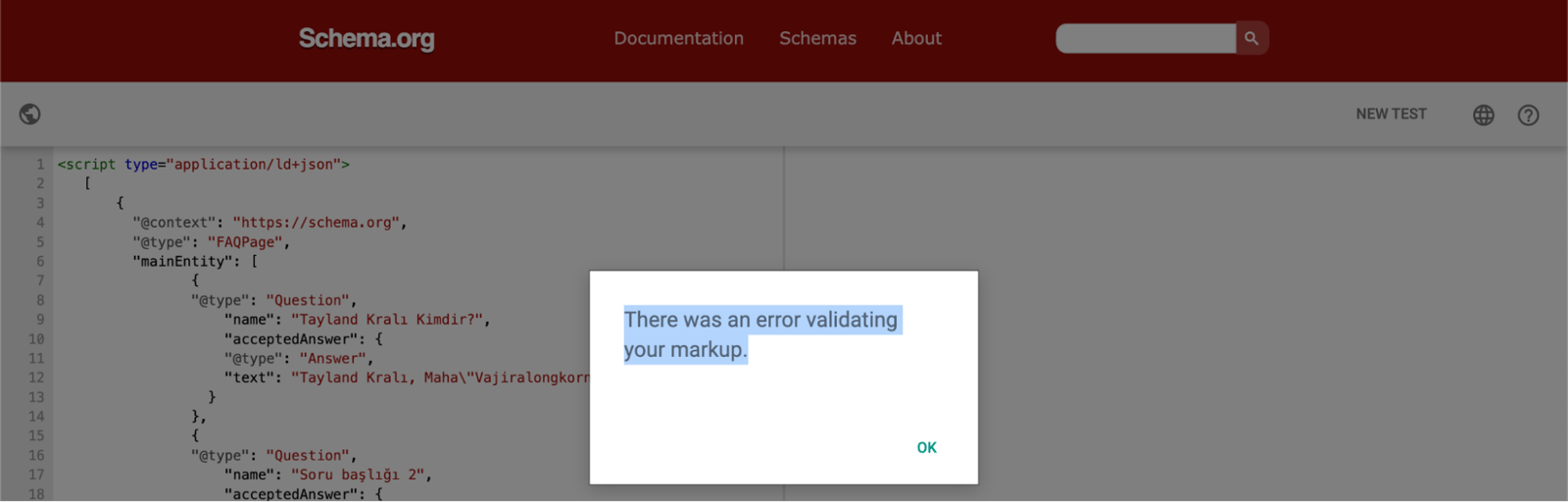
From time to time you may get an error "There was an error validating your markup" when validating code with schema.org. You can get this error when certain characters in the code prevent validation. Alternatively, you can switch to the rich results testing tool.
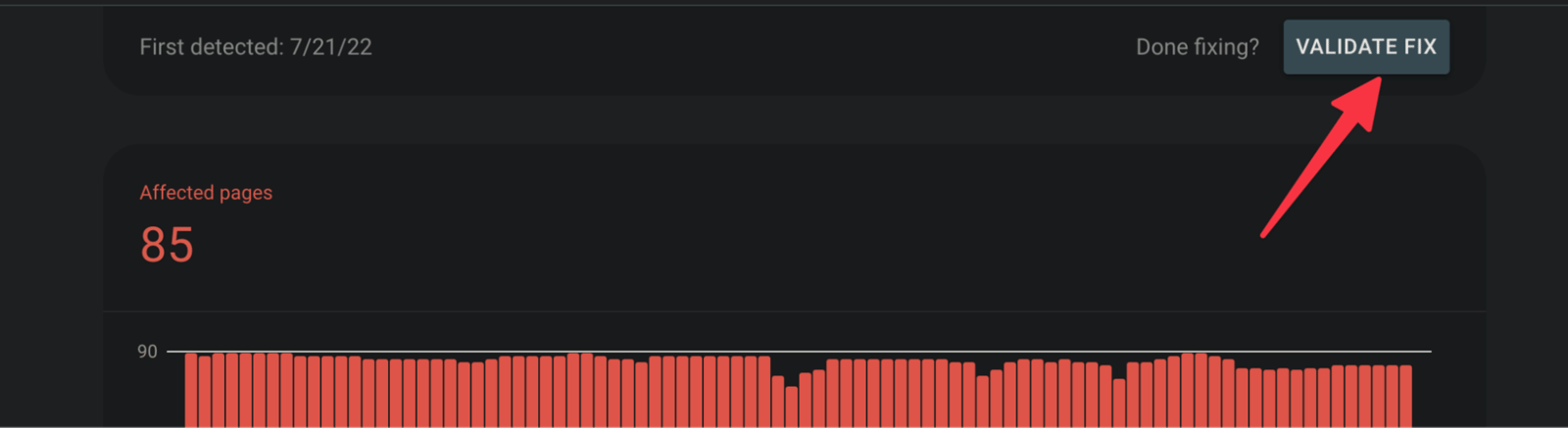
Once you have tested and confirmed that you have fixed all the bugs, you can report it to Google with the "validate fix" button. For a few bugs, I don't think it's worth filling entire sprints with the work. You can always prioritize the bug types that affect the most pages instead:
Finally, if you have errors in non-JSON-LD code structures such as an invalid value in the "itemtype" field, you need to examine them in depth. Since my article is only about JSON-LD, I have included these. If you need a comprehensive schema audit or analysis, do not hesitate to contact us.
Useful resources:


