


By optimizing the "People also asked these" section, you can answer many questions in the SERP and be more visible than your competitors. In this article, I'll walk you through the People also ask (PAA) SERP feature.
What is "People also asked about these"?
People also ask is a feature that shows questions and answers Google surfaces on the search results screen based on the search query, without users needing to enter the site.
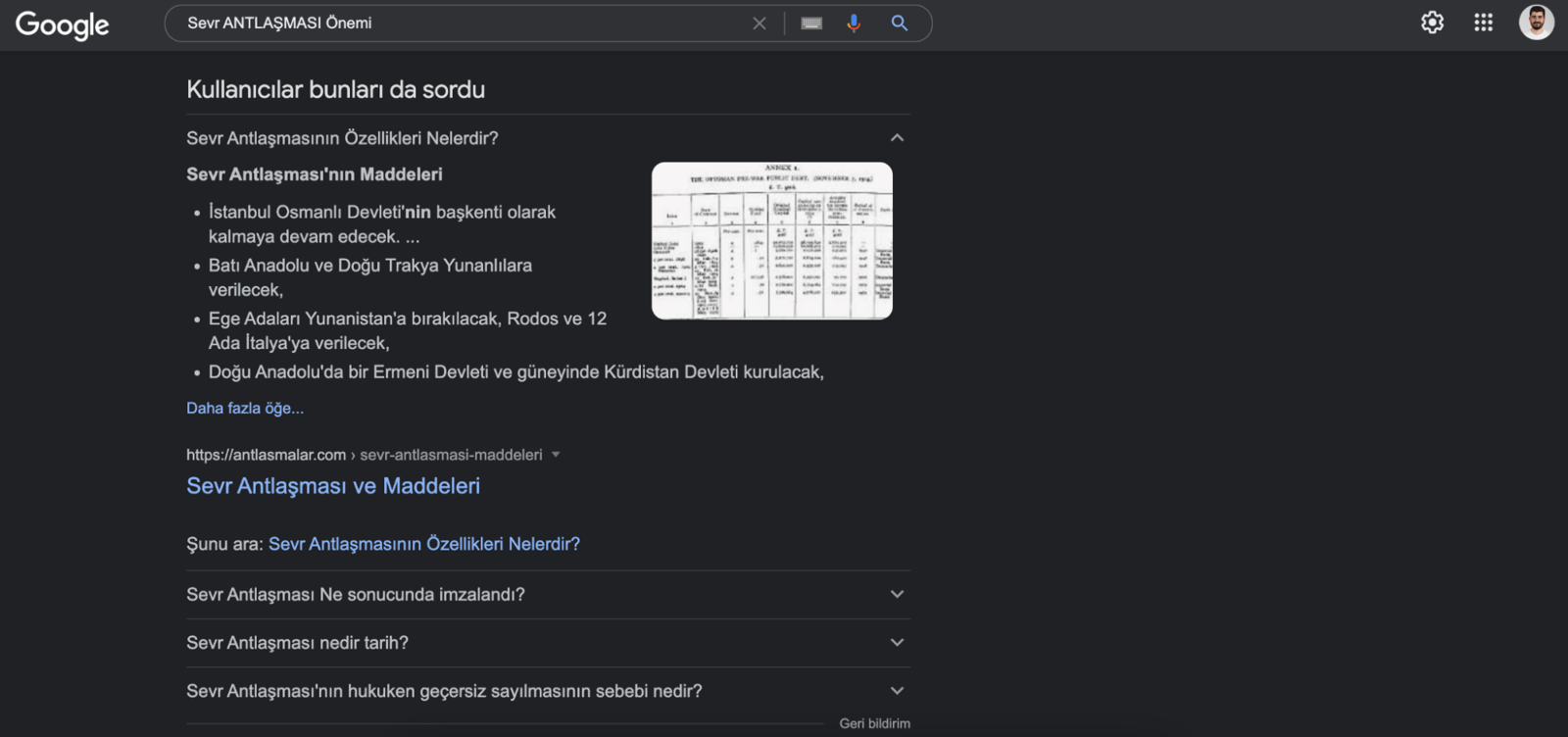
On April 30, 2015, Google announced the launch of this feature. Today, various tests are carried out as well as many results. When a user clicks on a question, an accordion menu opens and shows a short answer and a link to the site, and 2-3 additional related questions are usually added to the bottom of the list. Below you can see an example of People also asking:
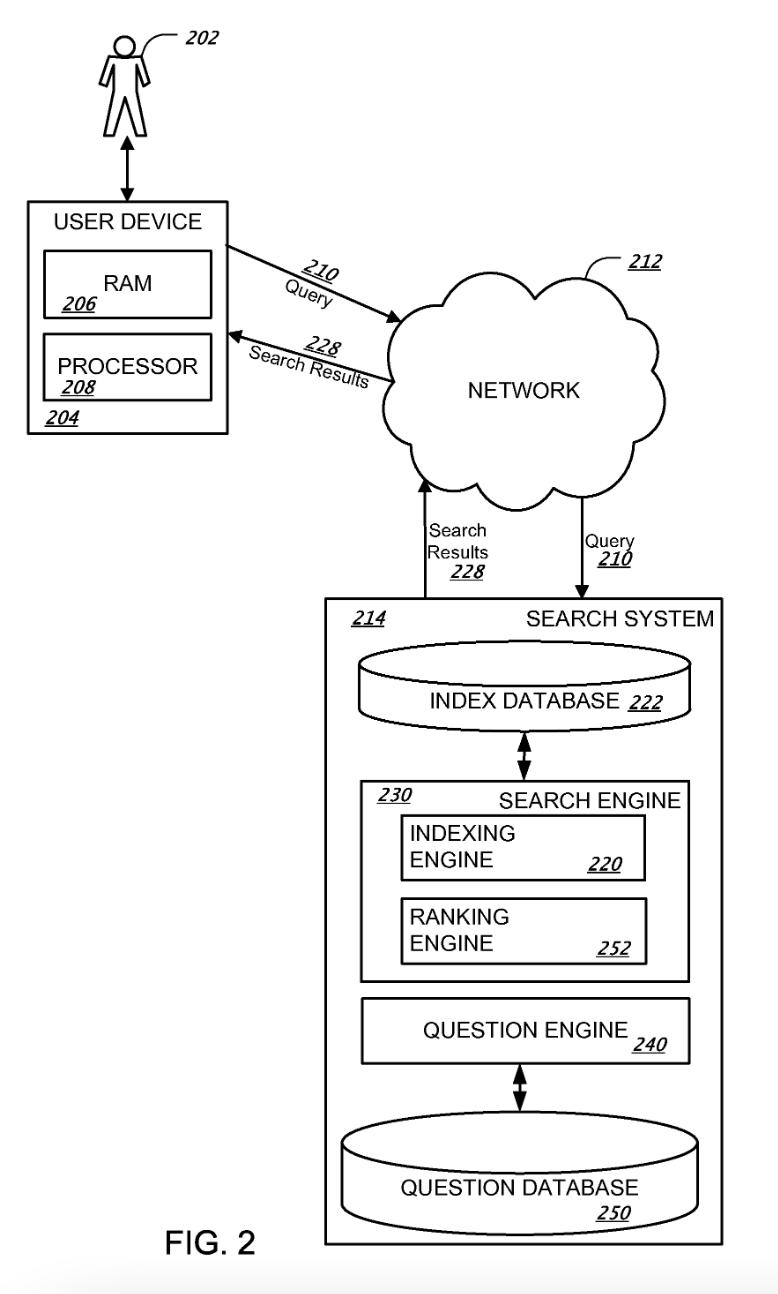
In its patent "Generating related questions for search queries", Google describes an example of a search result generated by standard search methods as follows. The related questions generated from these results are then shown in the SERP:
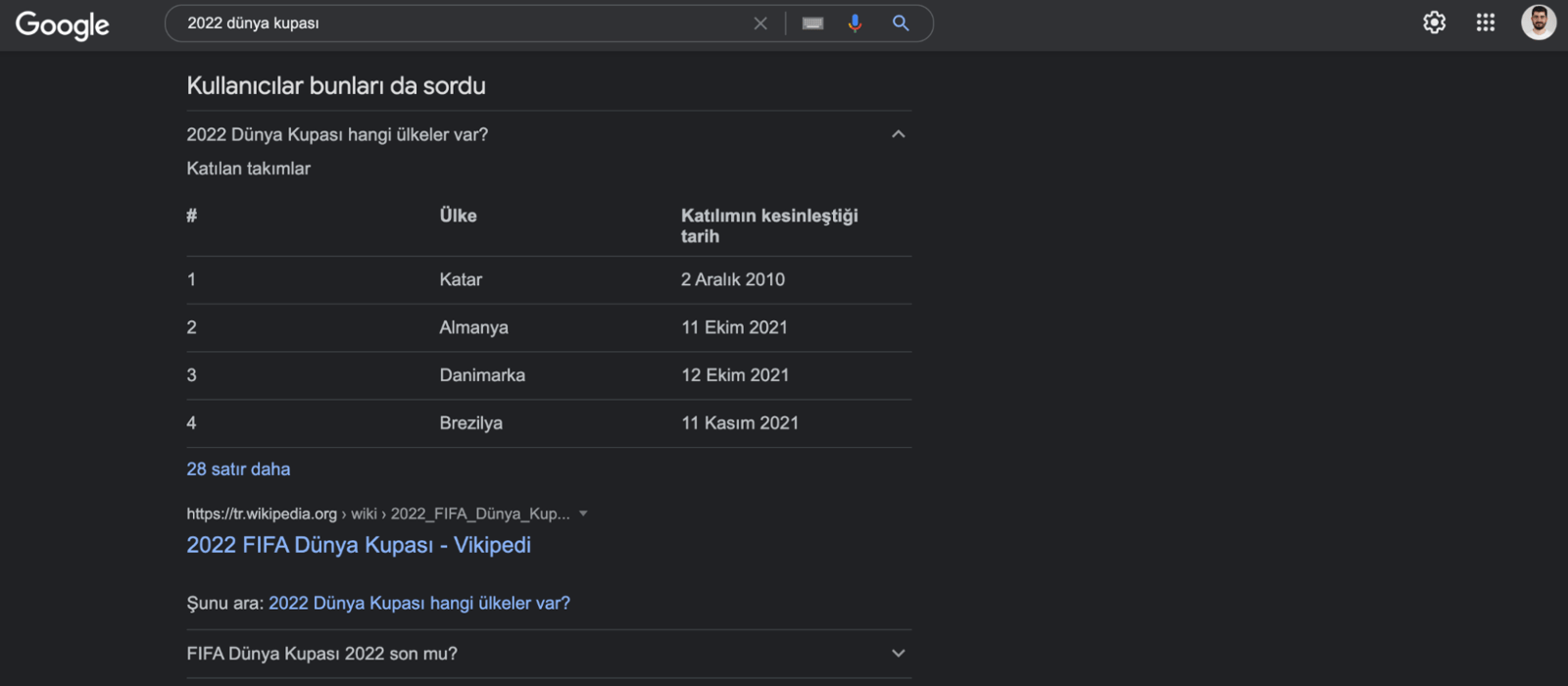
PAA can have the following types of results. You can also see the different types later in the article:
- Paragraph
- Lists,
- Tables,
- Videos.
Both list and tabular results are shown when they're relevant to the search result:
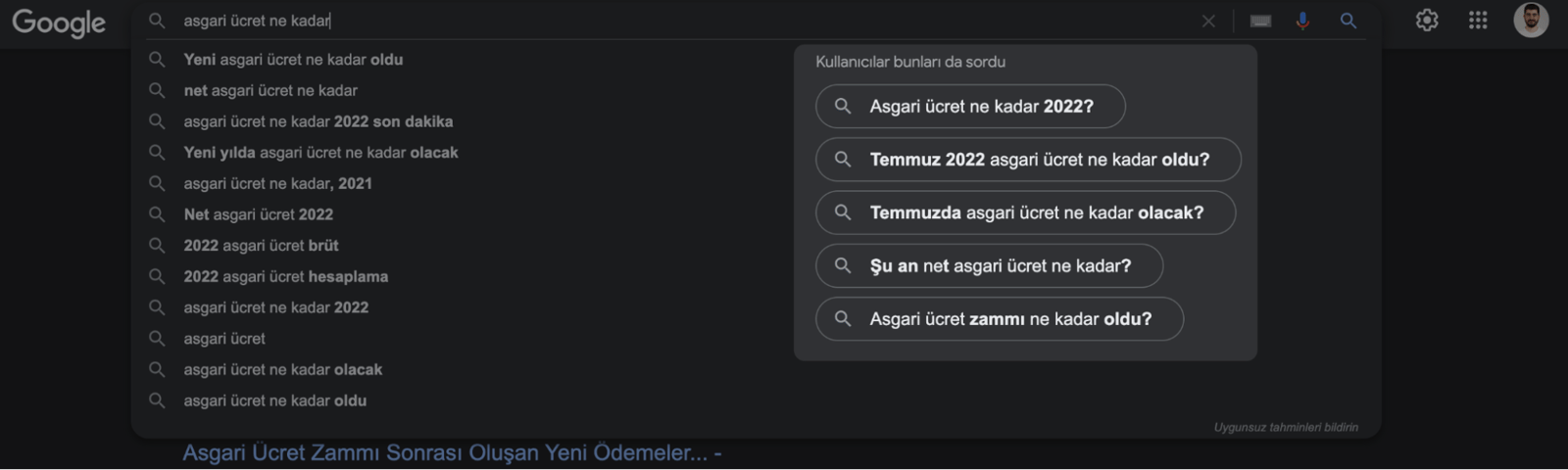
This section is also shown in the search bar:
Although the exact number of characters isn't clear, this section can show around 311 characters or a maximum of 45 words. If there's more information than that, Google cuts it with three dots:
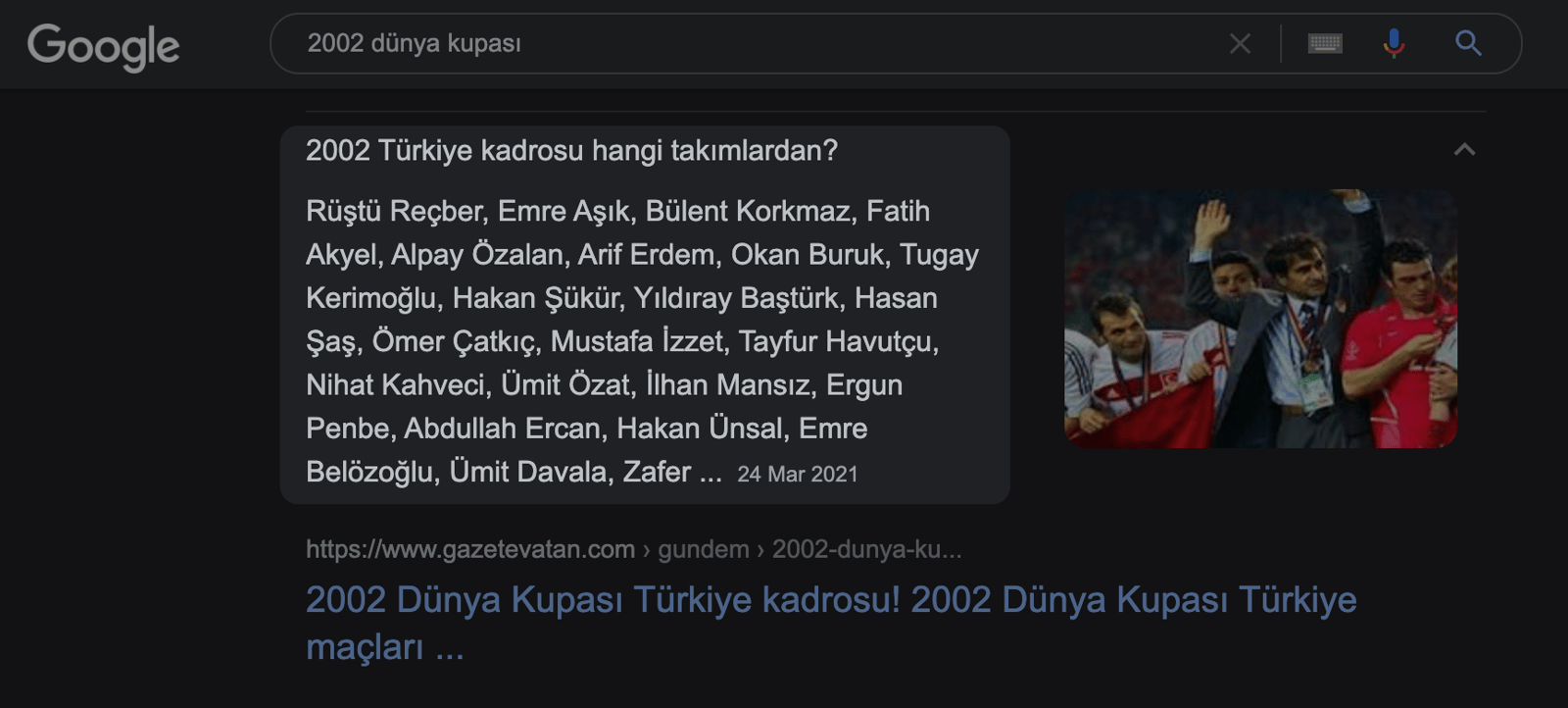
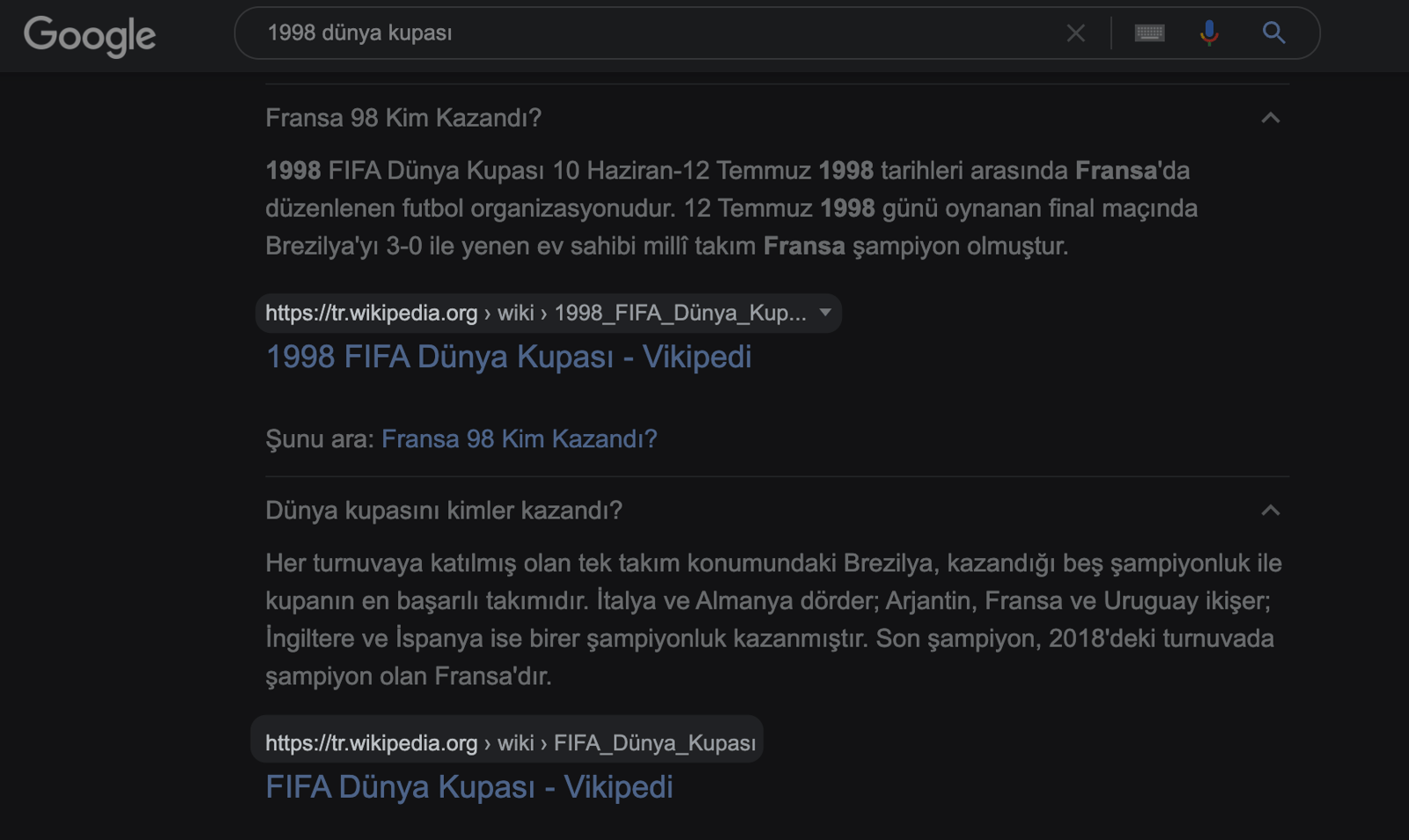
The same site is sometimes shown as an answer to more than one question:
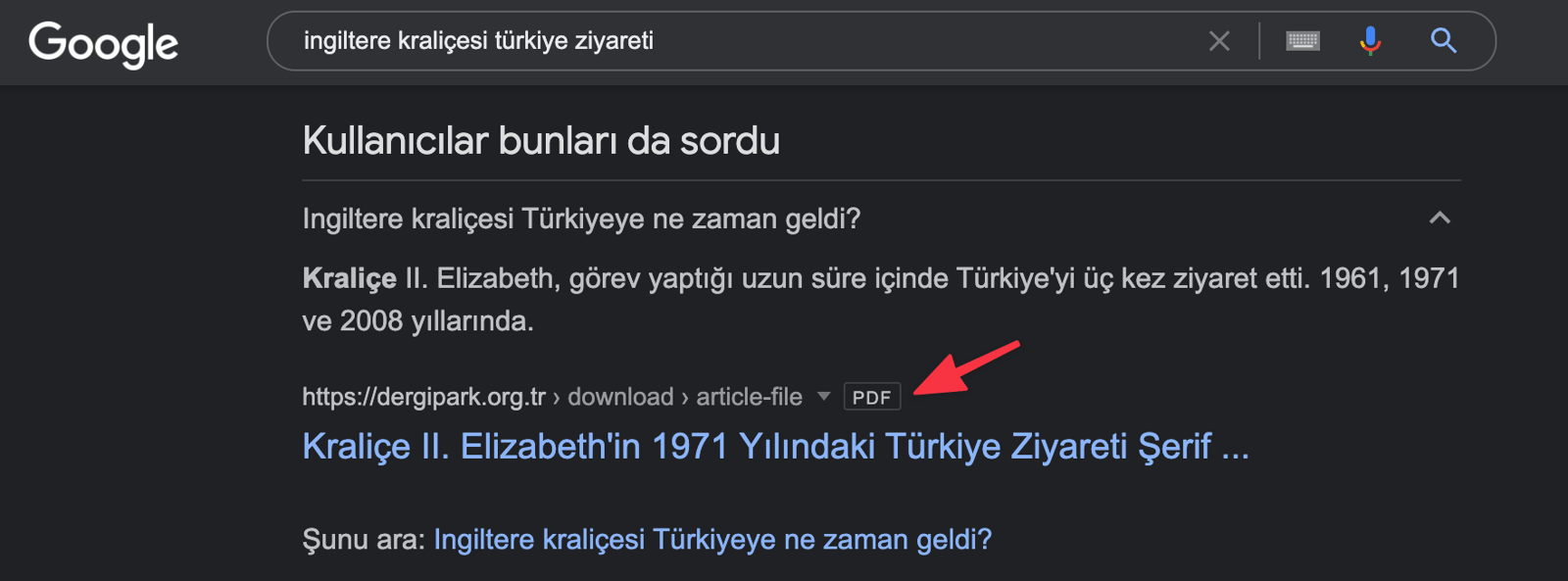
PDF results are also available here:
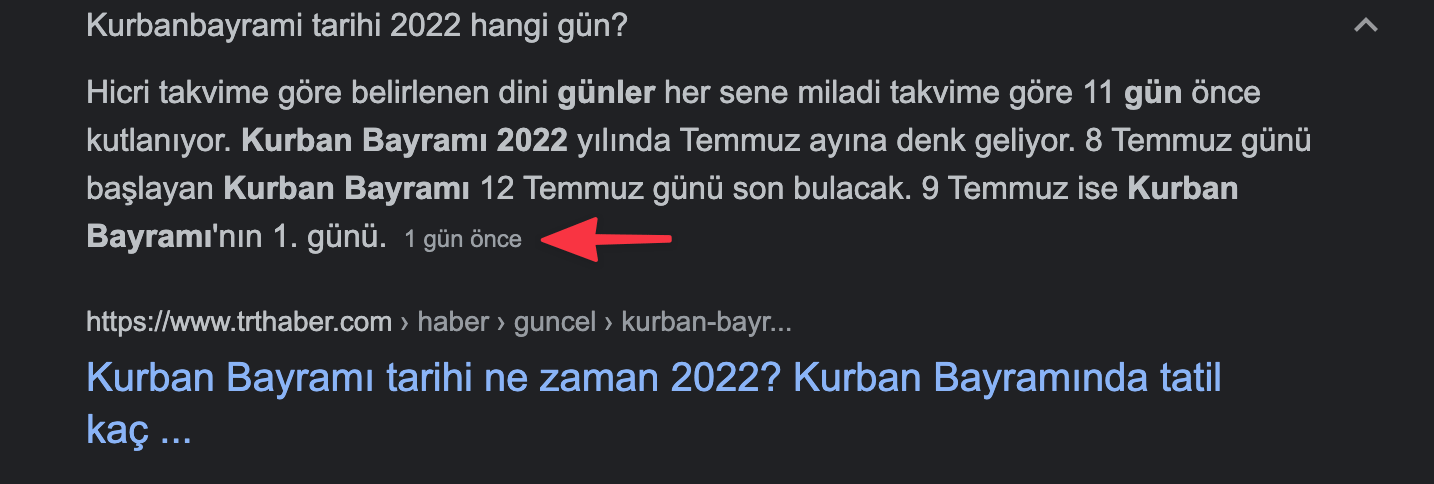
You may occasionally come across very up-to-date results:
You can also see very old results:
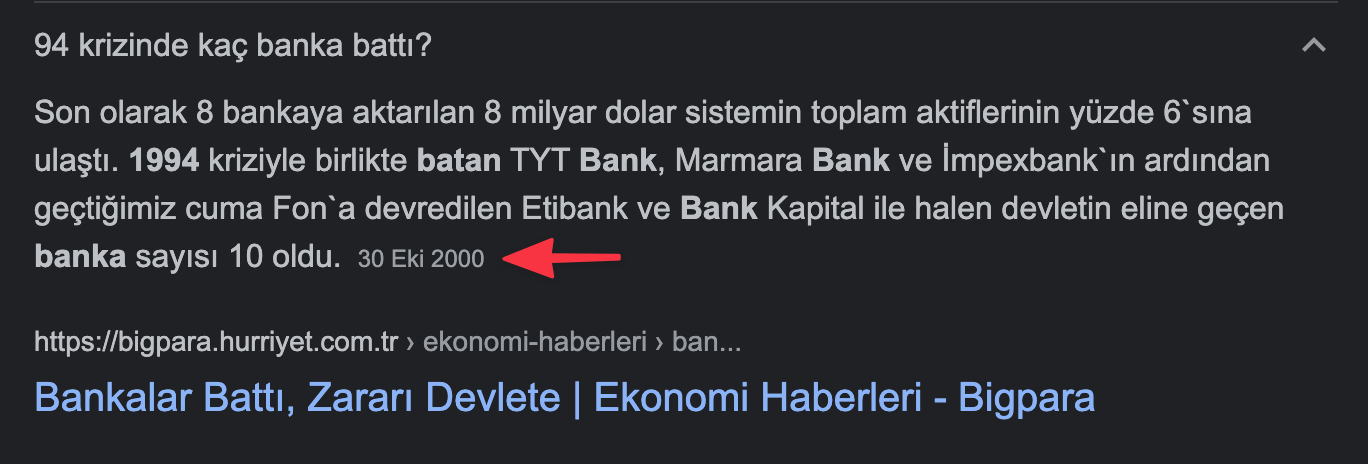
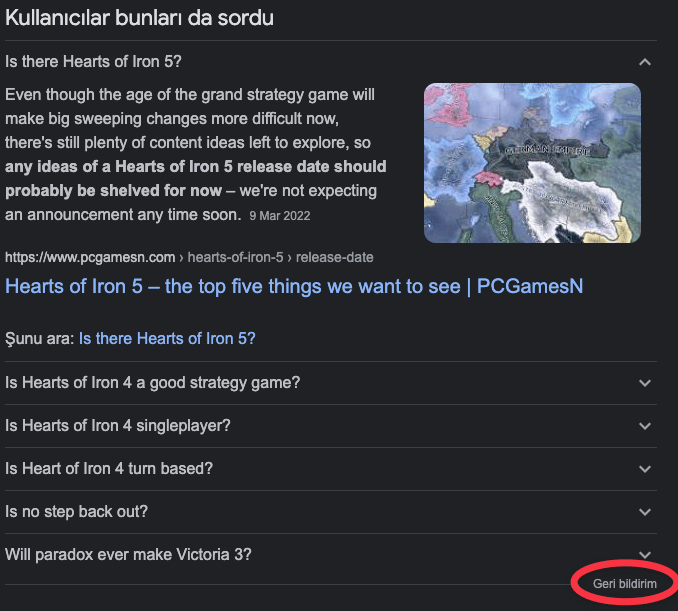
As you can see in the examples above, PAA can come after the 2nd place in the SERP or after the 8th place. I can say that it is completely algorithm-dependent.
If you are not satisfied with the search results, you can use the Feedback button to improve the search results:
Why is PAA Useful?
PAA helps you maintain a long-term position in the SERP and helps sites that don't rank high for challenging words get more visibility. If your content is PAA compliant, it ensures that you'll be found in the PAA box even if your site doesn't rank organically in the results. Other important benefits:
- It can increase marketing engagement,
- It can be useful for your remarketing efforts,
- It can help brand awareness by providing more responses to branded queries,
- It allows you to get ahead of your competitors,
- It can drive more organic traffic to your site.
"People also asked these" Optimization Analysis and Recommendations
In summary, if you answer the questions in your content with plain and simple language without verbiage, you can appear frequently in this area. Also, do not hesitate to use tables when necessary.
Identifying Popular Questions
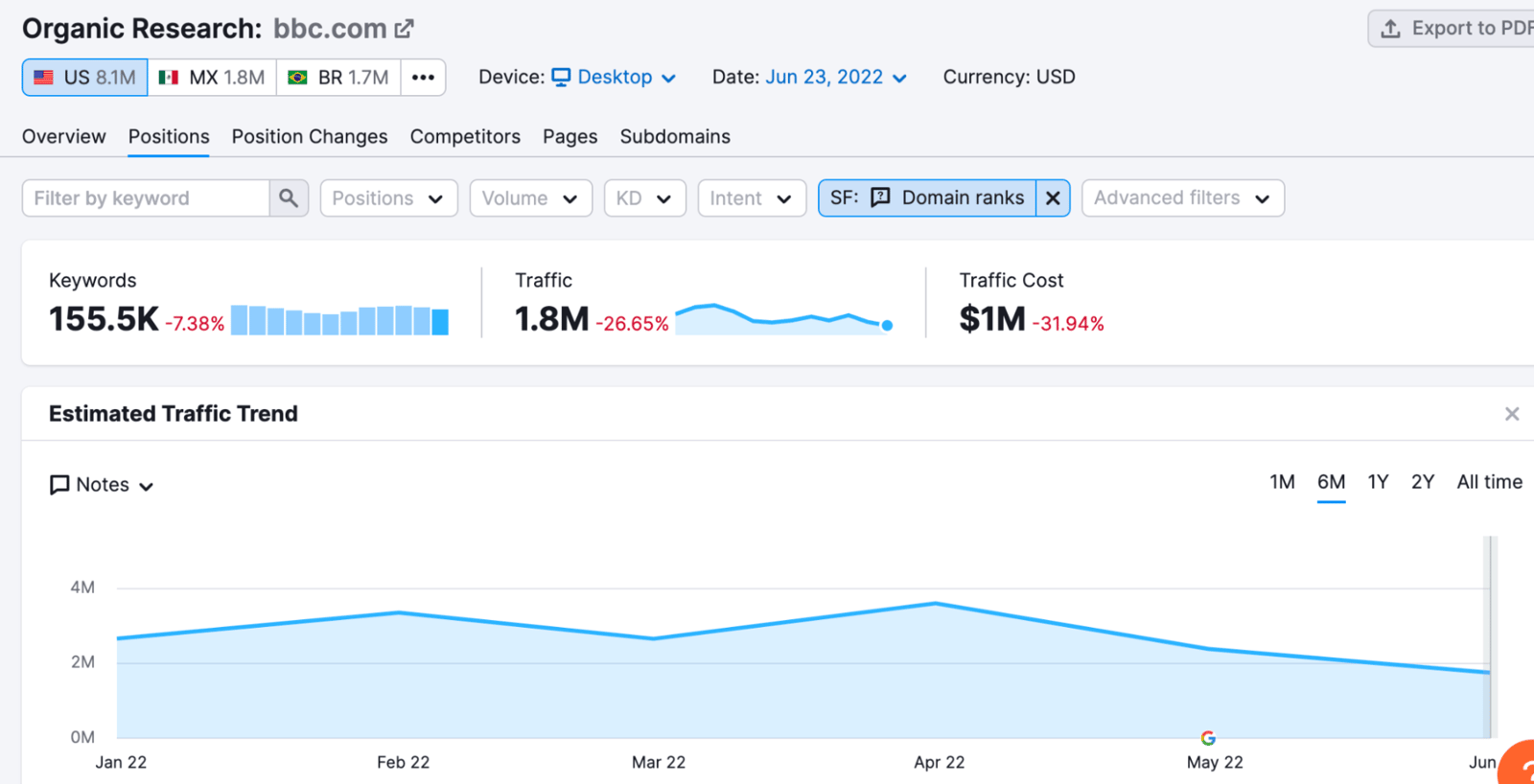
You can start by analyzing PAA opportunities. With Semrush, you can see People also ask data for both your own site and other search results in the SERP. For example, you can see BBC's PAA results in the chart below:
You can also improve your content by finding out which queries your competitors show up as PAA for and targeting the relevant ones. For example, you can make your content more comprehensive on topics related to "quarter gold":
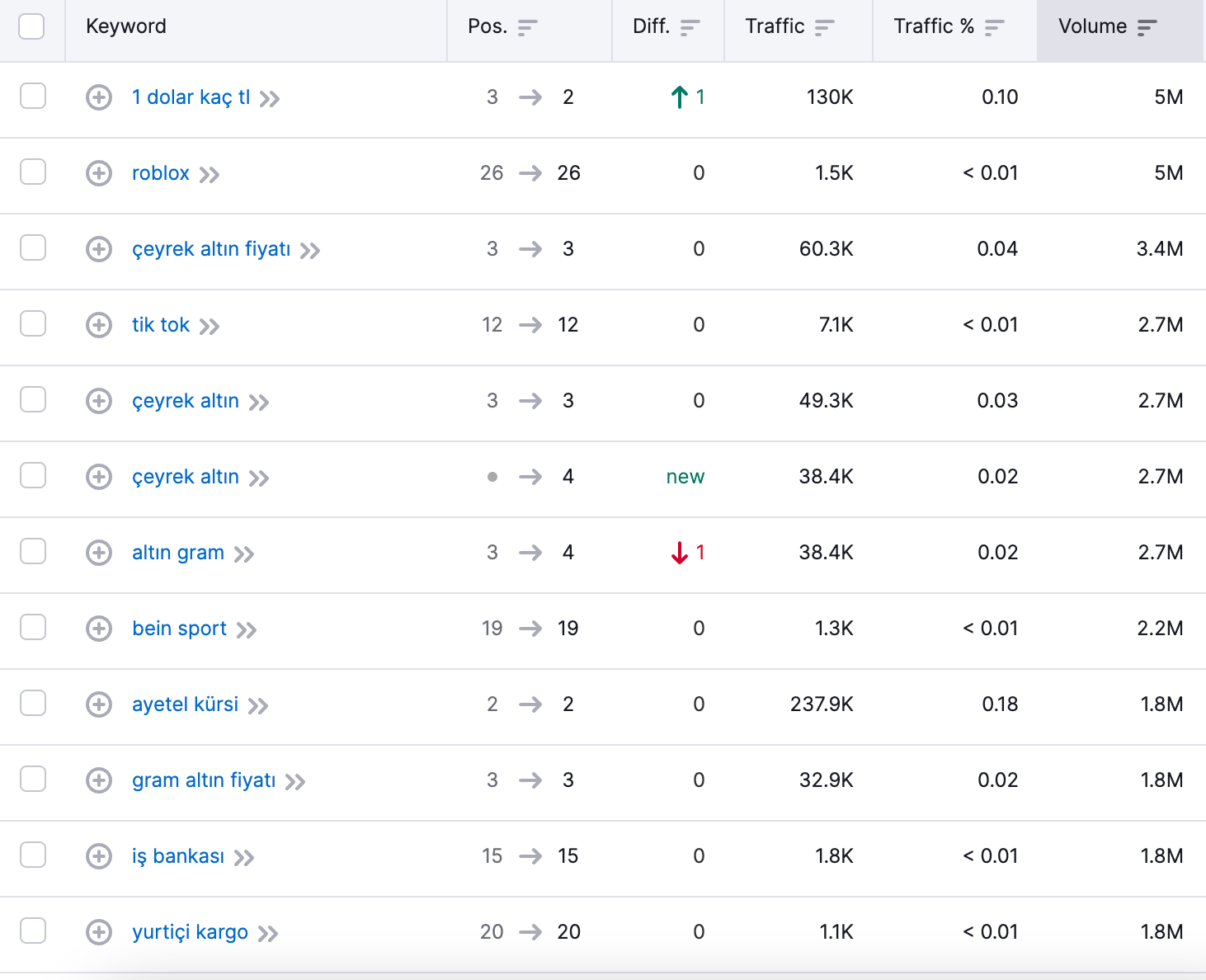
You can make your pages more comprehensive and answer all questions by covering the following questions and terms in clear language:
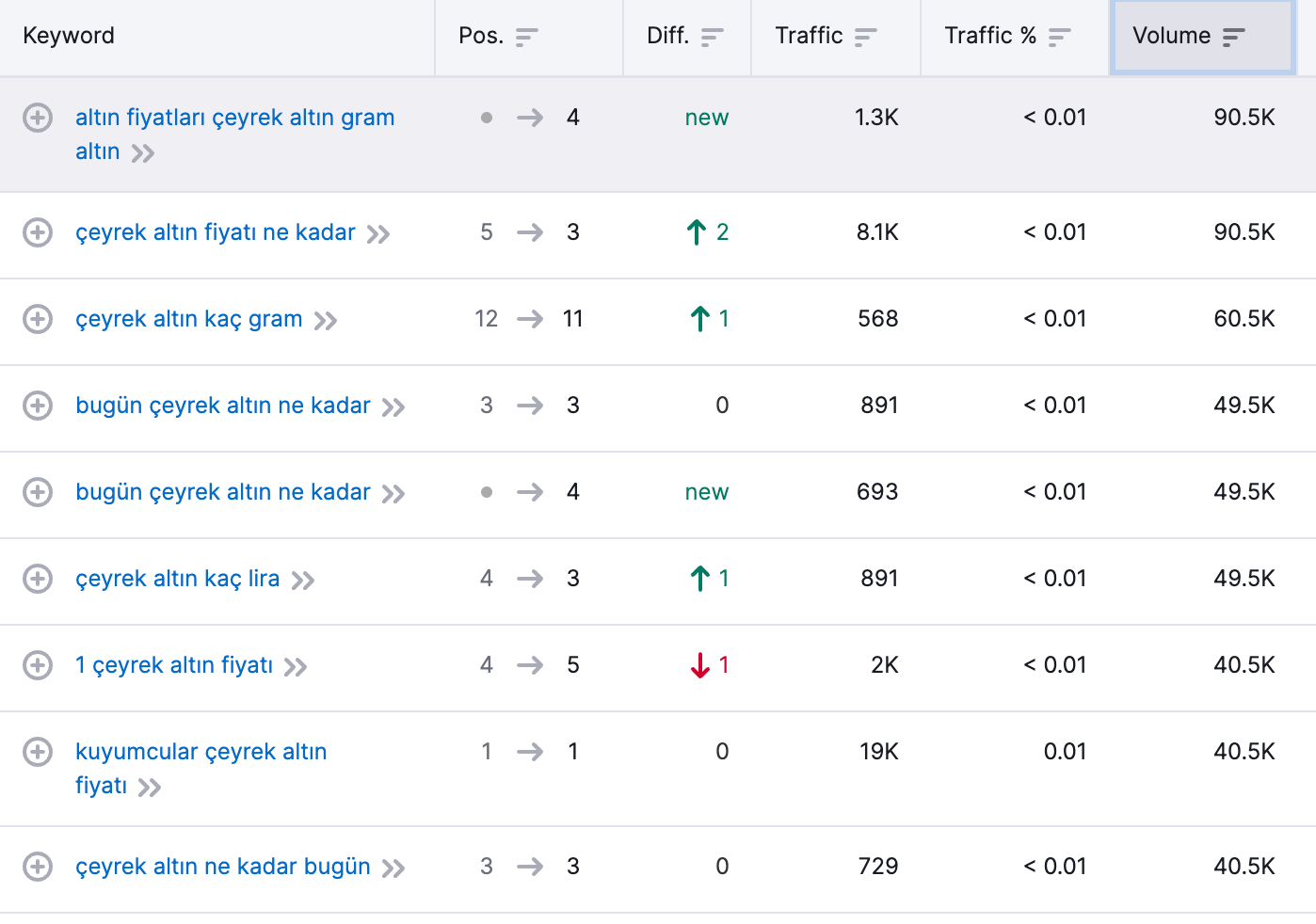
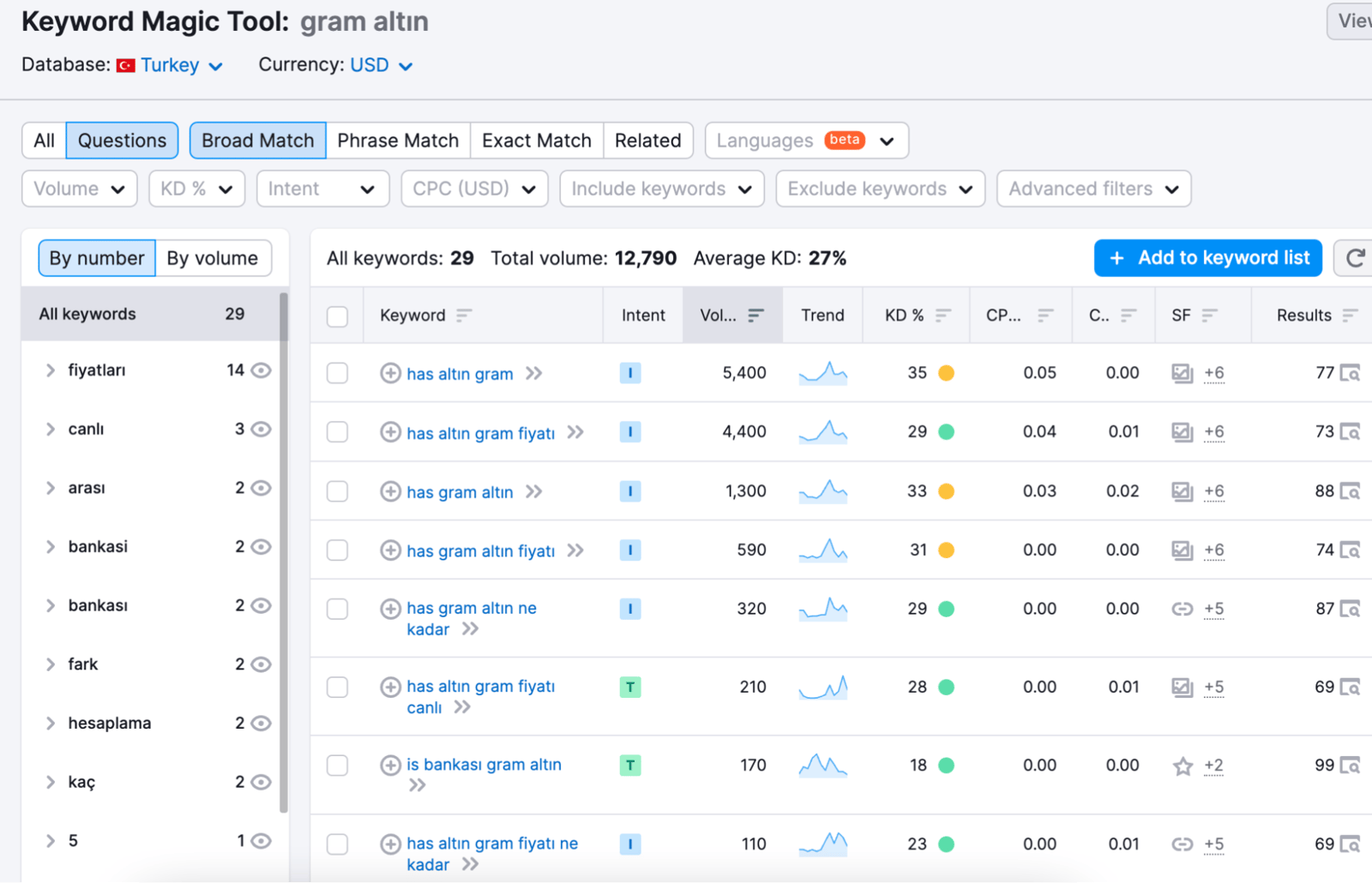
At the same time, with the keyword magic tool you can quickly identify only the questions:
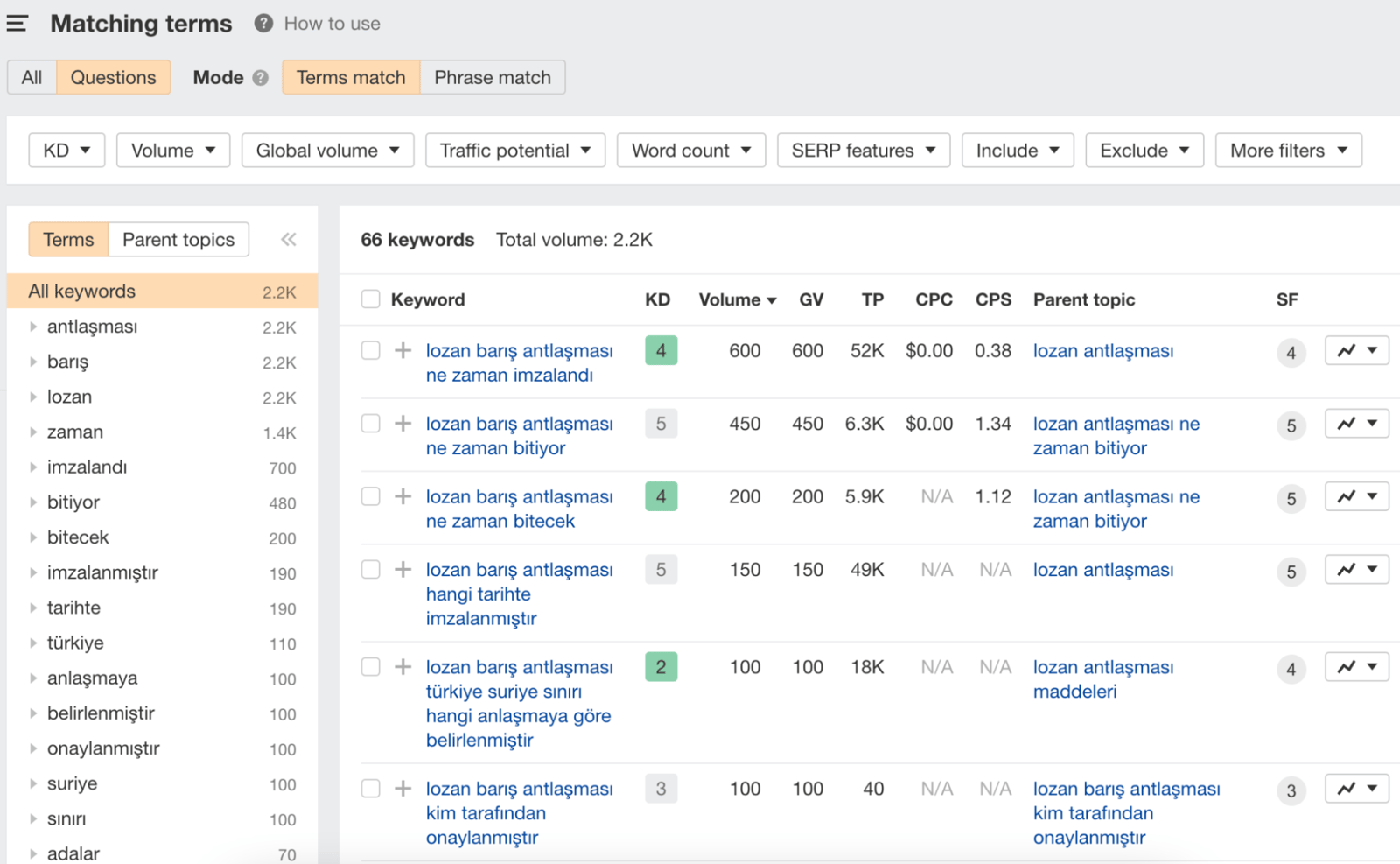
Although Ahrefs does not provide direct PAA results at the moment, it can show which questions have a higher search volume with the Questions section:
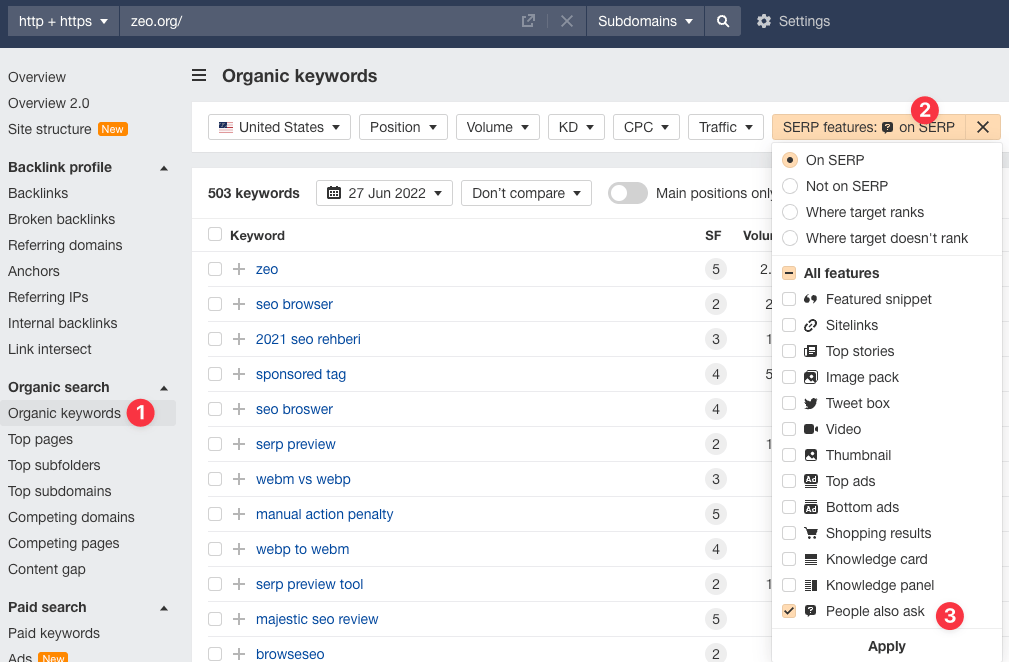
Apart from keyword research, you can also analyze your competitors' PAA results in SERP with the following steps. By exporting these results, you can create content structures that are relevant and suitable for your target audience:
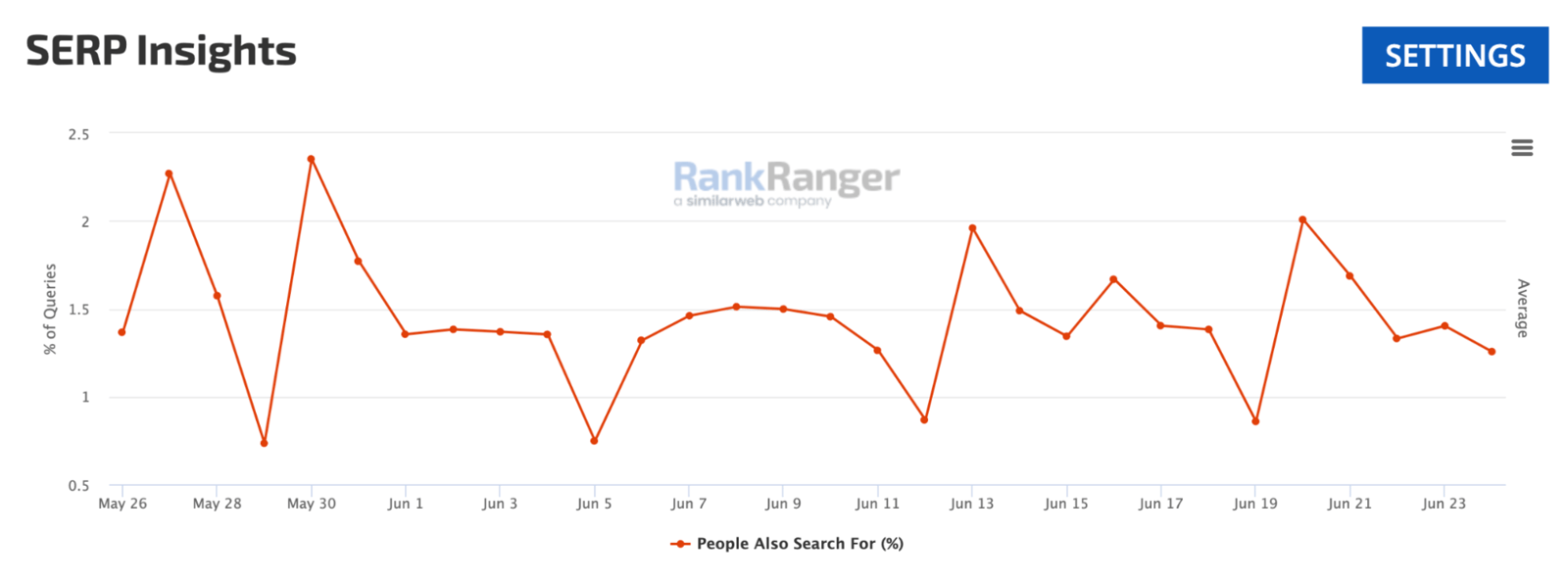
You can also track the evolution of this SERP feature in the last weeks by selecting the country with Rank Ranger:
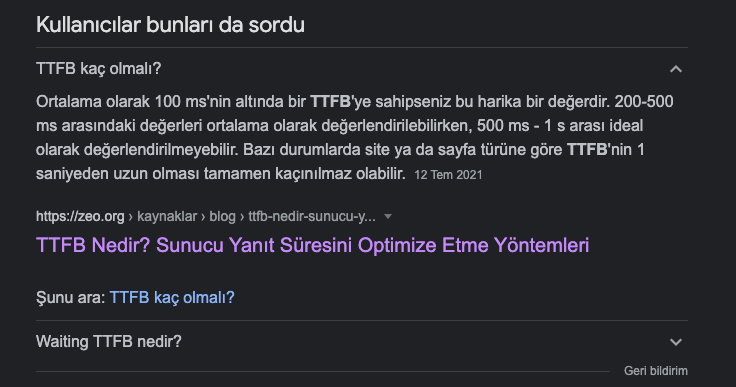
Using the tools mentioned above, I did similar research for one of my articles and clearly laid out the question and answer in the piece. That's how I managed to get visibility in that field: (See: What is TTFB?)
Bonus Tip:
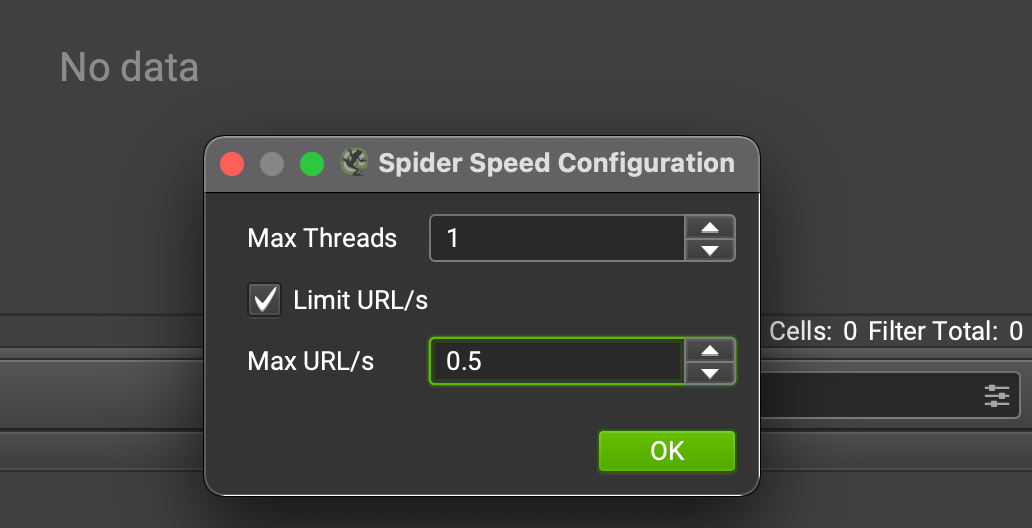
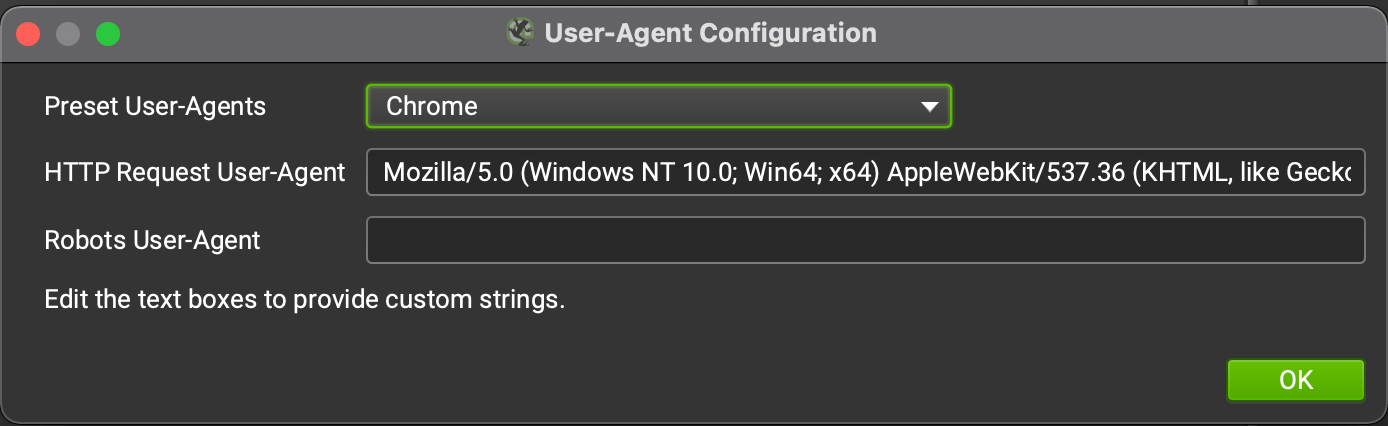
You can pull PAA results from the SERP with Screaming Frog SEO Spider. Of course, you can get stuck with a captcha here. Slowing down SF's crawl speed, using a VPN/proxy, and changing the User-agent will help:
Configuration > User-Agent:
The tool is now ready to use. Now it's time to choose which keywords to target. For this, let's add https://www.google.com.tr/search?q= to column A in the spreadsheet. You can click here to access the spreadsheet. If you are searching for 2 or more words, don't forget to put a (+) sign between them:

In column C, let's merge the columns with the =CONCAT(A2:B2) command. This will generate the search result URL and drop it into Screaming Frog.
You can make a copy for yourself:
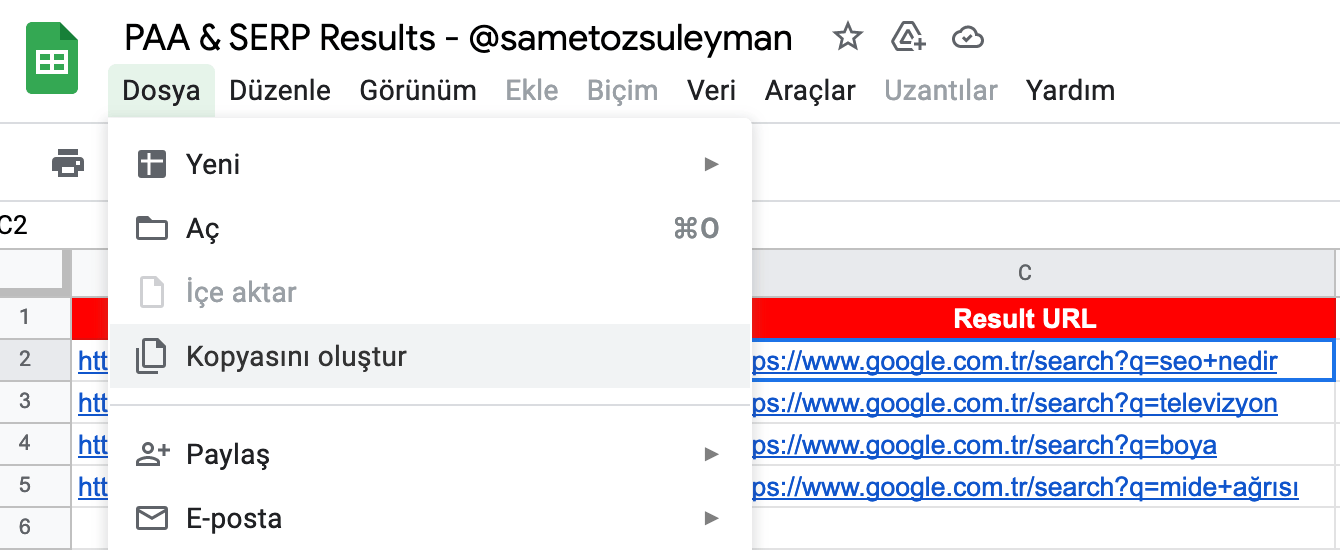
We are not done yet! You can get PAA results in SERP with xPath. For details on using xPath, you can read xPath with R and Screaming Frog xPath articles.
We will use xPath:
//div[@class="wWOJcd"]
I check the xPath I will use with xPather:
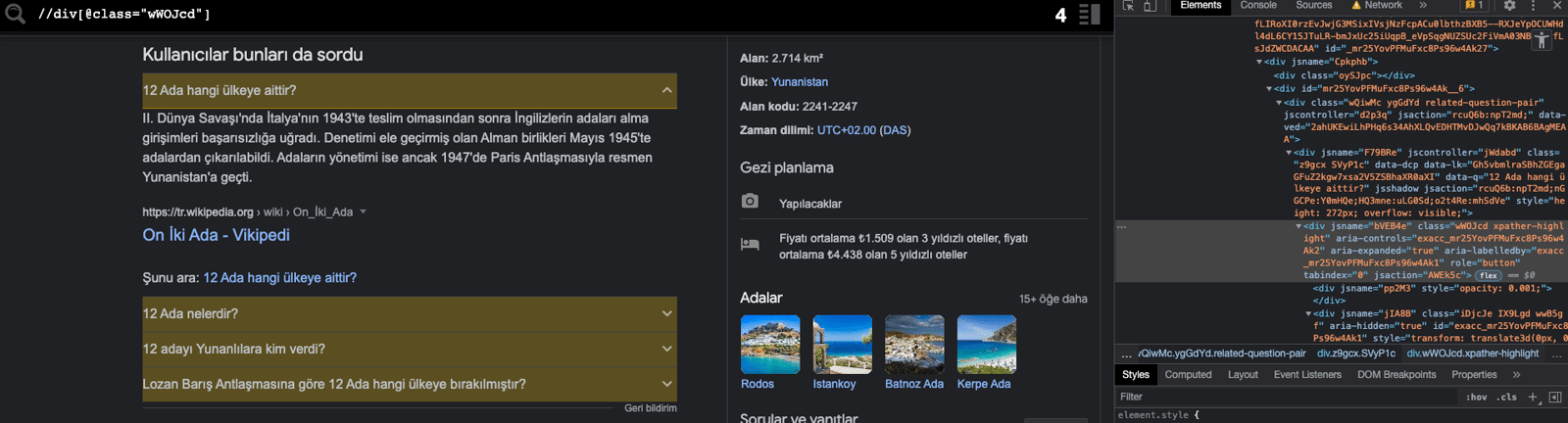
Warning: The div class involved changes frequently, so if you are using the code in this example and it doesn't work, then check the DOM using inspect and use the new xPath.
I go back to Screaming Frog and add the xPath in Configuration > Custom > Extraction:
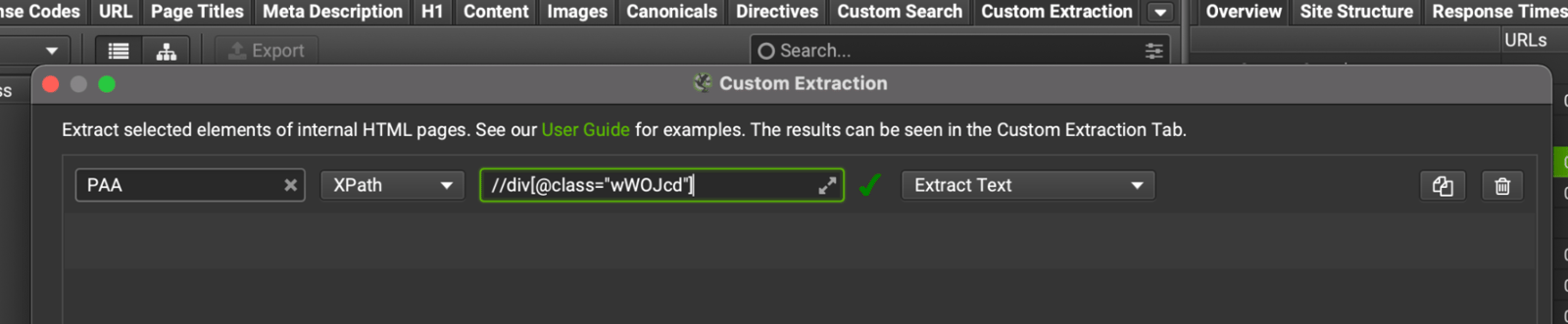
I go to Mode > List Mode, paste the URLs in column C in the Spreadsheet here and wait until the scan is finished.
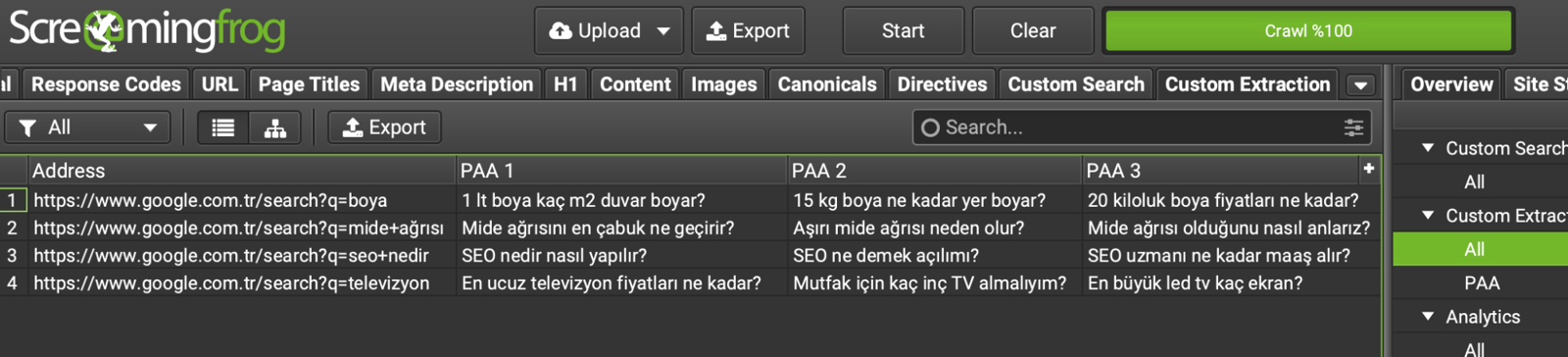
For example, you can see the outputs for the 4 URLs I crawled below. I have obtained the PAA results for the words I want in the SERP. I can transfer them to Excel with the "Export" button and prepare my content briefs or make edits to my content calendar:
Making Content More Comprehensive
If it semantically enriches your content, you can expand your PAA section by adding more questions. Keep in mind that every word you add carries weight and must stay relevant when Contextual Search is considered.
Search Console Data
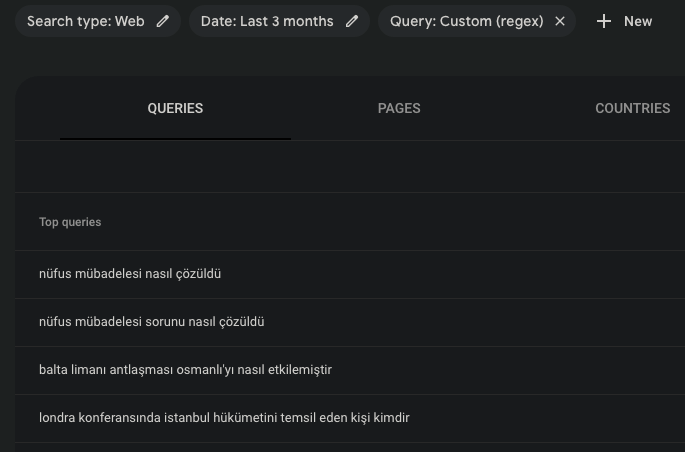
In Google Search Console, you can use question words (what, how, who, etc.) individually or in RegEx to identify keywords that don't show up in SEO tools. That way, you can look at the results and analyze whether you really answer the questions on your page:
Using FAQ Schema & FAQs
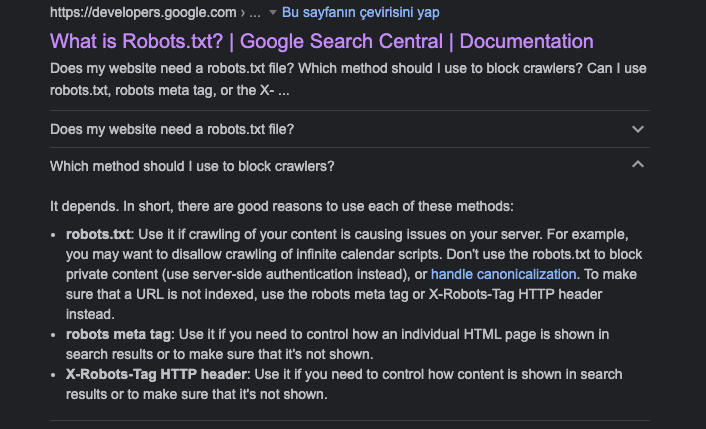
If your page structure also supports questions and answers, you can become more visible in the SERP by creating a FAQ area and marking this section with FAQ schema:
Jump Link
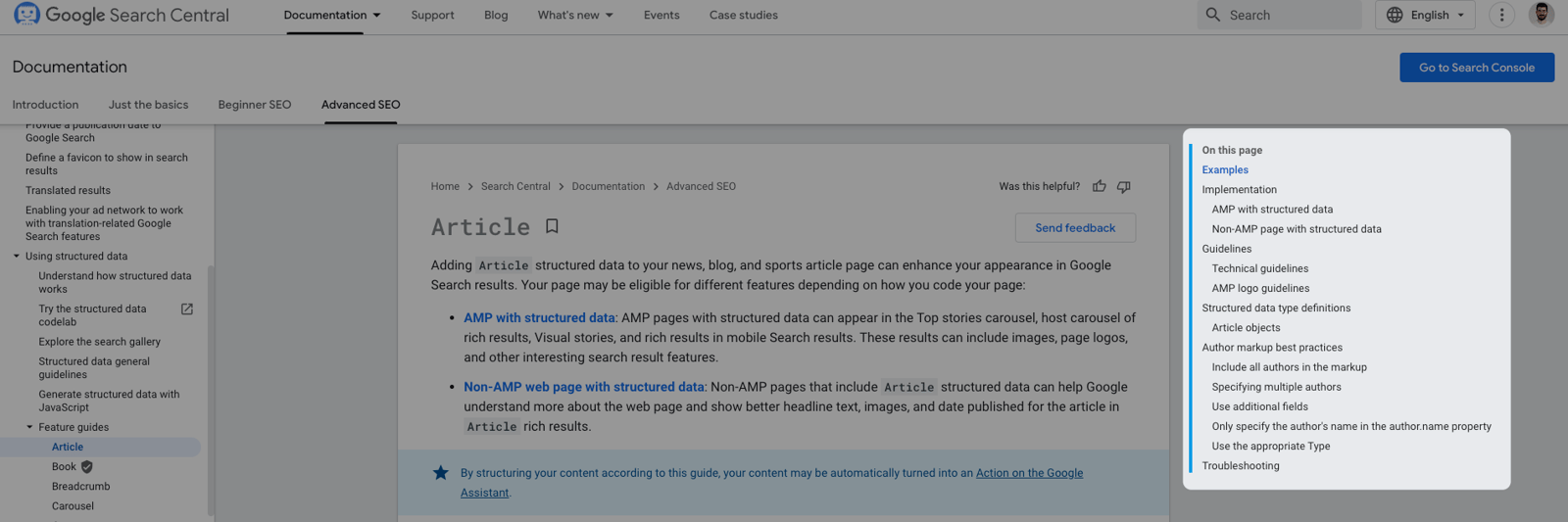
Use a "jump link" so that users can quickly jump to the questions they want. Taking the visitor directly to the specific answer section of the page can improve the user experience as well as browsing and indexing:
Answers Appropriate for the Search Purpose
Understand your visitors' intent and provide clear answers. For example, when answering the question "what is a currency-protected deposit account", you can use the phrase "the Depression of 1929". Do not start answering this over the topic. Explain the situation to your visitors in a clear, colloquial way. In this way, your users' loyalty to you can increase over time.
Some suggestions:
- Provide short but complete questions and answers
- Write in a language that doesn't sell
- Write content considering the questions you found during the research.
Topicality
By updating an article written years ago, you can close PAA slots for current search queries. By keeping your content timely, you can update it based on which questions users have searched for since the article was published.
For example, you can change questions about "2021" to "2022" questions, as long as they're up-to-date and accurate, of course. If wages, prices, or other details have changed, updating this for users is good for SEO.

Finally, I would like to remind you that the way Google shows featured snippets requires compliance with some guidelines. Even if you do all the optimizations, it is important to remember that Google's algorithms still have the final say here.
I wish everyone who has read my blog up to this point a day with lots of traffic :)


