


Many websites experience cannibalization, which can affect their rankings. Paid rank trackers can identify landing pages that rank for the same keywords and reveal which keywords are being cannibalized. Because these tools require payment, spotting cannibalization issues quickly can be difficult.
Cannibalization Checker helps you determine whether your chosen keyword has a cannibalization issue.
What is Cannibalization Checker?
Cannibalization Checker is a free spreadsheet offered by Zeo. With the contributions of SerpApi and the improvements to the first version, the sheet is now available in version 2.
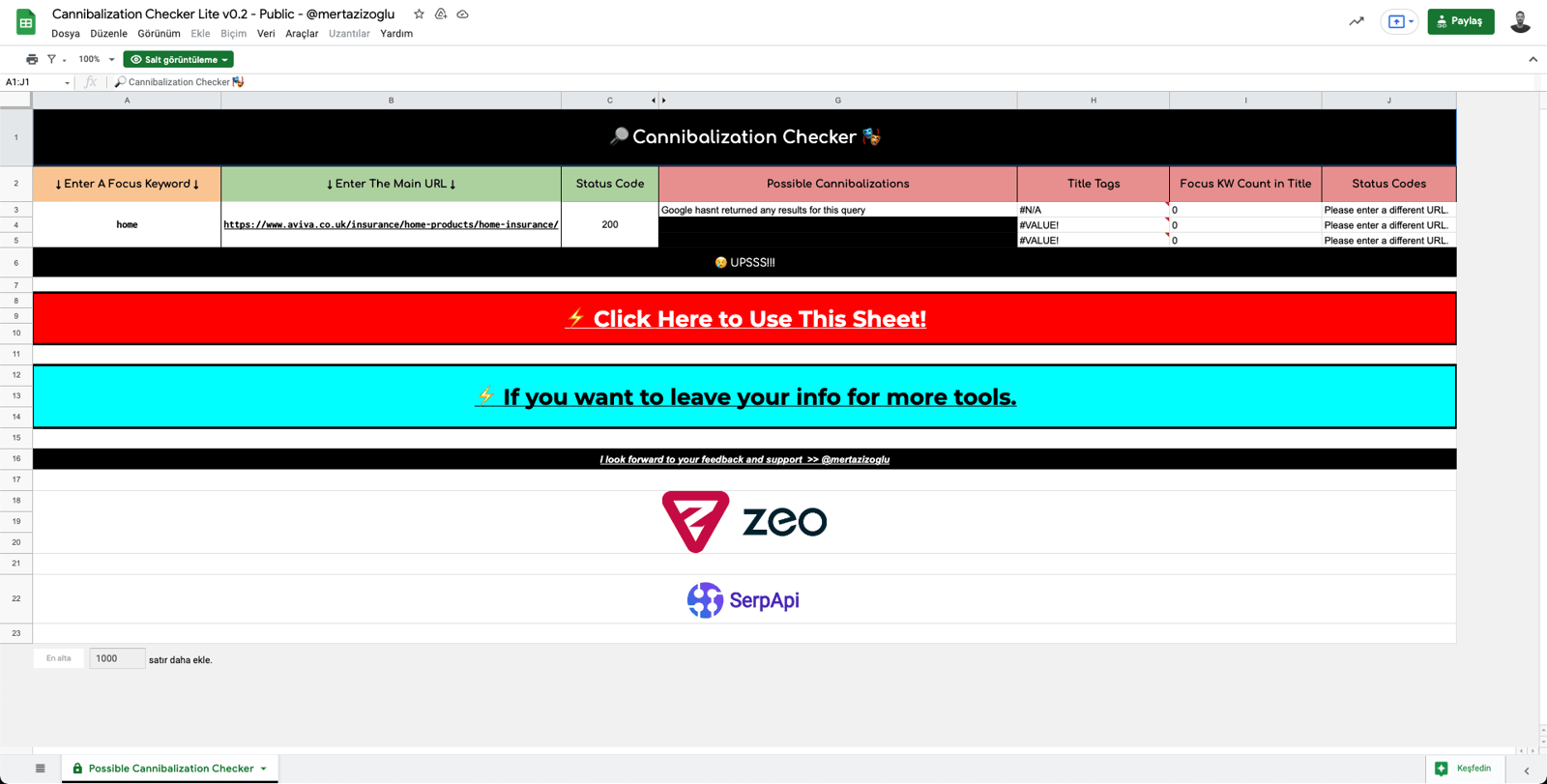
How to Use Cannibalization Checker v0.2
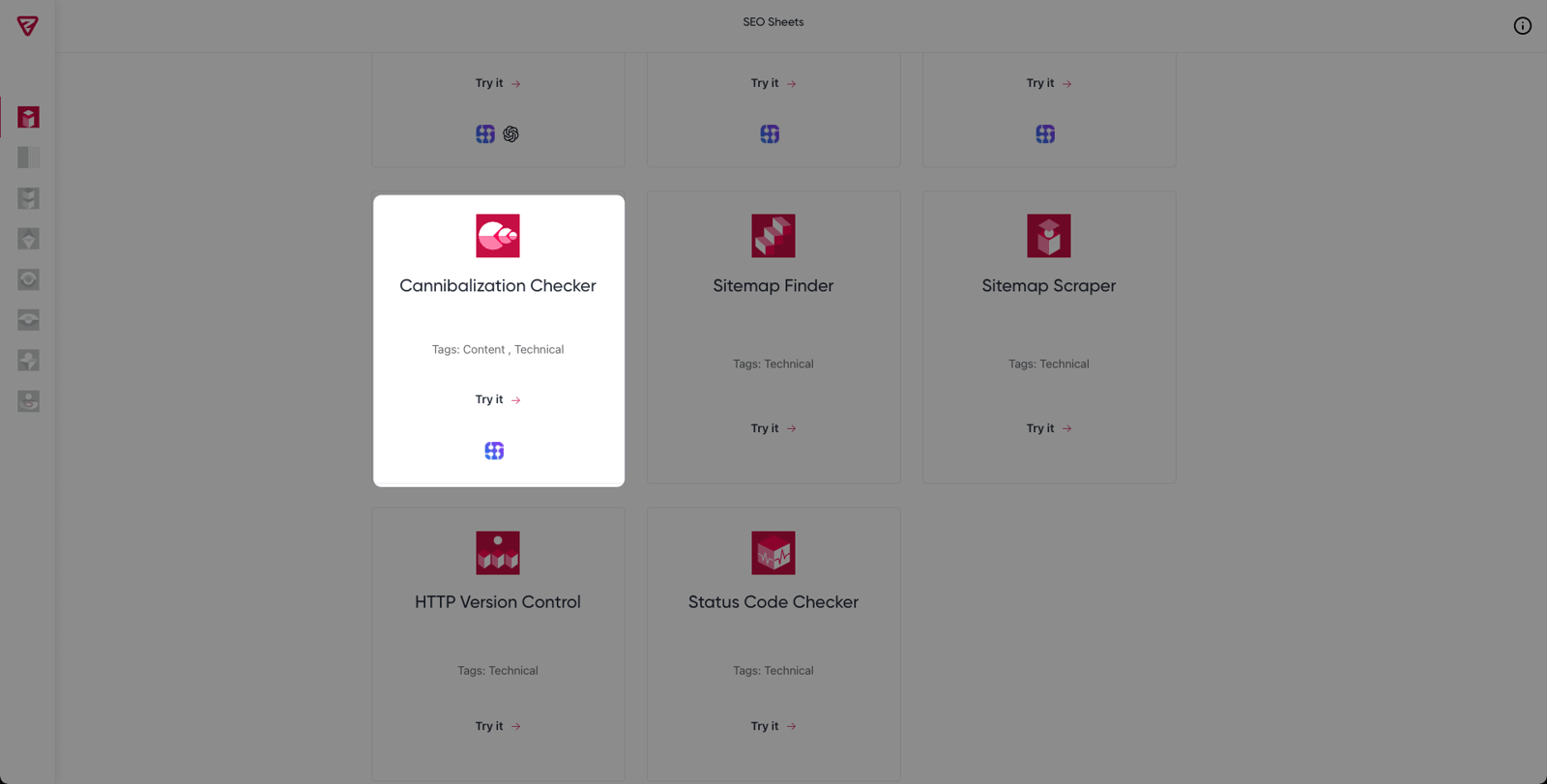
For the Cannibalization Checker tool, click the "Try It" button on the SEO Sheets page, where you can access the free tools Zeo provides.
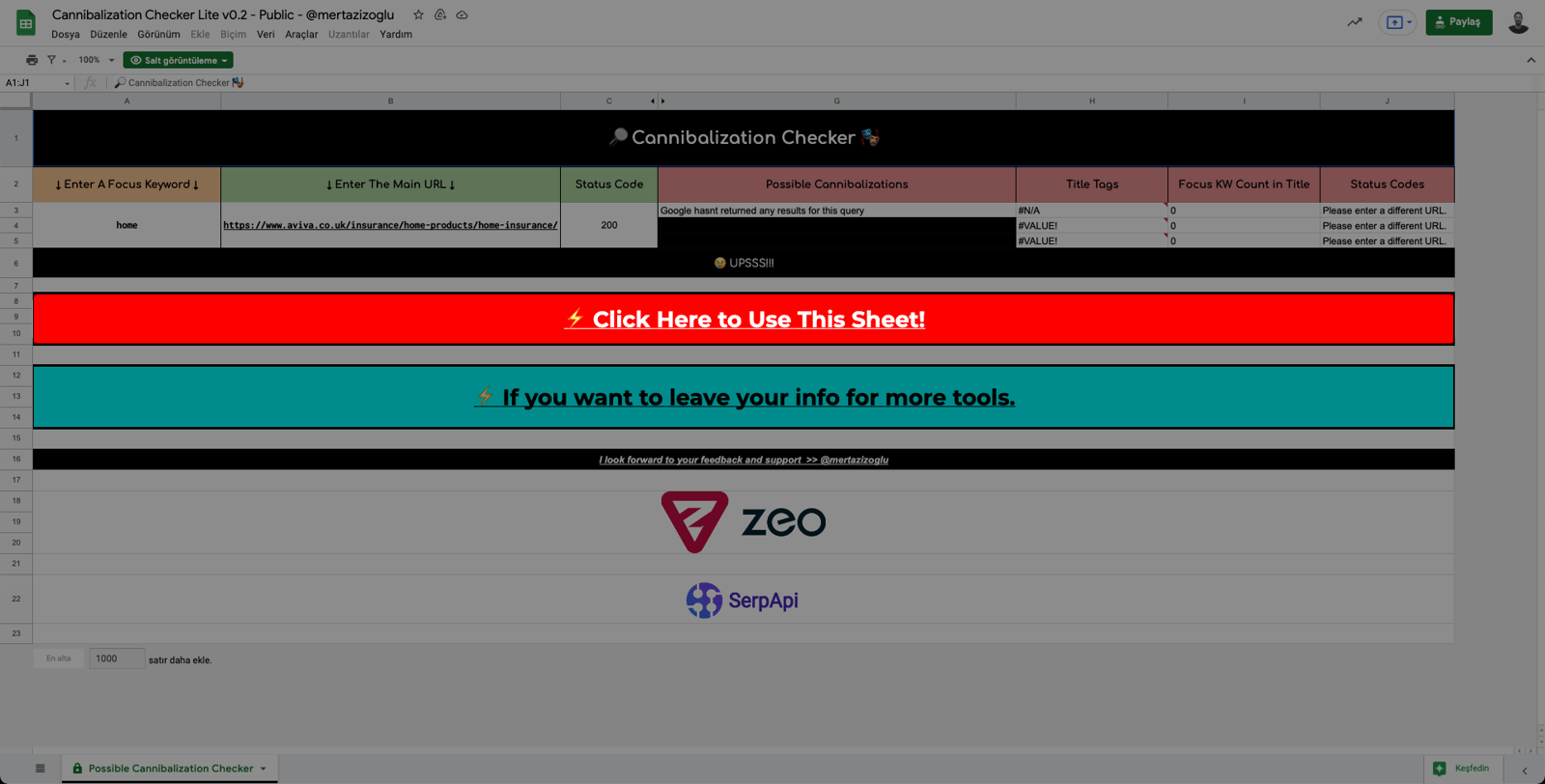
Afterward, you will be taken to the spreadsheet where you can check out Cannibalization Checker. You can create a copy of the Cannibalization Checker tool by clicking the "Click Here to Use This Sheet" button.
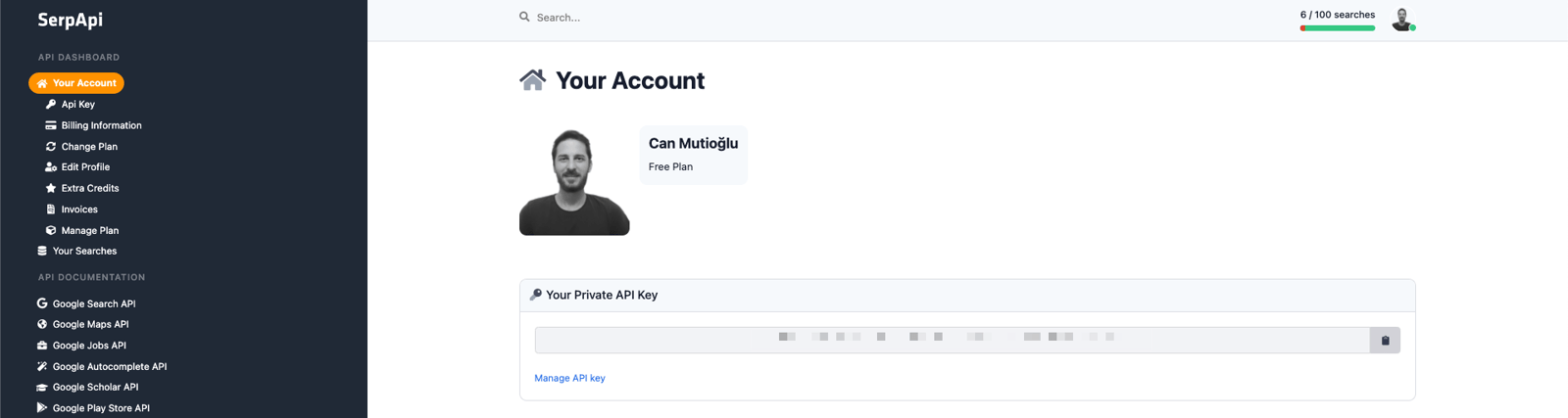
You will need an API Key to detect the cannibalization issues associated with the keywords of your choice. You can find the API key generated for you by SerpApi on the Dashboard screen.
Note: If you do not have a SerpApi account, you can click here to become a member for free. In its free plan, SerpApi offers 100 queries per month.
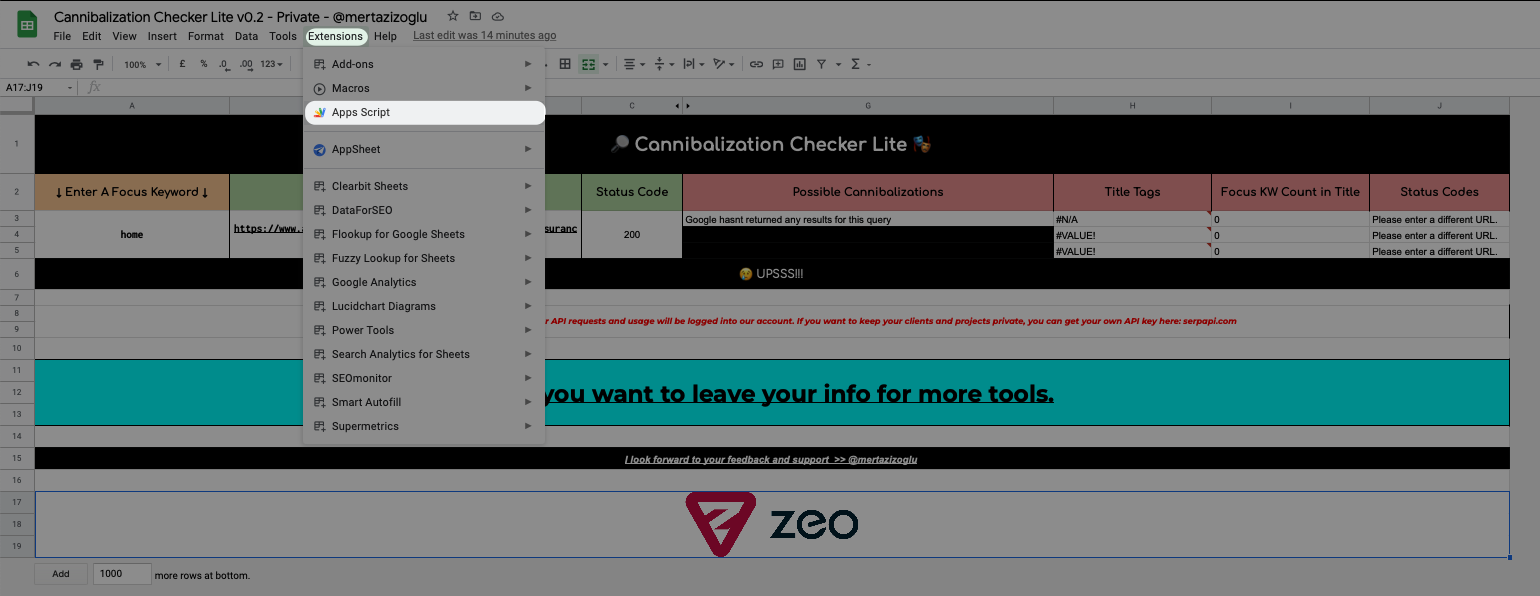
After copying your designated API key from the Dashboard, click on "Apps Script" in the Extensions drop-down menu in the spreadsheet, as shown below.
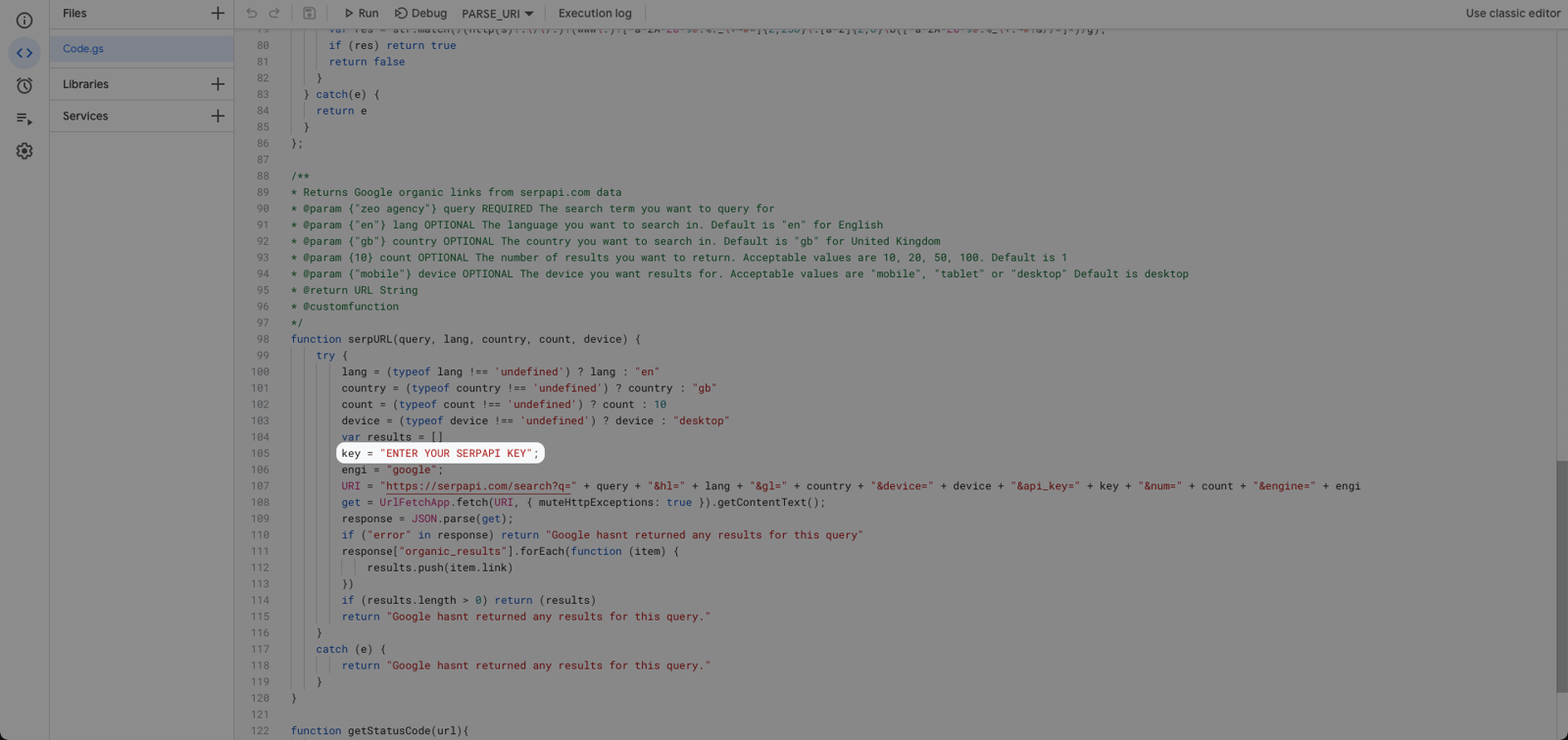
Paste the API key into the “ENTER YOUR SERPAPI KEY” field in the Apps Script file and click "Run".
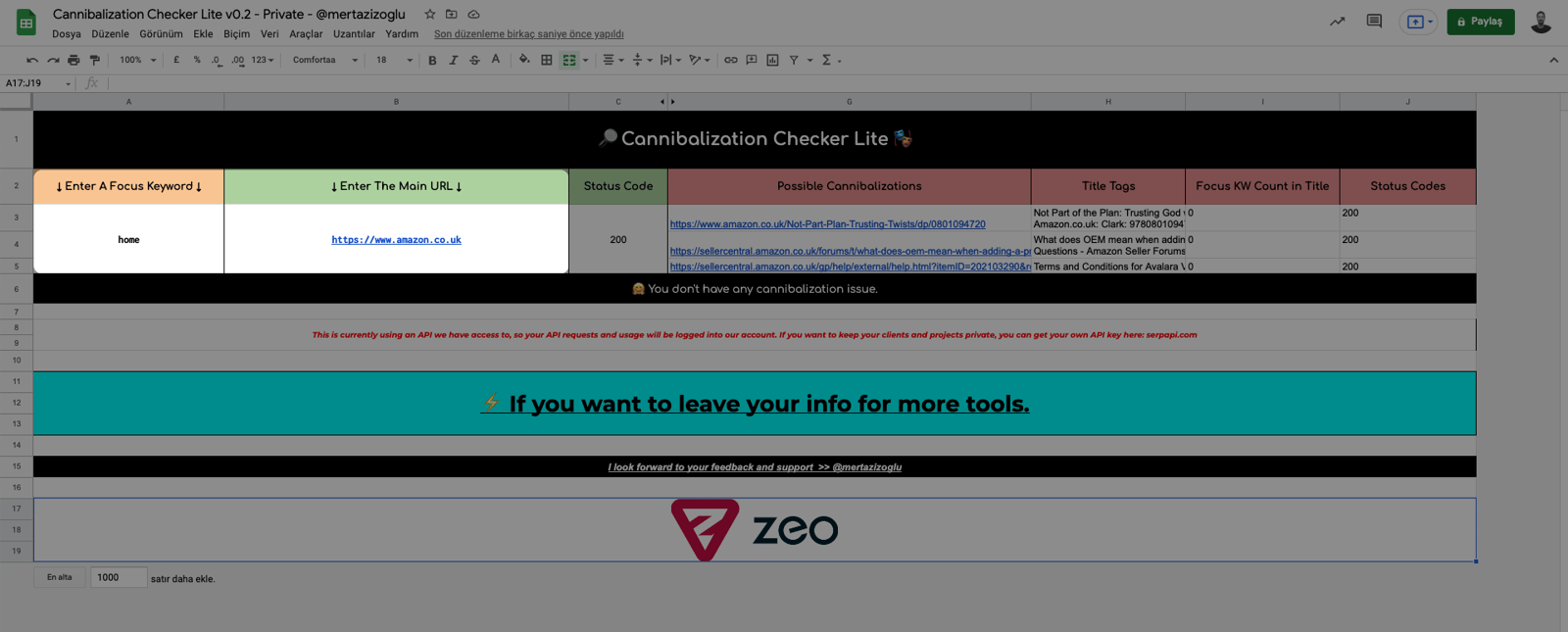
After entering the API key, go back to the spreadsheet and enter the keyword that you want to check for cannibalization issues in the cell under “Enter A Focus Keyword” and enter the URL of the landing page that you want to check for cannibalization issues in the cell under “Enter The Main URL”.
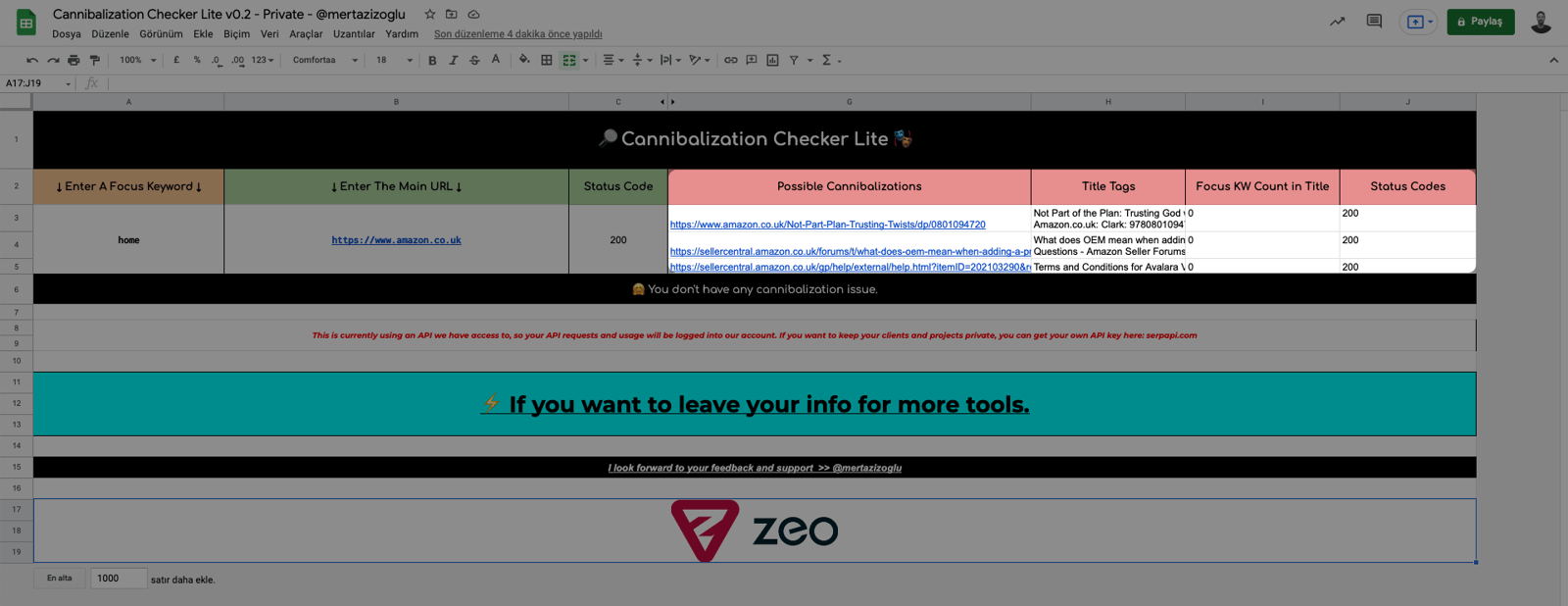
Here is the information that will be displayed by the tool:
- Links to pages with possible cannibalization issues under "Possible Cannibalizations”",
- Title tags of these pages under "Title Tags",
- Frequency of use of the keyword in the title tag of the relevant page under “Focus KW Count in Title”,
- The status codes of these pages under “Status Codes”.
We hope you find the Cannibalization Checker tool useful. :)
Your feedback and suggestions are valuable to us.
If you have any feedback or suggestions, or just want to say hi, you can contact us at hello@zeo.org.
See more Zeo tools at https://tools.zeo.org/.
