


Chrome extensions are popular in the SEO community because they are convenient and can save time.
Zeo and seo.do teamed up to create three Chrome extensions for SEO professionals.
This guide covers the SEOkit, Lokit, and Rich Result extensions and explains what each one offers.
SEOkit
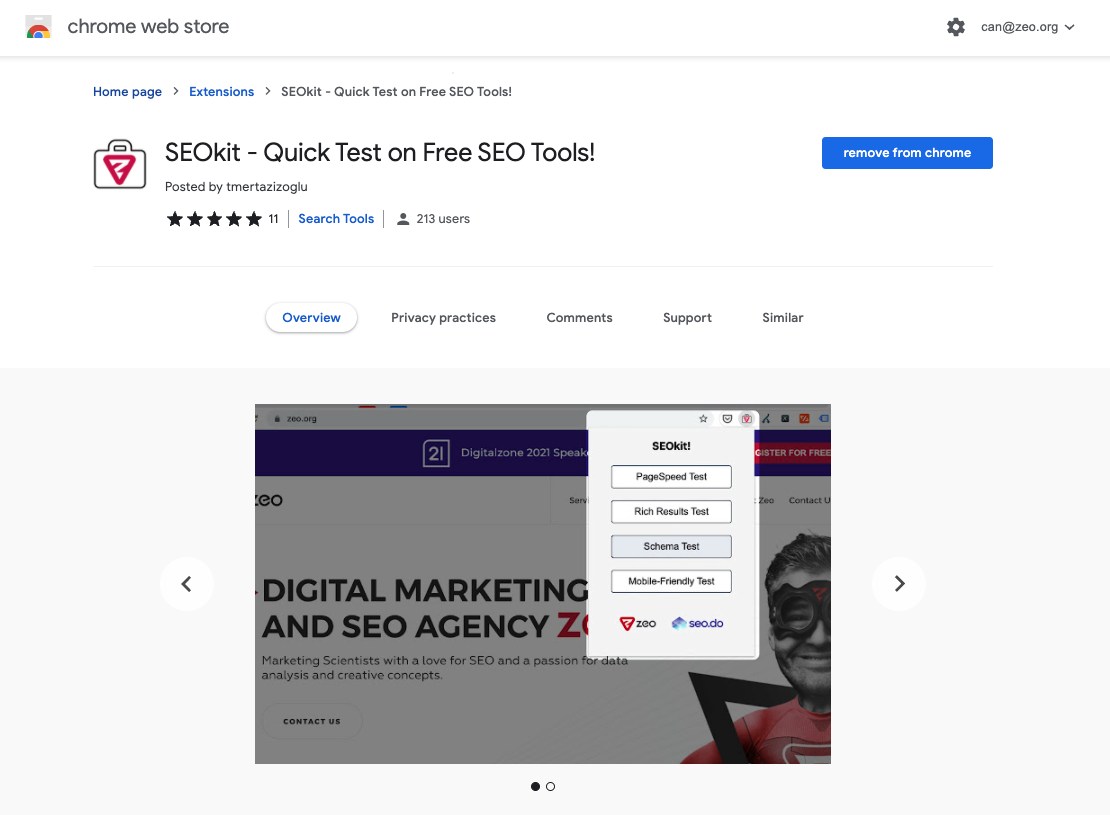
SEOkit is an extension that allows you to perform quick tests on a given web page using Google Tools.
What SEOkit Offers
You can use this extension to perform PageSpeed Test, Rich Result Test, Schema Test, and Mobile-Friendly Test on a page.
How to Use SEOkit
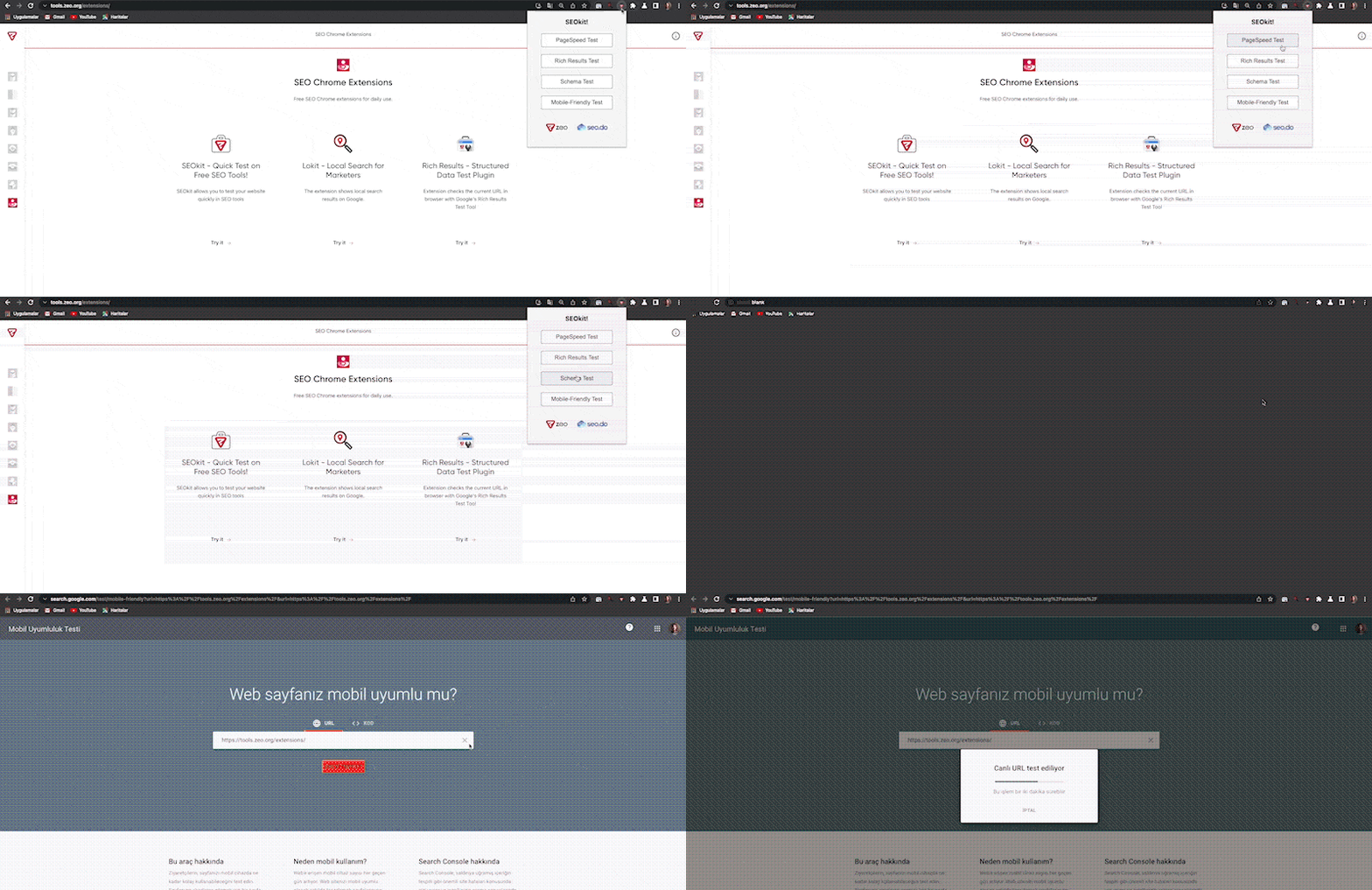
When you are on the page you want to test, simply click the SEOkit icon and then click on the name of the test you want to perform.
Lokit
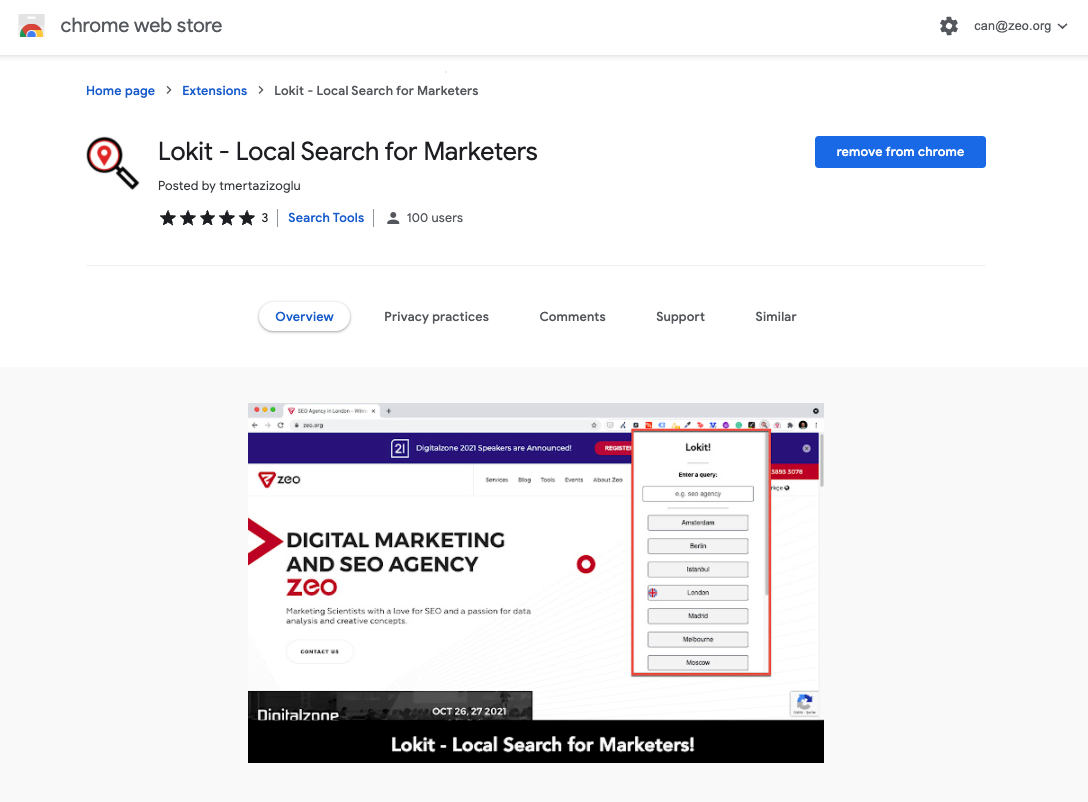
Lokit is an extension that presents the Google search results of a given query in different search regions.
What Lokit Offers
With Lokit, you can see the local search results of a given query in 10 different countries.
How to Use Lokit
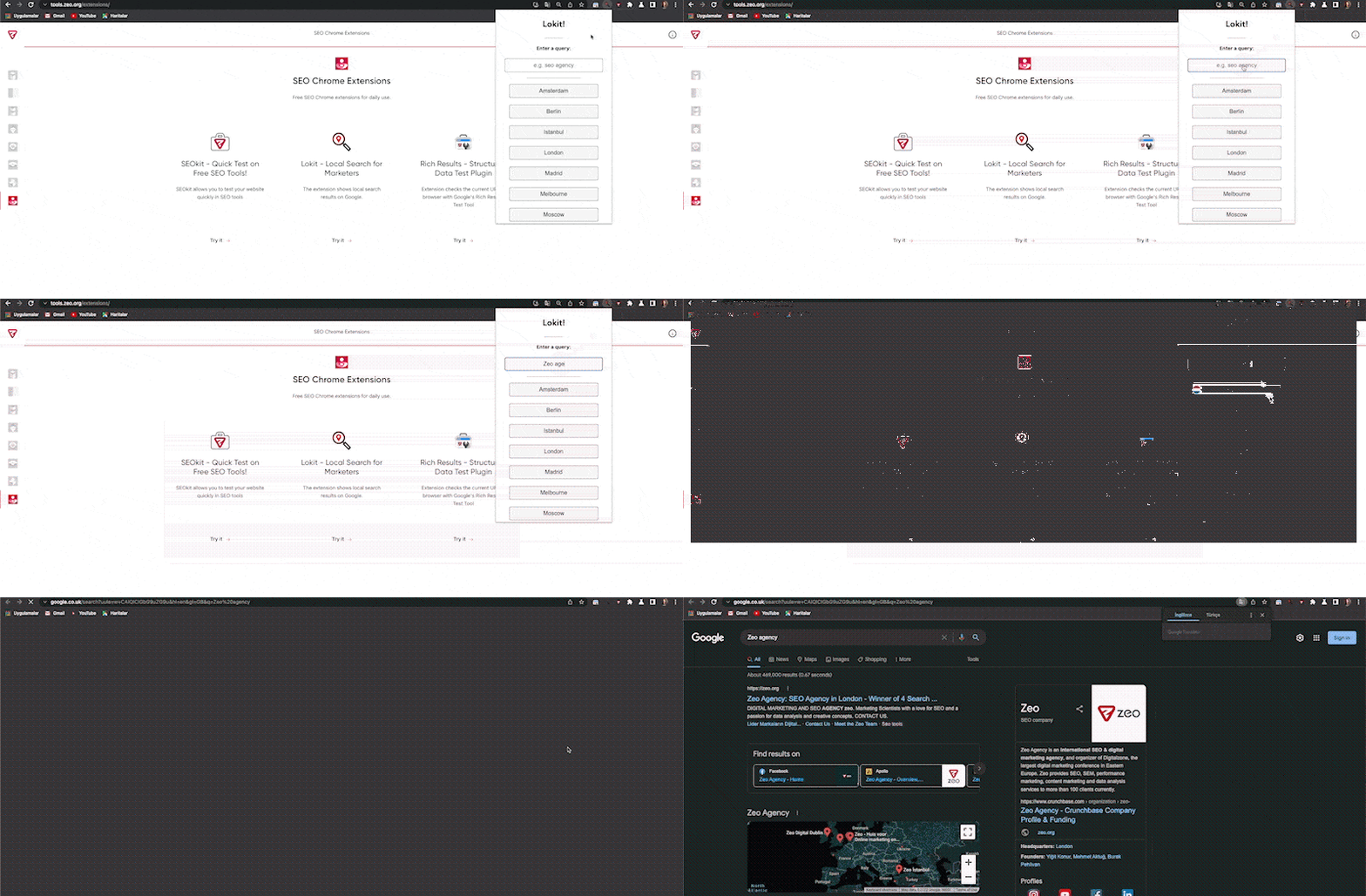
Simply open the Lokit extension, enter a query, and choose a location.
Rich Result
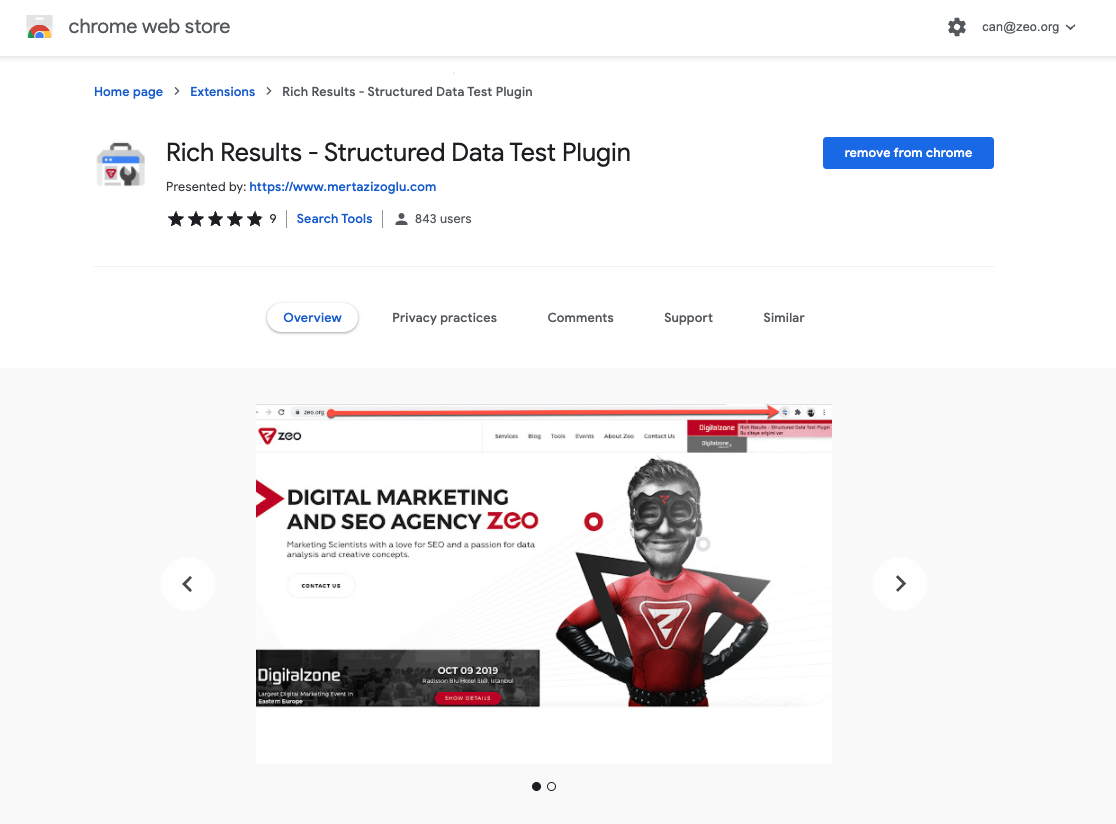
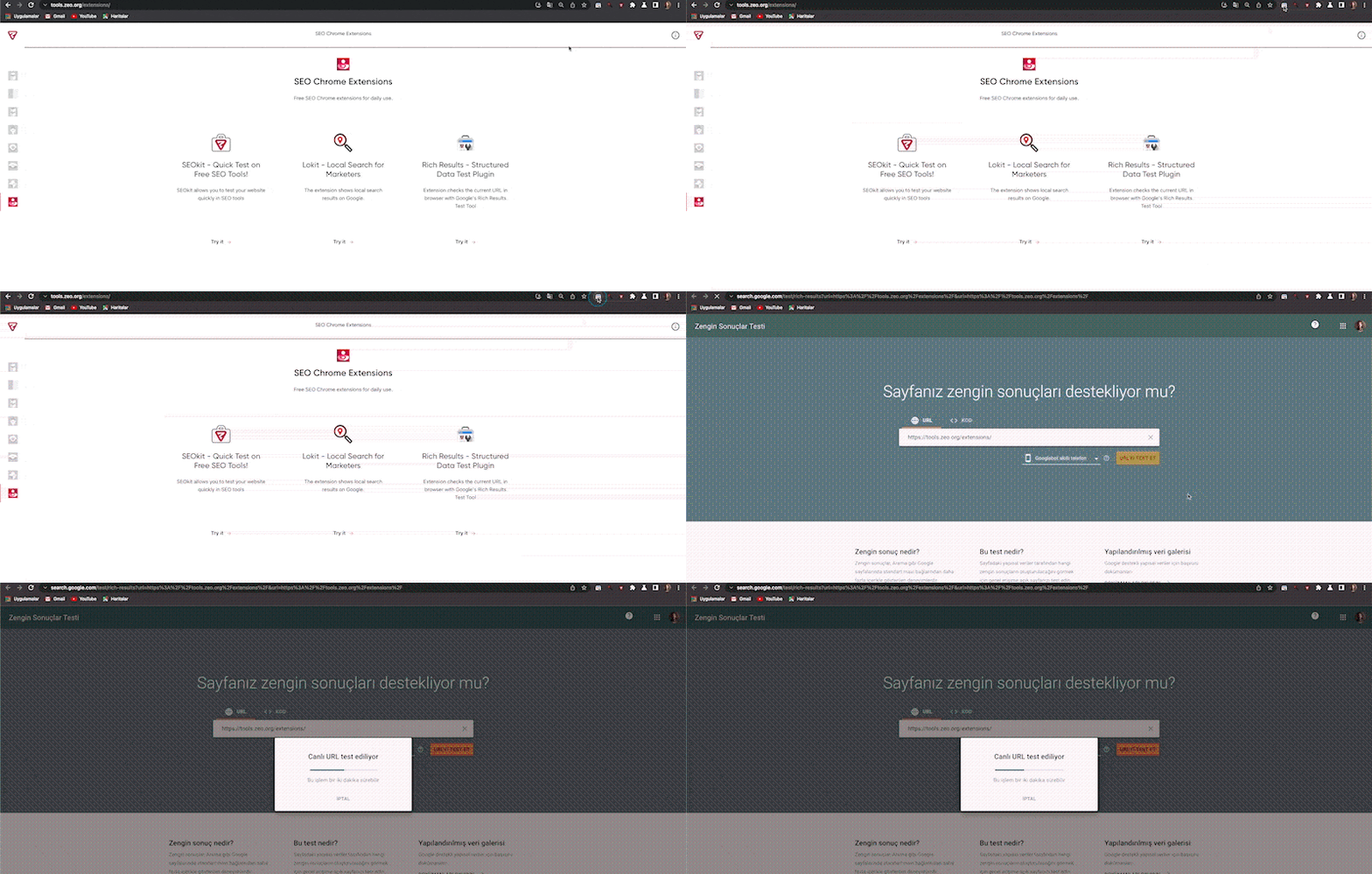
Rich Result enables you to perform a Rich Result test on the website you are visiting.
How to Use Rich Result
Simply click the Rich Result icon while you are on the page where you want to perform the Rich Result test.
We hope you find these Chrome Extensions useful. :)
Your feedback and suggestions are valuable to us.
If you have any feedback or suggestions, or just want to say hi, you can contact us at hello@zeo.org.
See more Zeo tools at https://tools.zeo.org/.
