


Pages with thin content, pages that return a 404 status code, and pages that are no longer needed may require redirects. Redirecting them can help optimize the crawl budget or transfer page authority to an equivalent page. Finding the right equivalent pages, however, often involves a great deal of manual work.
Zeo's Carbon tool helps you complete this process in 3 steps.
What is Carbon?
Carbon is an URL mapping tool for landing pages, the first version of which was released by Zeo in 2019.
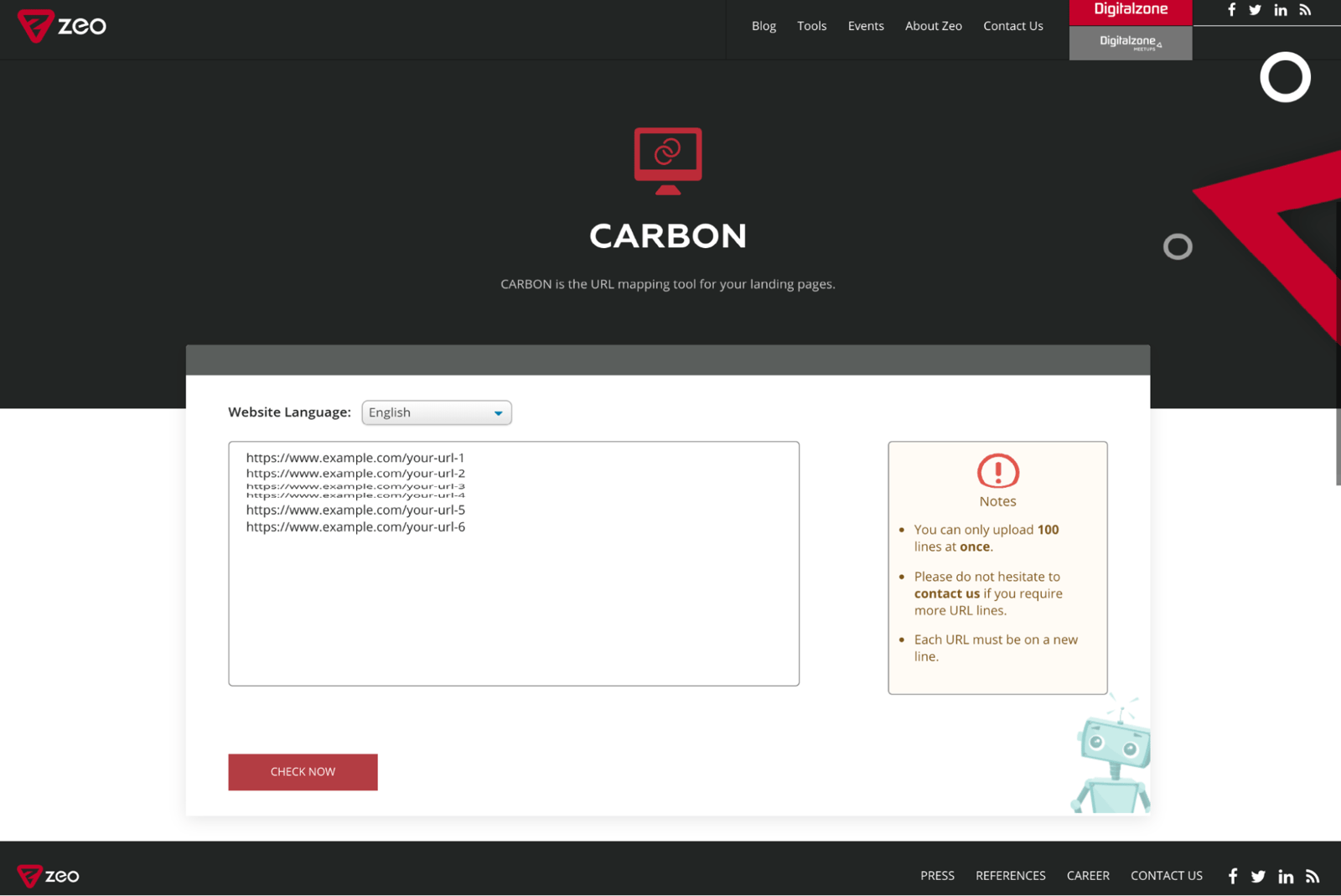
Developed with MFI Checker and SEO Sheets in 2021, the Carbon tool is now available in version 2 and offers faster and clearer results to users.
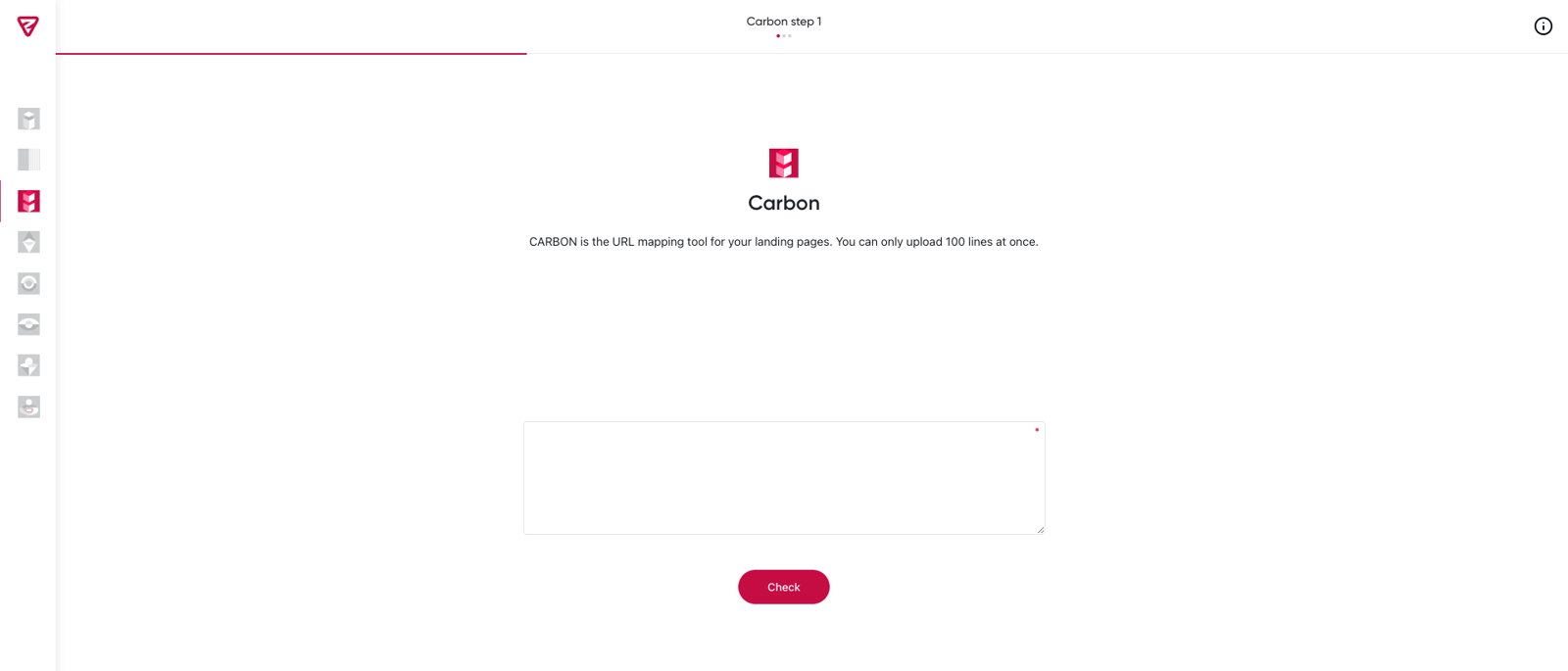
How to Use Carbon
Carbon tool works in 3 steps.
In the first step, enter the URLs to see the corresponding pages.
Note: Carbon has the capacity to inspect a maximum of 100 URLs for each crawl.
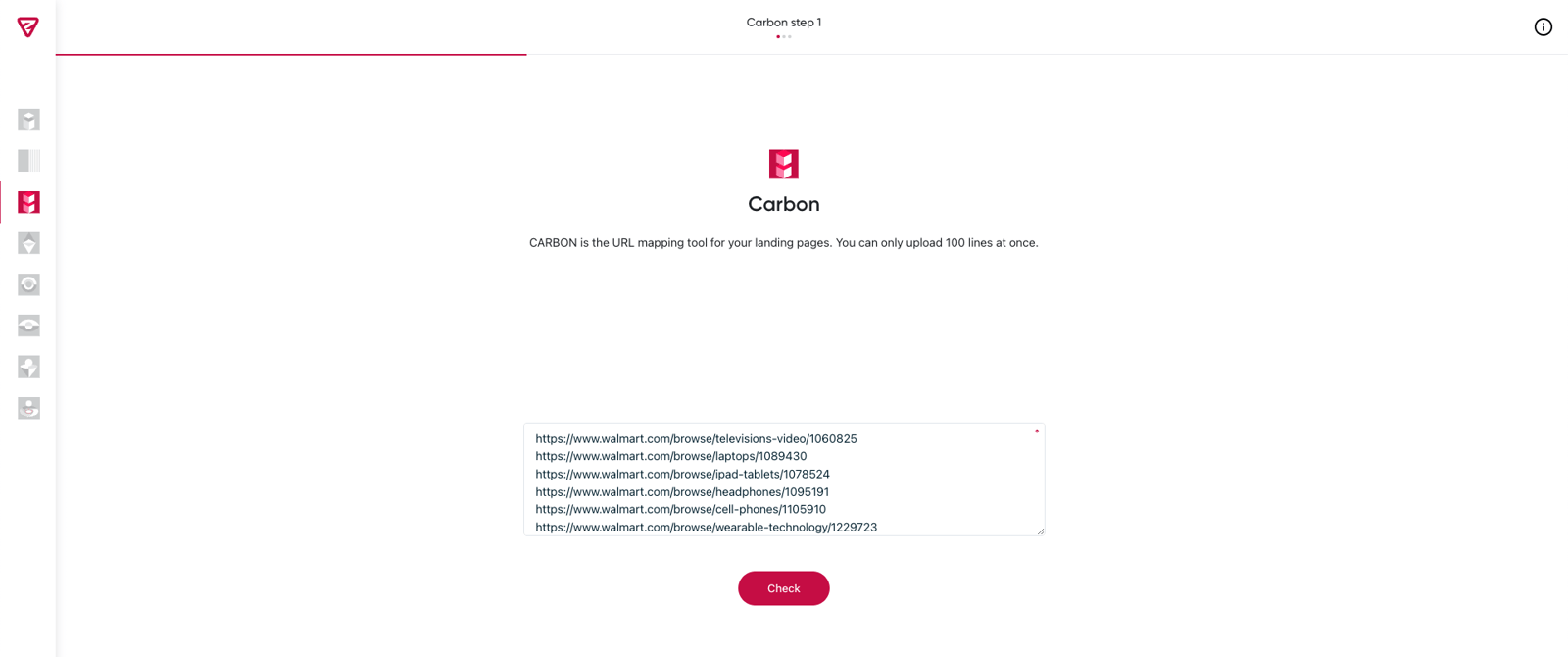
The tool will prepare the URL matches in the second step.

After finding the matches for the given landing page URLs, Carbon tool will show them in a Google Spreadsheet.
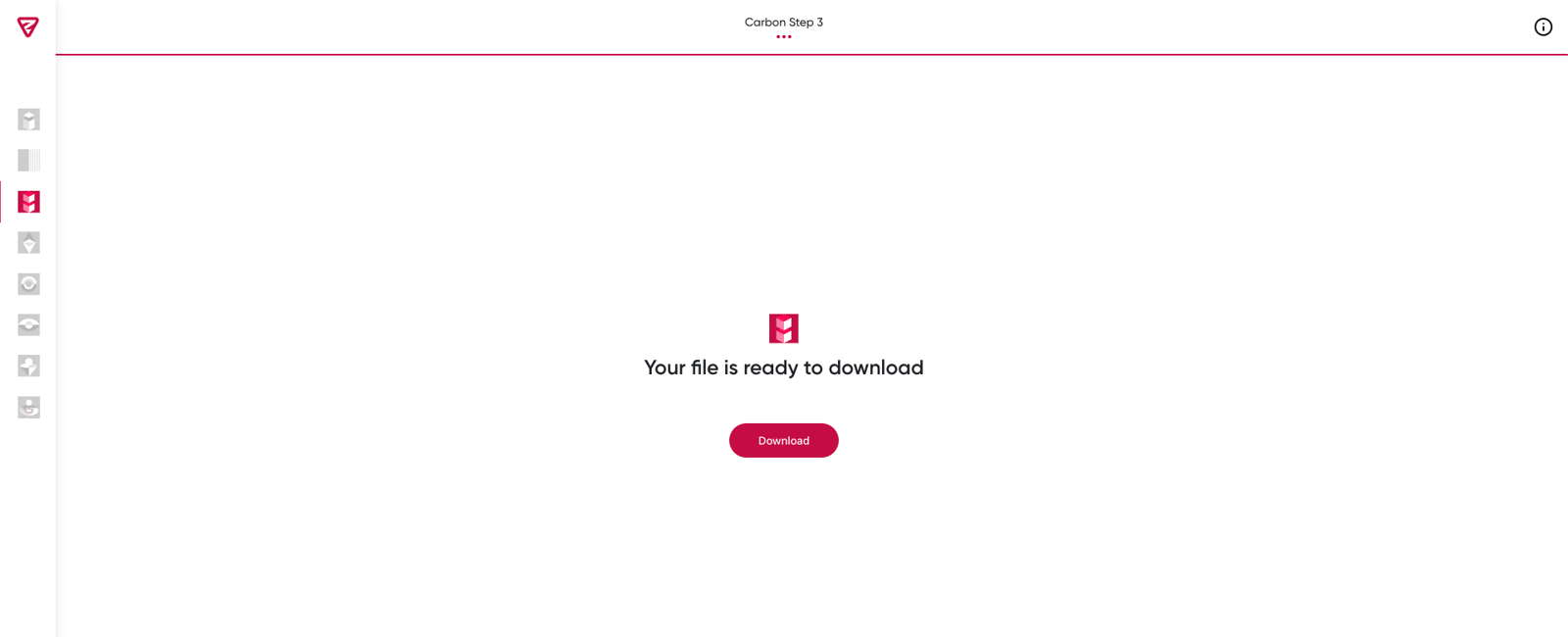
This tool can perform up to 3 alternative mappings for the URLs in the spreadsheet document.
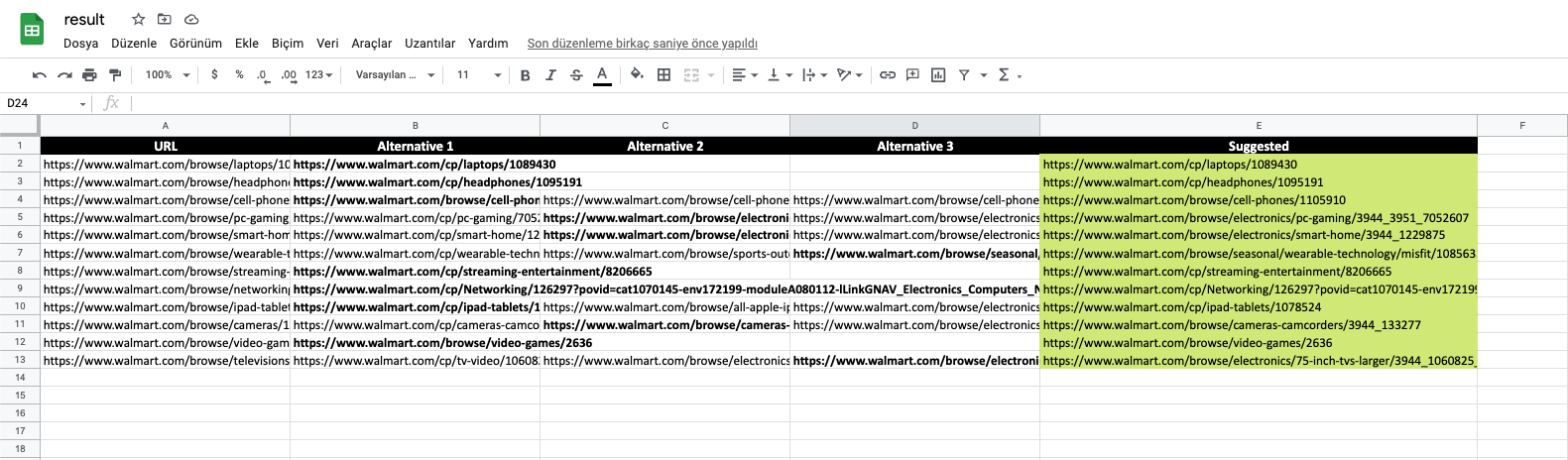
You can find the best match for the landing page in the "Suggested" column of the results spreadsheet.
How Does Carbon Work?
Thanks to SERP API, Carbon inspects the URLs that correspond to the given landing pages and offers the 3 closest alternatives to these pages.
We hope you find our tool useful. :)
Your feedback and suggestions are valuable to us.
If you have any feedback or suggestions, or just want to say hi, you can contact us at hello@zeo.org.
See more Zeo tools at https://tools.zeo.org/.
