


Think with Google is a platform that covers the latest developments in digital marketing through informative articles, website analysis tools, and consumer data. It's a useful source on how to build more efficient marketing strategies and develop new ones.
In this article, we'll look at the tools on Google's Think with Google platform, which brings together some of the most important tools for digital marketing. There are four: Find My Audience, Google Trends, Grow My Store, and Market Finder.
Find My Audience
If your business uses YouTube, Find My Audience lets you learn about your audience's interests and search trends, so you can find new ways to reach them.

With this tool, you can gain insights into your target audience's interests, habits, and the products they plan to buy, so you can reach new audiences. Find My Audience Insights Finder builds a persona from your most valuable viewers, which you can use in your advertising strategies and turn into a YouTube campaign to reach new audiences.
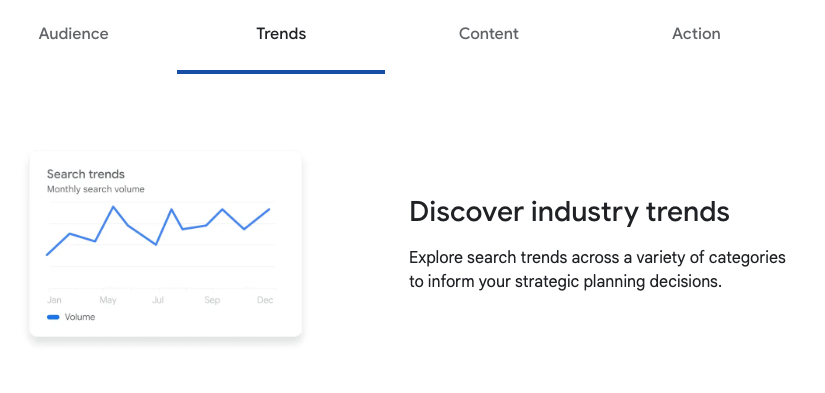
You can analyze search trends for your industry and shape your strategies around them.
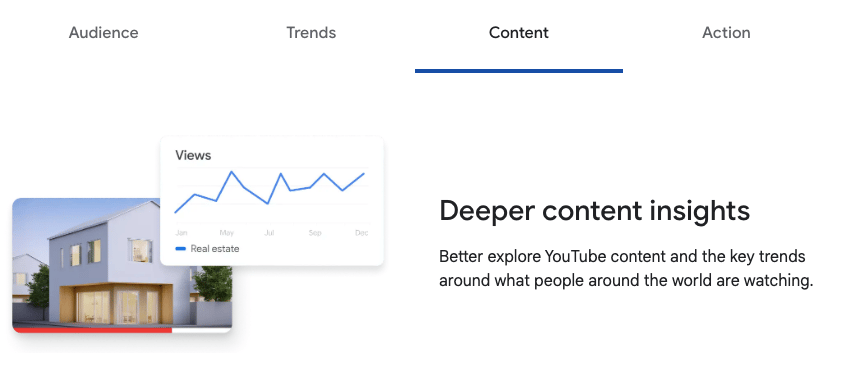
You can improve your content production with the suggestions from the Find My Audience Insights Finder tool, and decide what to produce next based on viewership rates and trends.
To start using the Insights Finder tool:
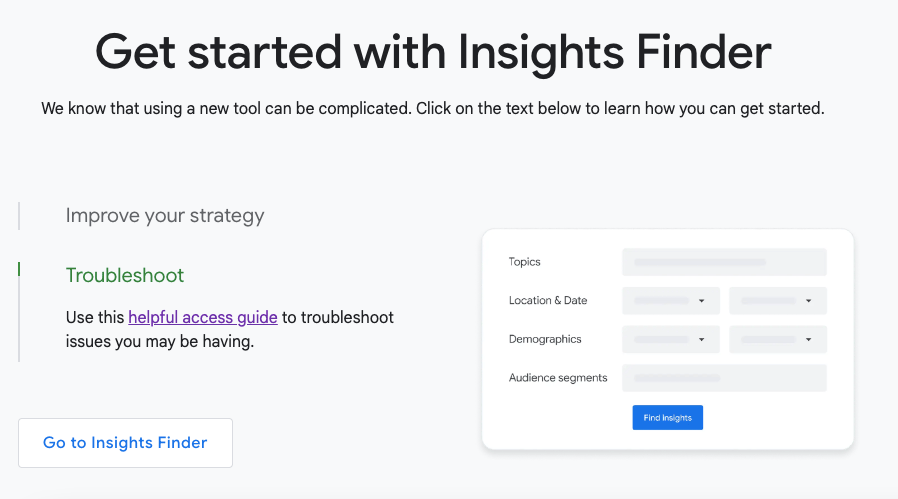
To use the tool, you need to sign in with your work account. Since the tool is still in beta, if you have trouble logging in, you can use the Troubleshooting Guide or contact the Google team to share your problem.
You can watch how Oreo reached its target audience and achieved 100% annual growth using the Find My Audience Insights Finder tool here!
Google Trends
With Google Trends, you can analyze users' search behavior. You can run this analysis by selecting your own country or any other country whose search trends you want to study. You can also look beyond individual countries and examine search trends around the world.
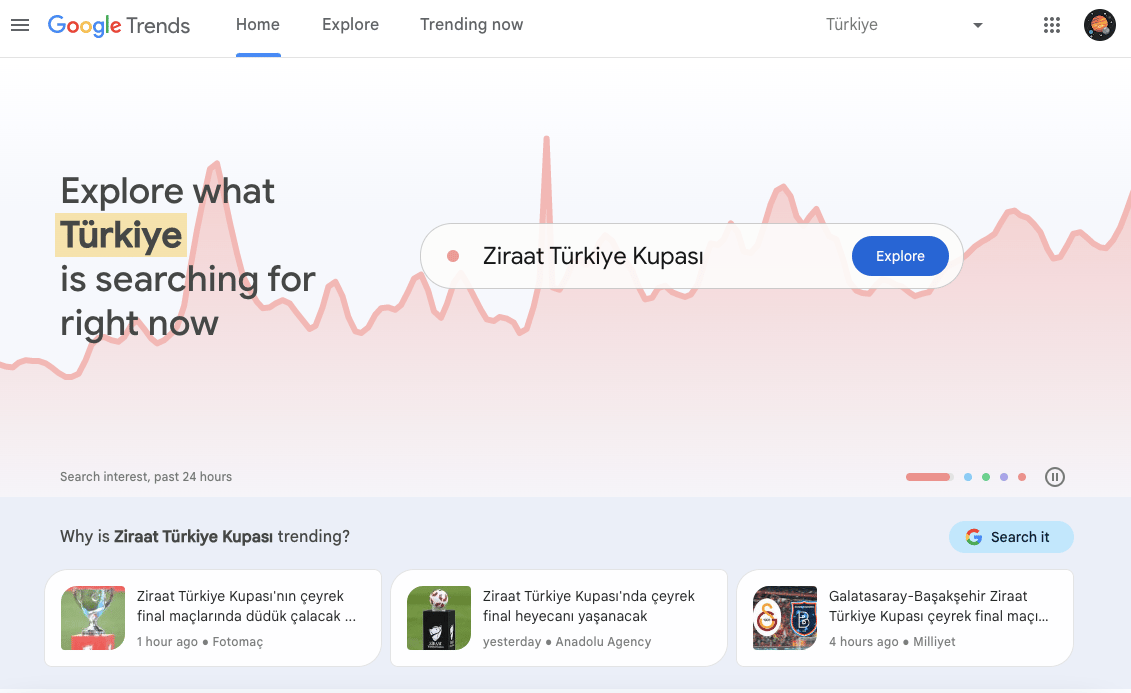
Once you select a location on the home page, you can see which topics are trending and why, as shown in the image above.
If we use Google Trends for a more detailed analysis:
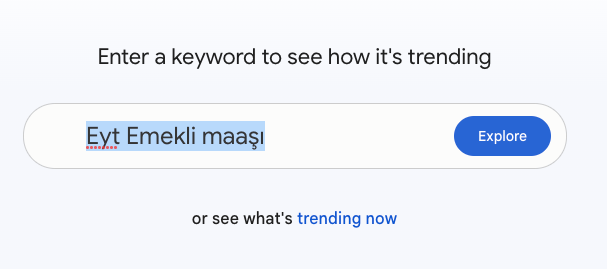
You can see daily trends in detail by entering a keyword in the search box or by clicking "see what's trending now". Here's what's trending right now:
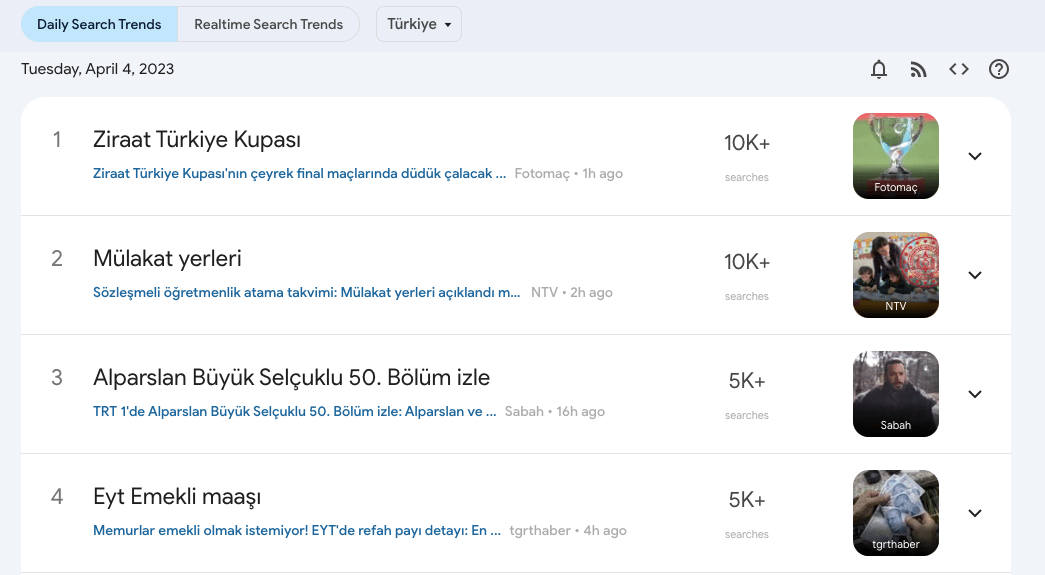
This gives us a list of that day's trends and search volumes.
Apart from that, as we mentioned earlier, you can also query a specific keyword.
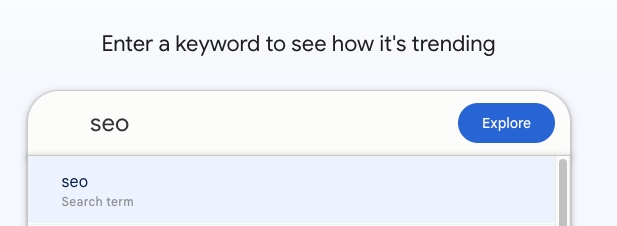
Let's look at the search volume for the word SEO. You can add up to 5 topics or keywords to the comparison section, so you can examine the trends of 5 different topics or keywords at the same time.
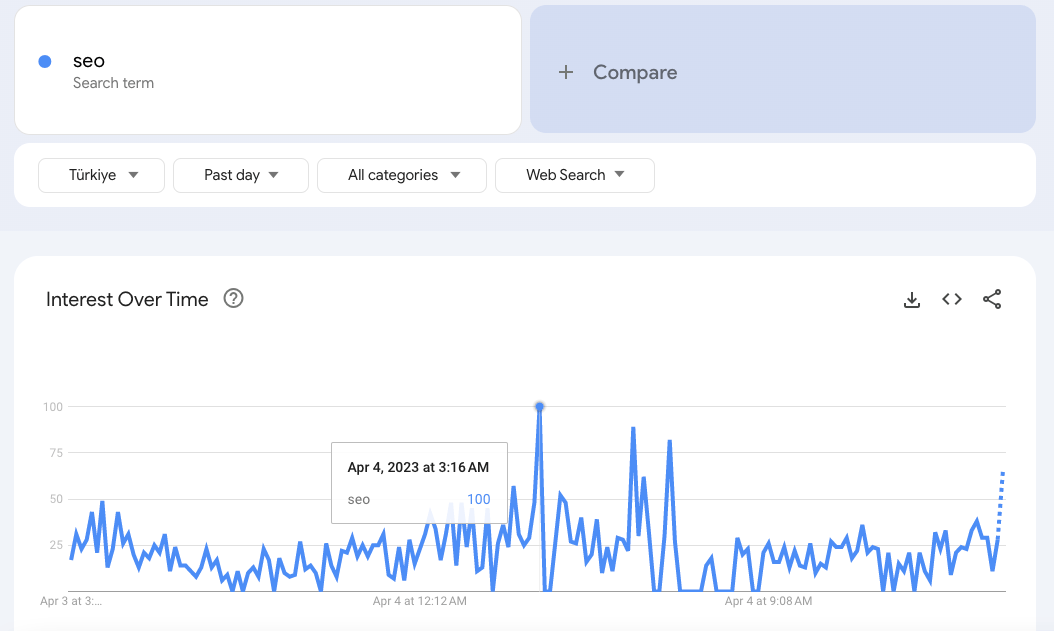
In this section, you can adjust location, time, category, and web search options to whatever scale you need. You can set the trend to the time interval you want and narrow the category by sector. Under web search, you can filter by Google News, Image Search, YouTube, and Google Shopping to review only those categories.
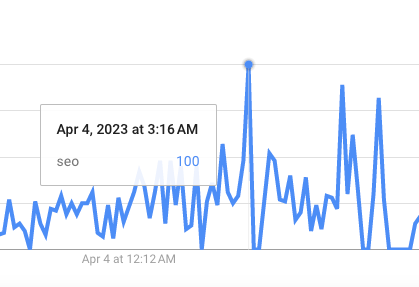
Search interest is scored from 1-100 on the graph. You can hover over the point where the word was searched the most to see its search interest and note it in your analysis.
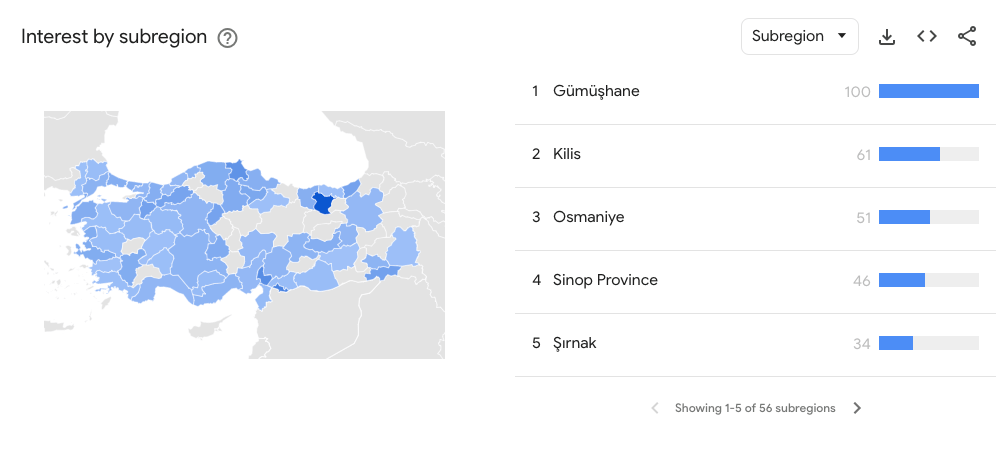
This table shows which cities your searches come from and how much search interest there is in each of those cities.
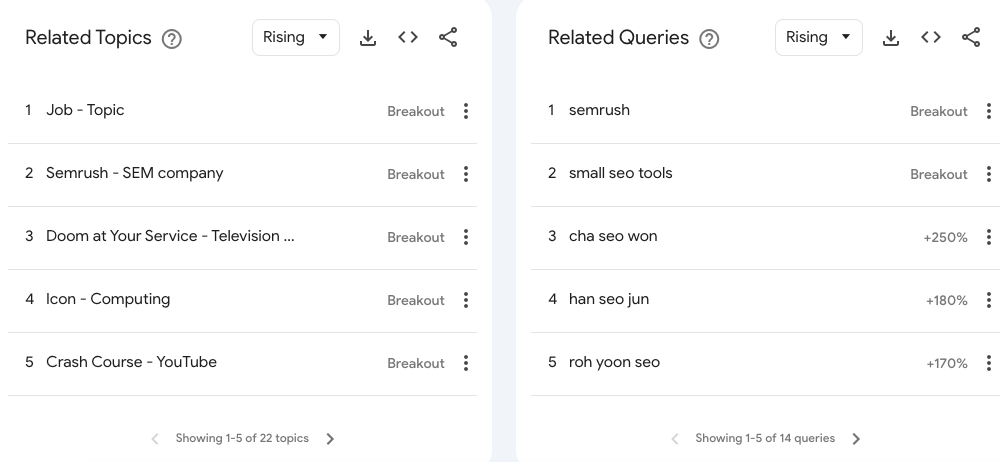
In this section, you can see the topics and queries related to the keyword and how much these queries have grown. Besides filtering by rising topics and queries, you can also filter by Most Relevant topic and query:
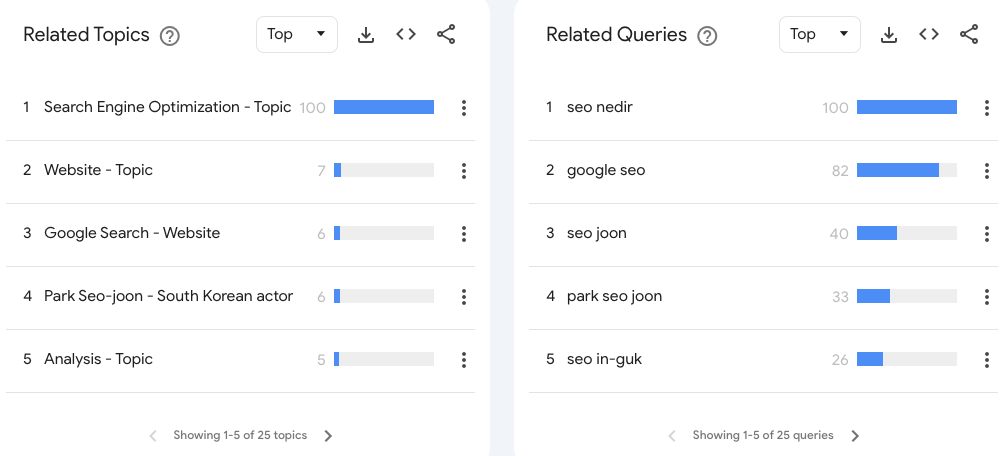
This way, we can reach the most relevant topics and queries for the keyword. Google Trends is one of the efficient tools you can use in your reports for the analysis above and for more detailed work. For more on how to use Google Trends, and for anyone curious about the relationship between Trends and SEO, you can check our blog on the subject.
Grow My Store
The Grow My Store tool quickly analyzes e-commerce websites and produces a report on the site in question. That report weighs the site's strengths and weaknesses across several categories. While assessing the site's current state, the tool also offers suggestions for improvement.
You start the analysis by entering your website's URL. At that point it asks for an email address and sends you a link so you can review your report once it's ready.
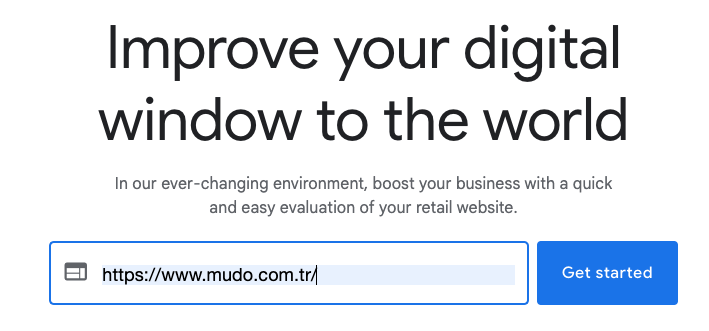
To show how the Grow My Store tool works, we'll analyze Mudo.
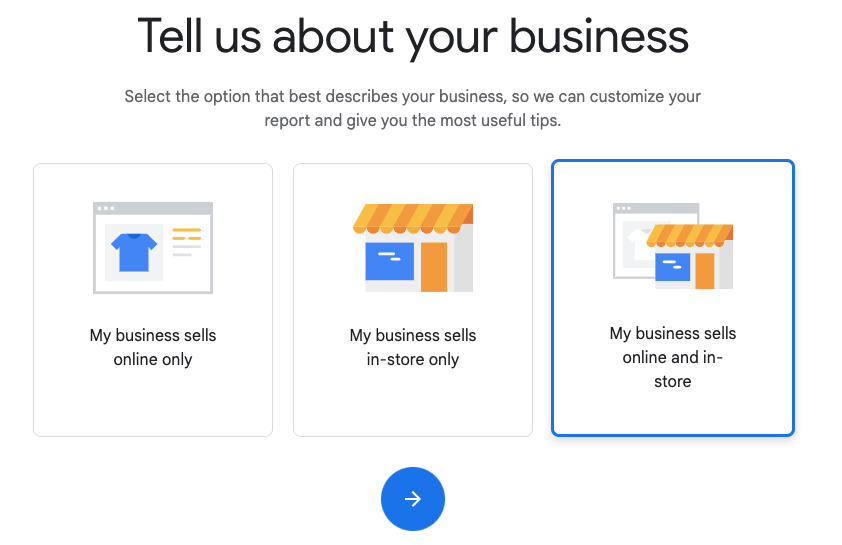
After entering the URL, we select which channels our business sells on.
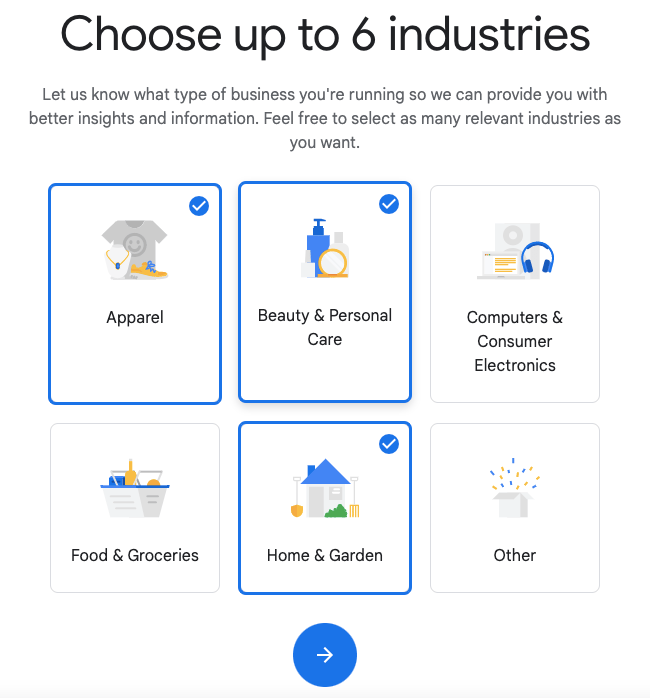
In the next step, we choose which sector our business is in, or which sectors it can be associated with.
In the next step, if our business uses an e-commerce platform, we select it; if it's not among the listed options, we enter the platform we use under the 'Other' heading.
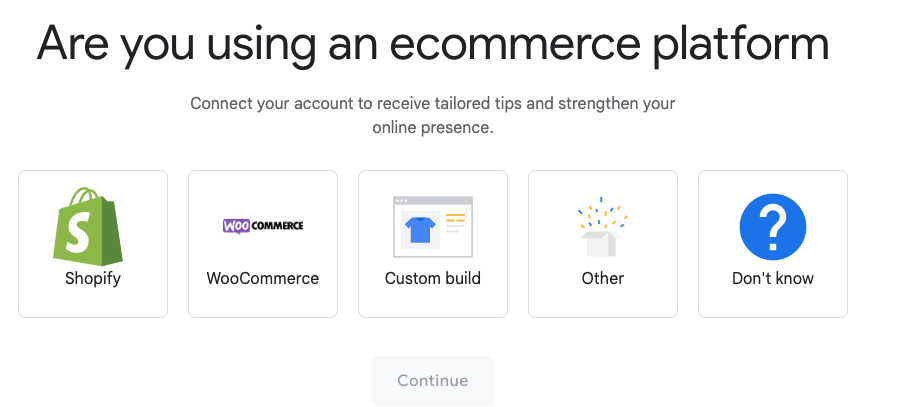
We create a profile and enter the information needed for the report to be delivered to us.
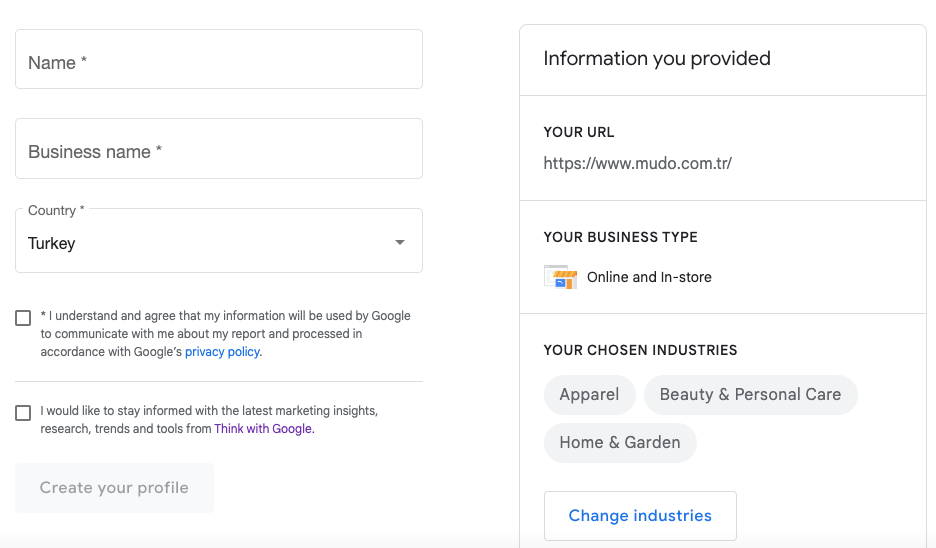
It then asks you to connect your email to the Grow My Store tool, and you'll be notified by email when your report is ready. It can take a few hours to complete the report, so it's worth checking your e-mail periodically. :)
When we look at the report outputs:
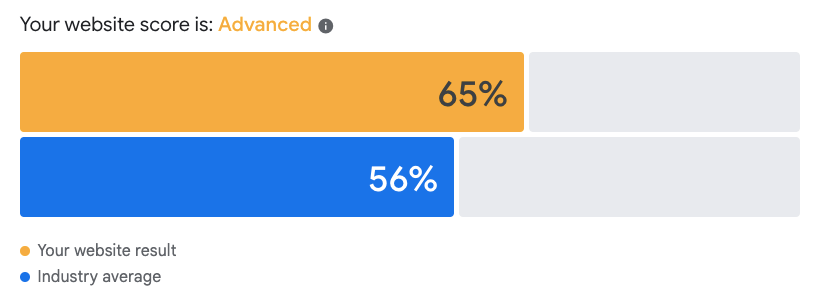
We can see that the analyzed website scores above the industry average on customer experience.
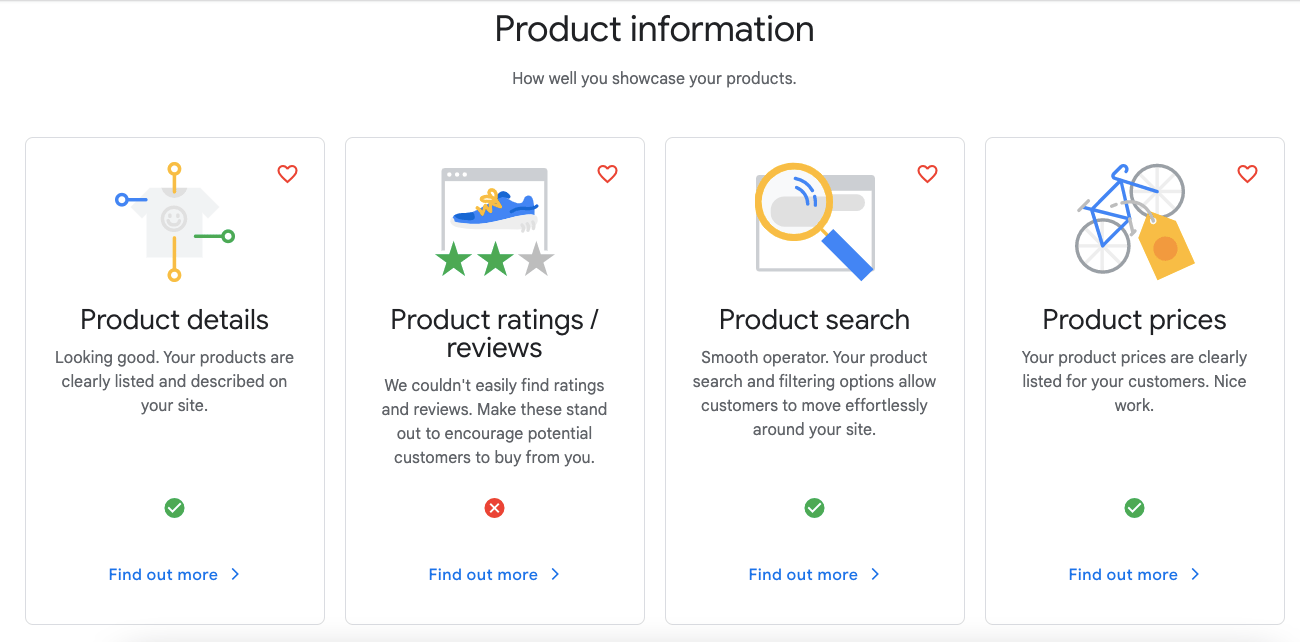
The website performs well on information such as product details, product search, and product prices, but falls short on product ratings and reviews. For more detail, you can see the suggestions offered by clicking on the "Find out more" option below.
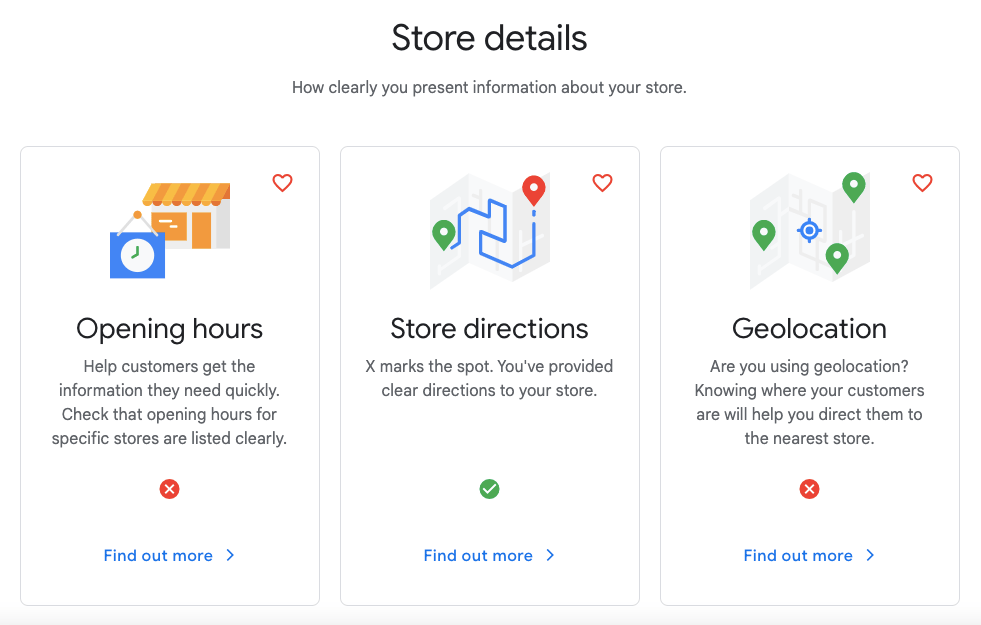
Looking at the store details, opening hours and location information are missing.

On personalization, the brand's website scores well on both points shown in the visual.
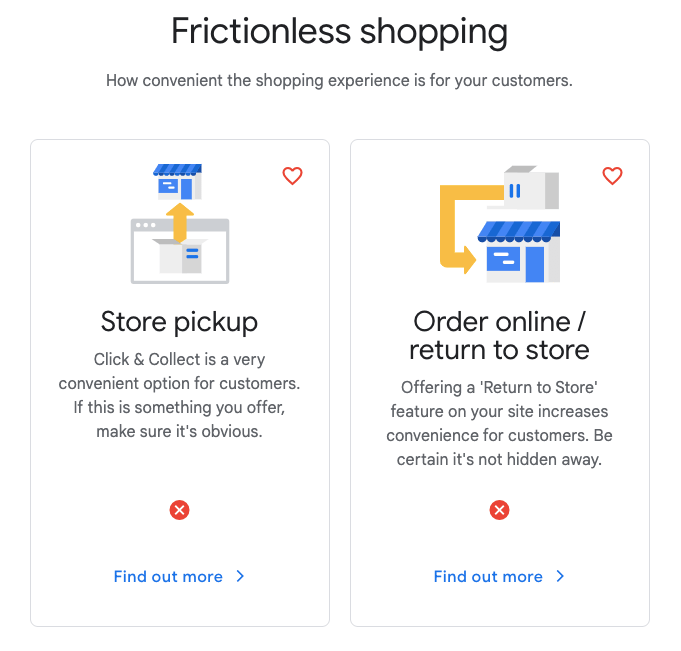
In the frictionless shopping analysis, the website was found not to include pick-up from the store and return-to-store options.
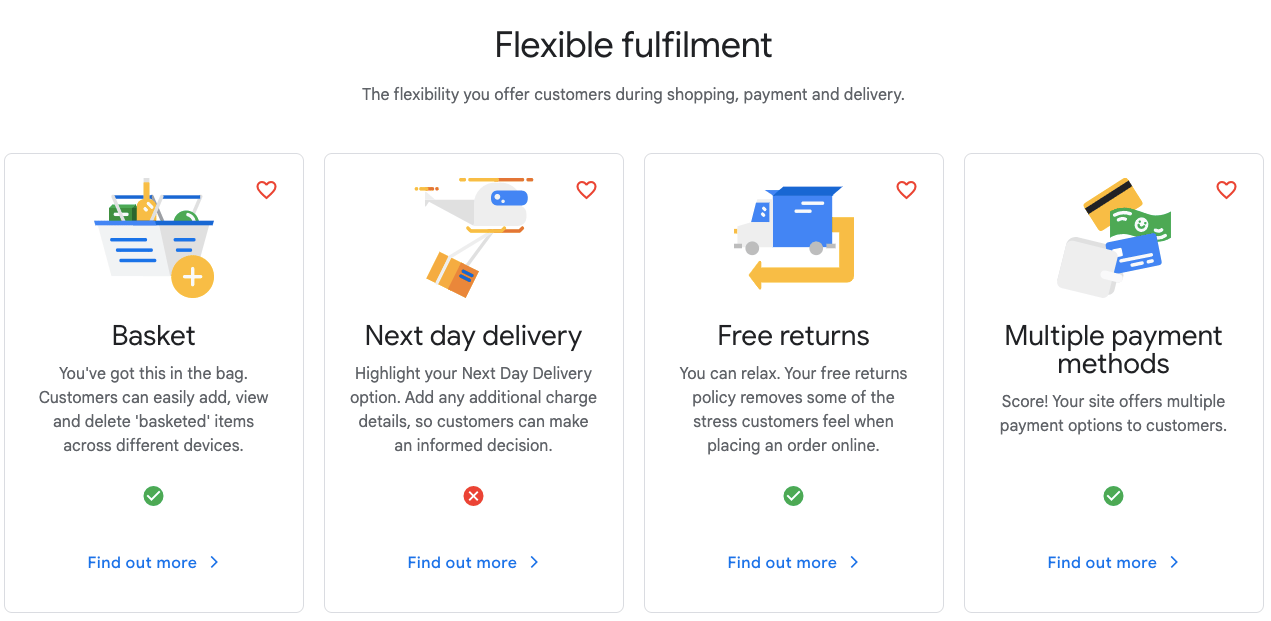
The website is successful across all features such as a basket, free returns, and multiple payment methods, except for next-day delivery.
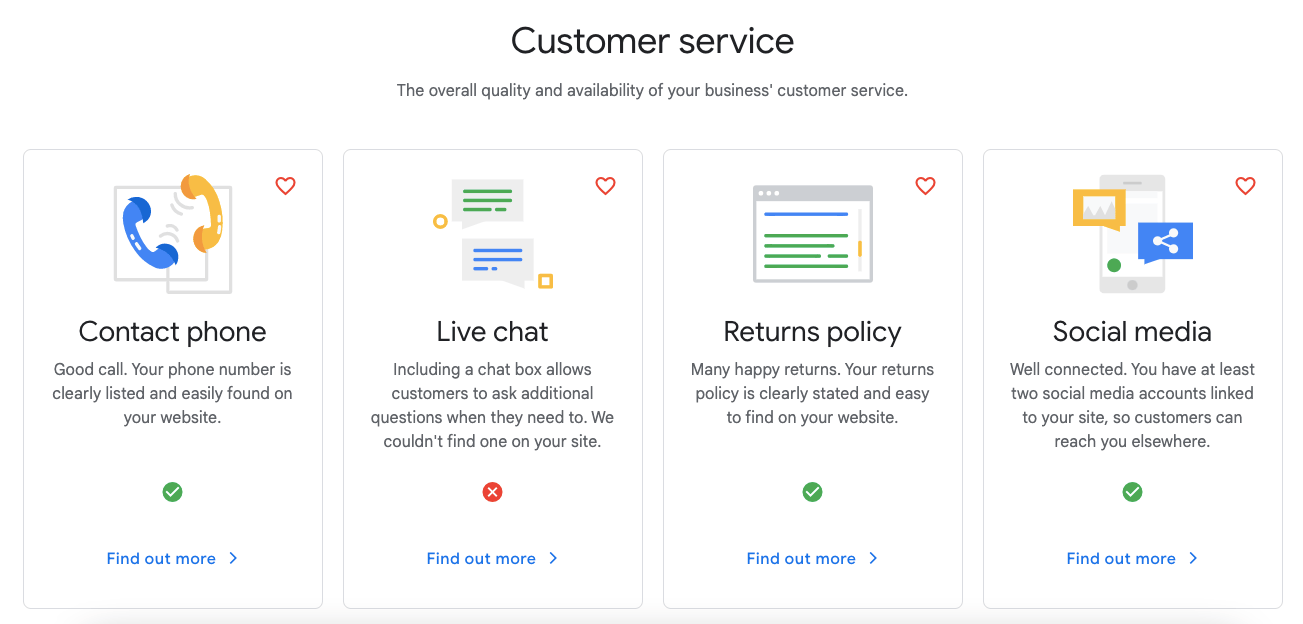
In the analysis, the site scored well on items such as contact number, return policy, and social media within customer service, but since it has no live chat feature, it fell short there.
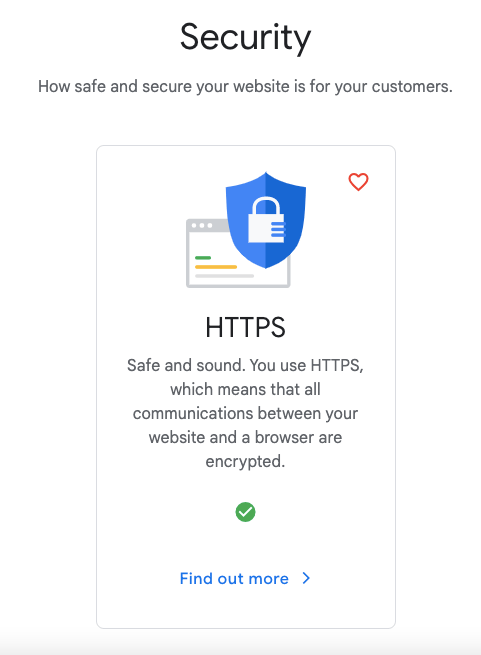
On security, the website uses the HTTPS protocol, meaning communication between the browser and the website is secure.
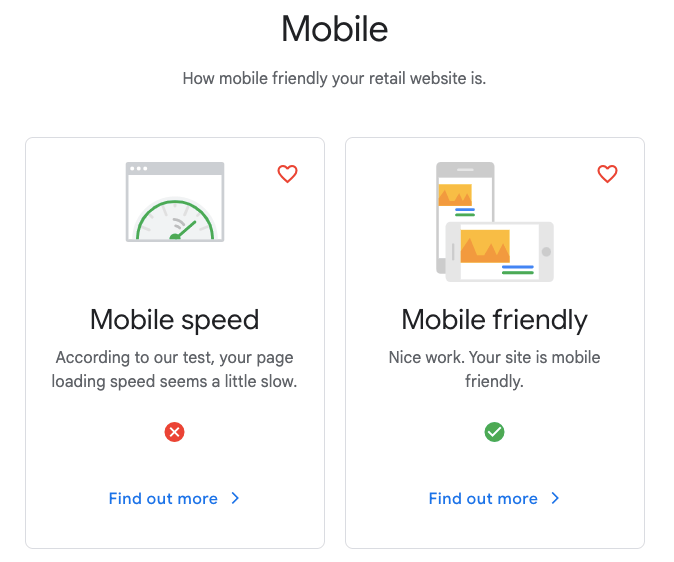
Testing the website's mobile compatibility, it was found to be mobile-friendly, but its mobile speed wasn't fast enough.
This report from the Grow My Store tool gives your business comprehensive, useful insights and recommendations. You can use the Grow My Store tool yourself for a free, comprehensive analysis.
Market Finder
Market Finder is a tool for finding new markets. Unlike the other tools here, Market Finder analyzes your business's products and services. As with the other tools reviewed, you start the analysis by entering your website's URL. At the end, it generates a report that includes a monthly search volume estimate for your products and services, a ranking of which countries are easier to start a new business in, and disposable income figures to gauge the purchasing power of potential customers in that market.
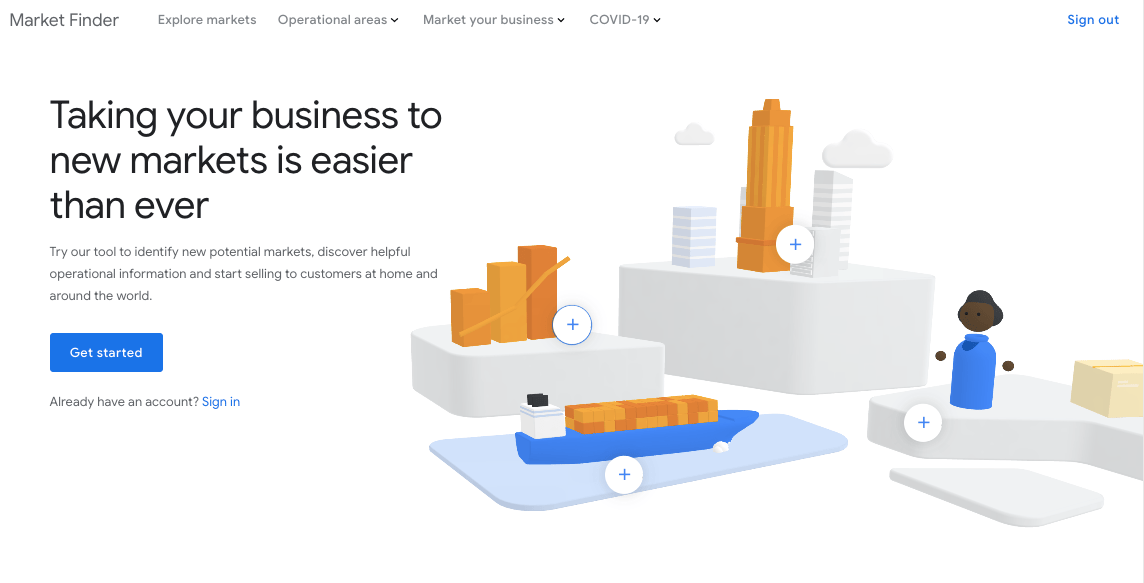
We'll run this analysis on Mudo's website. You start the analysis by entering the URL of the business you want to analyze on the start page.
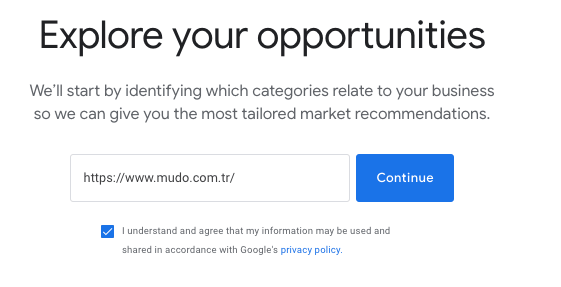
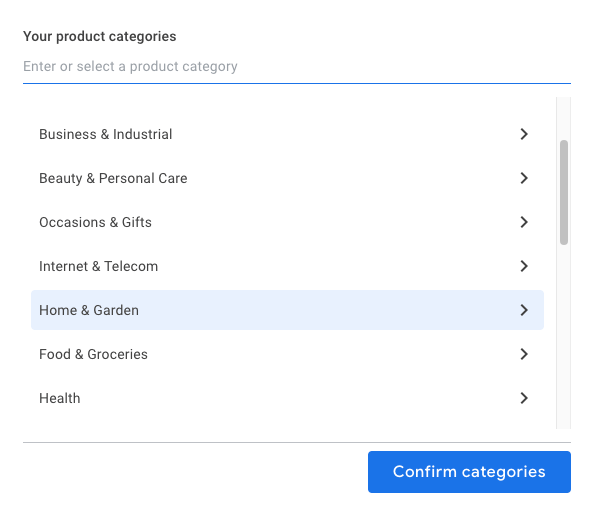
In the next step, we set our product category by selecting the categories related to our products and services.
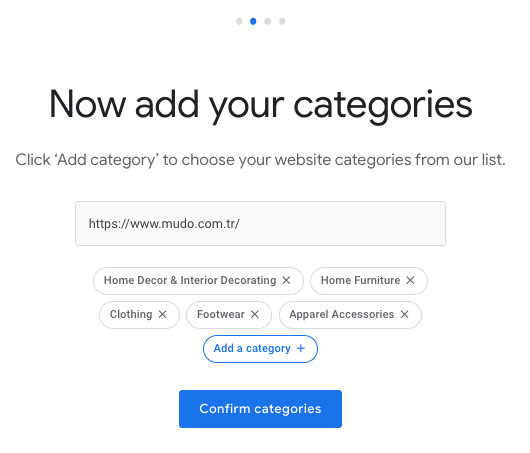
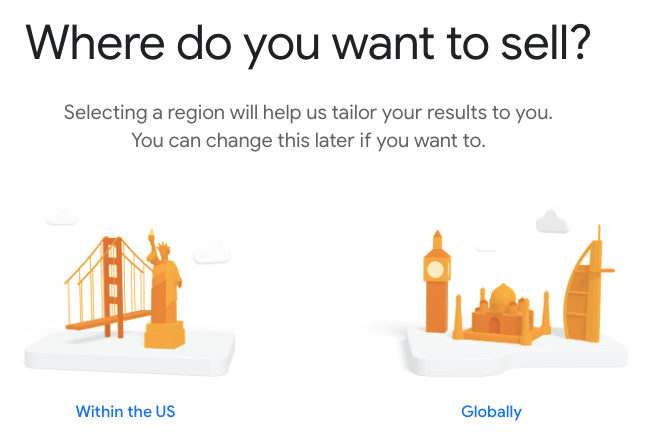
We choose where we want to sell our products and services. There are US and Global options; at this stage, you can choose the one that suits your business. We'll go with Global.
In the next stage, the tool shows us the most suitable points of sale for the business being analyzed.
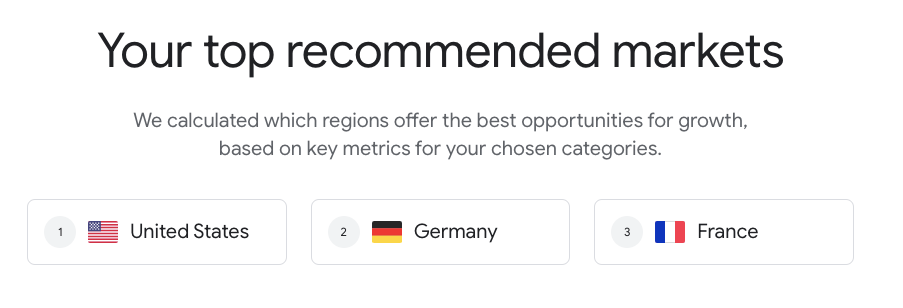
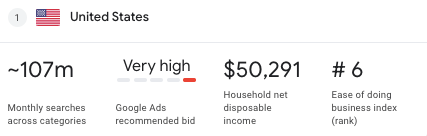
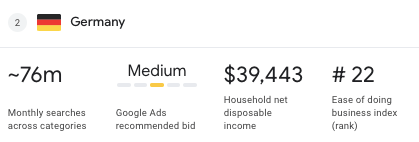
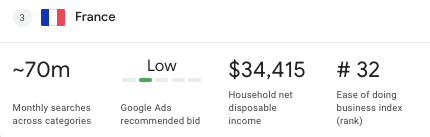
When we hover over the recommended countries, we see the monthly search volume, Google Ads cost, household disposable income, and a ranking of how difficult it is to do business in that country.
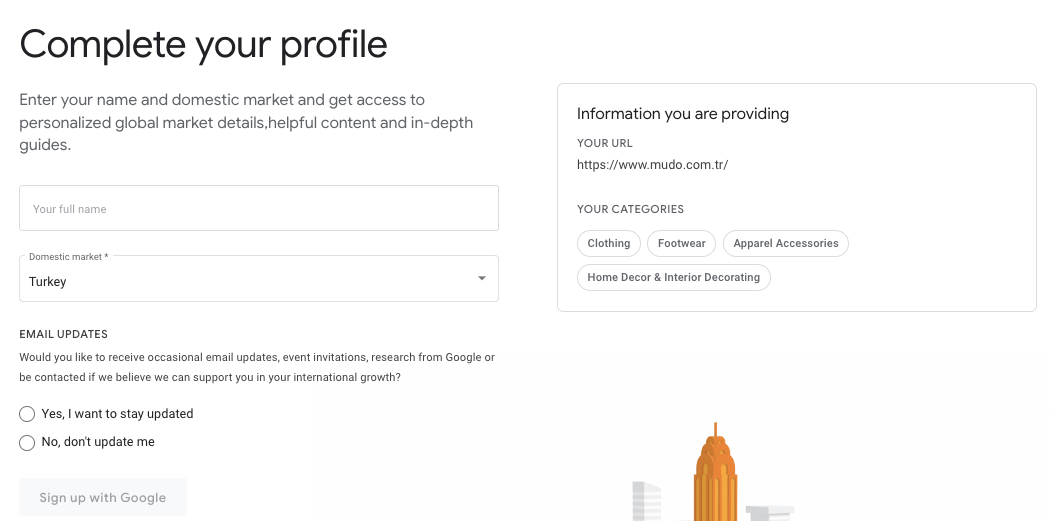
Finally, you can complete your profile by entering your name and local market to access market information, content, and helpful guides.
Think with Google gives you comprehensive insight into the digital marketing industry and helps you analyze consumer behavior as you build your marketing strategies. By trying out the tools in this article, you can make the marketing strategies of the business you work for or own more efficient, reach new audiences, and grow your business!
Note: You can follow the latest updates from Think with Google here.


