


One of the most misunderstood channels in Google Analytics is the “direct traffic” channel, and I have confirmed this many times talking with people in the industry. People think of direct traffic as traffic that is generated by clicking on a URL typed directly into a browser or bookmarked links, but those are only two of the reasons why. In this article, we will discuss the concept of direct traffic in detail.
What is Direct Traffic?
Direct traffic is GA4 sessions that start without the need for a referrer to pass through the web browser. In other words, when the HTTP request referrer information is empty, the traffic is treated as “direct traffic”. To better understand the concept, let's take a brief look at the world of HTTP requests.
1. I go to Google and search for “Zeo”, open Chrome DevTools, and click on the “Network” tab.
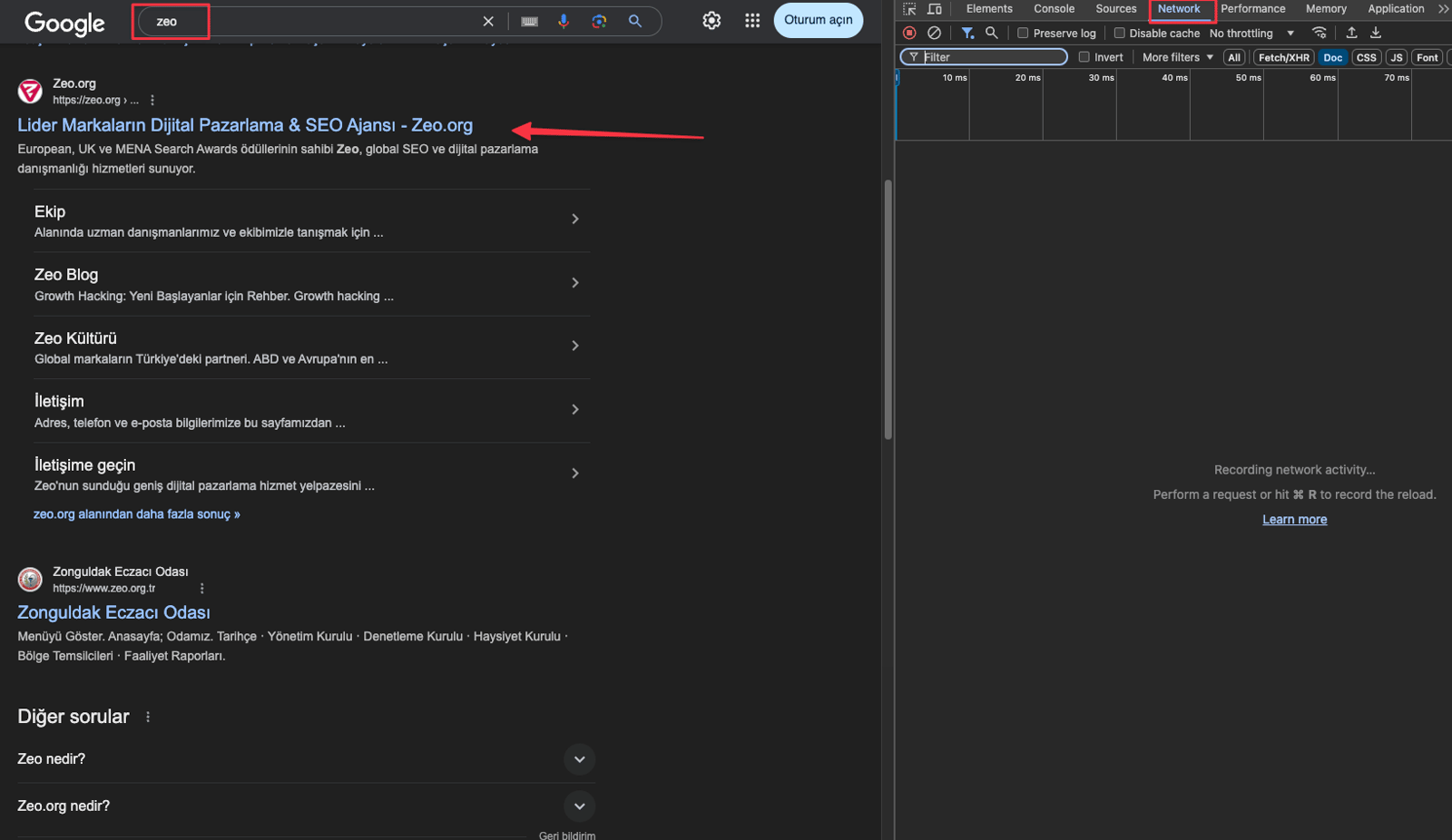
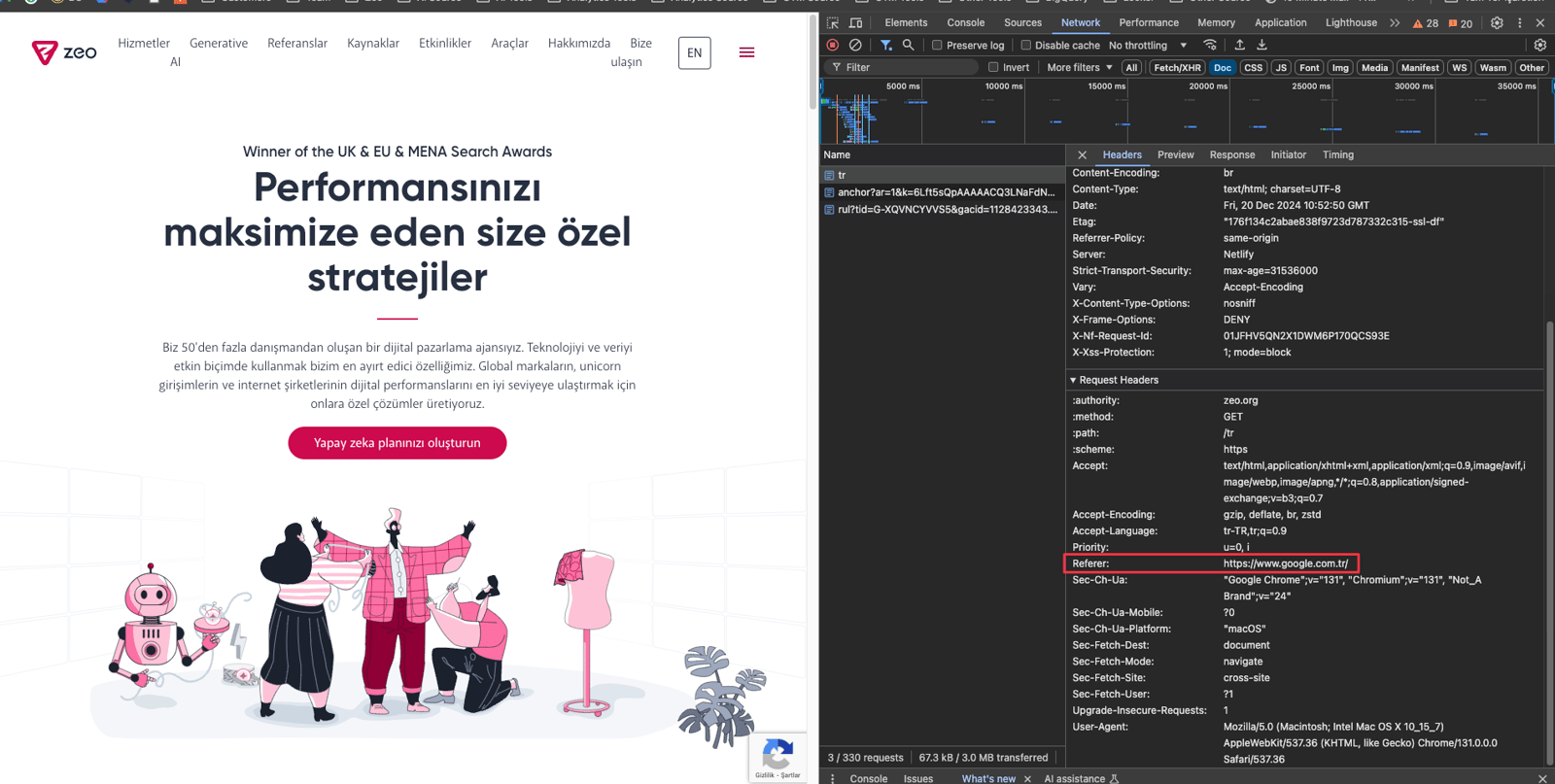
2. When I click on the first result, I visit “https://zeo.org/”. I expect this traffic to naturally get recorded as organic traffic. When I check the “Headers” section of the HTTP request, I see that the “Referrer” information is “https://www.google.com.tr/”. This confirms that it is organic traffic.
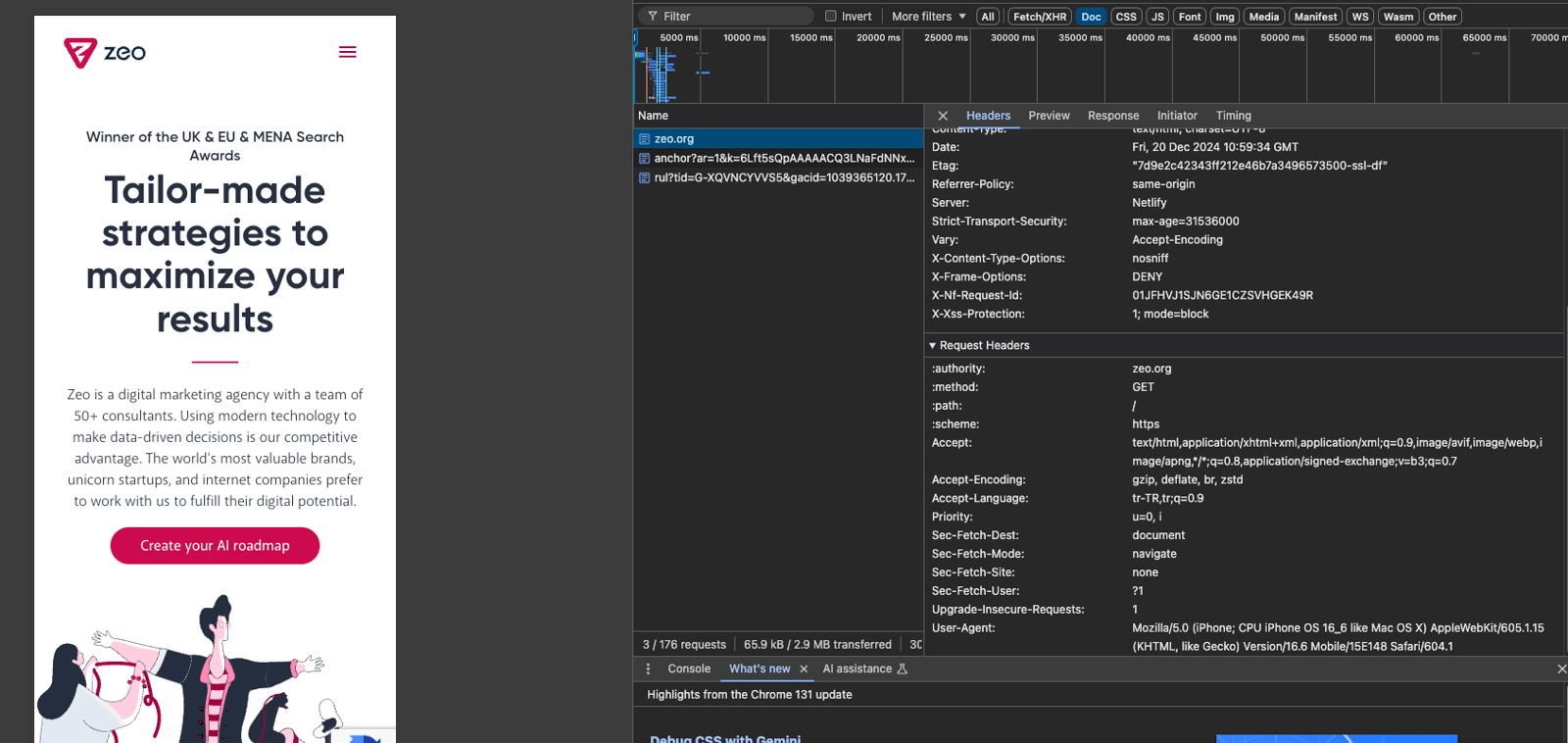
3. Now let's access the site “https://zeo.org/” with the most common “Direct” method: typing the URL directly into the browser. When I check the requests, as with organic traffic, I see that no referrer information is sent. This means that the traffic will be recorded as “Direct” in Google Analytics 4.
We have seen how to check direct traffic in real time. Now let's move on to the most important topic: examining the scope of direct traffic and what we need to know to understand this concept correctly.
Situations without Referrer Information
In the following cases, the “Referrer” information is not transmitted and the traffic is recorded as “Direct”, as we saw in the example above:
1. Traffic from URLs typed directly into the browser
2. Traffic from bookmarks
3. Traffic from mobile apps
4. Traffic from non-web documents such as PDF, Word
5. Traffic from desktop email clients
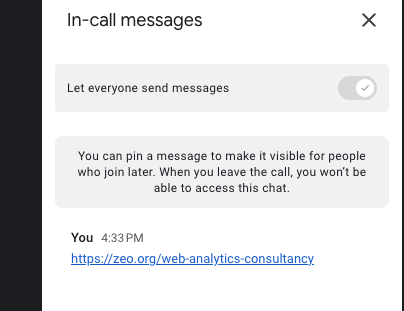
6. Traffic from instant messaging apps and chat rooms (Google meet etc.)
7. Traffic from marketing campaigns with incorrect UTM labeling
8. Traffic from web browsers that do not send referrer information
9. Traffic from redirect URLs without referrer information
10. Traffic from the “Open in ...” feature on iOS
11. Traffic from links using the 'rel=noreferrer' feature
12. Traffic coming from behind a firewall that does not send referrer information
13. Traffic from HTTPS to HTTP redirects
As we can see, many factors lead to Direct traffic. By examining these factors in detail, we can better understand where Direct traffic is coming from.
Traffic from URLs typed directly into the browser
This is the type of traffic we have shown an example of above. Visits made by typing the URL directly into the browser's address bar are recorded as “Direct” traffic in Analytics.

Traffic from bookmarks
When you visit a site you've previously saved as a bookmark, it is saved as “Direct” traffic.

Traffic from mobile apps
The vast majority of mobile apps do not send “Referrer” information, so the traffic coming from here is recorded as “Direct”.
Traffic from non-web documents such as PDF, Word
Clicks on links in documents opened outside the web browser, such as PDF, Word, Excel, Notepad, etc., are recorded as “Direct” traffic in Analytics because referrer information cannot be transmitted.

Traffic from desktop email clients
Link clicks from desktop email clients such as Outlook, Thunderbird, Apple Mail are recorded as “Direct” traffic in Analytics because they do not provide referrer information.
Traffic from instant messaging apps and chat rooms (Google meet etc.)
Applications such as Skype and Google Meet do not provide referrer information, so traffic from similar platforms results in Direct.
Traffic from marketing campaigns with incorrect UTM labeling
One of the most common mistakes that causes Direct traffic problems is mislabeling UTM variables. If you do not write utm_source or utm_medium correctly, as I have given an example below, this traffic will be “Direct”.

Traffic from web browsers that do not send referrer information
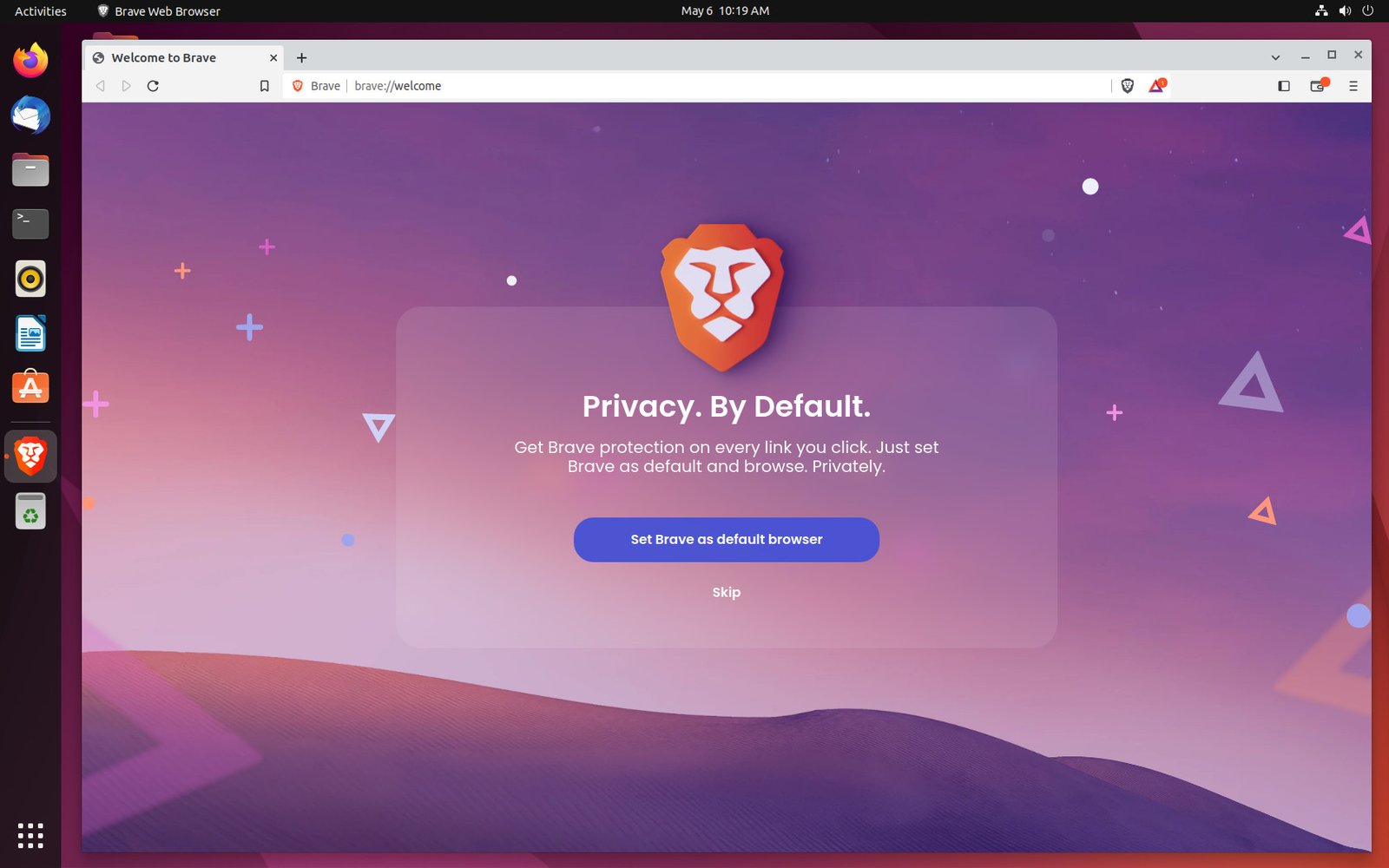
Some web browsers (e.g. Brave) do not send referrer information, so traffic from these browsers is reported as Direct. Likewise, traffic from the browser's incognito tab is reflected as Direct because it does not send referrer information either.
Traffic from redirect URLs without referrer information
Whether referrer data gets sent depends on the redirection method used. For example, 302 redirects, meta redirects, and JavaScript redirects often cause referrer information to be lost.
301 redirects provide better cross-browser compatibility in transferring referrer information.
Traffic from links using the 'rel=noreferrer' feature
If your link is marked as “noreferrer” on a different site, the referrer information is not transmitted, and traffic from that site is reflected as Direct.

Traffic coming from behind a firewall that does not send referrer information
Traffic from behind a firewall that does not send referrer information is especially common in corporate networks and enterprises. Such firewalls hide the source of the traffic by filtering or blocking the HTTP referrer header due to privacy and security policies. In this case, the traffic appears as Direct in Analytics.
Traffic from HTTPS to HTTP redirects
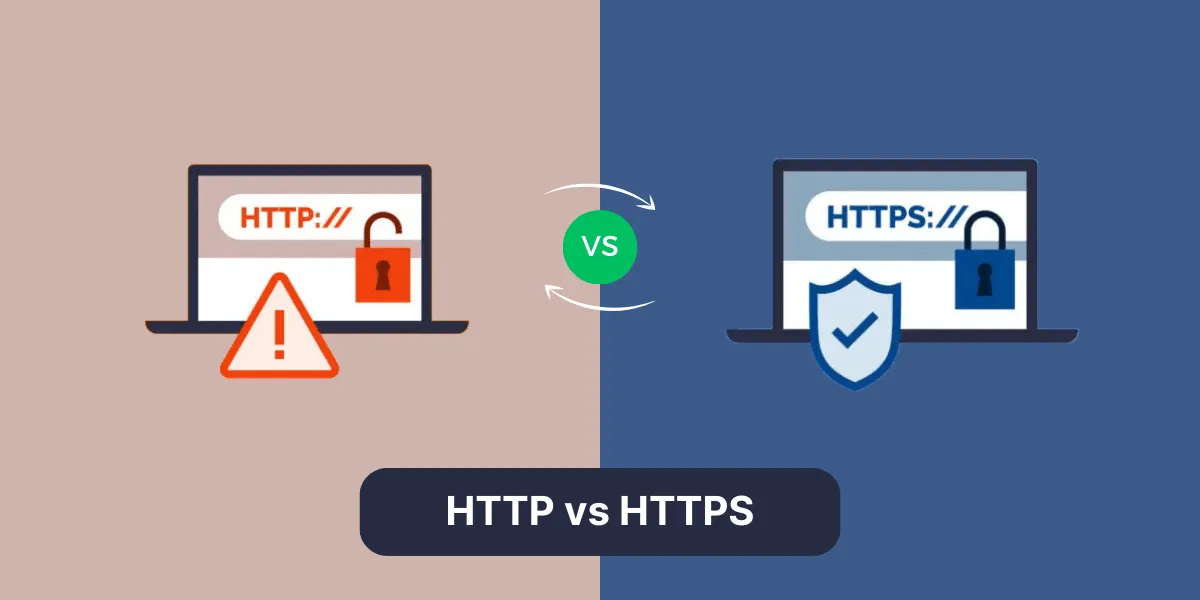
In HTTPS to HTTP redirects, browsers do not send referrer information for security reasons. This means that when switching from a secure page (HTTPS) to an insecure page (HTTP), the origin of the visitor is lost and this traffic is reported as Direct. It is therefore recommended that the entire site use HTTPS.
Analyzing direct traffic correctly is critical to improving your digital marketing strategies. As we have seen in this article, direct traffic does not only consist of users typing the URL directly or using bookmarks. Traffic from mobile apps, firewalls, desktop email clients, and various technical reasons are also recorded as direct.


