


Switching email marketing automation software can throw up a lot of problems, since there are usually differences between the system you're using and the one you're migrating to. That can feel like a daunting, overwhelming process, but it doesn't have to be. Below, I've compiled the important things to pay attention to so your transition to the new email marketing automation goes smoothly.
Determining the Data to be Moved
When you change your email marketing system, you'll have various data, folders, templates, and emails to move. To streamline your migration, map out everything, including your images, landing pages, forms, email templates, and segmentation lists. Agree with the departments that use your existing system (sales team, software team, etc.) on which items should move, how they'll be named in the new system, and what the new folder structure should look like.
Contents and Templates
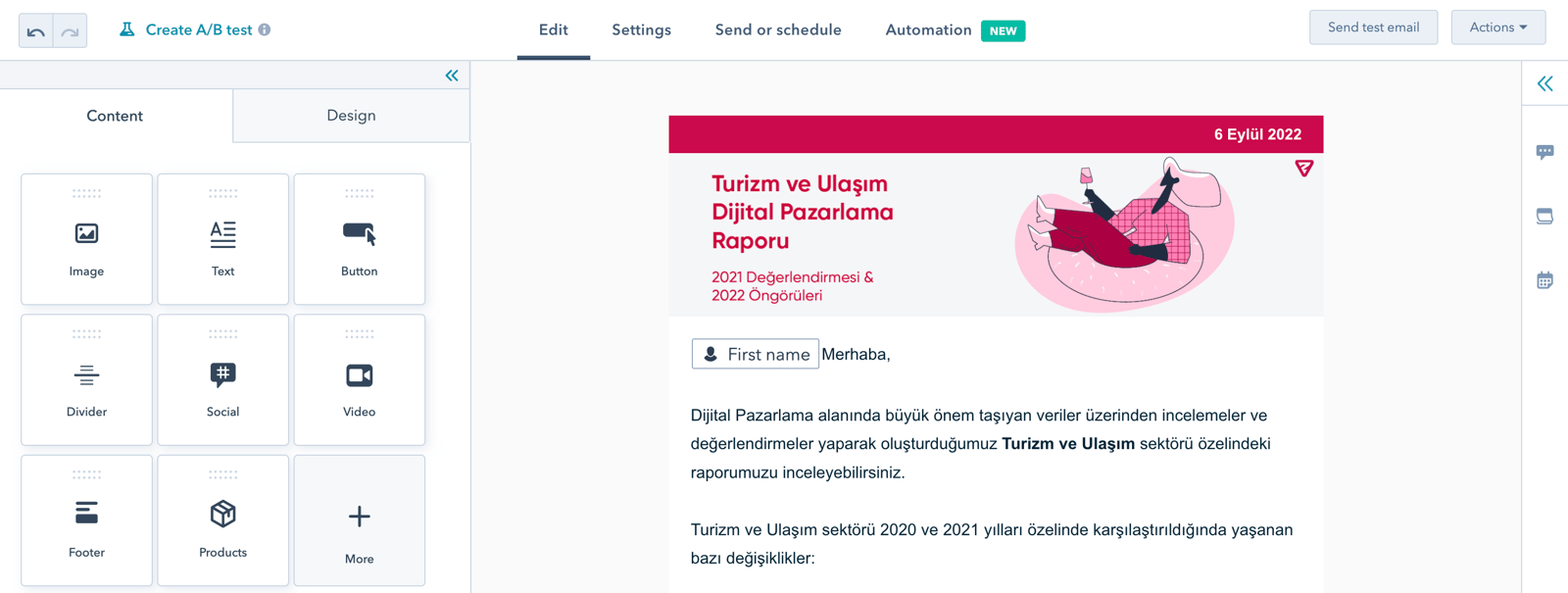
If you want to migrate your existing email templates, you need to make sure that these templates work on the edit page of the new automation system. For example, if you have personalized email templates, pay extra attention to this issue. If this feature isn't available in your new email automation system, or it needs to be rearranged, the emails you have sent may go out as "Hello <name>" instead of "Hello John," or if the type of visual content you have uploaded isn't supported, your emails may be sent corrupted. It can also push your emails into spam folders.
Moving Email Lists
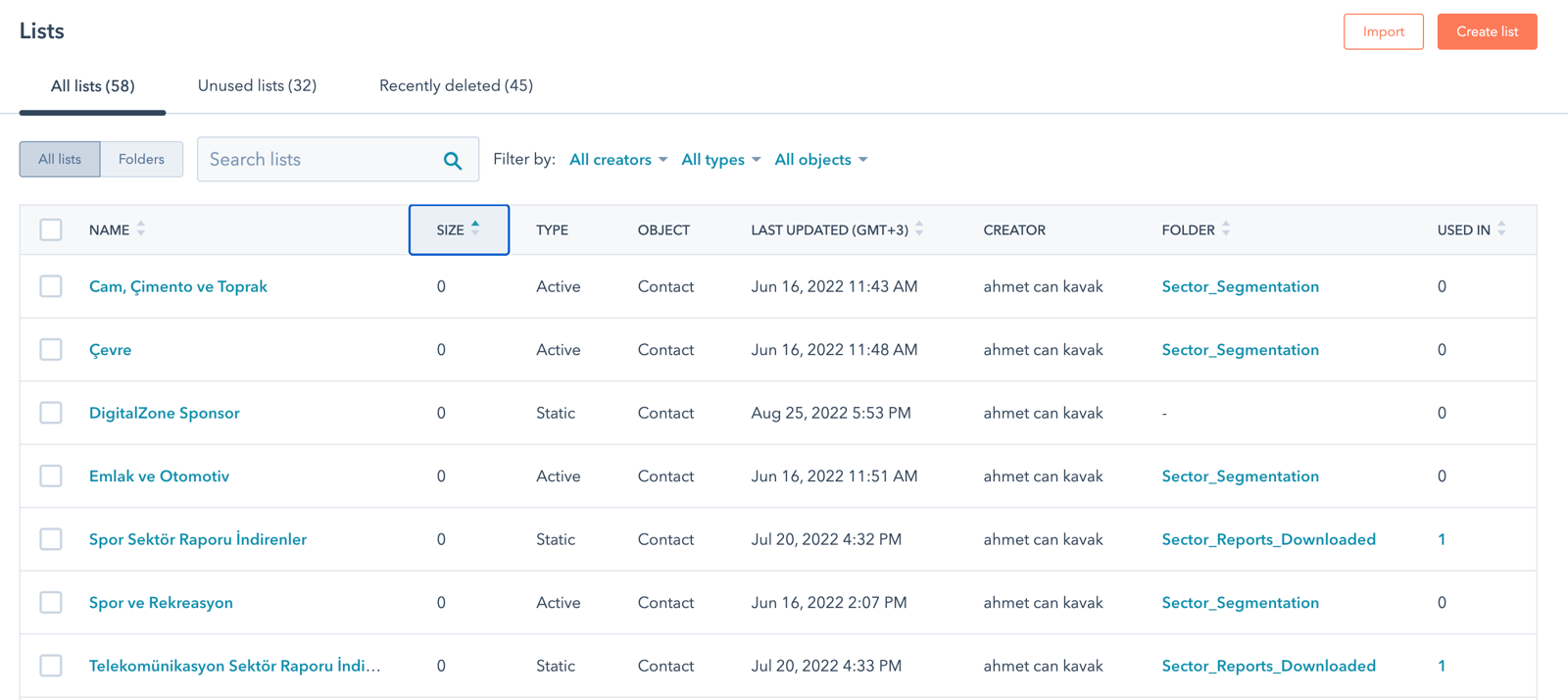
Keeping your lists up to date and clean can be time-consuming, and you may not always be able to prioritize it. A system change can be the perfect opportunity to start fresh with your lists. This migration includes inactive contact data or unused images, emails, etc. You can clear that data out. For example, the Mailchimp platform presents the unsubscribed contacts as a separate list when exporting your emails, and you do not need to move that data to a new platform. While you're doing this cleanup, keep in mind that some of the people in your data may already be part of automated workflows that are running, which may adversely affect the campaigns you have active. You can read about which metrics you should pay attention to while keeping your data up-to-date and clean in our blog post Email Analysis: 6 Email Marketing Metrics to Track.
The data you hold will likely be more than first name, last name, and email address. It's worth checking in advance which data you can use, and which you can't, in the automation system you're switching to. For example, Hubspot.com offers an academy service with videos and sample sketches to help you with this.
Reports and Analytics
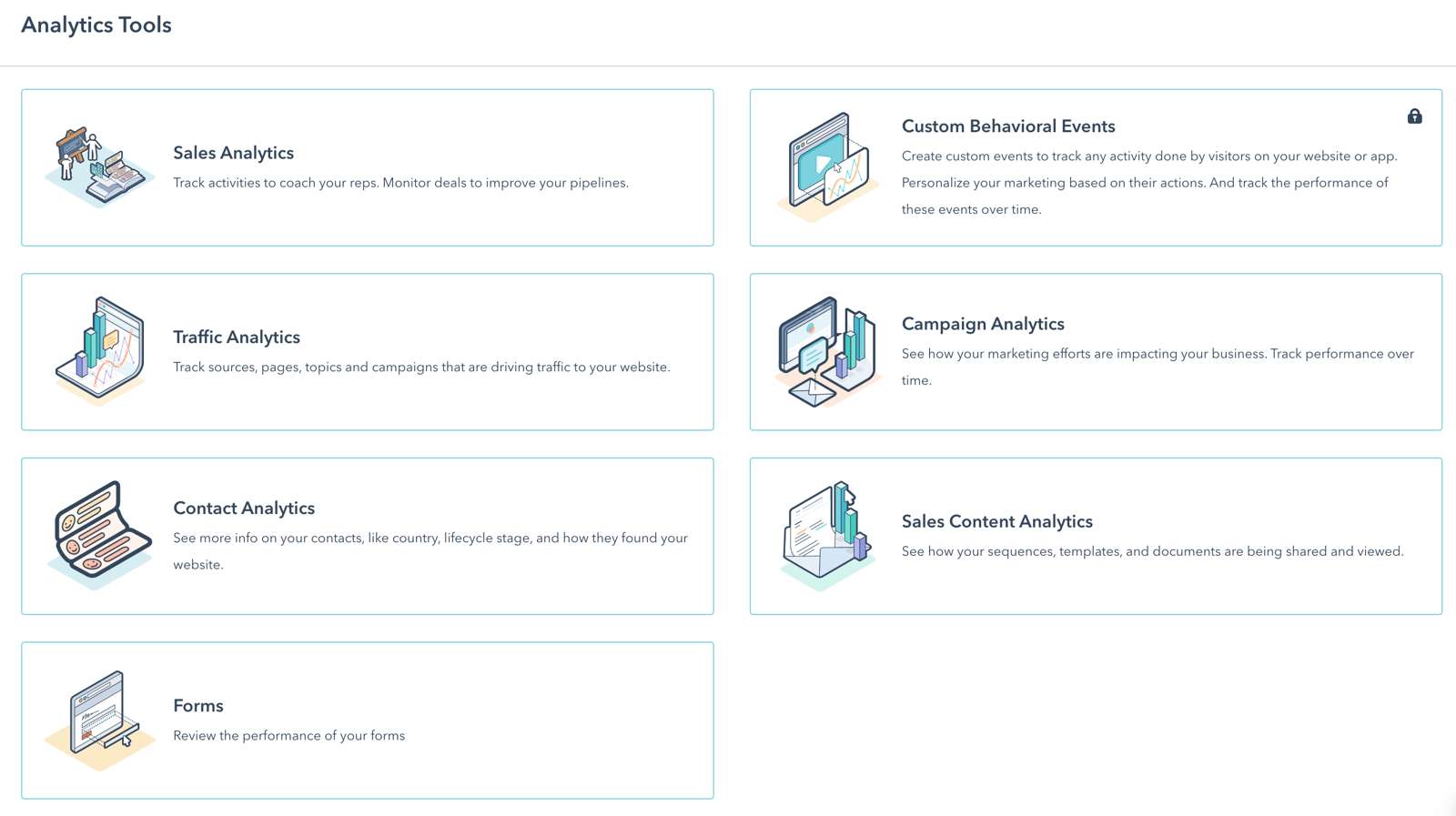
Do not forget to download the reports and analyses that you have checked while creating email campaigns, before closing out the automation system you have used. These reports and analyses will help you better shape your campaigns in the future. If you are using third-party software for reports and analytics, check that you have properly established the connection between your new email marketing software and the third-party software. If these processes are not done properly, you may lose your data and have difficulty analyzing the email campaigns you will create.
Forms and Landing Pages
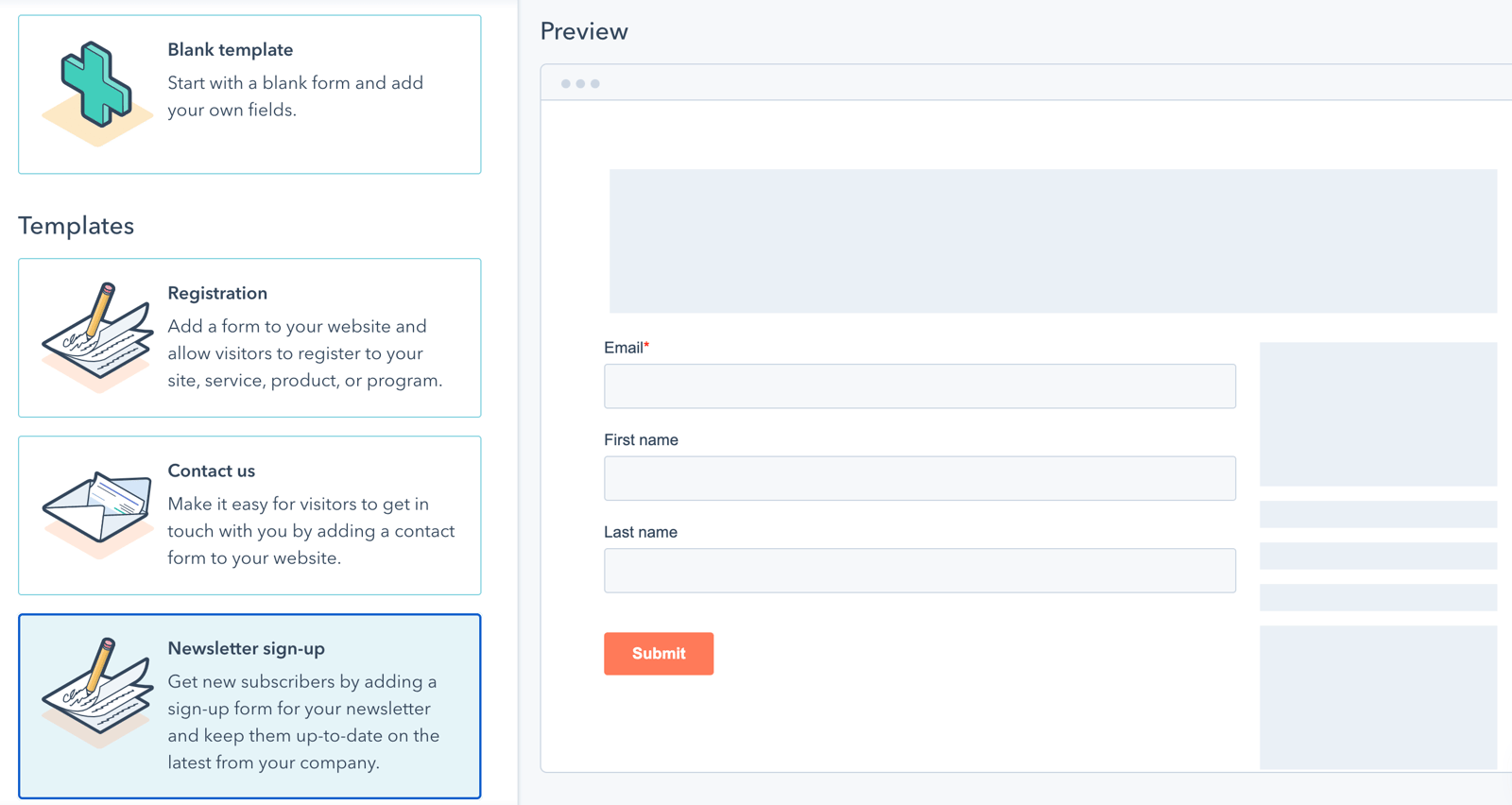
If the forms and landing pages you use on your website are linked to the lists in your existing email automation system, the data in these lists will be affected if you make the wrong migration. Make sure your new database matches the fields in the forms (first name, last name, email, company name, etc.), otherwise this data will not match and will not be transferred. Items connected to your lists, such as the subscription registration form and membership page, trigger an email when someone interacts with them. Don't forget to identify the pages or registration forms that trigger your emails or initiate a process, and run your tests on your new system to avoid interruptions in the transition process.
IP Identification
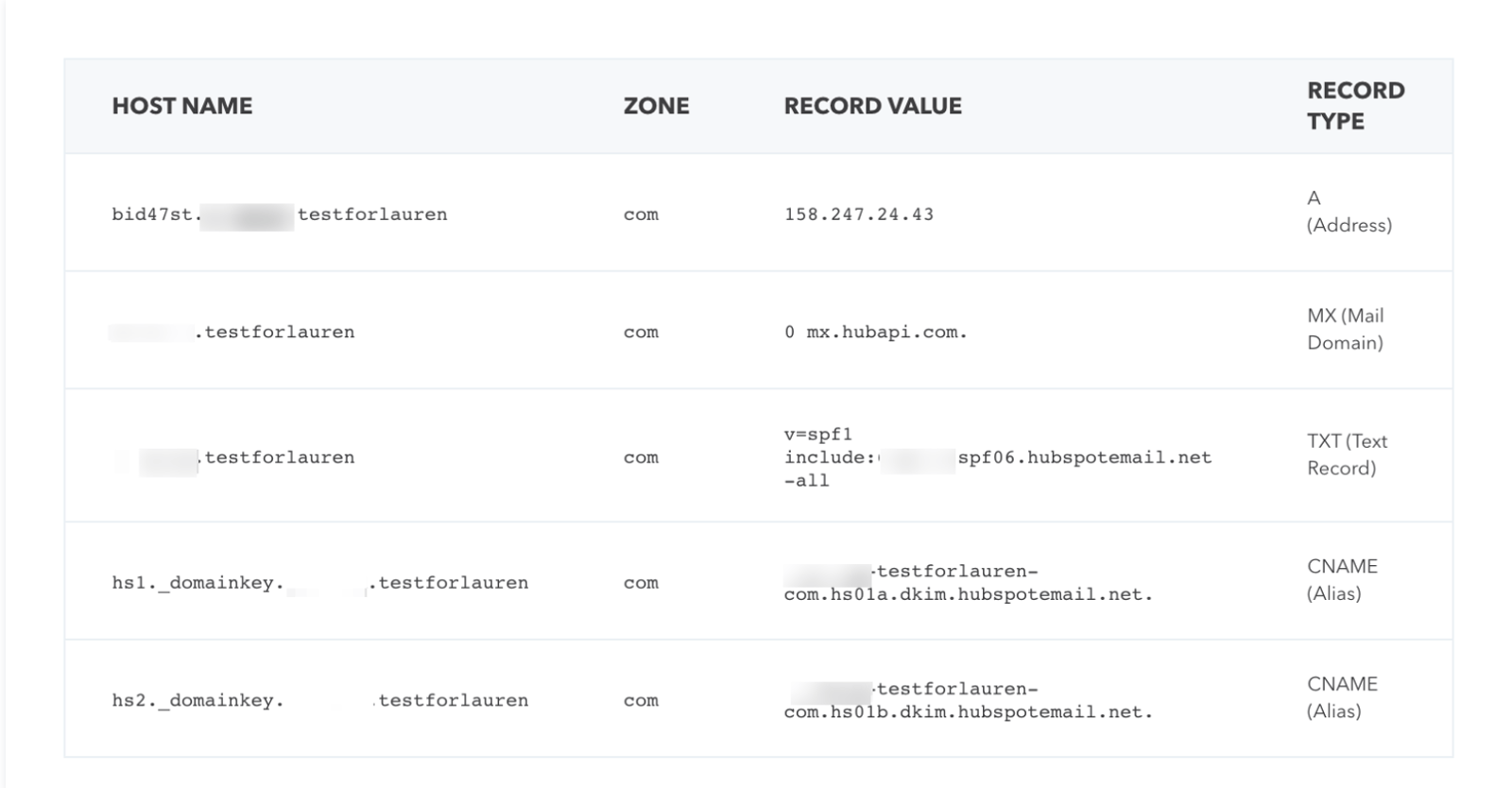
When you start using the new email automation system, your "sender" reputation may be negatively affected, and your emails may end up in the spam or junk folders. To limit this damage during the transition, the first thing to do is define your domain address on your website in the system you just switched to. You can ask for support from the software team in this regard.
Afterward, focus on sending emails to the people they're most relevant to. Because as the open rate and click rate increase, the spam file rate of your sending address will decrease.
Automation and Workflows
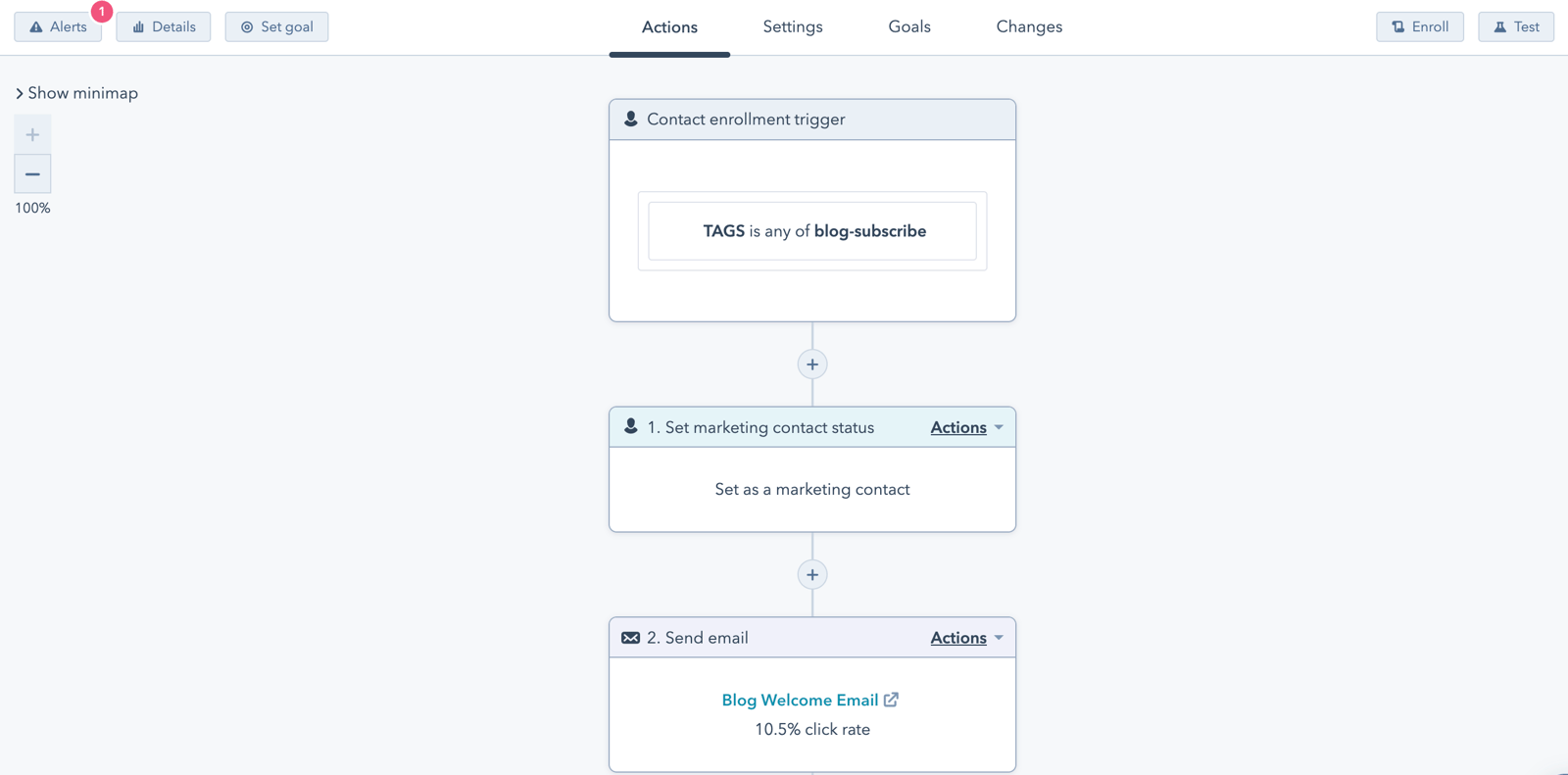
There will be many points to consider when migrating workflows that trigger your automation, such as welcome emails to new members, and anniversary celebration emails to your customers. Note that many elements in your automation and workflows, such as active/static lists, registration forms, and landing pages, will be associated.
Don't rush to identify where your triggers are located and what data will be affected. Listing these items carefully will make your job easier. This listing will also be an opportunity to identify gaps, if any, in their workflow.
Note
Migrating your email automation system is a process, never forget that. It will require some preparation, teamwork, and technical support. To carry out this process successfully, work with the departments that will use the new system, and assign someone to handle the checks for each department. That will make your job easier.
At the same time, do not hesitate to contact the authorities in the automation system that you have agreed upon while making this transition and ask questions. Automation companies will be happy to support the problems you encounter and receive feedback from you.


