


When redirects don't account for a lot of the SEO issues they should, you can end up wasting crawl budget along with losing position. In this article, I've brought together the most common problems I run into in redirect setups.
Redirects are an inherent part of the web, brought on by things like new pages appearing over time, migration processes, subdomain and subfolder changes, and CMS updates. A redirect setup might involve just a few URLs, or it might touch thousands of them. WordPress, Shopify, and other CMSs often have plugins built for exactly this.
You can see the most common problems, organized by subheading, below:
Do Not Always Choose 301 Redirect
The most common redirect is, of course, the 301, but your pages might actually need a 302, 307, 308, a JavaScript redirect, or a different code entirely. Really think through which redirect code your URLs need and set things up accordingly. If you do go with a 301, you may want to use a server-side redirect.
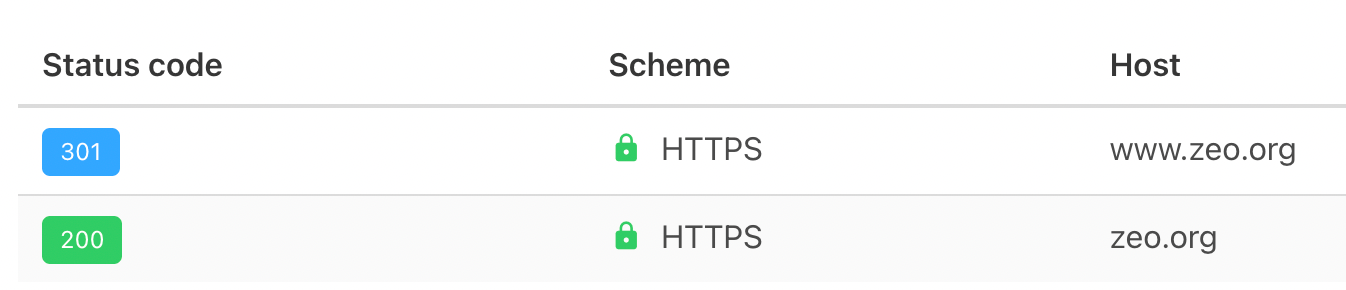
Use a 301 redirect if you're confident your URLs genuinely need to be permanently redirected. A 302 indicates the page is only temporarily redirected, so use that code when you mean "this page is redirected for now, but the redirect will end soon."
Redirecting All Pages to Home Page
Don't redirect all your URLs, or even the majority of an old URL list, straight to the homepage. Google's John Mueller has pointed this out before, saying, "Redirecting everything to the homepage only is a really bad practice, because we lose all the signals associated with the old content."
If you take this approach on pages that were ranking well, you risk losing traffic and preventing search engines from fully recognizing that old data.
Redirect Chain!
When a page goes through multiple redirects, both the user and Googlebot end up dealing with extra hops. The correct approach is to redirect each URL with no more than 1 redirect.
For example, a setup like /zeo-old-redirect > /zeo-old2-redirect > /zeo-new-redirect forms a redirect chain.
Plenty of crawlers can catch these errors on your site. With Screaming Frog, for instance, you can spot these issues if they exist, find the URLs in the source code, and swap them for the final destination URLs:
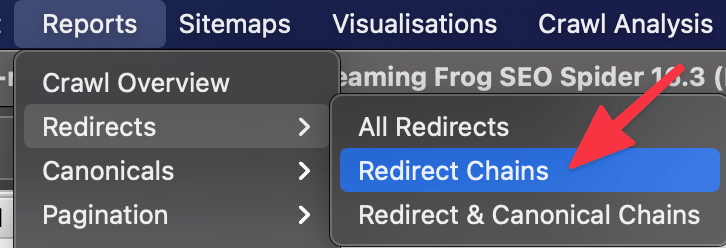
If a URL doesn't resolve within more than 5 redirects, Google may stop tracking it.
Case Sensitivity
For Google, uppercase and lowercase letters in a URL count as separate pages. Because of this, keep your URLs lowercase where possible, and set up automatic redirects to catch cases where uppercase might slip in. You can handle this quickly through the .htaccess file. Example usage:
Redirect 301 /ekibimiz https://zeo.org/yeni-ekibimiz [NC]
With a single line of code, users get redirected to the right page even if they type it with capital letters.
Accuracy of Routing
When setting up redirects, always check whether the old URL is actually pointing to a genuinely relevant new URL. For example, a landing page about /camp-chair shouldn't redirect to a partly unrelated page like /camp-tents. Doing that sends an irrelevant signal to Google.
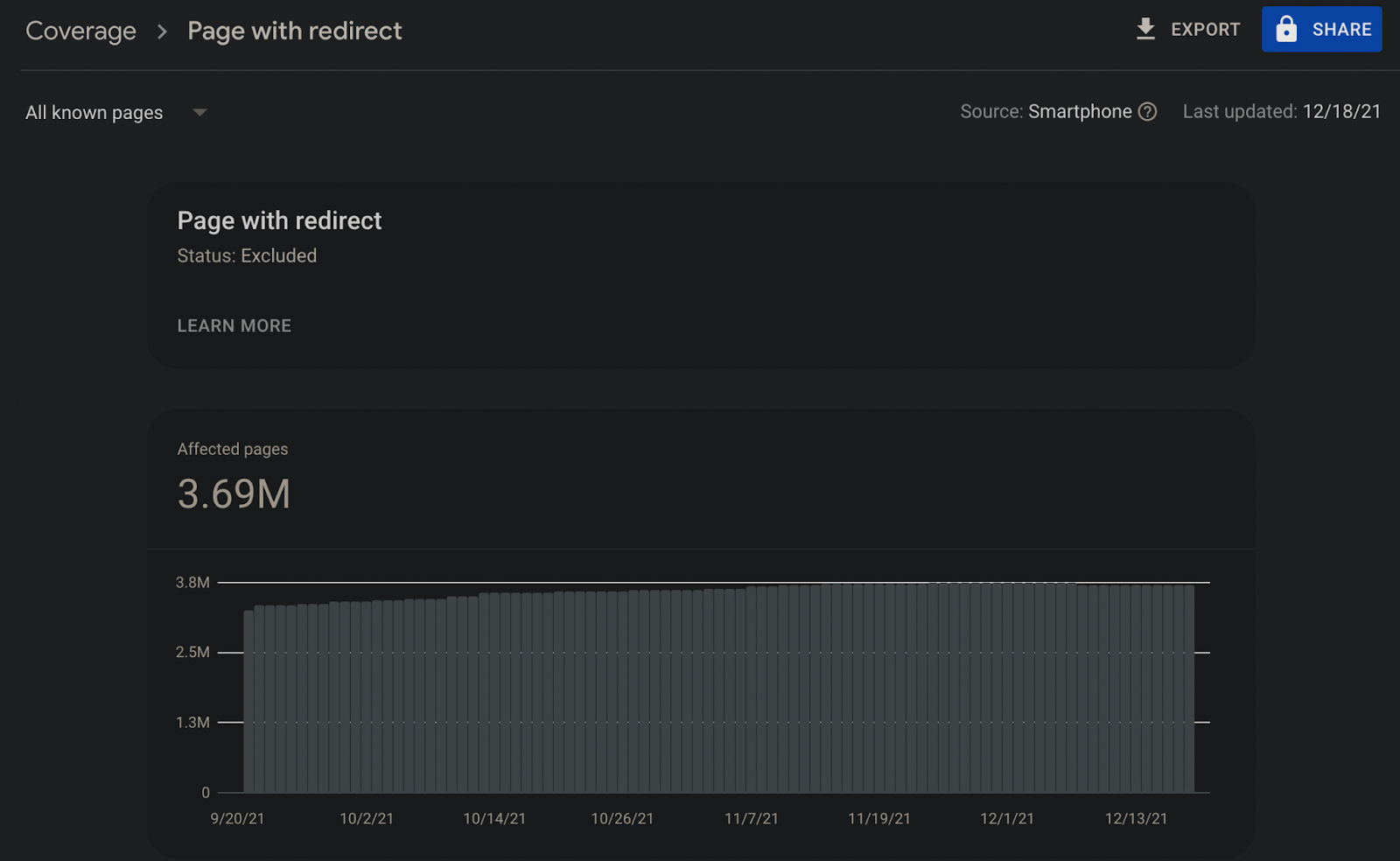
Search Console Reports
Make sure to review the reports on referrals, they matter to Google even if crawlers don't surface them. You can spot plenty of overlooked but important issues here:
Referred URLs in Sitemaps
Make sure your sitemaps only include URLs that don't redirect. That helps Google find new URLs faster and index them more easily.
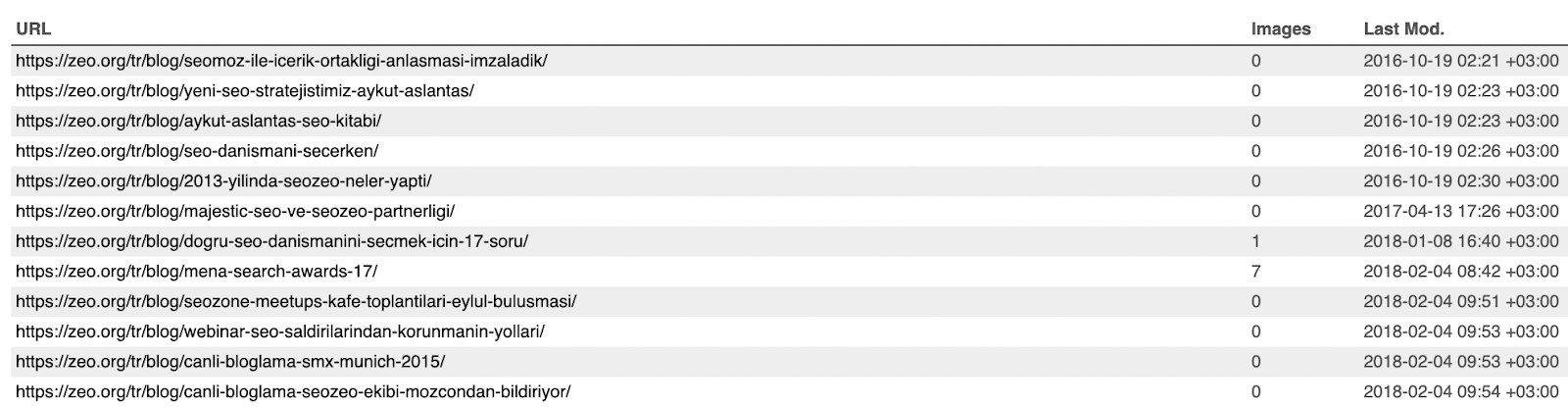
I recommend keeping your News-Sitemap free of these issues especially, if your site publishes news content.
Ignoring Browsing Statistics
It's worth reviewing URLs with a 3xx redirect code in your server logs through Google Search Console, so you can optimize your crawl budget:
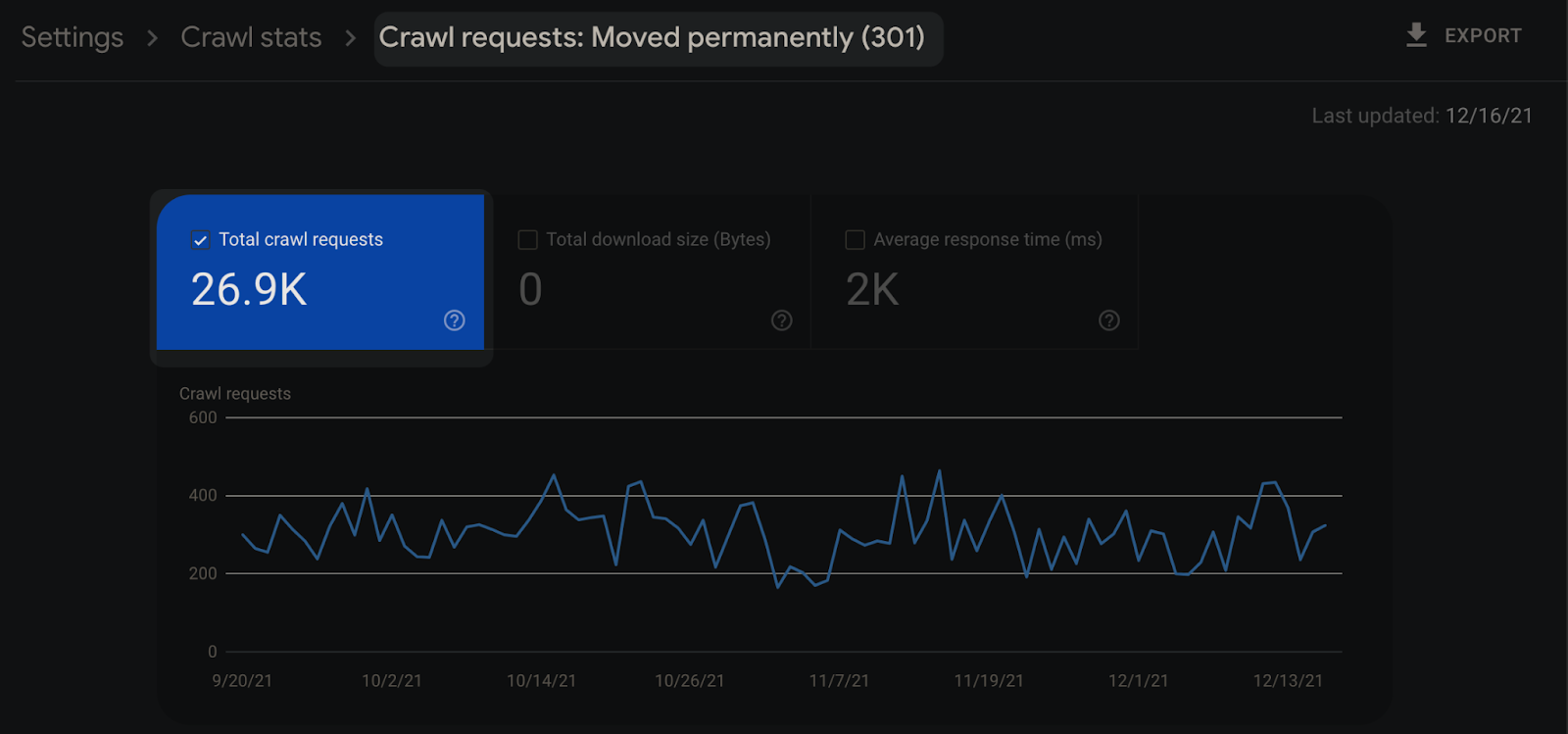
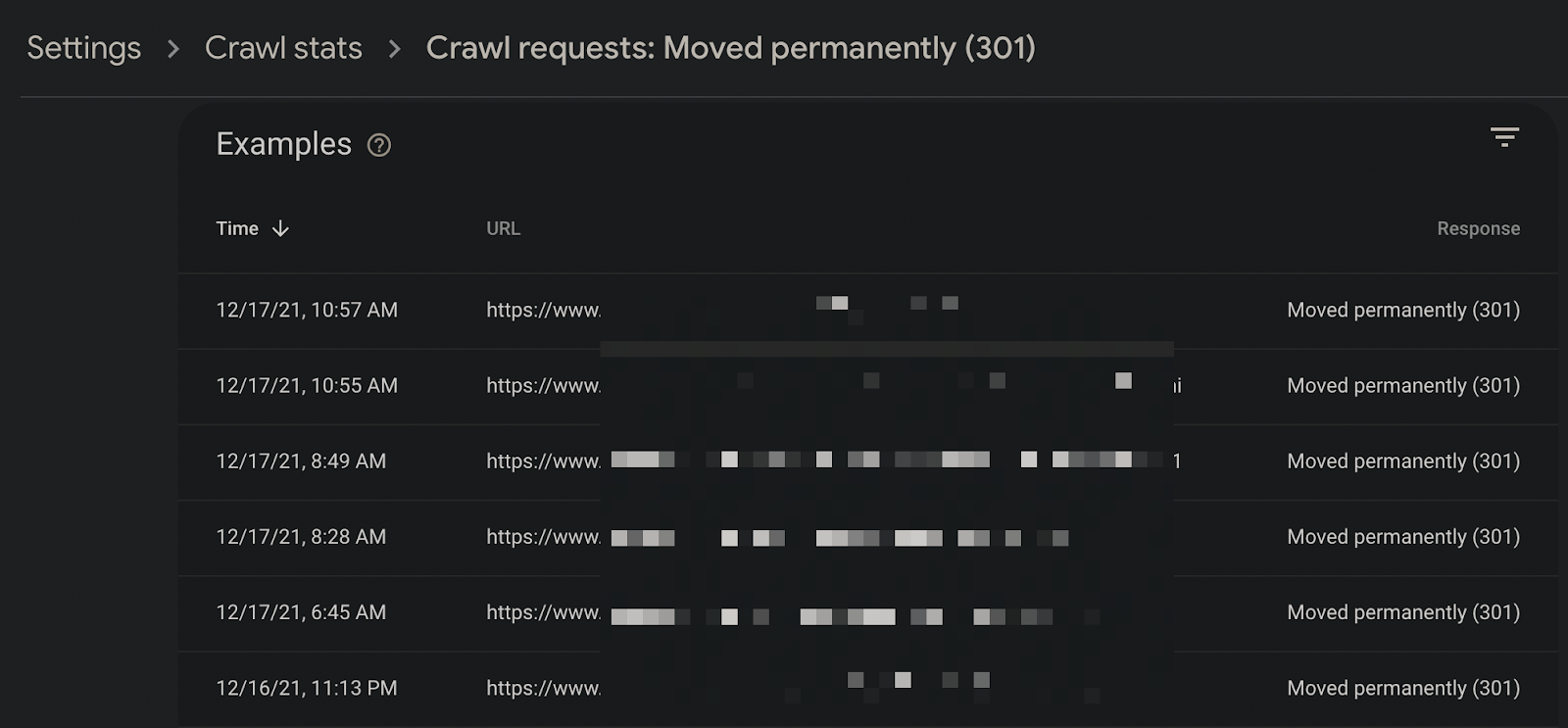
You can also drill down into individual URLs to see whether they should really be redirected:
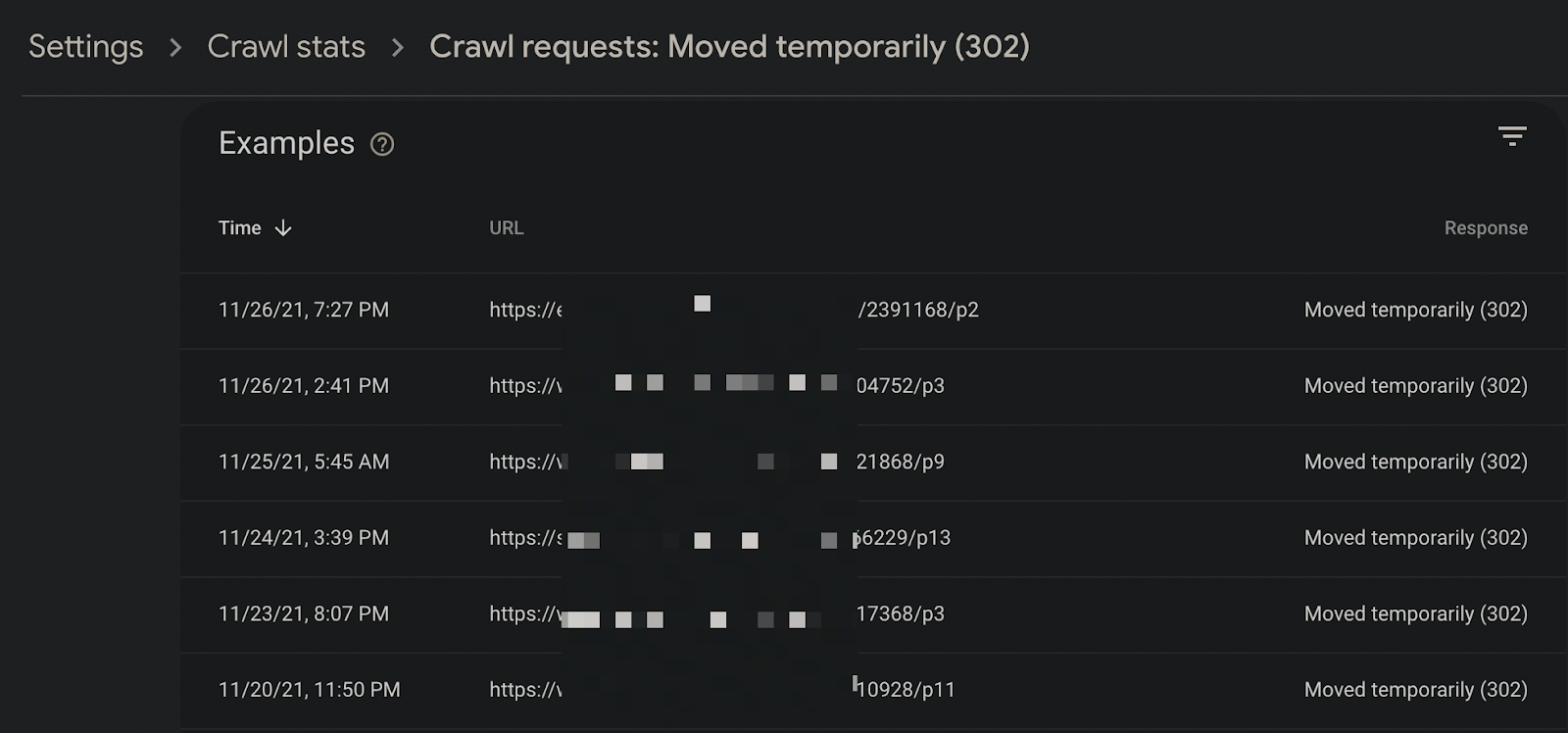
And you can check whether pages using a 302 code should really be using 302:
Checking Internal Links
If your site still has links pointing to redirecting URLs, I recommend finding them and swapping in the new URLs directly. Doing so strengthens your most-linked pages within your internal link structure and lets Googlebot crawl them with fewer redirects along the way:
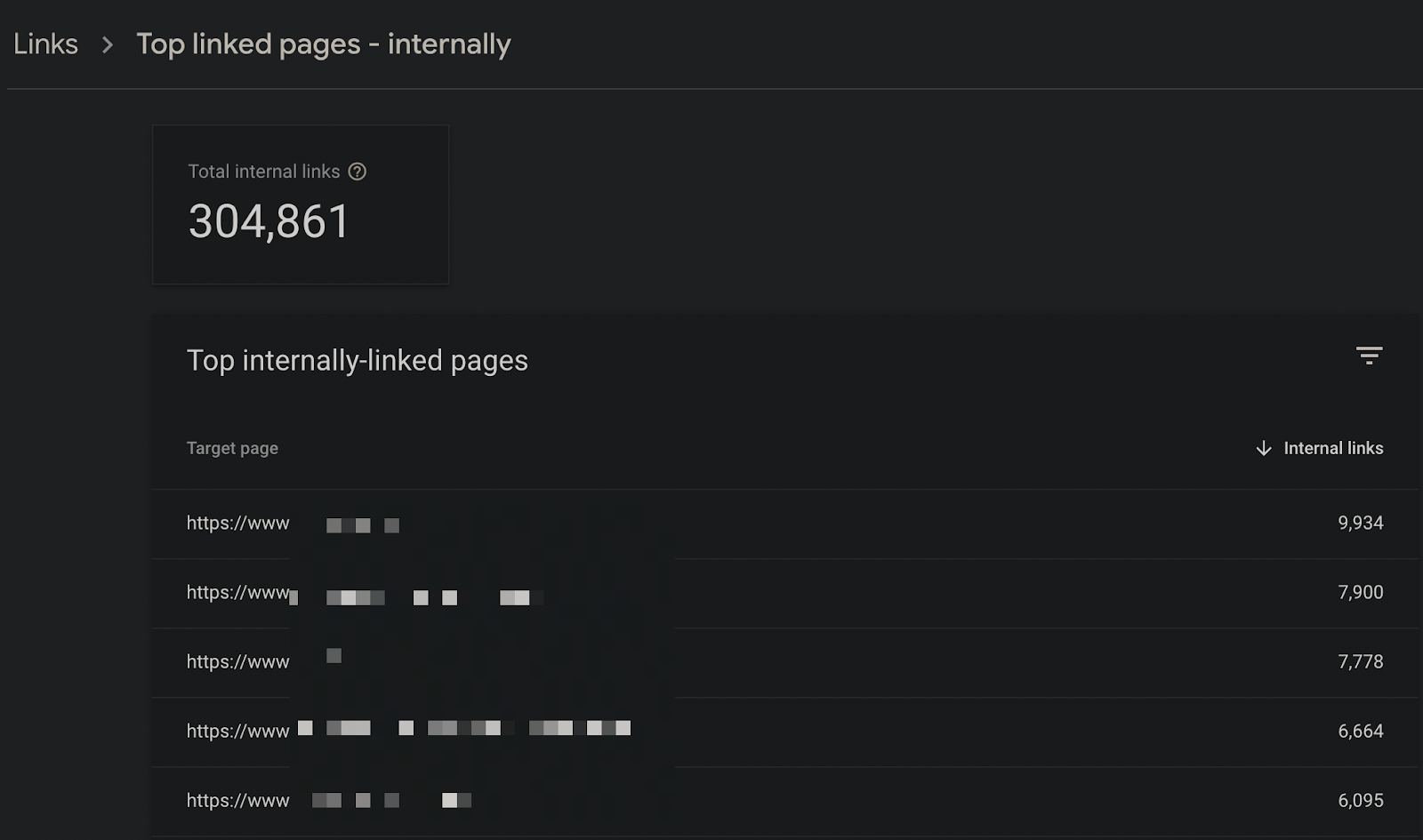
Pay particular attention to internal links inside blog posts or category descriptions, since these situations show up there often.
Anchor Texts
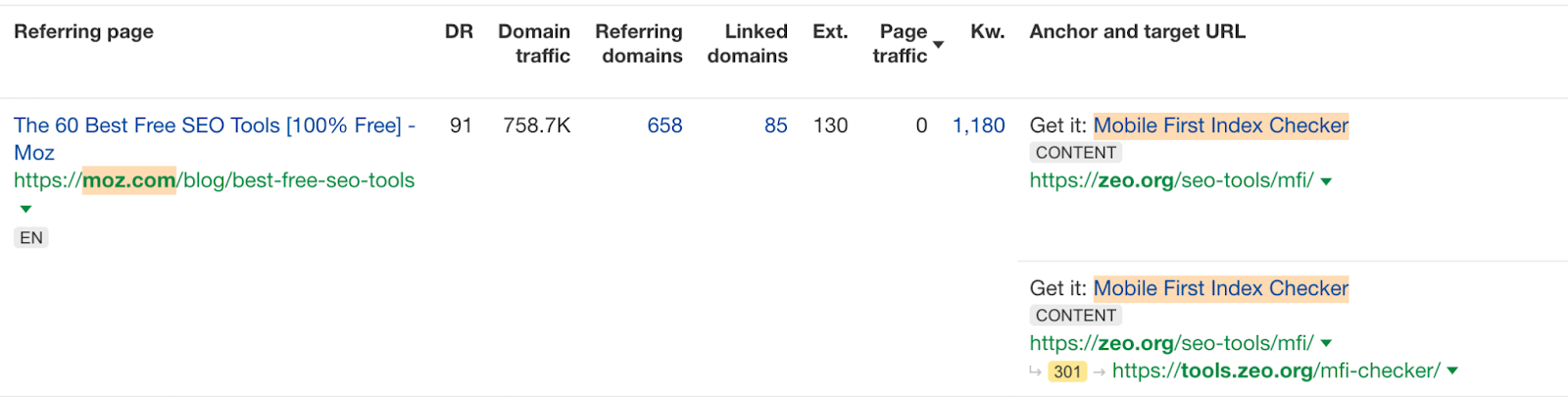
Make sure the anchor text on your redirected pages actually matches the final destination. For example, if you're linking with the anchor text "children's coat," confirm it points to a final URL that's genuinely about children's coats. Mismatched anchors make it harder for Google to know which page to surface for that query.
URLs in Structured Data
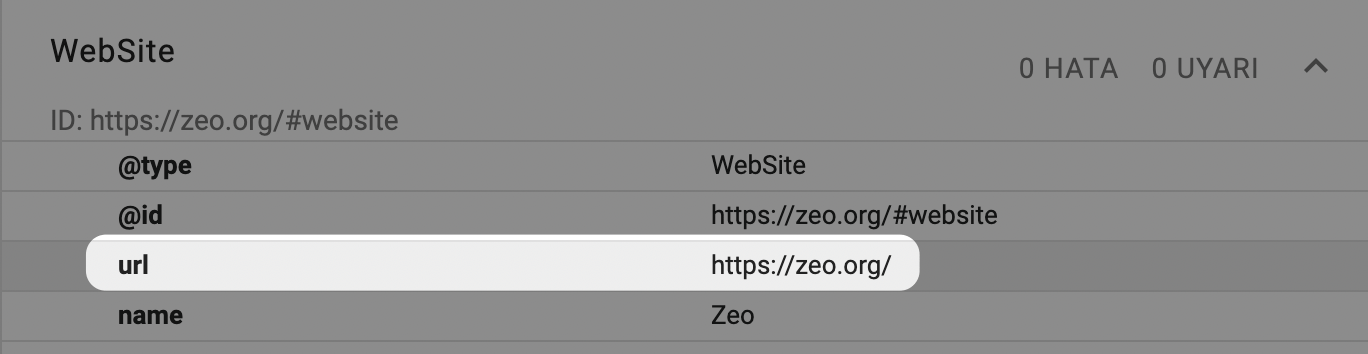
Whichever schema type you use, Article, NewsArticle, Product, or BreadcrumbList, check that the final URL of any referenced URLs is what actually appears in the schema code. If you list the old URL as the product URL inside Product schema, that can send Google mixed signals.
Duration of Referrals
When you set up redirects, keep the old URLs active for at least 1 year. Removing them within a few weeks or months, before Googlebot has fully seen them, can prevent signals from transferring and make it harder for Google to understand your new page structure.
Canonical Errors
This becomes a problem when URL A redirects to page B, and page B's canonical points back to page A. In cases like this, Googlebot has to weigh multiple conflicting signals to figure out which one to trust.

Using No Redirection at All!
I'd rather not even think about skipping redirects entirely, but I'm mentioning it because I've run into it before. Without redirects, users arriving through old URLs will just hit your 404 page and won't be able to do what they came to do, and that can cost you loyal users.

To wrap up this article, avoiding redirect errors is one of the more important improvements you can make for technical SEO and user experience alike.


