


One of the most problematic aspects of website speed improvements is fixing errors that tell you to reduce time to first byte (TTFB). In this article, I'll try to explain how to minimize the TTFB issue. I'll also cover the importance of server and hosting choices for SEO.
What is Time To First Byte (TTFB)?
TTFB is the time measured between the client's (HTTP & HTTPS) request and the first byte of the website's response.
Having a good TTFB value matters a lot for speed optimization on a website.
What is a Good TTFB Value?
TTFB can vary greatly depending on the type of content (static or dynamic) you share, your server's configuration, and more. That's why it's hard to answer the question "what is a good TTFB value?" in general; it depends on the state of your website.
A TTFB value under roughly 100 ms is great. Values between 200-500 ms are considered average, while values between 500 ms and 1 s might not be considered ideal at all. In some cases, depending on the type of website or page, a TTFB value longer than 1 second may be unavoidable.
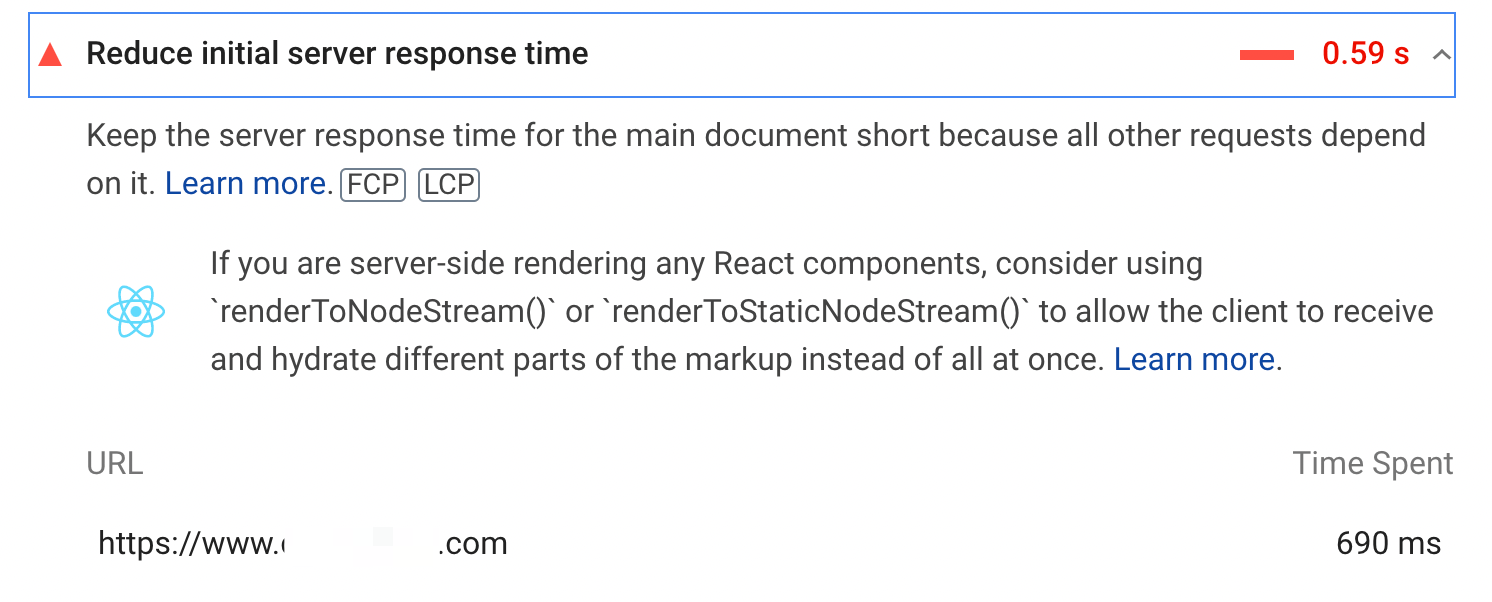
If you see that error in the Page Speed results, it's because there's a value over 600 ms:

You can check the average server response time through Search Console's search statistics:
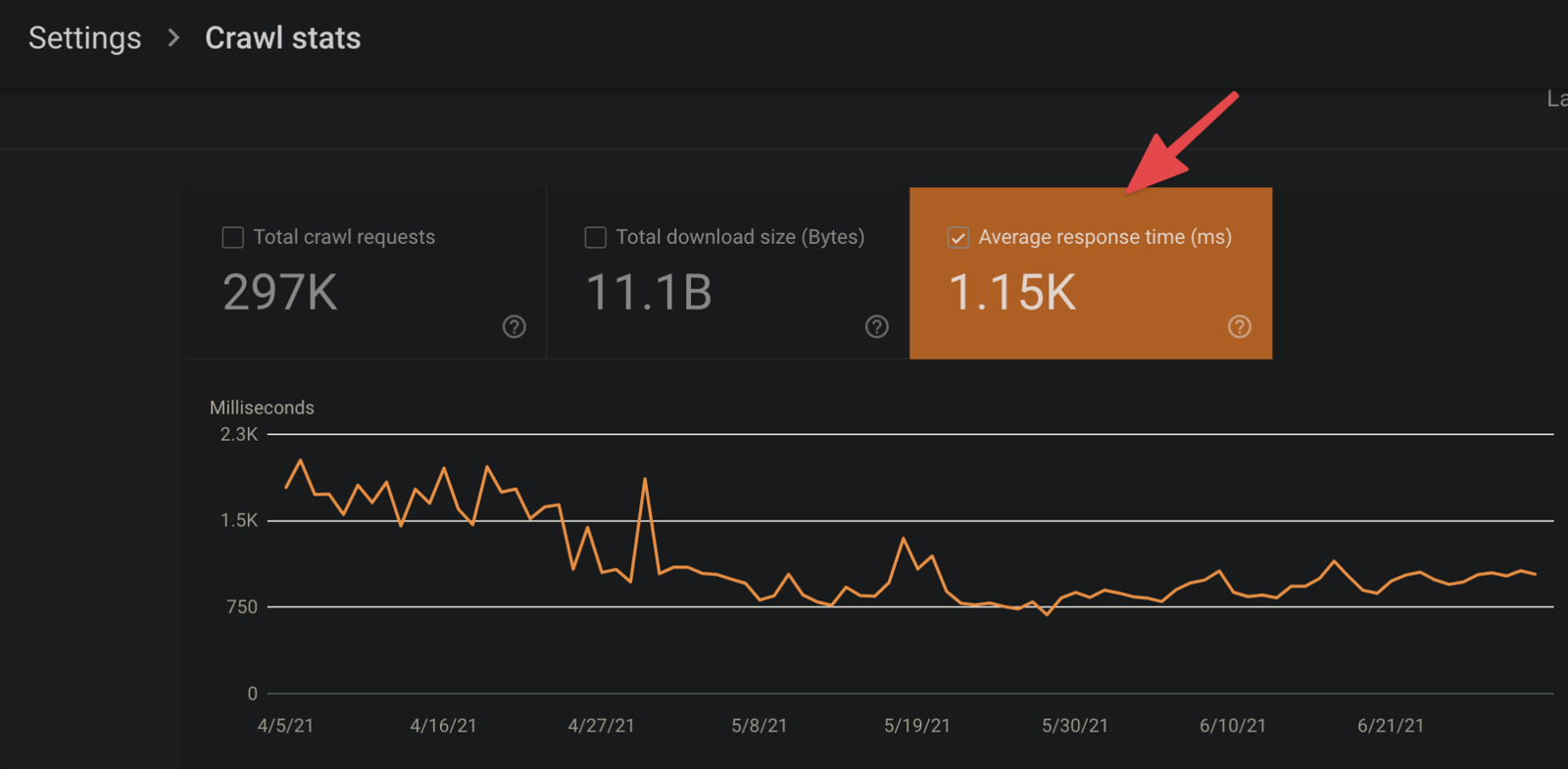
If you have a shared server or run multiple websites on a single server, the load from other websites on that server can affect your own site's TTFB. Just don't confuse TTFB with server response time in general.
What Slows Down TTFB Value?
Here are the main factors that slow down the TTFB value:
● A badly configured server structure,
● Server capacity issues (bandwidth, RAM, etc.),
● Dynamically created content,
● Database queries.
How to Measure TTFB?
In Page Speed Insight results, you may come across an error/warning such as “reduce the time to first byte”:
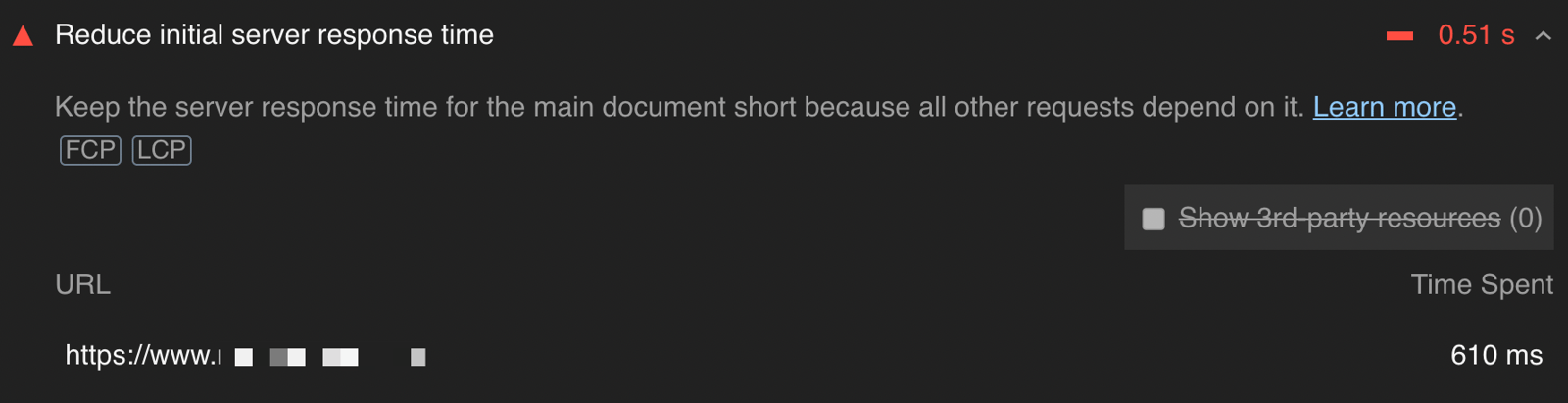
You can run Lighthouse:
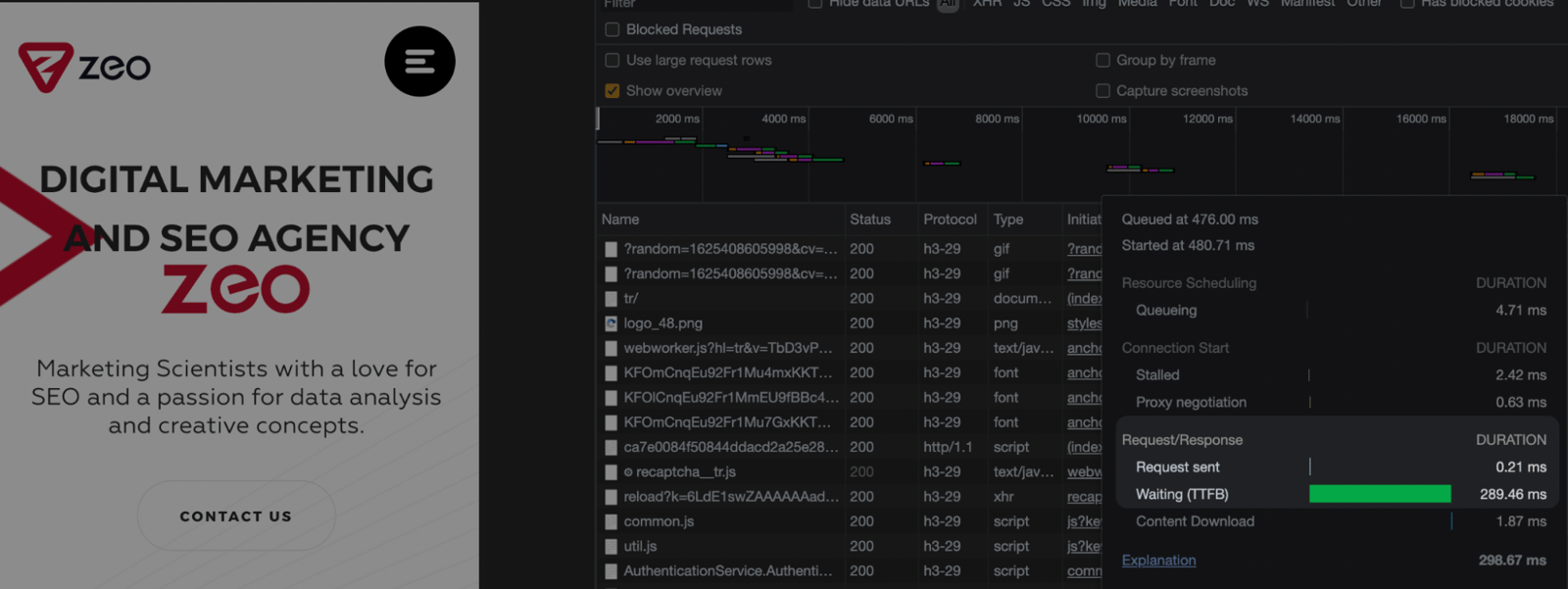
You can also measure the TTFB values in Google Chrome Network:
You can also run a TTFB test here: https://gtmetrix.com/.
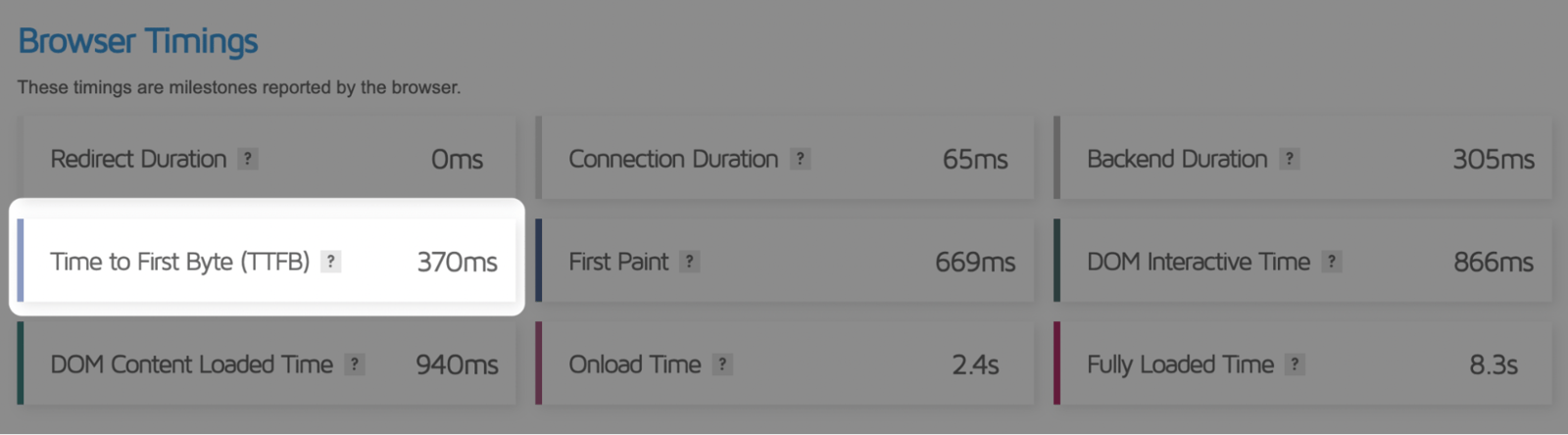
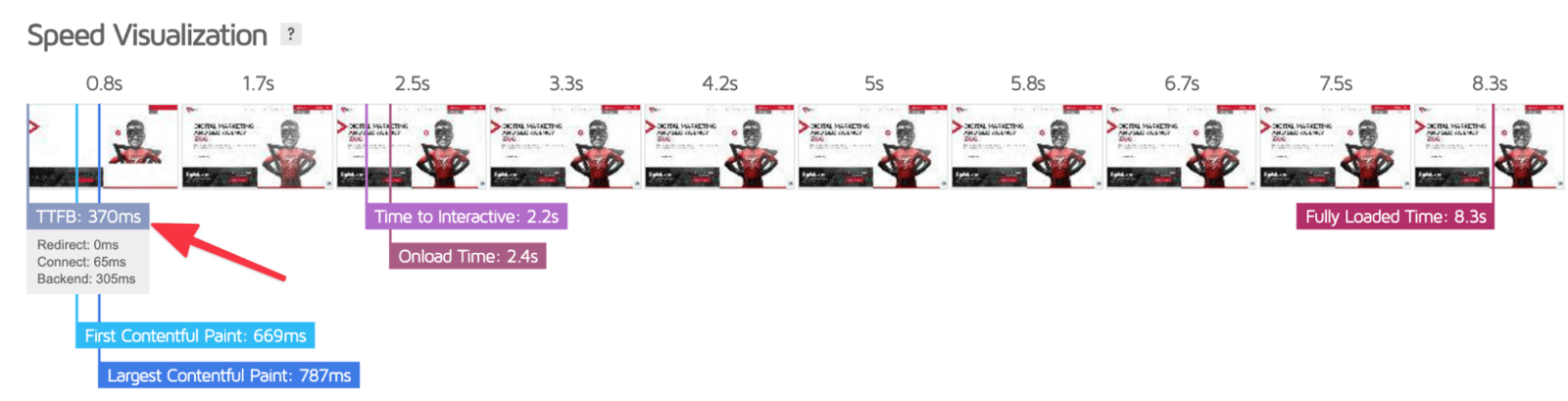
You can clearly monitor the process via Speed Visualization as well:
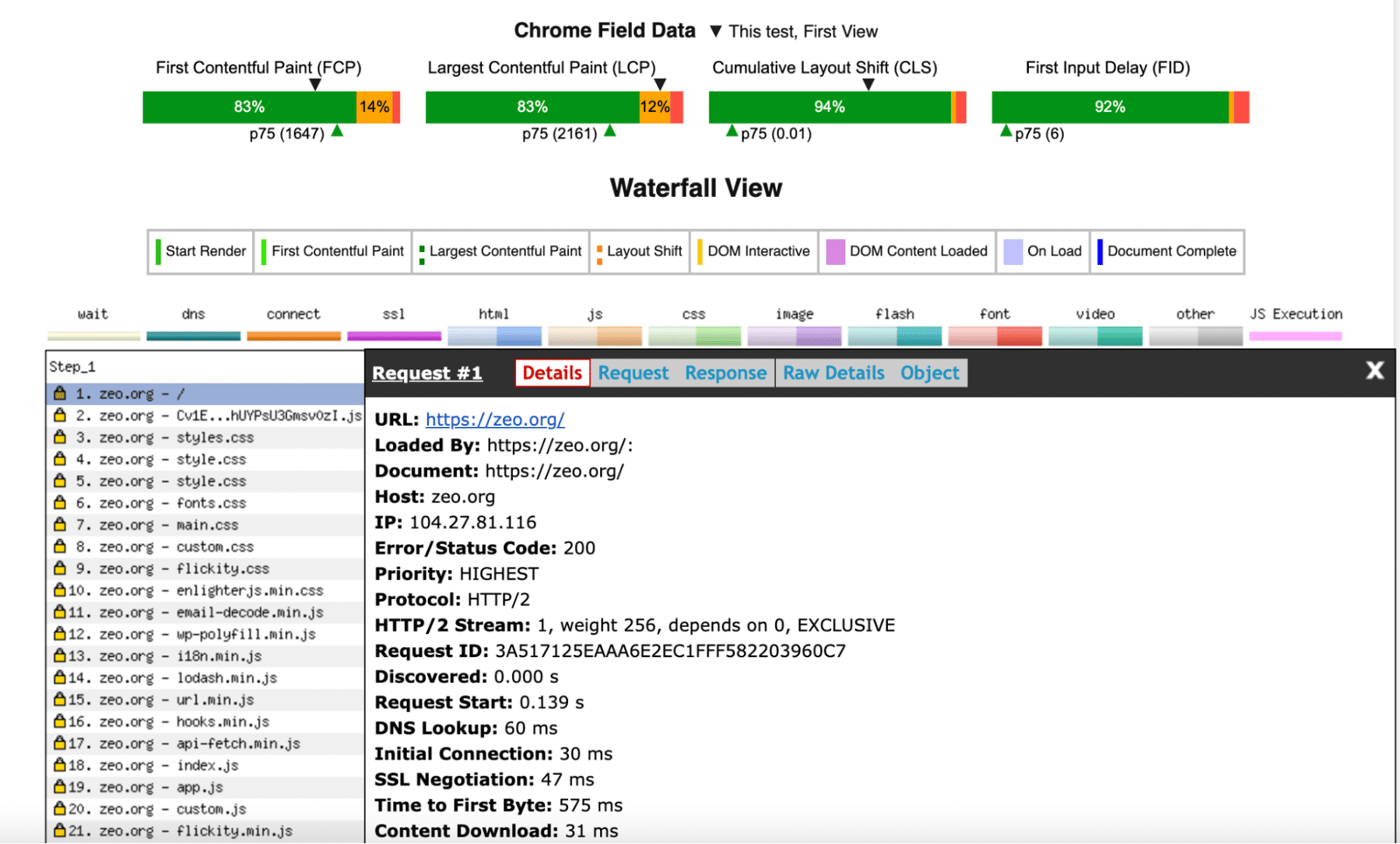
In that case, this website https://www.webpagetest.org/ is also helpful for you:
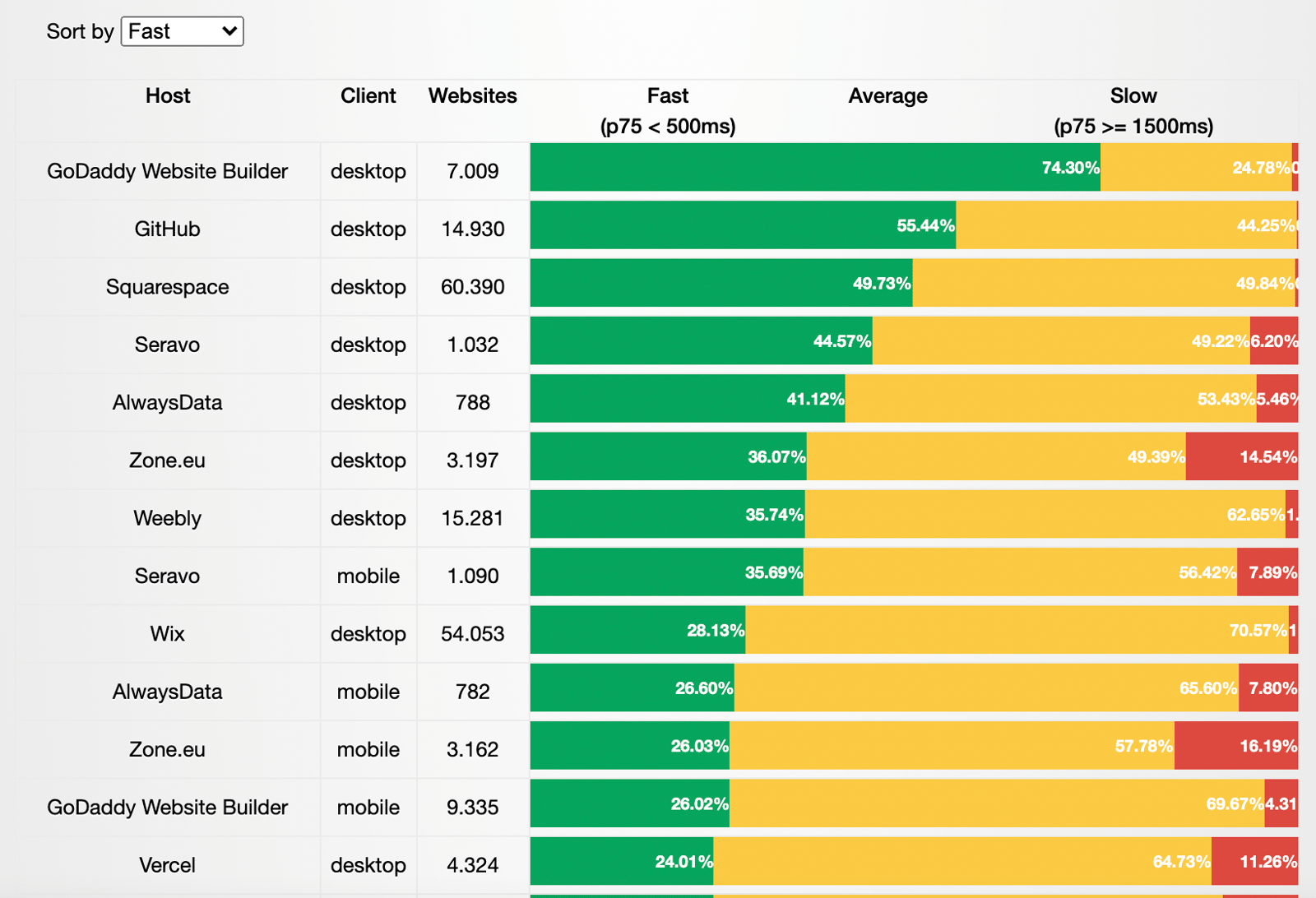
You can also check out the monthly-updated website: https://ismyhostfastyet.com/. Based on the data from Chrome UX, the following table provides details, including their TTFB values and the number of websites they cover:
How to Optimize Time to First Byte (TTFB)?
There are several ways to optimize the TTFB value. As I walk through many of them, I should warn you that some will require you to work closely with your hosting company or software team.
Cache
Creating a page involves a lot of interactions and processes, and since each one takes some time, the TTFB value can suffer as a result. Cache integrations let you handle these processes ahead of time and save on loading times.
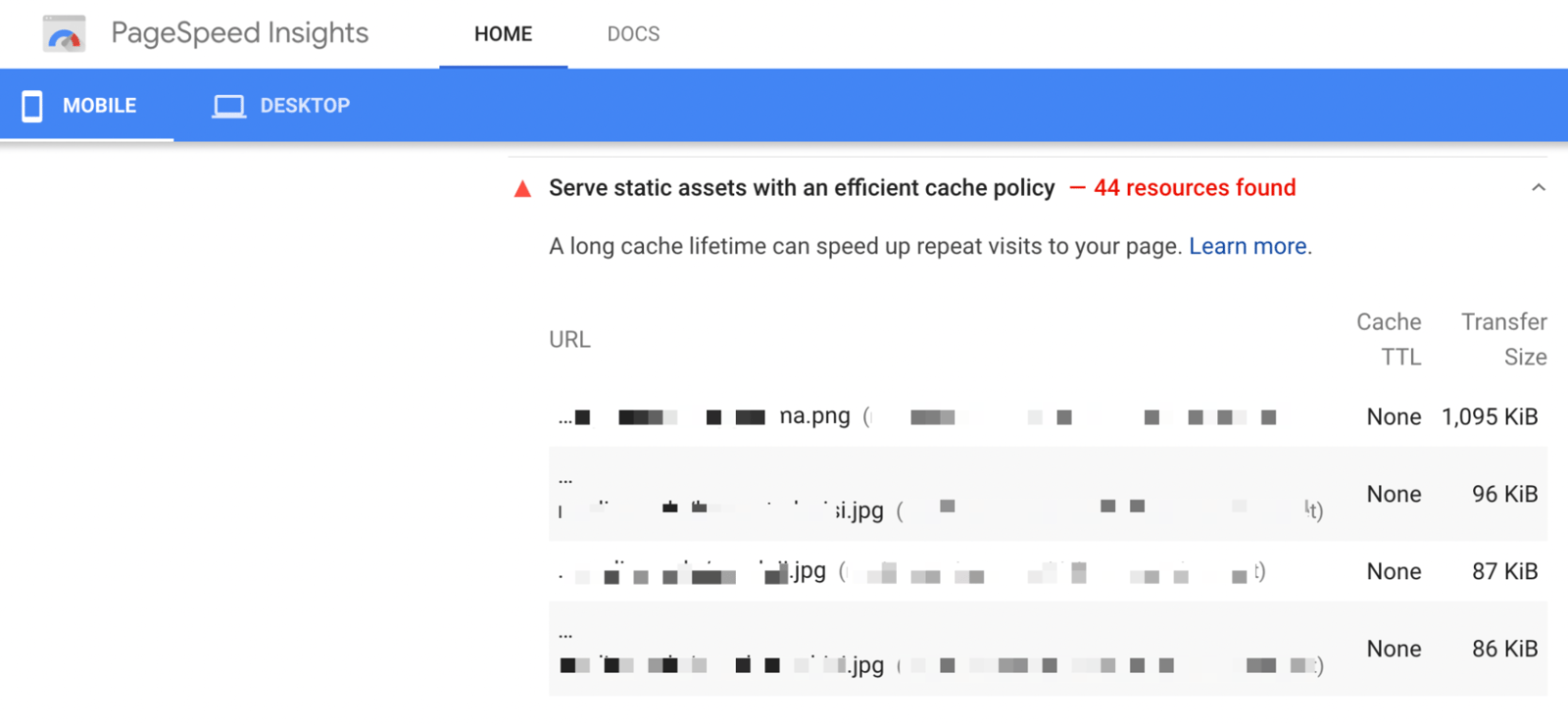
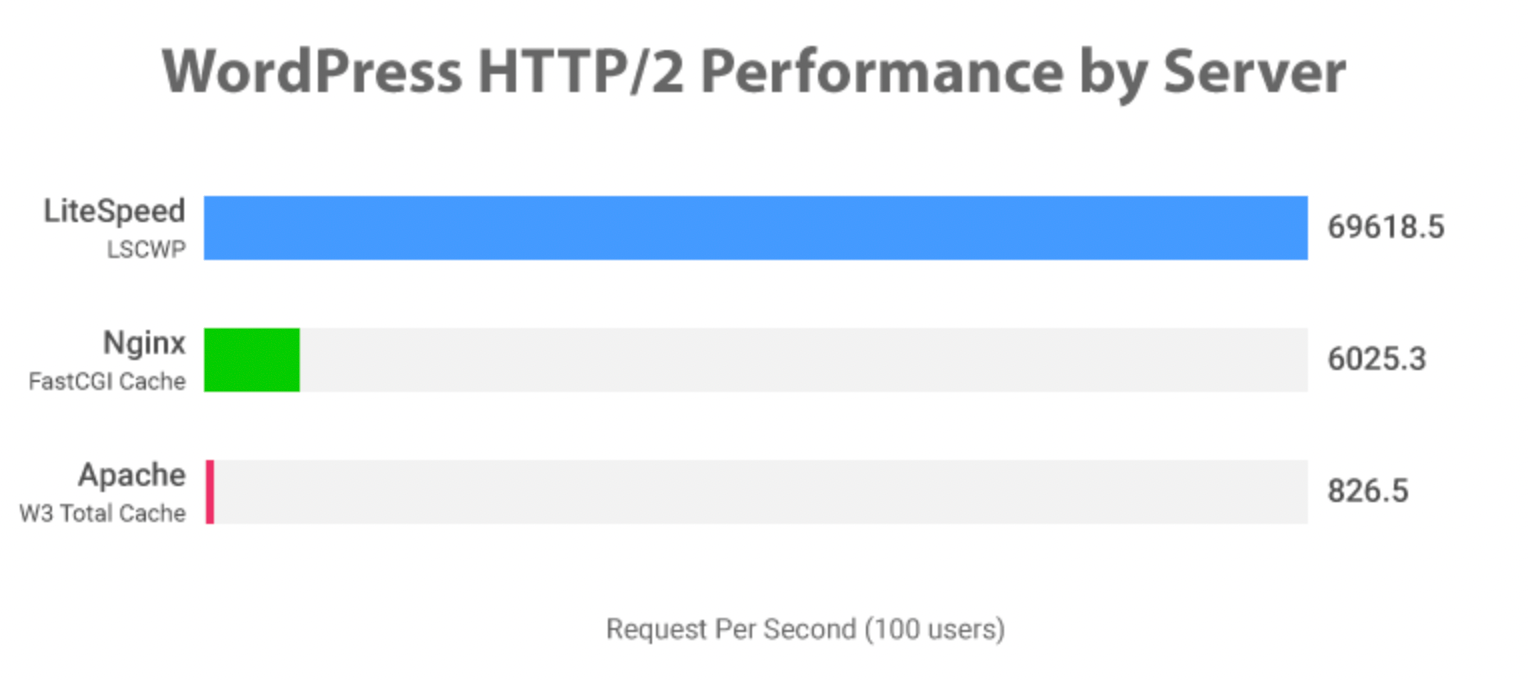
If you have a website such as Wordpress, you can use extensions such as W3 Total Cache or LS Cache.
HTTP/2 Usage
Googlebot generally crawls over HTTP/1. However, starting in November 2020, Search Console began sending messages to website owners about whether they're able to use HTTP/2. It's stated that your website can be crawled over this version:

You can identify which sources use HTTP/2 with Chrome:
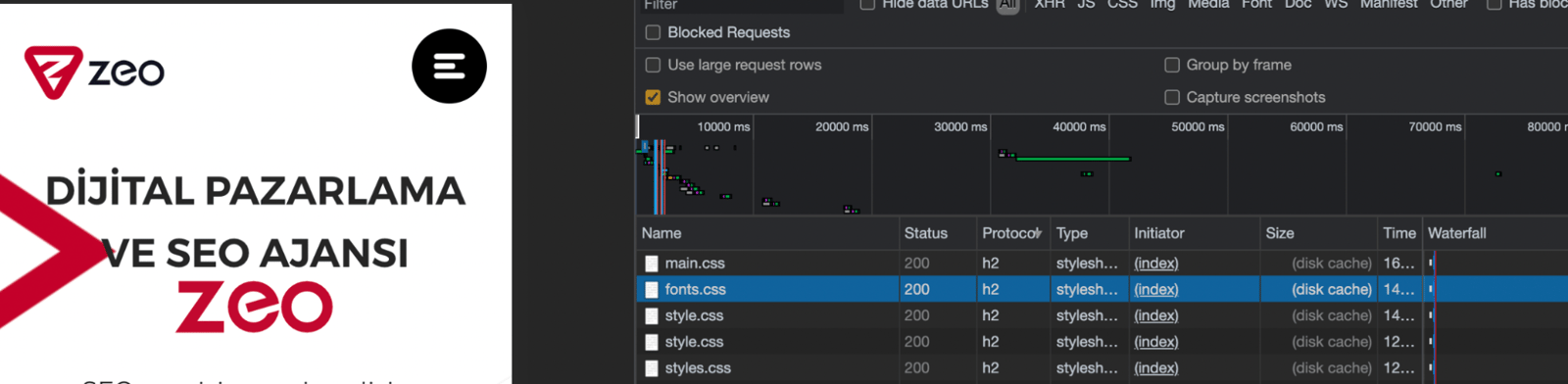
CDN Usage
You can optimize TTFB values by using a CDN. If you have a website with intense traffic, a CDN might be a perfect solution for loading resources faster.
Database Optimization
Of course, your back-end team can go into more detail on this section. Additional modules on websites, old user databases, or heavy queries can put a bigger burden on databases. That is why it would be better to optimize databases as well.
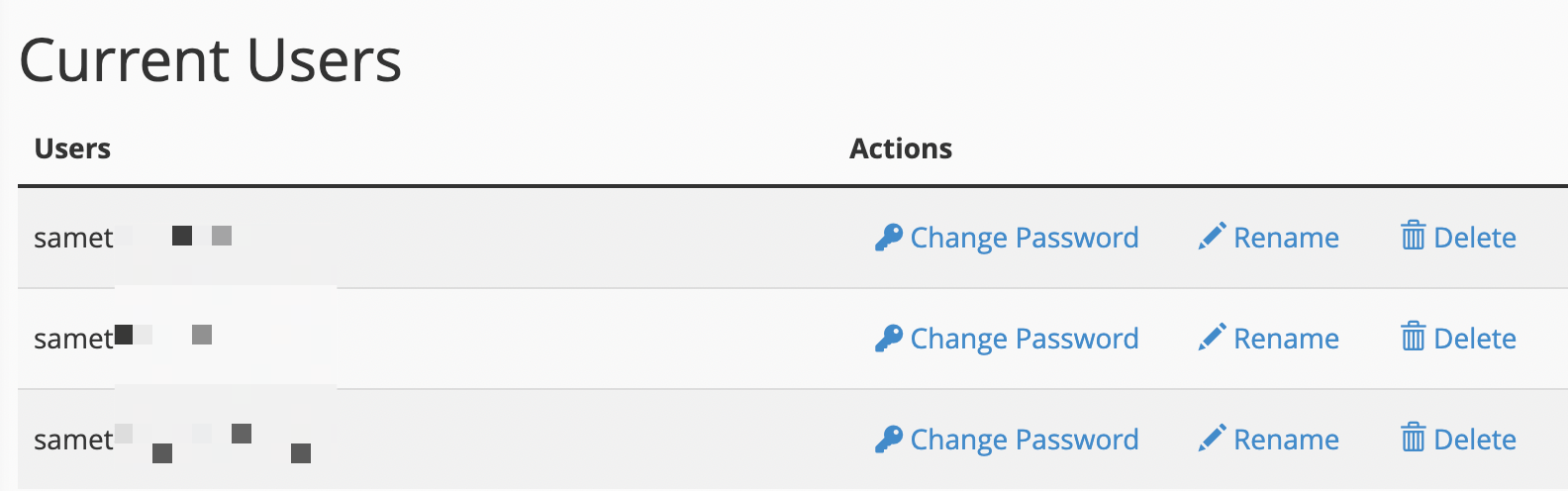
If you use Cpanel, you can see the disused databases and database users and remove some of them if suitable:
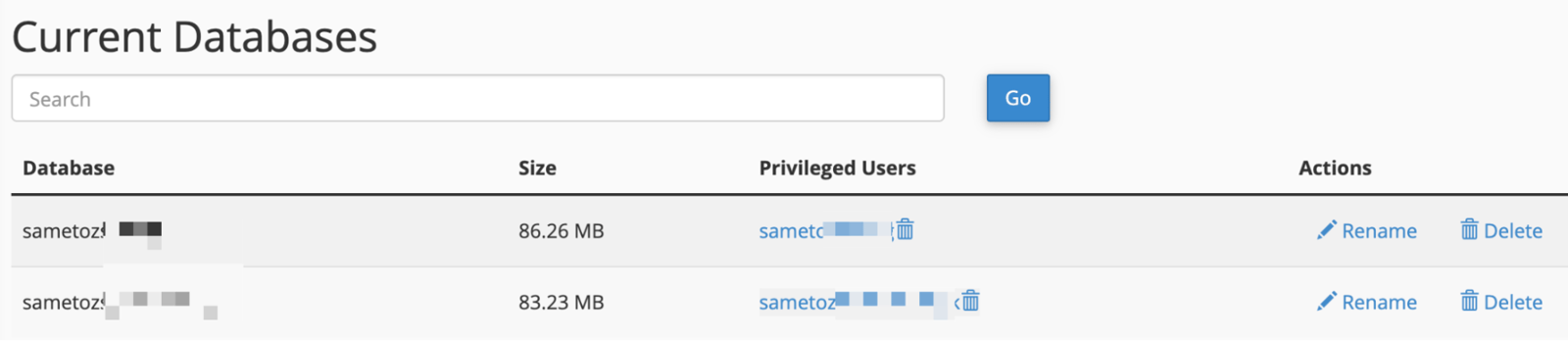
Example Mysql users:
If you use Wordpress, with the help of PhpMyAdmin, you can check the tables left from older extensions. That way, you can reduce the database load those disused extensions cause:
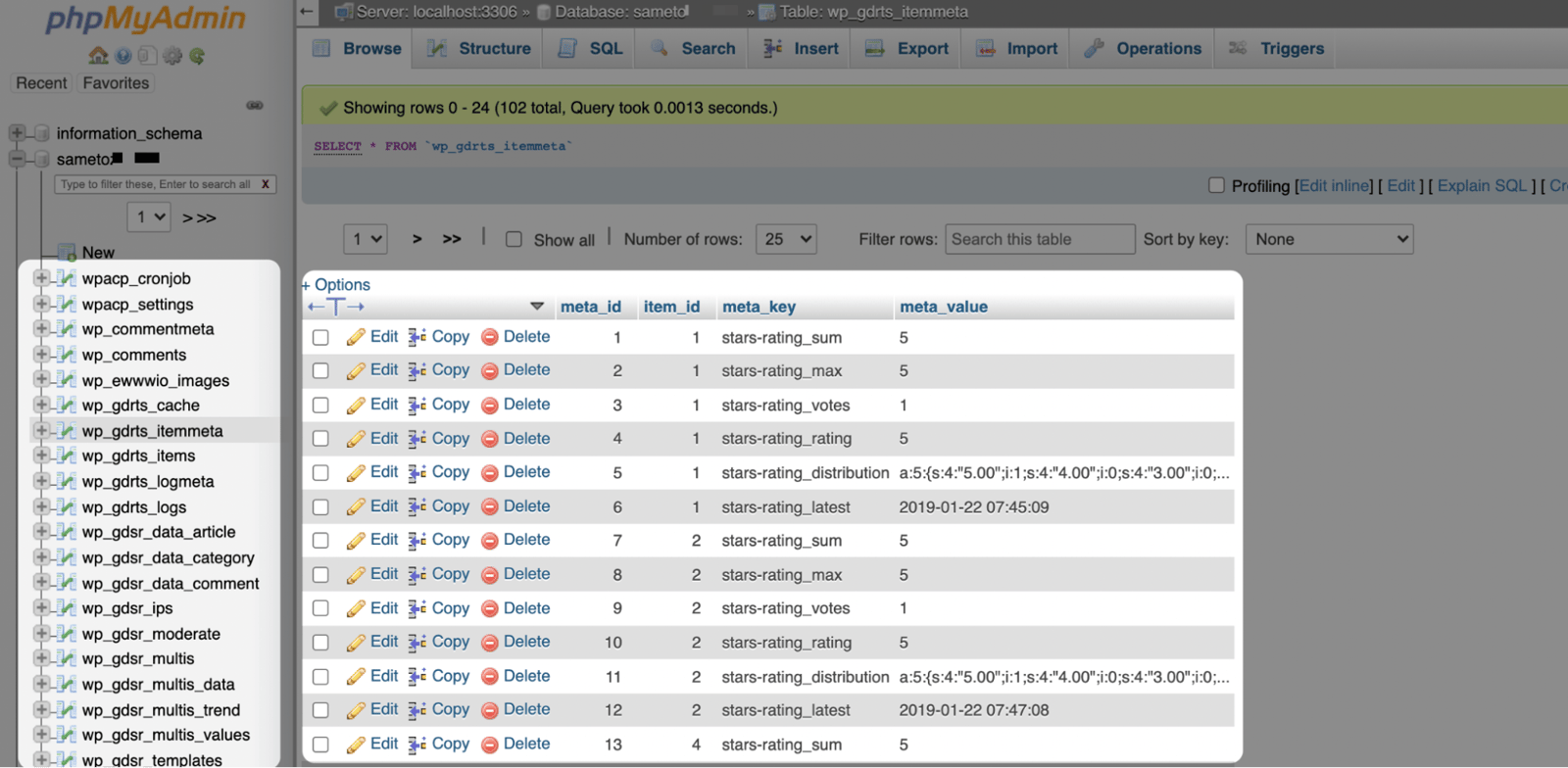
For instance, I can see the empty table structures with the query below:
select table_schema as database_name,
table_name
from information_schema. tables
where table_type = 'BASE TABLE'
and table_rows = 0
and table_schema not in ('information_schema', 'sys',
'Performance_schema', 'mysql')
-- and table_schema = 'sakila' -- put your database name here
order by table_schema,
table_name;
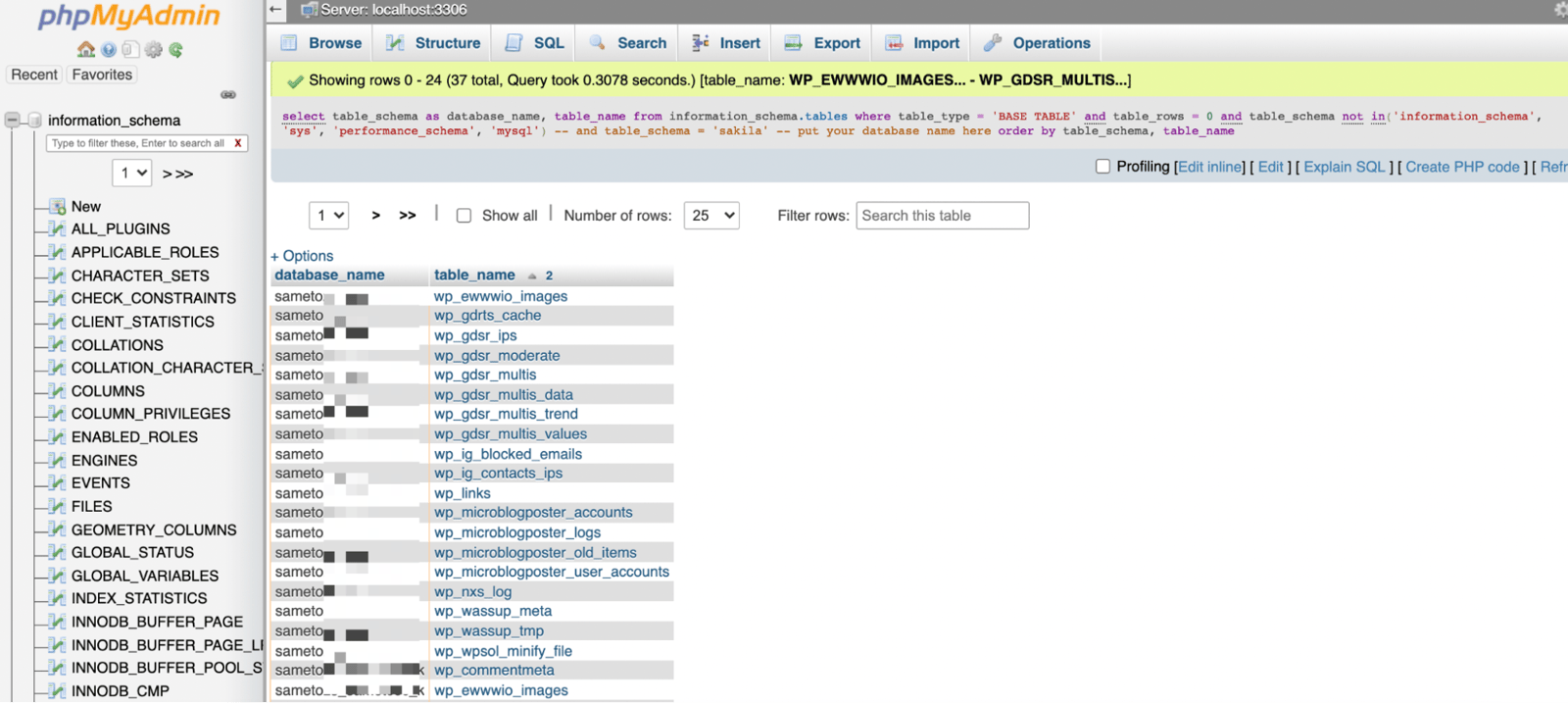
When I run this SQL, it shows me the results:
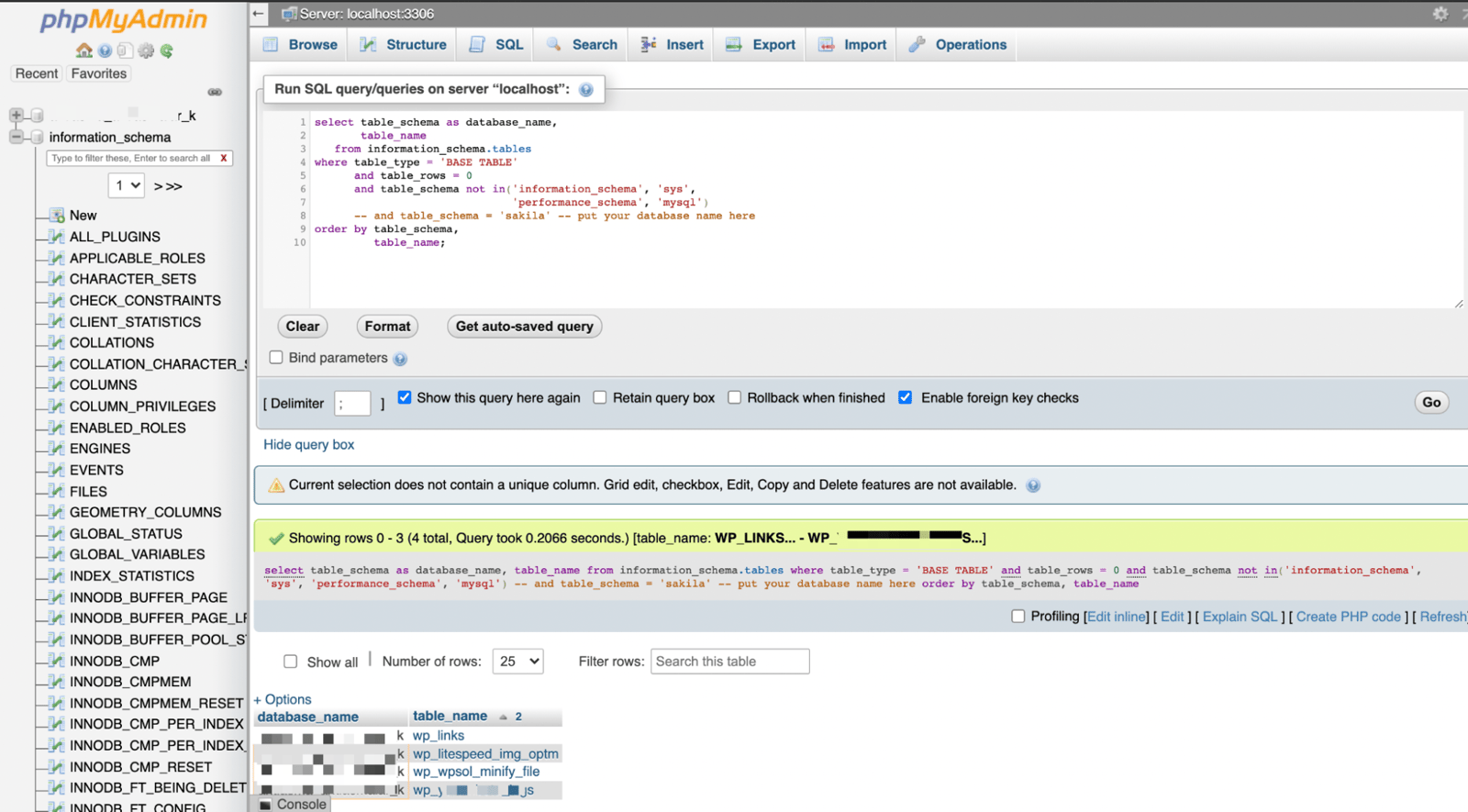
SQL results may differ from website to website. In these examples, you may see more or fewer table structures. Before getting to these steps, please do not forget to back up your data:
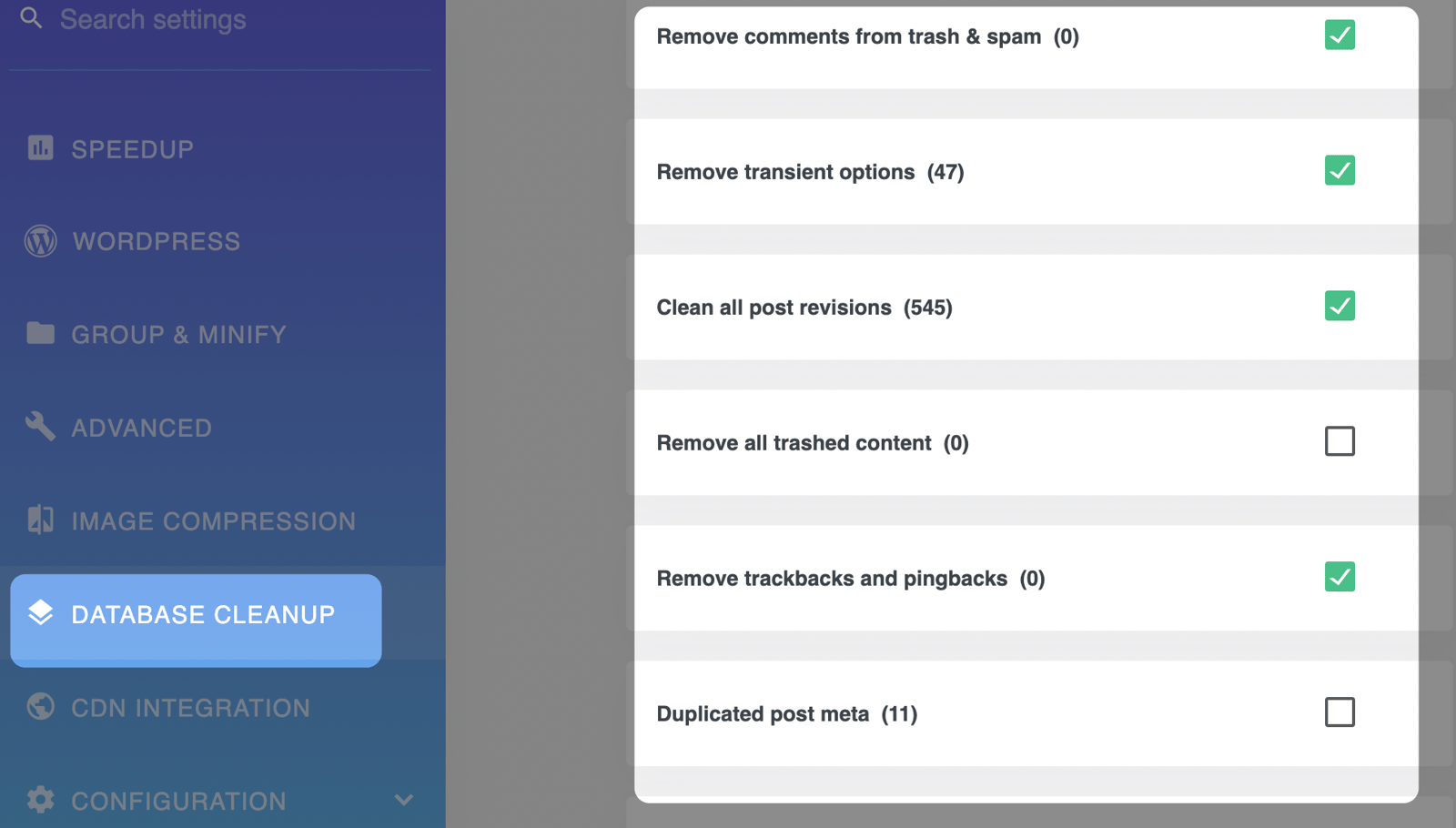
Extensions such as WP Speed of Light let WP website owners handle DB-related operations even faster. Of course, you can use other extensions, or continue these processes without any extension:
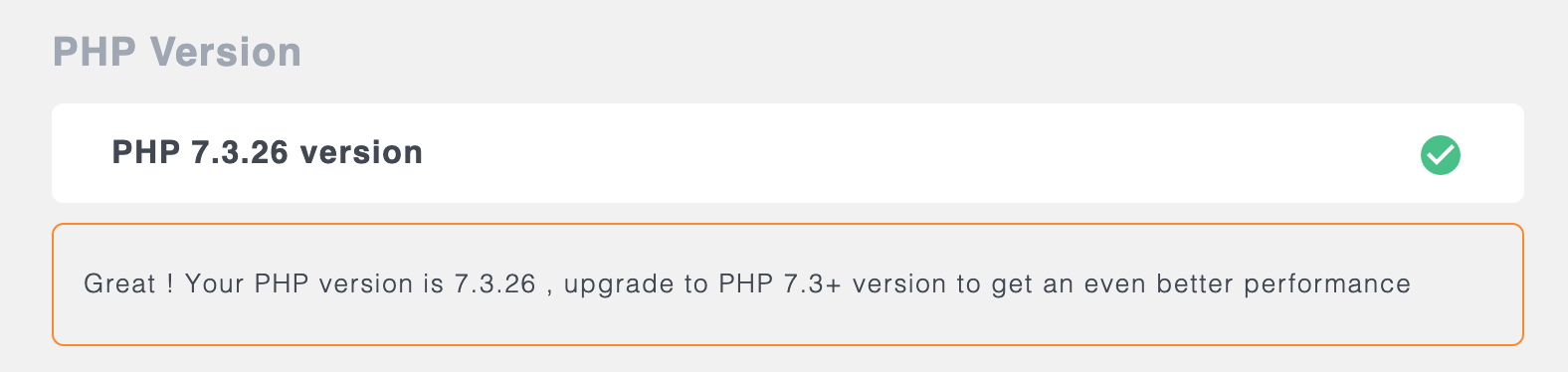
And if you have a website with a PHP infrastructure, you should upgrade it to the latest version:
How to Choose the Best Server?
I'd like to go into more detail on how you can choose the most suitable server in terms of SEO.
Bandwidth
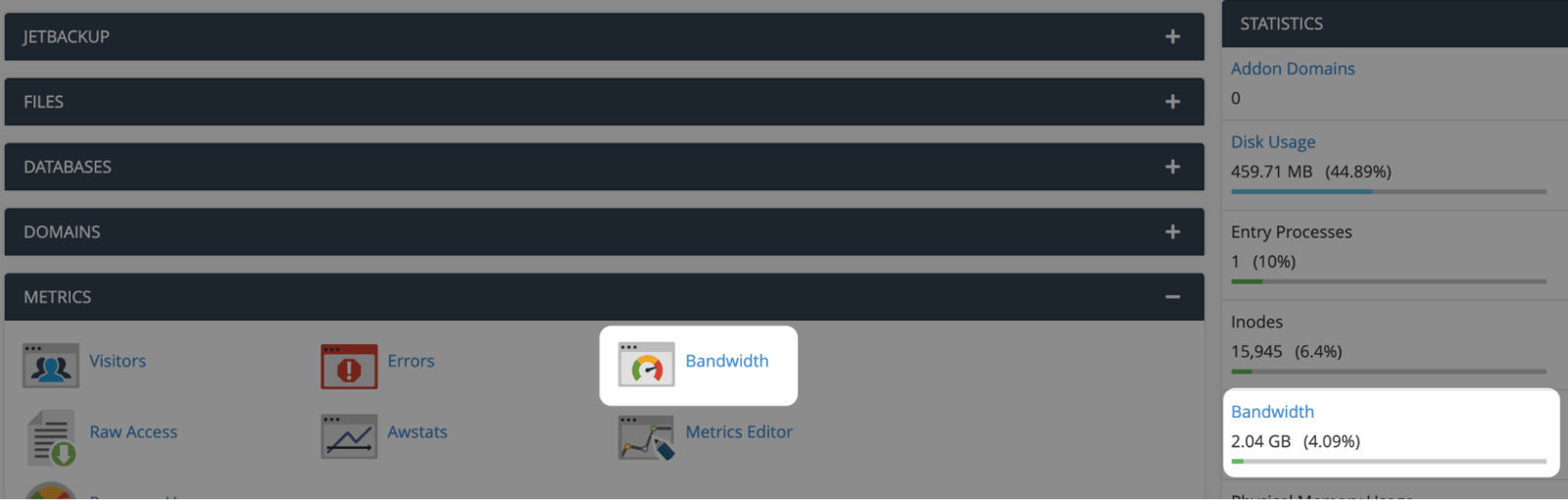
One of the most important points when choosing hosting is the monthly bandwidth. Do not forget to keep this figure under control in services such as your purchased server, hosting, or VPS. A sudden spike in trend traffic at an unexpected time can cause you to run out of bandwidth:
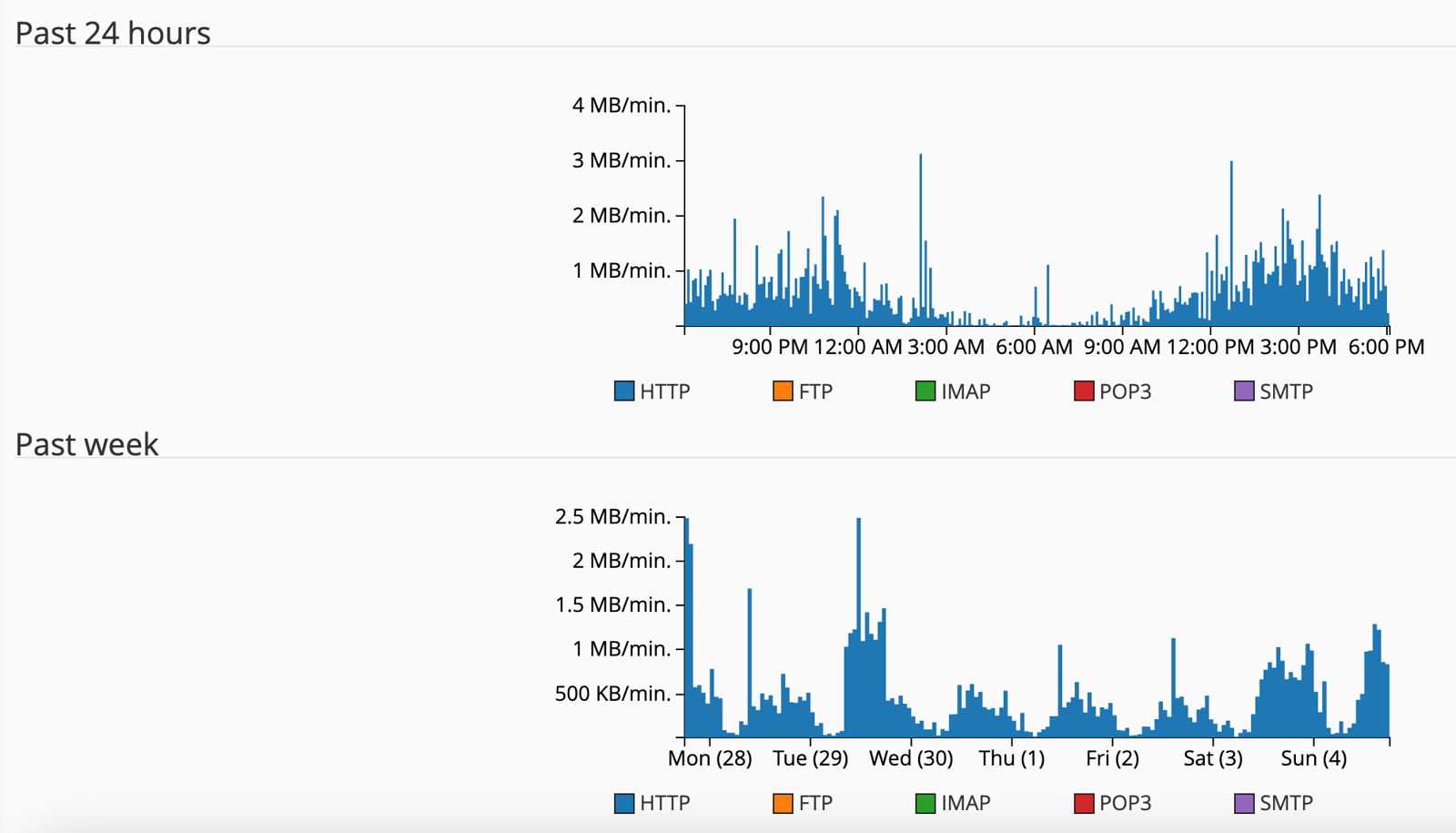
You can analyze the last 24 hours or the last week:
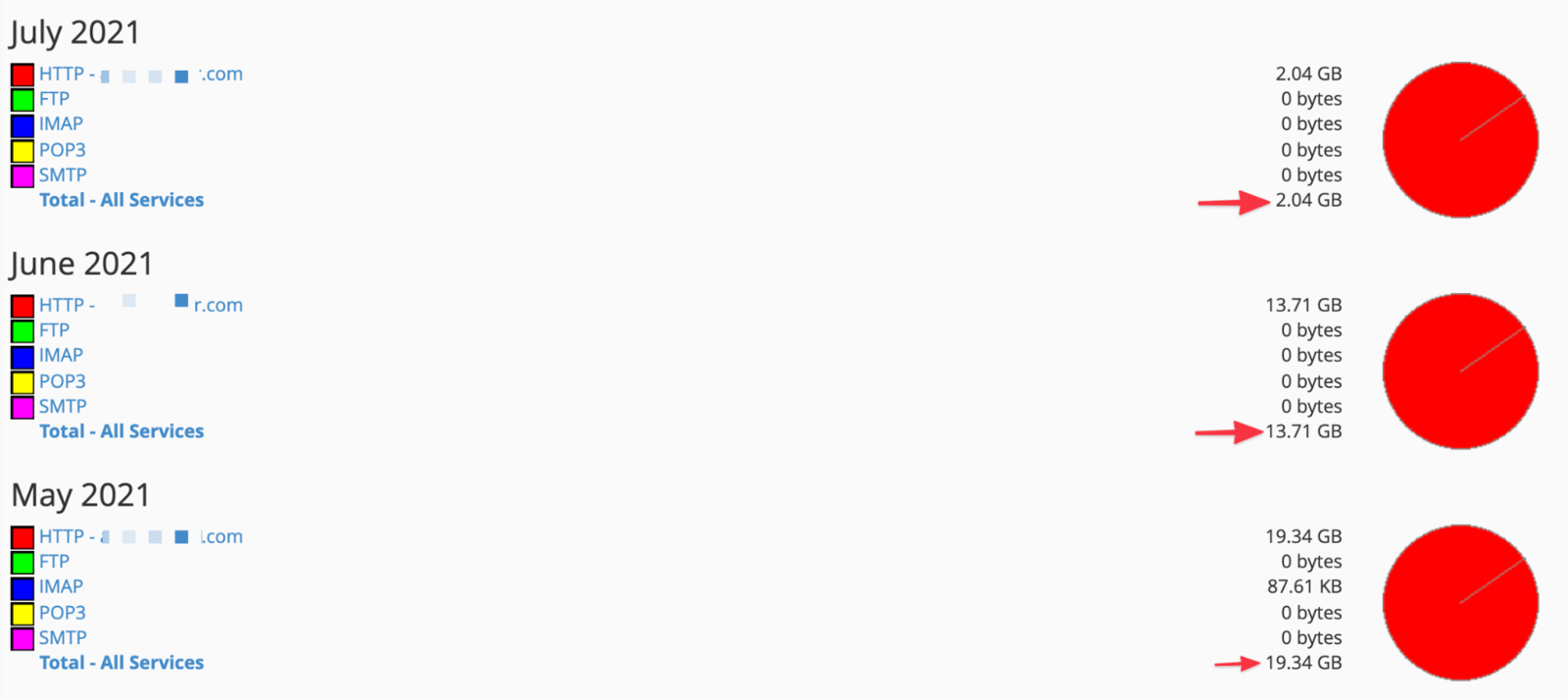
You can also assess how much bandwidth you use each month. If you have a website with low traffic, you may not need a wide bandwidth. Instead, you can get a more suitable server for your website and meet your server needs at lower cost:
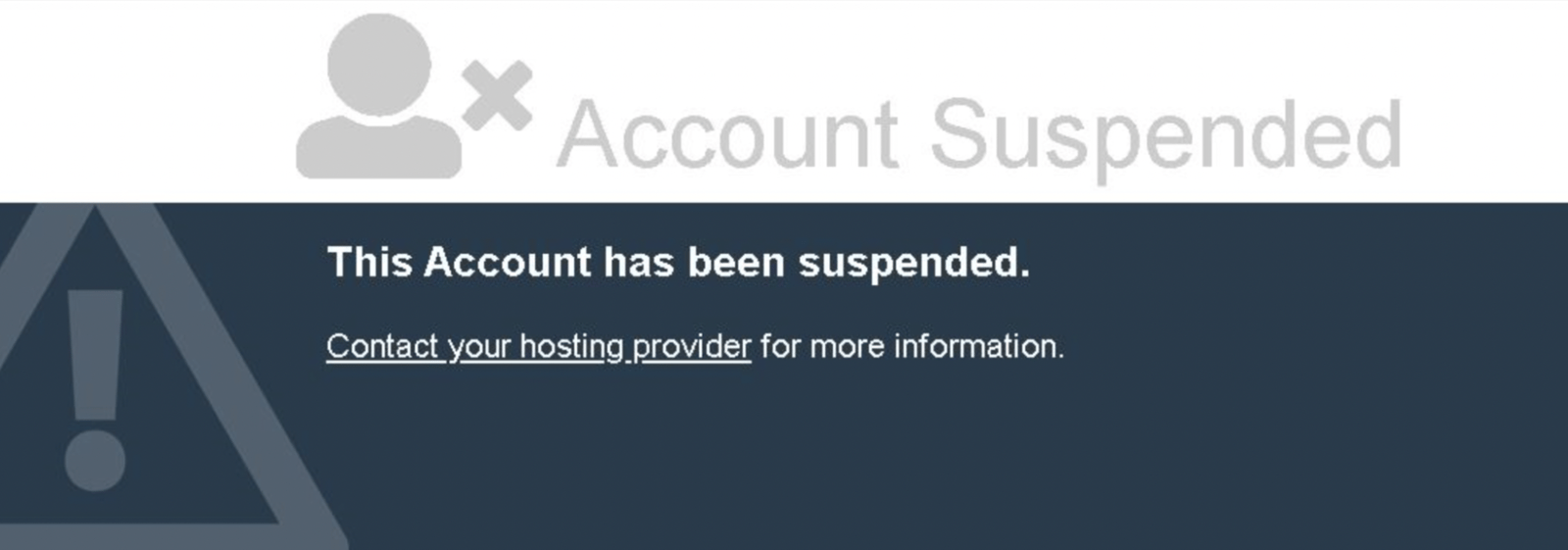
If your bandwidth does not meet the traffic your website receives, server errors may multiply and your website may become "suspended":
Taking all of these points into consideration, you can buy hosting from the domestic or foreign market by deciding on the packages suitable for your website:

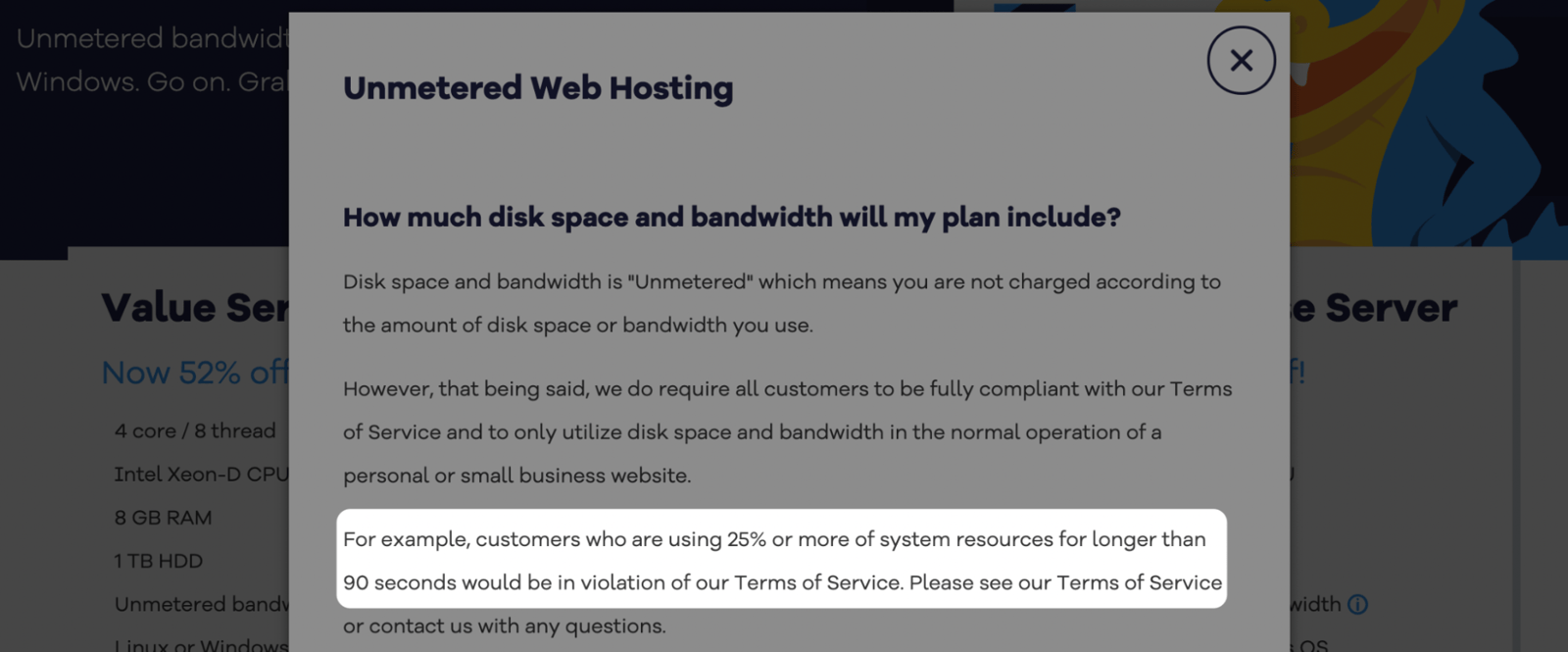
If you use shared hosting, you'll most likely be subject to certain limits even though it's stated that you have limitless bandwidth. That is why you should always know the CPU limits in hosting packages and talk with your server manager about how hard you can push these limits. We do not come across this problem as much in packages such as VPS/Dedicated Servers (though this depends on the hosting firm, for sure), but it's still worth asking:
Googlebot may also slow down its searching speed if the server bandwidth is low. And when you change servers, the searching speed may be readjusted by Googlebot as it tries to work out the gap between the new server and the old one:
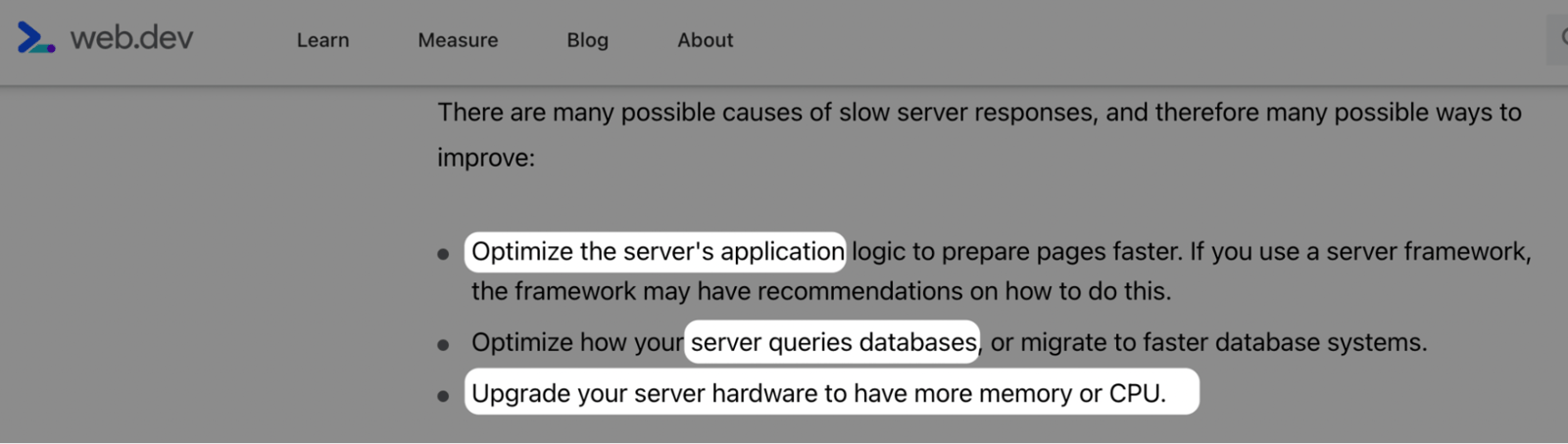
You can also build your server with hardware features such as an SSD disk. RAM size and processor features are also among the key elements: a server with a faster processor can help several operations run more quickly:

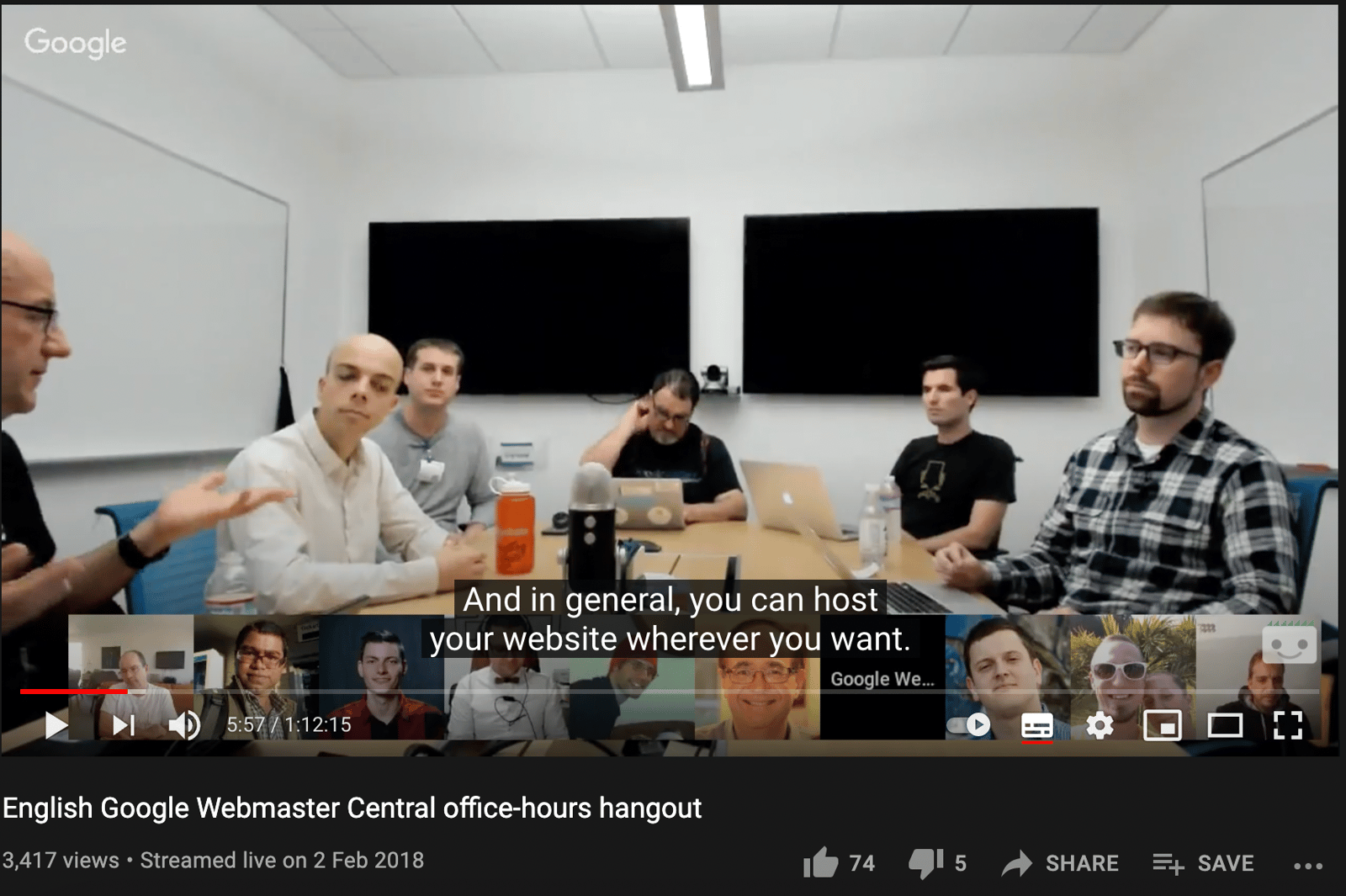
The reason I go into hosting in such detail is that Google has made announcements about it too:
Lite Speed Usage
You can get faster performance by installing LiteSpeed on your servers. LiteSpeed with a paid license offers better results compared to its competitors.
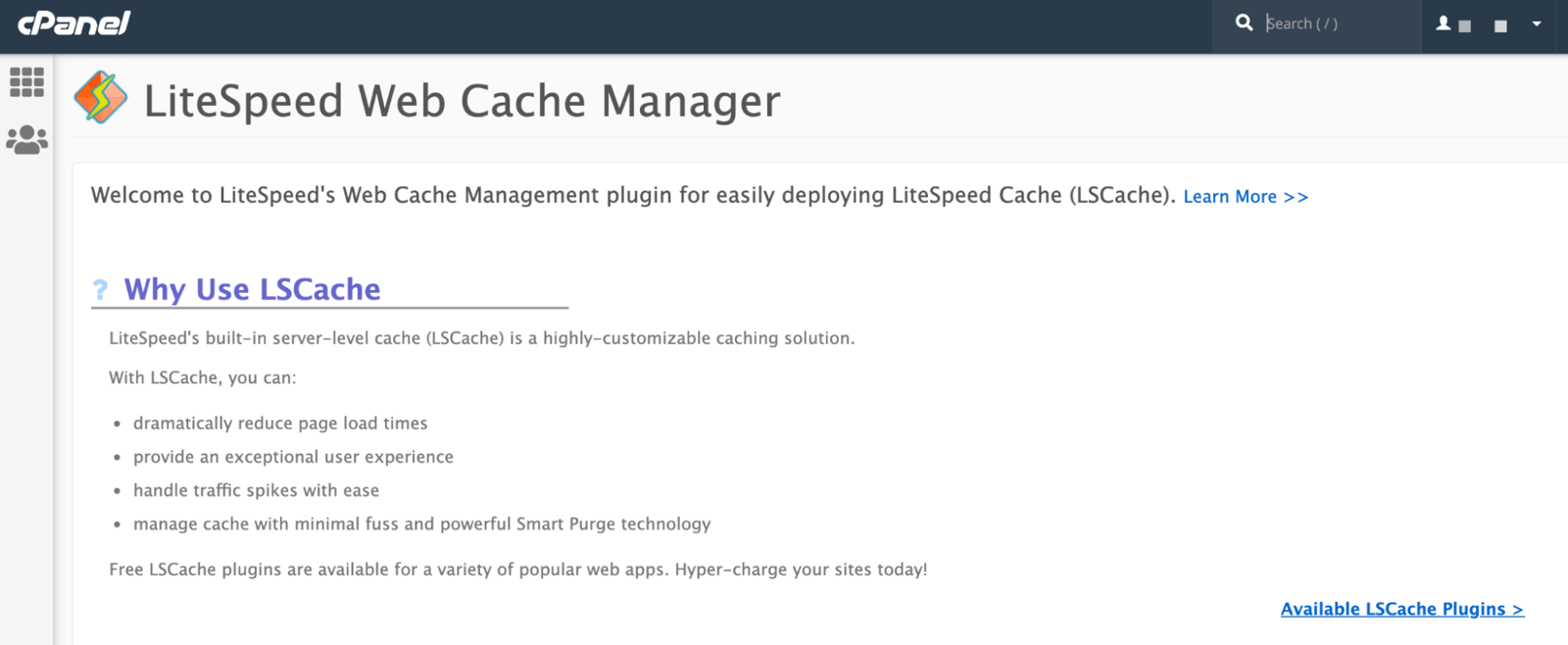
You can find an example of LiteSpeed installed on Cpanel in the image below. You can make all of the settings on this screen, and if needed, you can restart LiteSpeed Web Server:
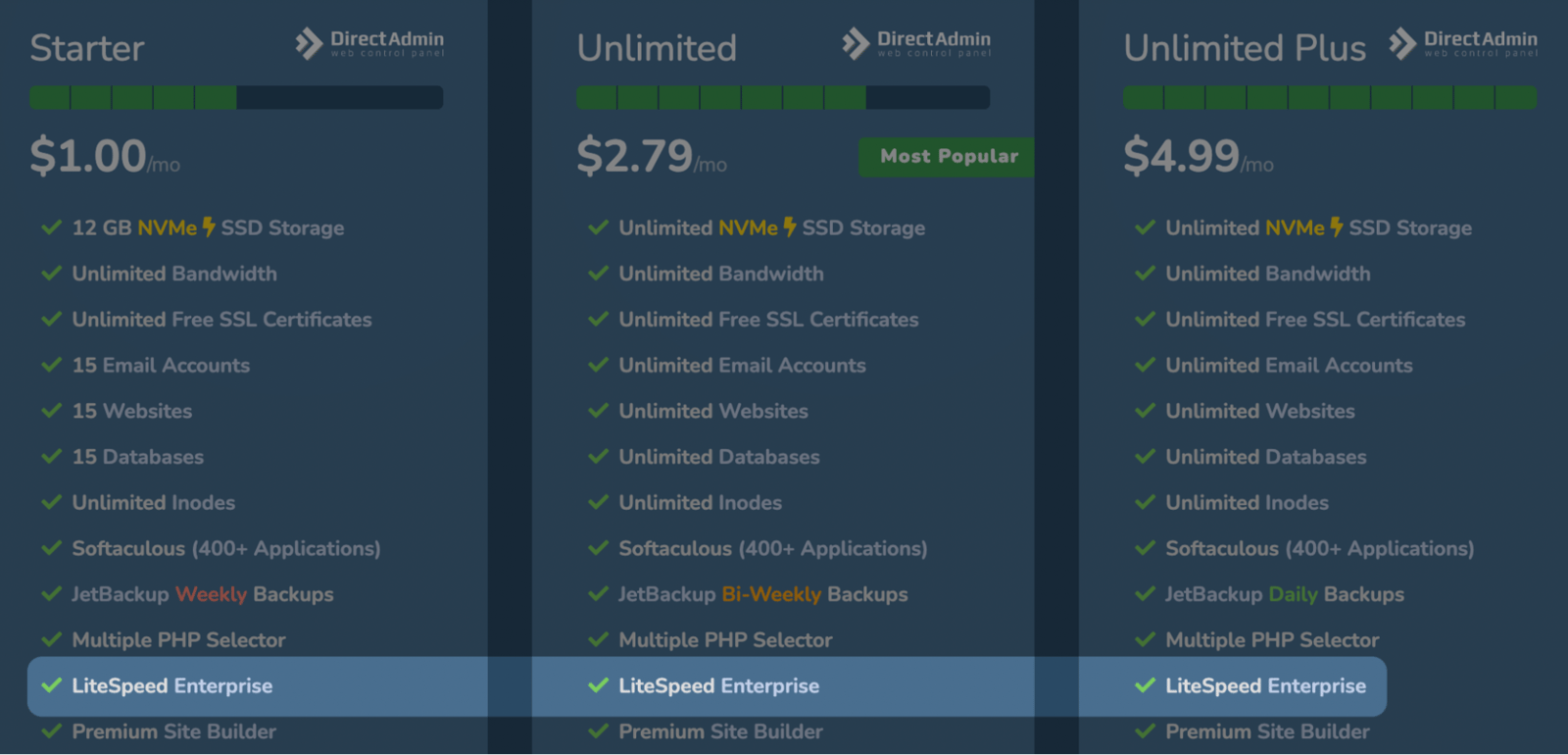
When deciding on a server, make sure LiteSpeed is included:
Reducing the HTTP Requests
First of all, make sure that you remove Yandex Metrica or similar codes that you do not use or rarely use, once a year at most, from your source code. Deleting code that's barely working for you can bring real benefits. Fewer HTTP requests will lead to faster load times.
If there are third-party files and several CSS & JS files on your site, these will create some additional requests. The more HTTP requests a browser makes, the longer it takes for your page to load.
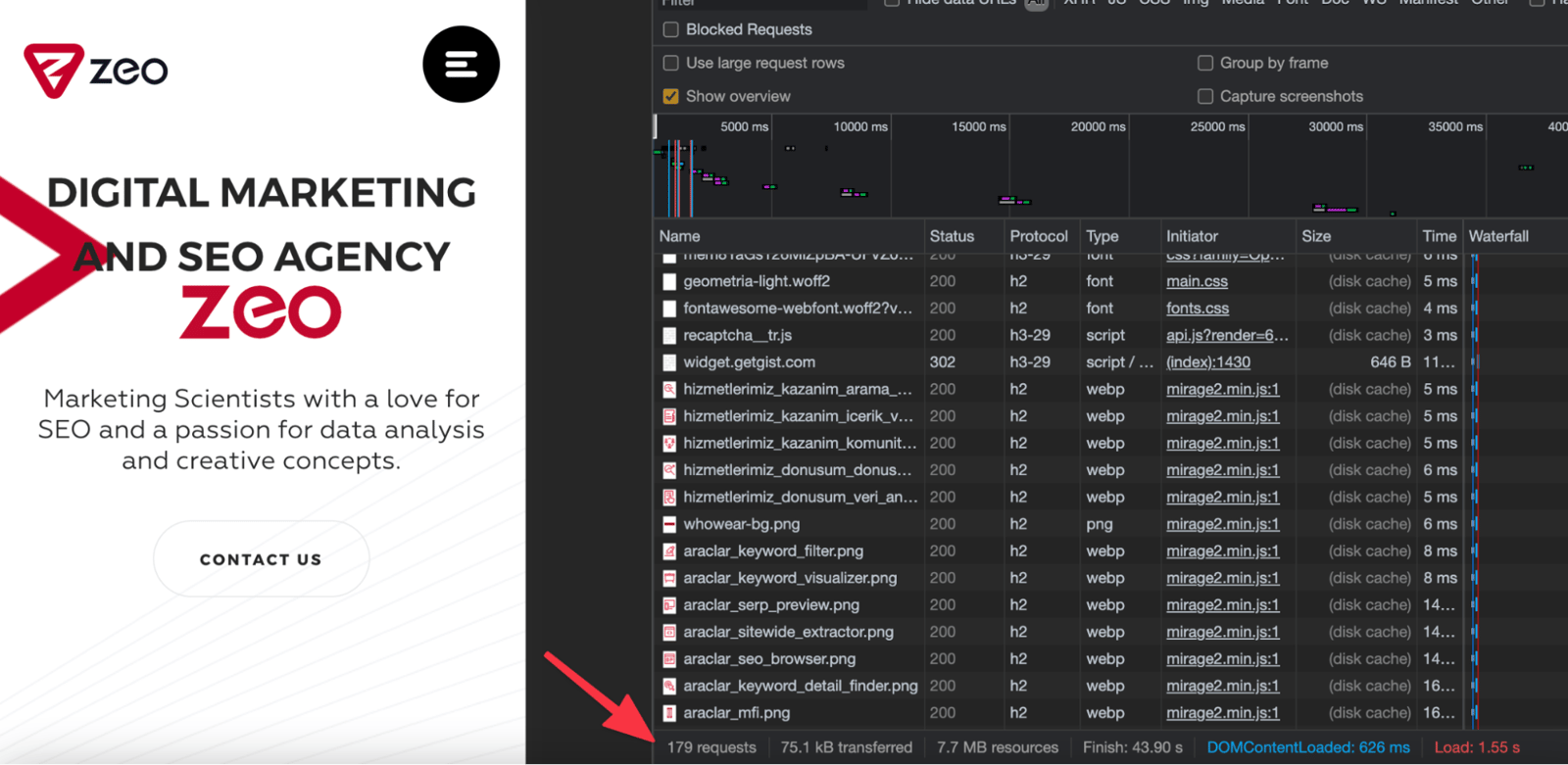
You can check the number of requests via Chrome; for instance, there are 179 requests for the homepage of ZEO:
You can also check out a detailed breakdown of the requests via GTmetrix:
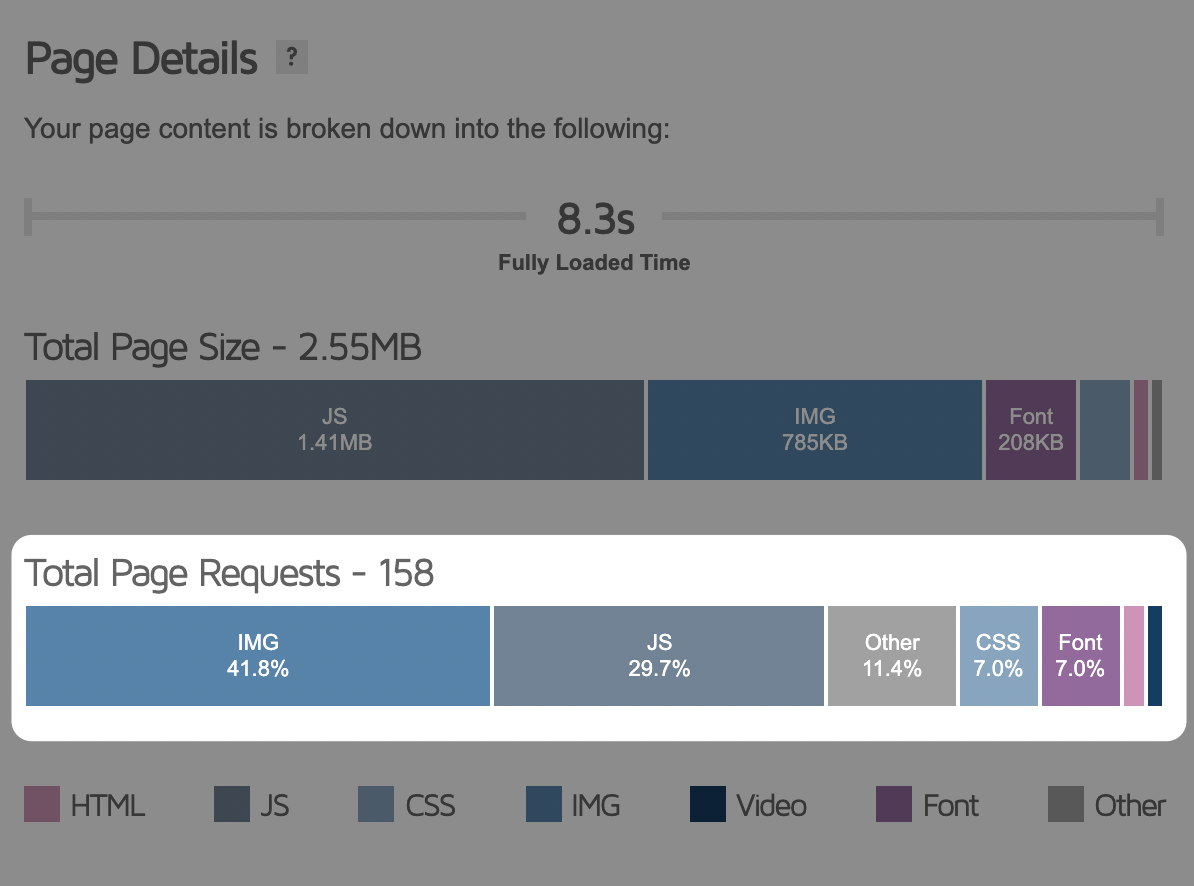
To optimize the number of requests, remove, integrate, or minimize unnecessary JS and CSS files. You can plan to use image elements together, or, if there are unnecessary ones, reduce their number and minimize them as much as possible.
To Sum Up
If you would like to learn more about the TTFB metric, you can also check out topics such as DNS lookup, Premium DNS, SSL negotiation, and initial connection.
Finally, I want to remind you again that if you optimize the TTFB alone, it won't be enough to fully speed up your website. This metric stands for only a single piece of speed improvements.
Useful Resources:


