


Chrome extensions make it easy to check the status code of an individual page. Checking multiple pages at once, however, usually requires a crawler.
Zeo's free Status Code Checker spreadsheet lets you check the status codes of multiple pages without using a crawler.
What is Status Code Checker?
Status Code Checker is a free spreadsheet offered by Zeo. With the improvements to the first version, the sheet is now available in version 2.
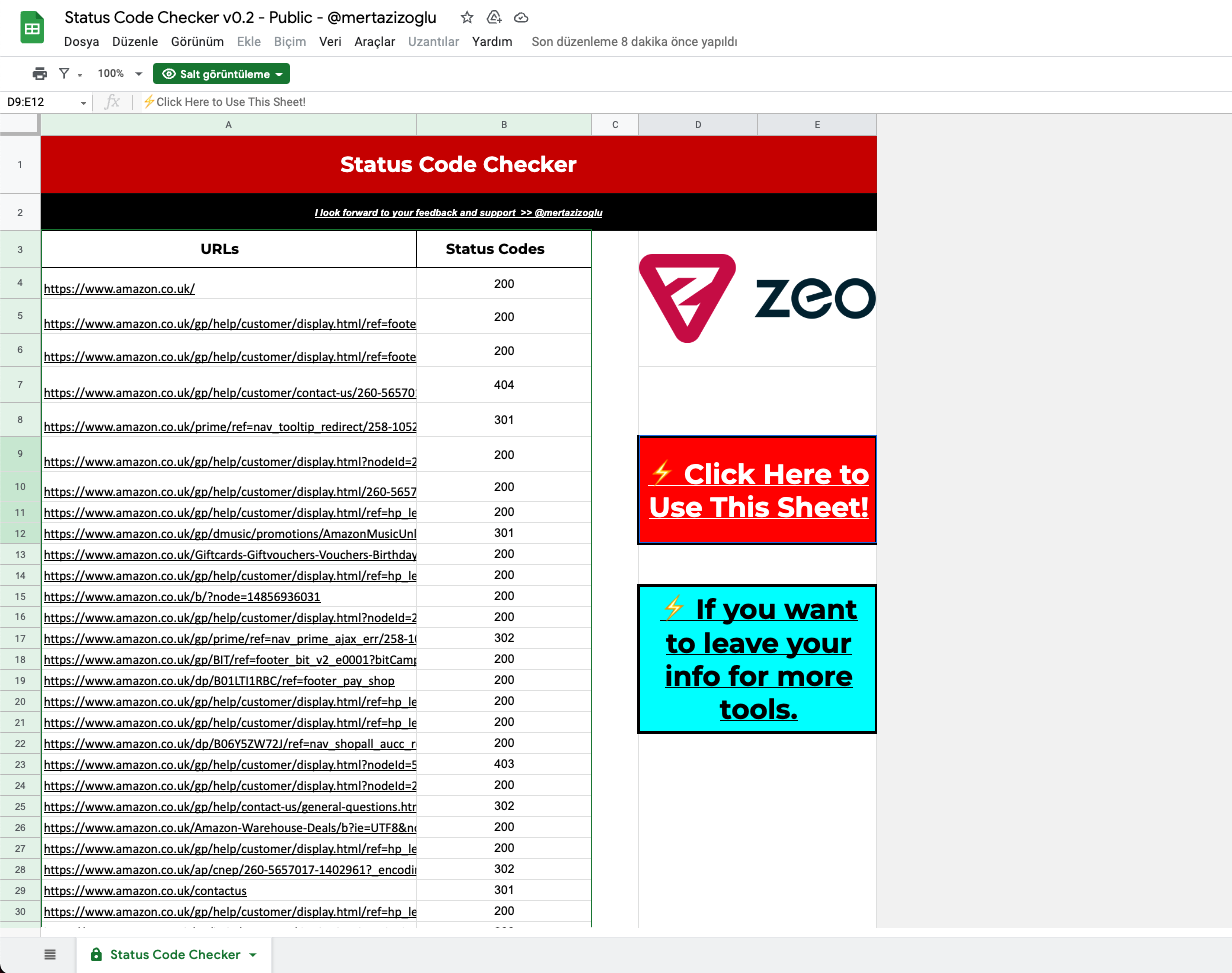
How to Use Status Code Checker v0.2
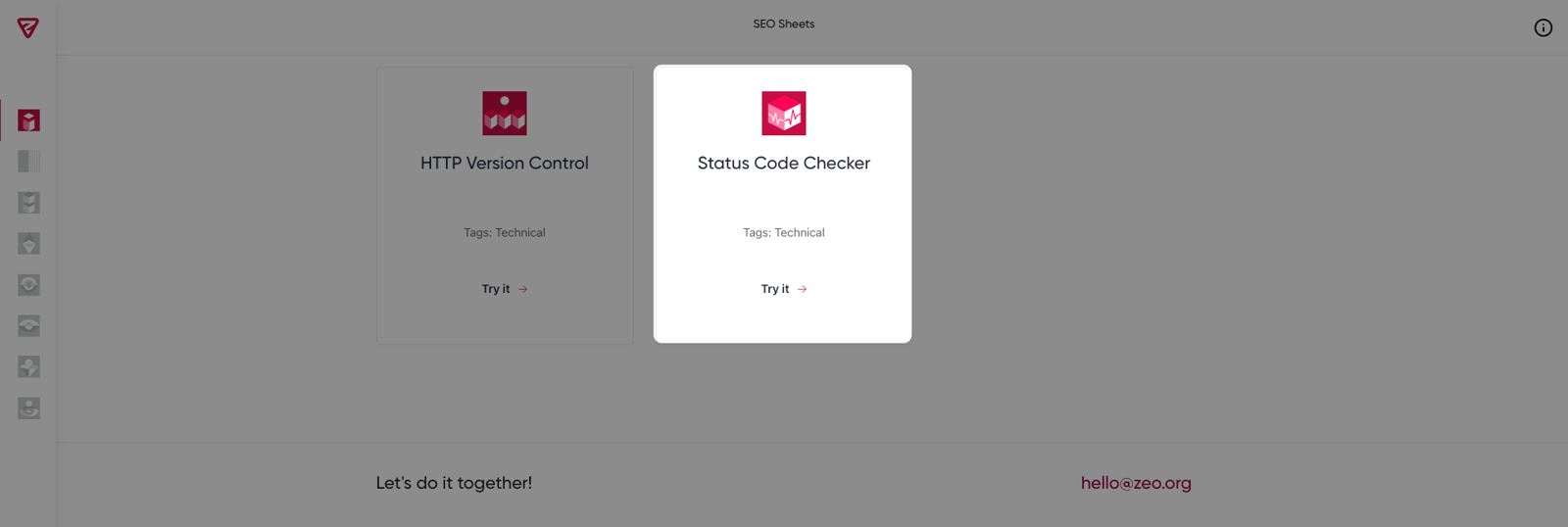
For the Status Code Checker tool, click the "Try It" button on the SEO Sheets page, where you can access the free tools Zeo provides.
Afterward, you will be taken to the spreadsheet where you can check out Status Code Checker. You can create a copy of the Status Code Checker tool by clicking the "Click Here to Use This Sheet" button.
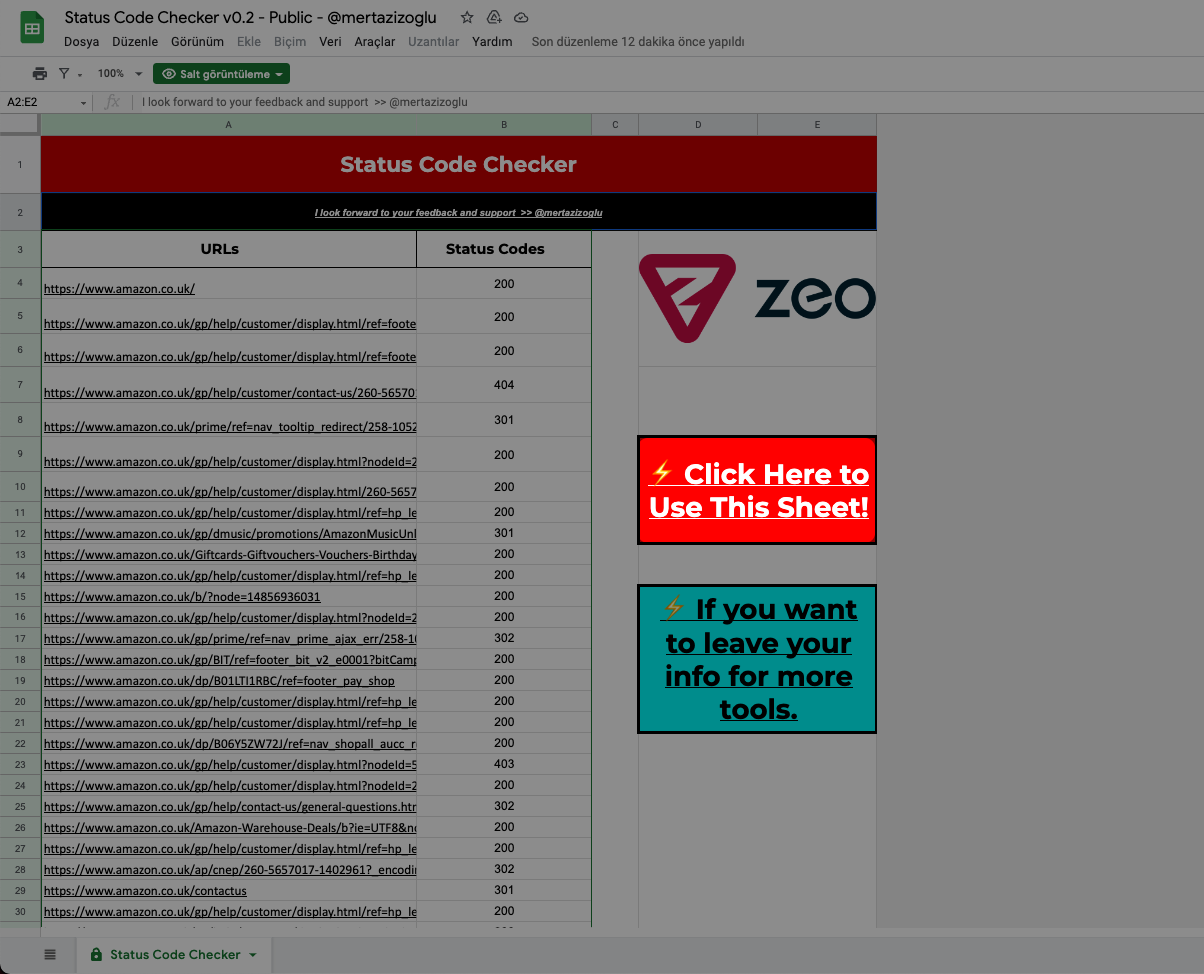
Lastly, under the "URLs" column, enter the URLs you wish to determine the status codes for.
We hope you find the Status Code Checker tool useful. :)
Your feedback and suggestions are valuable to us.
If you have any feedback or suggestions, or just want to say hi, you can contact us at hello@zeo.org.
See more Zeo tools at https://tools.zeo.org/.
