


OpenAI Ads Manager
ChatGPT Ads Management
At Zeo, we have been part of the digital growth journey of more than 500 brands. We are now bringing this experience, from search ads to social media, from SEO to GEO, to the newest surface for advertising: ChatGPT.
We started testing OpenAI Ads Manager with our overseas accounts before it launched in Turkey, and today we manage campaigns in both the Turkish and international markets. So that your brand appears at the right moment in the conversations where your product or service is needed, we build end-to-end ChatGPT ad strategies, from account setup to measurement infrastructure, from context hints to reporting.

OpenAI Ads Manager
ChatGPT Ads Management
Account Setup &Campaign Management
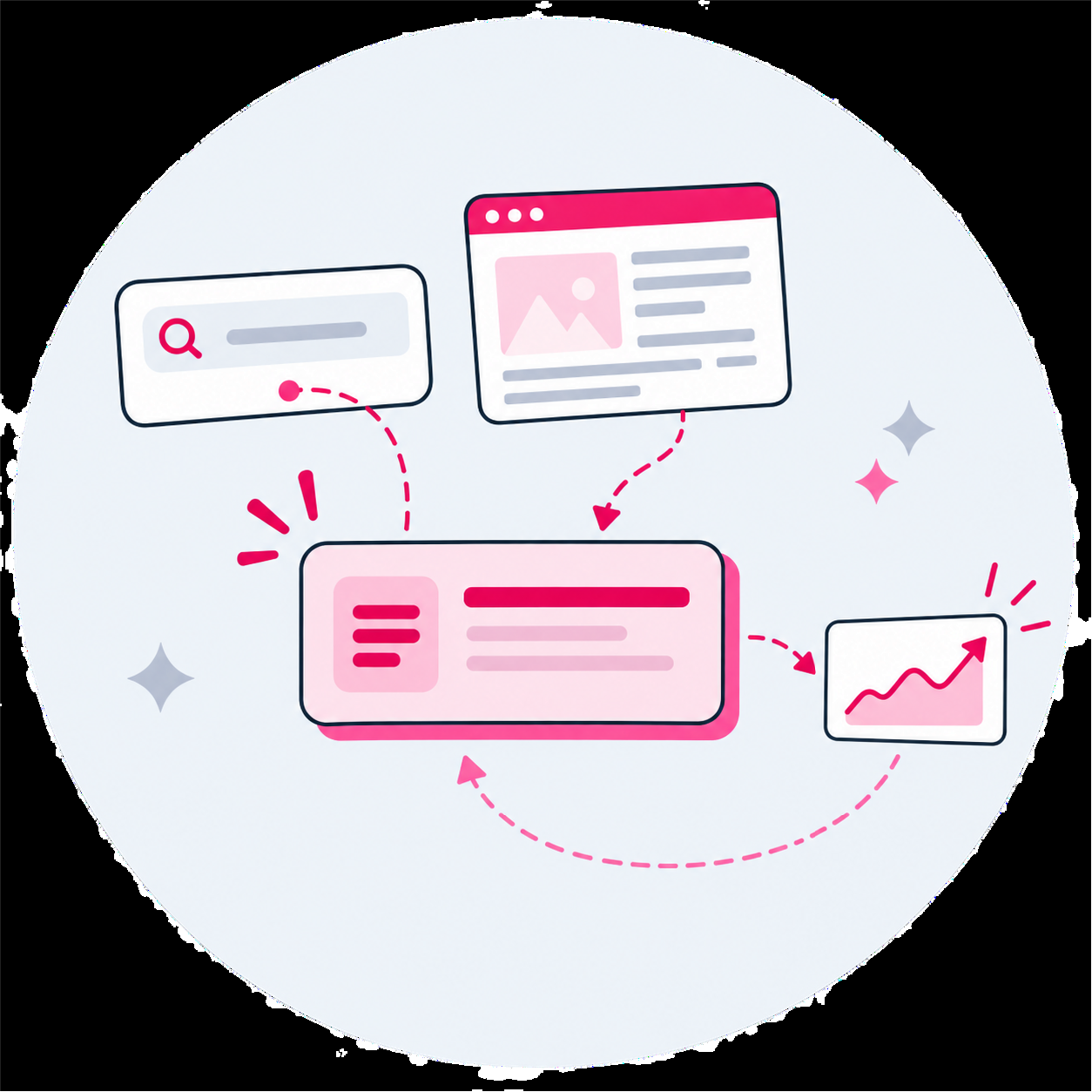
Context Hint Strategy

Pixel & Conversions APIConversion Tracking
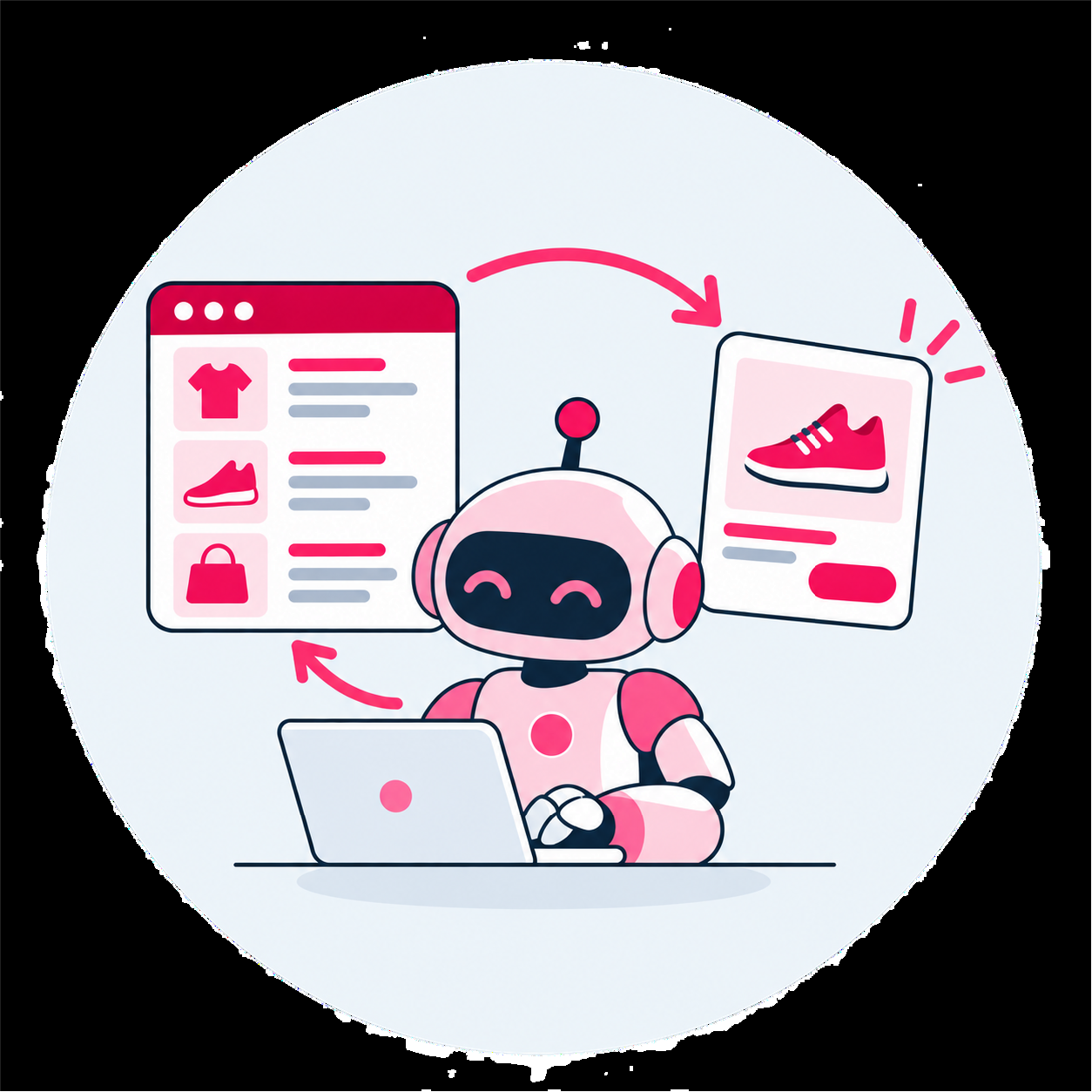
Product FeedCampaigns

Ad Copy &Policy Compliance
Reporting &Cross-Channel Comparison
A quick overview for those unfamiliar
What is ChatGPT Ads?
ChatGPT Ads is OpenAI's advertising platform that allows brands to run ads within ChatGPT. Ads are managed through OpenAI Ads Manager with a campaign, ad group, and ad hierarchy, and appear below ChatGPT's response as a separate card labeled as an ad.
The ad system works independently from the chat model. Advertisers cannot influence ChatGPT's response; they can only show their own message in the space below the response. Ads are shown to users on ChatGPT's Free and Go plans. As of September 16, 2026, businesses in Turkey can also open ad accounts and target Turkey in their campaigns.
How it differs from search ads
How Does Targeting Work on ChatGPT?
On Google Ads, you target based on keywords; on Meta, based on interests. ChatGPT Ads has neither. You describe which conversations your ad is relevant to in plain text, using context hints, and the match is decided together by the context of the conversation, your landing page, and your ad copy.
That's why a successful ChatGPT campaign doesn't start with a keyword list, but with the questions users ask at the moment they have a need. The landing page is also part of targeting. A page that doesn't cover the same topic as the ad makes both matching and ad approval more difficult.
The Zeo Team
How do we approach ChatGPT Ads?
In a new ad channel, the advantage goes to whoever measures it earliest and learns fastest.
We started testing ChatGPT Ads with our overseas accounts before it launched in Turkey. We tried out every step of the panel ourselves, from account settings to conversion setup, and we bring this documented experience into our clients' campaigns.
Our process starts with measurement, not the campaign itself. We set up pixel and Conversions API before the campaign goes live, and define conversion events according to your business goals. This way, we make sure the algorithm learns with the right signal from day one.
For targeting, we make use of your search term reports, ChatGPT-driven traffic in GA4, and our GEO team's AI visibility analyses. We use data to identify what users ask ChatGPT within your brand's category, and write context hints accordingly.
We manage ChatGPT Ads not as a standalone experiment, but as part of your performance marketing mix. We compare results with Google Ads and Meta using the same metrics, and report them with the clarity needed to decide together where your budget works more efficiently.

The ChatGPT Ads Process
Every brand has a different goal, measurement infrastructure, and demand pattern on ChatGPT. That's why we start by assessing how meaningful ChatGPT is as an ad channel for your brand's category. We determine, based on data, which product or service, in which market, and with what budget it should be tested.
Once the test plan is clear, we set up the measurement infrastructure, launch the campaign, and continuously optimize context hints, bidding strategy, and ad copy from the first weeks onward.
Analysis & Test Plan
Category and Demand Analysis, Market and Country Selection, Budget and Bid Forecasting, Ad Policy Compliance Check
Setup & Launch
Account and User Setup, Pixel and Conversions API Integration, Context Hints and Ad Copy, Product Feed Connection
Optimization & Reporting
oCPC and oCPM Comparison, Context Hint Improvements, Platform and Device Breakdown Analysis, Cross-Channel Performance Report


Our Clients'
Thoughts about Zeo
See our clients' thoughts about Zeo team and Zeo's work.


We were working with a global supplier on SEO before. Accessibility and process management were a little more difficult with these teams. At the same time, in terms of budget, global suppliers were more costly for us due to exchange rate differences and man/hours. When we started working with Zeo, we first went through an audit, fixing the results and problems. After these processes, we placed SEO in a strategic place for digital marketing and created an always-on SEO strategy for our brands and implemented it step by step.


As MediaMarkt, we have been working with Zeo for 6 years in a very tight and coordinated way to manage our SEO processes. We receive the highest level of feedback from Zeo on increasing and improving our organic traffic. It is very enjoyable to get fast support on all our issues 24/7 and to work with Zeo to better embrace and continuously improve our brand, and we recommend it to everyone.


We strictly follow the regulations and algorithms that can change at any time; We need to act quickly. At this point, Zeo has become a partner that meets all our expectations with its professional, innovative and solution-oriented approach. The Zeo team has become a stakeholder in success by looking at our optimization processes and our brand as their own value. As the Acıbadem Healthcare Group family, we would like to thank all the Zeo team, who work tirelessly, constantly improve, and do not compromise on keeping their energy high under all circumstances!
Paid media
Case Studies
Paid search and paid social accounts rebuilt around measurable revenue, not impressions.


Tools we use
The paid media stack behind the work
Campaign structure, bidding, feeds, call tracking and reporting each live in their own tool. These are the ones our team runs accounts in.
Advertising platforms we buy on
 Google Ads
 Microsoft Advertising
 Meta Ads
 TikTok Ads
 LinkedIn Ads
 Amazon Ads
 Pinterest Ads
 Snapchat Ads
 X Ads
 Reddit Ads
PPC management and automation
 Optmyzr
 Adalysis
 Skai
 Smartly.io
 Bïrch
 Madgicx
 Adzooma
 Ryze AI
 Airtable
 DoubleVerify
 Notion
Keyword and competitor intelligence
 Semrush
 Ahrefs
 SpyFu
 Similarweb
 iSpionage
 Adbeat
 Winmo
- Keywords EverywhereWe keep Keywords Everywhere running as a browser extension for the quick check, a term's volume and CPC right on the Google results page, without switching to Semrush or Ahrefs for something that small. It runs on credits rather than a flat subscription, so we save it for the fast lookup, not the deep research.
 Ubersuggest
Ad creative and landing pages
 AdCreative.ai
 Copy.ai
- JasperWe load a client's style guide into Jasper's Brand Voice setting when a launch needs a lot of on-brand drafts fast, such as a landing page, emails, and social copy all at once. An editor still reviews every draft before it ships, since brand voice training narrows tone drift, not accuracy.
 Anyword
 Unbounce
 Instapage
 Leadpages
 Landingi
 ClickFunnels
 HubSpot
 Campaign Manager 360
Conversion optimization and testing
 Optimizely
 VWO
 AB Tasty
 Convert
 Crazy Egg
 Contentsquare
 axe DevTools
 Baymard Institute
Measurement and attribution
 Google Analytics
 Google Tag Manager
 Triple Whale
 Northbeam
 Hyros
 Cometly
 Ruler Analytics
 Attribution
 BrowserStack
 Fullstory
 Nielsen ONE
 Zefr
Call tracking and click-fraud protection
 CallRail
 Invoca
 CallTrackingMetrics
 WhatConverts
 Phonexa
 ClickCease
 ClickGUARD
 TrafficGuard
 Lunio
Shopping feeds and Amazon ads
 Feedonomics
 Channable
 DataFeedWatch
 GoDataFeed
 Productsup
 Helium 10
 Jungle Scout
 Perpetua
 Quartile
 Teikametrics
Programmatic and native advertising
 The Trade Desk
 StackAdapt
 Adobe Advertising
 Criteo
 AdRoll
 Taboola
 Teads
 Revcontent
 IAB Tech Lab ads.txt / sellers.json
 Integral Ad Science
 LiveRamp
Reporting and dashboards
 AgencyAnalytics
 Supermetrics
 Databox
 Looker Studio
 Swydo
 NinjaCat
Next step
Scale your paid media with measurable efficiency

About our ChatGPT Ads service
Frequently asked questions
Is ChatGPT Ads available in Turkey?
Yes. As of September 16, 2026, businesses registered in Turkey can open an ad account on OpenAI Ads Manager and target Turkey in their campaigns.
Where do ChatGPT ads appear?
Ads appear below ChatGPT's response, as a separate card labeled as an ad. They do not appear within the response and do not affect the response's content.
Which users are shown ads?
Adult users on ChatGPT's Free and Go plans. Ads are not shown on Plus, Pro, Business, Enterprise, or Edu accounts.
What's the difference between ChatGPT Ads and GEO?
GEO aims to get your brand mentioned in ChatGPT's organic responses. ChatGPT Ads, on the other hand, provides paid visibility in the ad space below the response. The two complement each other, and ads do not affect organic responses.
Does ChatGPT Ads offer keyword targeting?
No. Targeting works through context hints, where you describe in plain text which conversations your ad is relevant to. The match is decided together by the context of the conversation, your landing page, and your ad copy.
Which countries can we target?
The list is regularly expanding and currently includes the US, the UK, the European Economic Area, and MENA markets including Turkey. When planning your campaign, we check the current status of your target market for you.
Can we target using a customer list?
Yes, you can create a custom audience by uploading an email or phone number list. Interest-based and behavioral targeting are not available yet.
What's the minimum budget?
For accounts opened in US dollars, the minimum daily budget is 25 dollars; the amount varies for other currencies. We determine the test budget together with you, based on the time and volume needed to collect meaningful data.
Which bidding strategies are available?
You can choose reach, clicks, or conversions as your campaign goal. For conversion campaigns, you can choose between click-based (oCPC) and impression-based (oCPM) optimization, and manual CPC is also available.
How do you measure conversions from ChatGPT ads?
We install the OpenAI pixel on your website and, if needed, the Conversions API on your server. By deduplicating browser and server events, we reduce data loss caused by ad blockers and cookie consent.
Can setup be done with Google Tag Manager?
Yes. There isn't an official GTM template yet, but we set up the pixel and event codes through GTM and make them work in line with your existing consent setup.
Can we compare ChatGPT Ads results with Google and Meta?
Yes. By aligning attribution windows with your other channels, we report ChatGPT performance using the same metrics as Google Ads and Meta.
Can every industry advertise on ChatGPT?
No. OpenAI's ad policies are stricter than Google's and Meta's. Categories such as gambling, alcohol, and political content are prohibited, and finance and health ads are currently closed outside the US. We check whether your industry is eligible before getting started.
How soon can we see results?
The campaign starts receiving impressions and clicks from the day it goes live. We typically plan the first two weeks as a test and learning period for conversion optimization to settle in.
Is there a Shopify or HubSpot integration?
OpenAI has announced both integrations. The HubSpot integration is in beta, while the Shopify app was first opened to sellers in the US. We determine the right integration for your infrastructure together during setup.