


AI Training · HR & People
AI Training for HR & People Teams
Most HR teams already use AI to draft a job post or clean up a handbook page. Few have a plain rule for what happens when the same tool touches a résumé or shapes a hiring call.
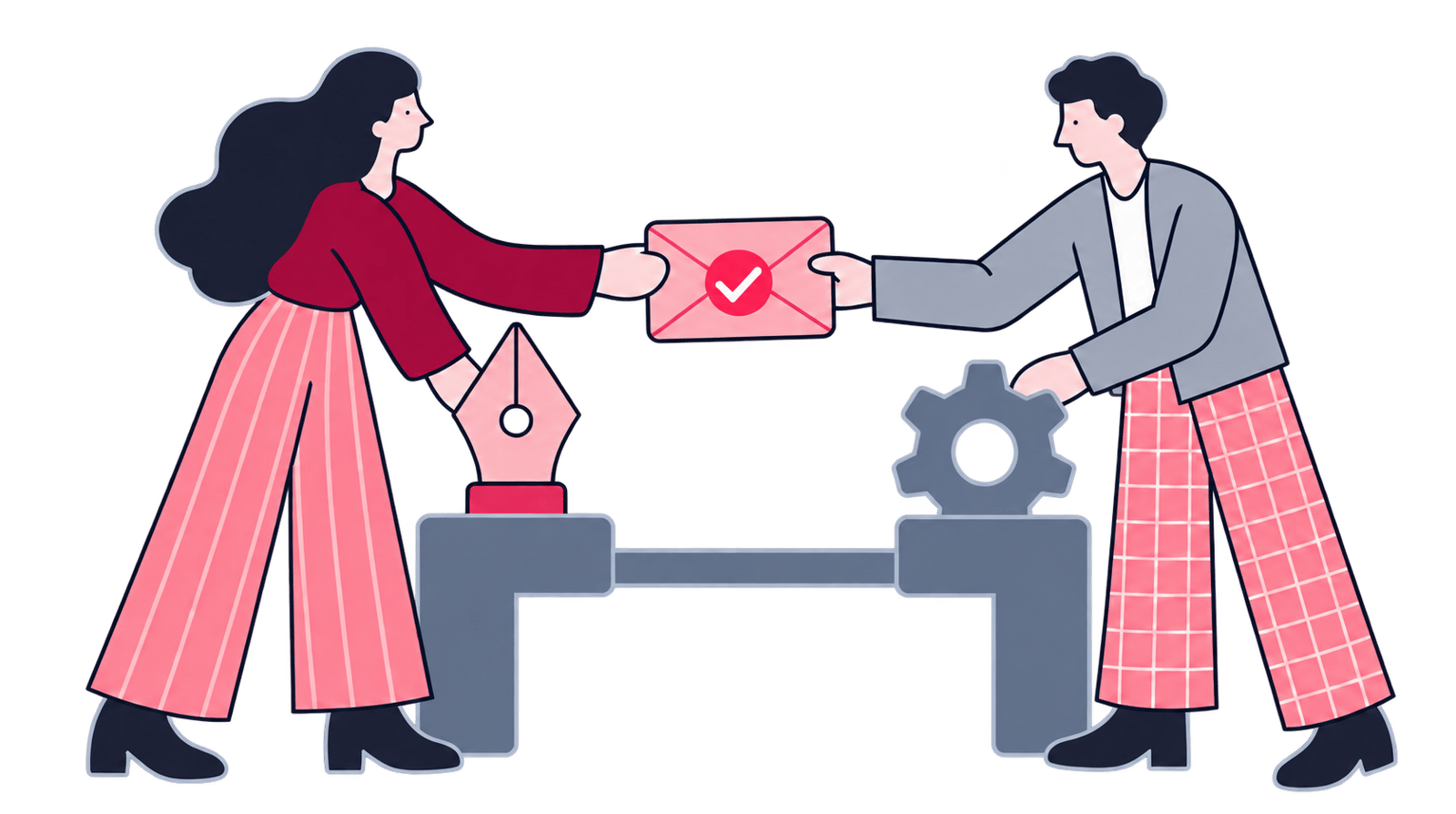
This training draws that line explicitly. It helps People teams draft, synthesize, and plan faster on the text side of the job, while hiring decisions, bias checks, and every consequential people call stay with a person.
- modules
- 6
- hours
- 13

Some of the 500+ brands we've worked with
Selected brands we’ve worked with across industries.






 Wall Street EnglishGlobalCase Study








 OtsimoGlobalCase Study































Why this training
Why AI for this team?
The common assumption is that AI in HR means a chatbot fielding employee questions. The main exposure sits somewhere quieter: a manager pasting a live résumé into ChatGPT to draft rejection wording, or a policy note that quotes a rule nobody double-checked.
Role profiles, policies, learning material, survey comments, and candidate messages are all writing-heavy tasks where AI genuinely helps, provided someone can name the source and check the output. Recruiting is where the boundary matters most: AI can draft a job description, interview guide, or candidate message, but people who question the signals and own the outcome still make the hiring call. This training covers policy drafting, learning content, feedback synthesis, and recruiting support with tools like ChatGPT, Microsoft Copilot, and Gemini, keeping candidate and employee data inside approved handling throughout. It complements AI literacy and prompt engineering rather than repeating its foundations, and the full role set sits under AI training.


Job descriptions and policies are how HR actually operates
Job descriptions, policies, learning material, and employee messages need clear, consistent writing most weeks — AI speeds the draft and adaptation, HR keeps ownership of meaning, tone, and approval.


What happens to the outlier comment in a long survey export?
Engagement surveys, interview notes, and the same employee question asked all year hide patterns easy to miss by hand — AI groups themes and prepares evidence for review, though sentiment still isn't the full picture.


Headcount plans run on assumptions
Headcount scenarios and role changes carry real uncertainty — AI structures options and drafts alternatives, but the leader making the call owns the choice and what follows.


Recruiting support stops at the decision
AI can draft role profiles, interview guides, and candidate messages, but it never becomes the hiring authority — people set the criteria, check for bias, and make the call.


Employees already draft with public chatbots, on their own
Policy notes and CVs already go into consumer AI tools without a rule for what's safe to paste — a written boundary sets approved tools, data handling, review, and escalation before that becomes the norm.
Syllabus
Training syllabus
Generative AI foundations for People teams
90 minBeginner
Where a language model helps an HR function, and where it quietly gets things wrong. Participants sort the drafting and synthesis work from the decisions that need an accountable person behind them.
- How large language models produce a response
- Strengths and failure modes in HR documents and conversations
- Tasks worth assisting, decisions to keep with people
- Hallucination, overconfidence, missing context
- Choosing a low-risk first workflow for an HR team
Prompt craft for HR documents and conversations
120 minBeginner
The group writes prompts it can reuse across People workflows, with context, task, constraints, format, and a check step worked through on the second and third drafts.
- A reusable prompt structure for People workflows
- Supplying useful context without exposing personal data
- Setting audience, tone, reading level, and format
- Asking the model to flag its own assumptions and uncertainties
- Reworking rough output into an approved document
- Starting a governed prompt library for the team
Role and policy design for learning content
150 minIntermediate
The writing that comes round every quarter gets rebuilt as an AI-assisted flow somebody reviews. Teams design roles and draft handbook or policy content. They also produce learning material a subject-matter owner can check and approve.
- Drafting role profiles from responsibilities and capability needs
- Comparing job descriptions for ambiguity and inconsistent expectations
- Preparing policy and handbook drafts with source references
- Turning expert notes into learning outlines and facilitator guides
- One message, many audiences
- Sign-off: owner review and revision before publication
Feedback synthesis and workforce-planning support
150 minIntermediate
AI organizes qualitative feedback and supports scenario work without turning model output into a verdict about people. Participants build traceable summaries and question assumptions. They prepare the options for leadership review.
- Grouping survey-comment themes without erasing dissent
- Summarizing interview and listening-session notes with a clear trail back to source
- Observation, interpretation, proposed action
- Mapping skills and role gaps from approved internal inputs
- Building headcount and capability scenarios with explicit assumptions
- Checking whether small groups or minority views vanish from a summary
Fair recruiting with responsible people-data use
120 minIntermediate
Recruiting assistance runs against one boundary that never moves: AI can support preparation and administration, but people make hiring decisions. The module covers bias checks and candidate data. It also covers protected handling of employee data.
- Drafting inclusive role adverts and structured interview guides
- Writing candidate communication without inventing commitments
- Who decides: AI supports the process, people make the hiring call
- Testing criteria and outputs for bias and proxy discrimination
- Handling CVs and employee records, including special-category data, safely
- Setting approved tools, access boundaries, retention, and escalation rules
Governance that carries adoption into rollout
150 minAdvanced
One-off experiments give way to a practice the whole function shares. People leaders leave with pilots, policies, review controls, and learning loops, so responsible use repeats across HR and the wider organization.
- Selecting pilots by value and sensitivity, with reversibility checked
- Naming owners and reviewers, plus escalation paths
- Writing an AI use policy employees can apply
- Quality, adoption, rework
- Supporting managers and teams through role and workflow change
- Building a 90-day rollout plan with review checkpoints
Outcomes
Outcomes & audience
What you will learn
- The tasks worth AI's time, and the calls that stay human
- Write reusable prompts for role profiles, policies, learning content, or employee messages
- Handbook drafts with named owners
- Synthesize survey comments or interview notes without losing dissent or traceability
- Build workforce scenarios with explicit assumptions for leadership review
- Draft ads. Decide who's hired
- Check outputs for bias, fairness, hallucination, or missing context
- Handle candidate and employee data safely inside approved AI workflows
Who should attend
- CHROs and People directors, alongside HR leadership
- HR business partners and People operations staff
- Talent acquisition and employer-brand teams
- Learning and development, and organizational-development teams
- People analytics and workforce-planning teams
- Employee experience and internal communications, including policy owners
Format
Training format
People teams train across two days or half-day blocks arranged around their schedule. Onsite and live-online delivery both work from your approved workflows and policies, using synthetic examples rather than live candidate or employee data.
- Format
- Onsite or live online
- Duration
- 2 days (about 13 hours, can be split into half-day sessions)
- Group size
- Up to 20 participants per group
- Language
- English or Turkish
- Materials
- Prompt library, workflow canvases, policy checklist, and exercise workbook
- Certificate
- Certificate of completion
Keep exploring
Related programs


Next step
Design this around your People team's current workflows
Questions
Frequently asked questions
Who is AI training for HR and People teams designed for?
HR leaders, business partners, People operations, talent acquisition, learning and development, People analytics, and employee-experience teams make up most cohorts. Splitting the room by role keeps the examples close to what each team handles: their documents, their data boundaries, their calls.
Do participants need data-science experience?
Coding or data-science experience is not assumed, and a team wanting broader grounding first can start with the AI literacy and prompt engineering training.
How long, and can we do it remotely?
About 13 hours, usually across two days, onsite or live online. HR operations and recruiting schedules can split that into half-day sessions instead, so nothing has to stop for a training day.
Can the syllabus be customized to our HR policies and workflows?
Yes. Before delivery we identify priority workflows, approved tools, sensitive-data boundaries, and the documents your teams want to improve. Exercises then run on sanitized policies and synthetic cases built from what you shared. Final outputs still follow your normal review and approval process.
Does the training teach AI to screen or select candidates?
No. The program never positions AI as a hiring decision-maker. It covers assistance with role design, interview preparation, communication, and administrative drafting, while people define criteria, examine evidence and bias, and own every hiring decision.
How is the fee calculated?
Group size, delivery format, customization depth, and location decide the number. We prepare a tailored proposal once we know your team structure and priorities, since scope shifts with each organization.
What tools do participants use?
Core skills get practiced on mainstream tools such as ChatGPT and Microsoft Copilot. Gemini is included too. Where your organization already runs an approved enterprise platform, we adapt the exercises to its features and your governance rules.
How are candidate and employee data handled during training?
The practice never uses a live résumé or employee record. The material is synthetic or anonymized instead. When necessary, it is properly sanitized first. Participants work out the boundaries for personal and special-category data: which tools are approved, who has access, how long anything is kept, who reviews it, and when to escalate, all under your data-protection policy.