


Web Analytics · Dashboards & Reporting
Automated Analytics Reporting
The mechanical half of the report runs on schedule; the half that needs judgment keeps a name on it.
Automating only part of a report can move copy-and-paste errors out of sight rather than save time. We first separate the work that is safe to automate from the decisions that still need human judgment, then build the mechanical part. You end up with a recurring report that arrives on schedule, surfaces its own data problems, and never distributes an error without warning.

Some of the 500+ brands we've worked with
Selected brands we’ve worked with across industries.







 GeneraliGlobalCase Study









 OdeabankGlobalCase Study








































 Albaraka TürkGlobalCase Study




























On this page
How we run it
The automated version must match the manual report before launch.
We automate repeatable mechanics while keeping interpretation with a person. Four steps take the report from the current manual process to a tested, dependable pipeline.
How we hold ourselves to it
- Draw the line between mechanics and judgment — We map the current process to show which steps are calculations and which depend on someone's interpretation.
- Check quality before any report leaves — Checks for late data, missing sources, and anomalies hold or flag a broken report instead of sending it as though nothing is wrong.
- Keep explanations under human review — The system can describe factual changes automatically. A person reviews explanations of why those changes happened before recipients see them.
- Flag late sources instead of filling the gap — When a source is late or a number looks wrong, the report says so. It never presents stale data as current without a warning.
Document the current process
We observe how the report is built today, including its sources, calculations, edits, and approval points. The report owner confirms nothing was left out.
Process map

Set the automation boundary
We document which parts will be automated and which will remain under human review. The report owner decides what still needs judgment.
Automation contract

Build and challenge the pipeline
We build the automated report and test it with late data, bad data, and edge cases before launch. An engineer confirms every failure surfaces visibly and never gets missed.
Test results

Compare both versions before cutover
We run the automated and manual versions together until their numbers match consistently, then make the switch. The report owner signs off before the manual version stops.
Cutover record



Automate the pulling and checking. Leave the judgment calls to a person.
Automation transcribes the observed steps, flags which of them look purely mechanical, and generates edge-case data to attack the pipeline with. The boundary itself is a human call: the report owner decides what still needs judgment, and an engineer confirms every failure surfaces instead of passing quietly.
What you get
A working pipeline with its judgment boundary documented.
You receive the scheduled pipeline, its operating guidance, and a clear record of where human review remains required.
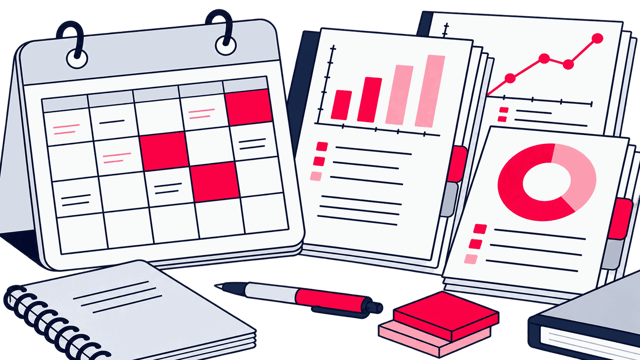
Working pipeline
Reporting pipeline
A scheduled process that pulls the data, checks it, and formats the report.
Reference document
Automation boundary document
A written record of what is automated and what still requires a person's review.
Runbook
Operating runbook
Guidance for failed runs, late data, and future changes to reporting requirements.
We call it done when: the automated report has matched the manual one for a full parallel cycle and every failure path has been shown to fail loudly.
Fit and readiness
The same numbers still get copied into the same report every cycle.
These signs help you decide whether automation is the right next step.
A good fit when
- Someone rebuilds the same report every week or month, but nobody has mapped which steps are mechanical and which still need judgment.
- Manual reporting has led to copy errors, delays, or calculations that vary from one cycle to the next.
- Recipients need to see whether a report is trustworthy or degraded, and a plain static file can't tell them that.

Better handled as other work when
- You need something people can explore interactively rather than a scheduled report landing in their inbox. That is Looker Studio Dashboard Development.
- The report's KPI definitions are still unsettled. KPI & Goal Architecture should define them before the reporting pipeline is automated.
If one of these is closer to your situation, start here instead: All Analytics Dashboards & Reporting tasks
We call it done when: the current process is mapped step by step and the report owner has drawn the line between what a machine may do and what still needs a person.
People who build your measurement system
Zeo designs measurement systems that connect a business decision to governed collection and reporting you can check. The people shown here work on the part of that system this page covers.

Zafer Yıldız
Web Analytics Manager

Mirzamin Aghazada
UI/UX Designer

Burak Pehlivan
Co-founder & CEO

Abdullah Tanıdır
Performance Marketing Team Lead

Deniz Çağın Demirci
Frontend Developer

Serap Yurtvermez
Performance Marketing Team Lead

Sevda Yurtvermez
Performance Marketing Team Lead

İlker Emir
Senior Performance Marketing Executive

İpek Ezer
Performance Marketing Executive

Onur Durdağı
Performance Marketing Executive

Metehan Urhan
New Business & Partnership Manager
Tools we use
Tools behind this work
 Supermetrics
replaces the manual pull-and-paste step with a scheduled feed into the report
 Looker Studio
where the automated version gets built and checked against the manual report before cutover
Where this fits
Keep going

Same capability
Data Storytelling & Decision Briefs
The pipeline can state that a number moved, never why. That explanation is a separate piece of work with its own question and a second analyst on it.
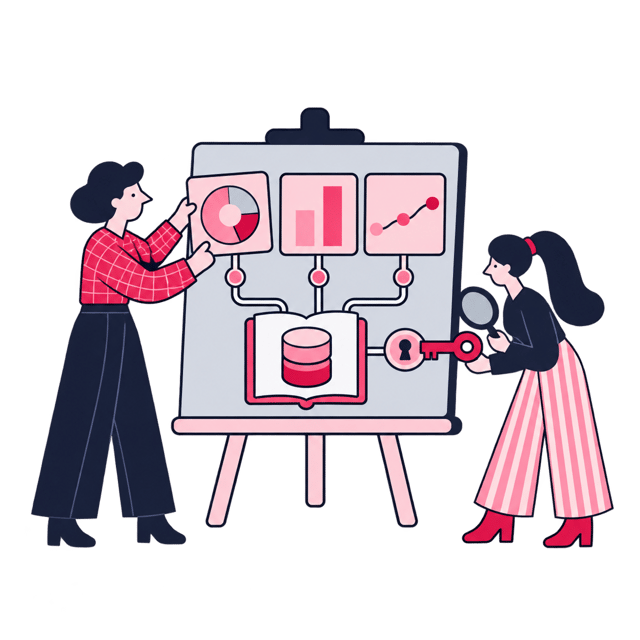
Same capability
Looker Studio Dashboard Development
A scheduled pack answers the same question every cycle. When recipients start asking to slice it themselves, they need filters and view permissions instead.
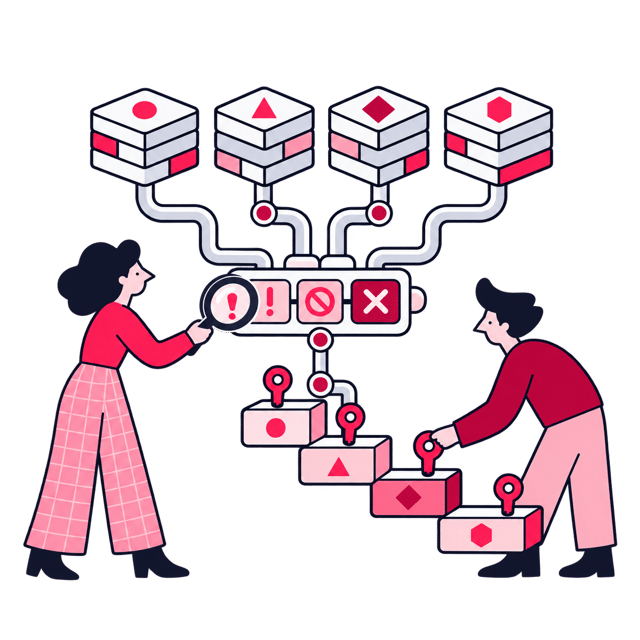
Elsewhere in analytics
Analytics Audit & Measurement Roadmap


Next step
Automate the repetition, keep the judgment

Before we start